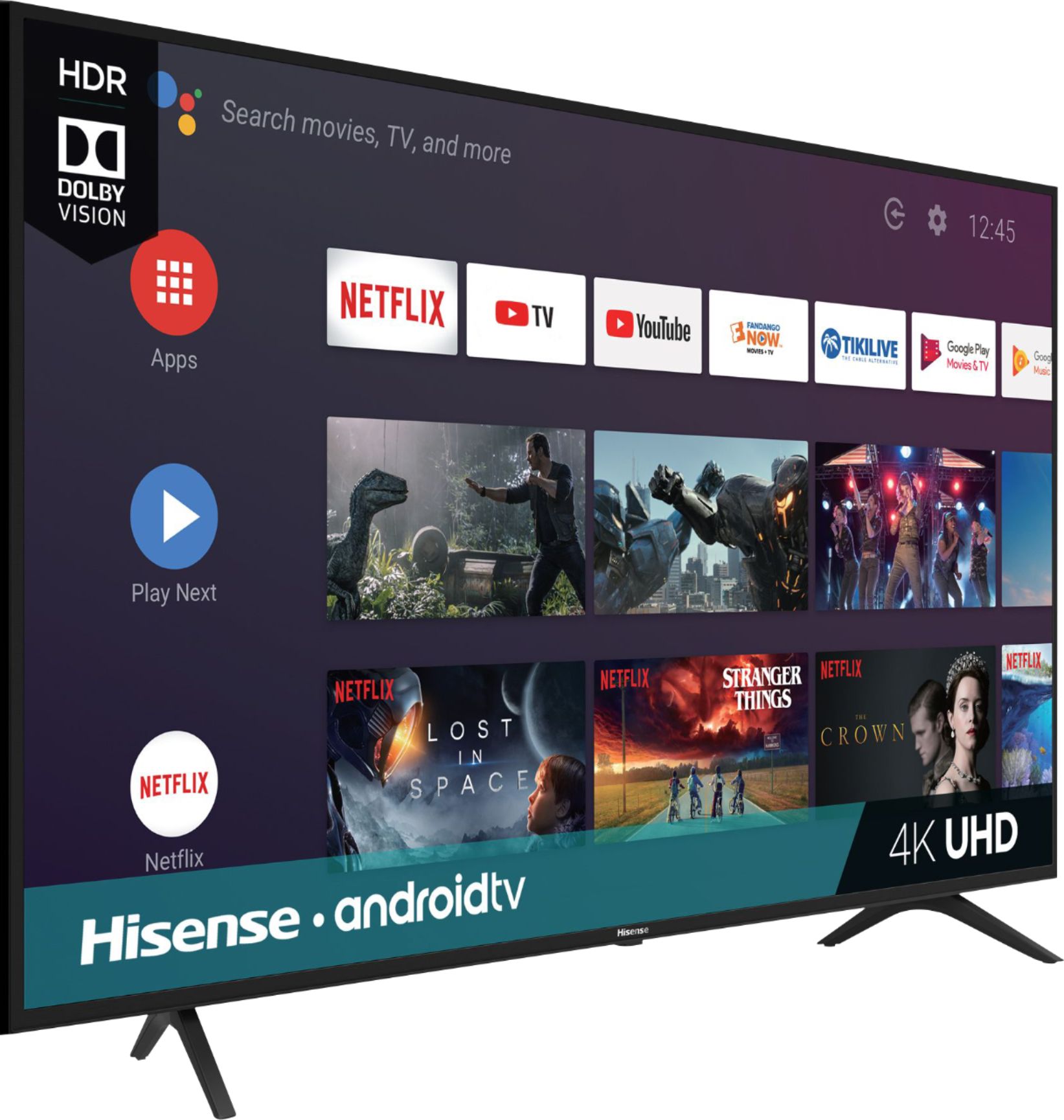
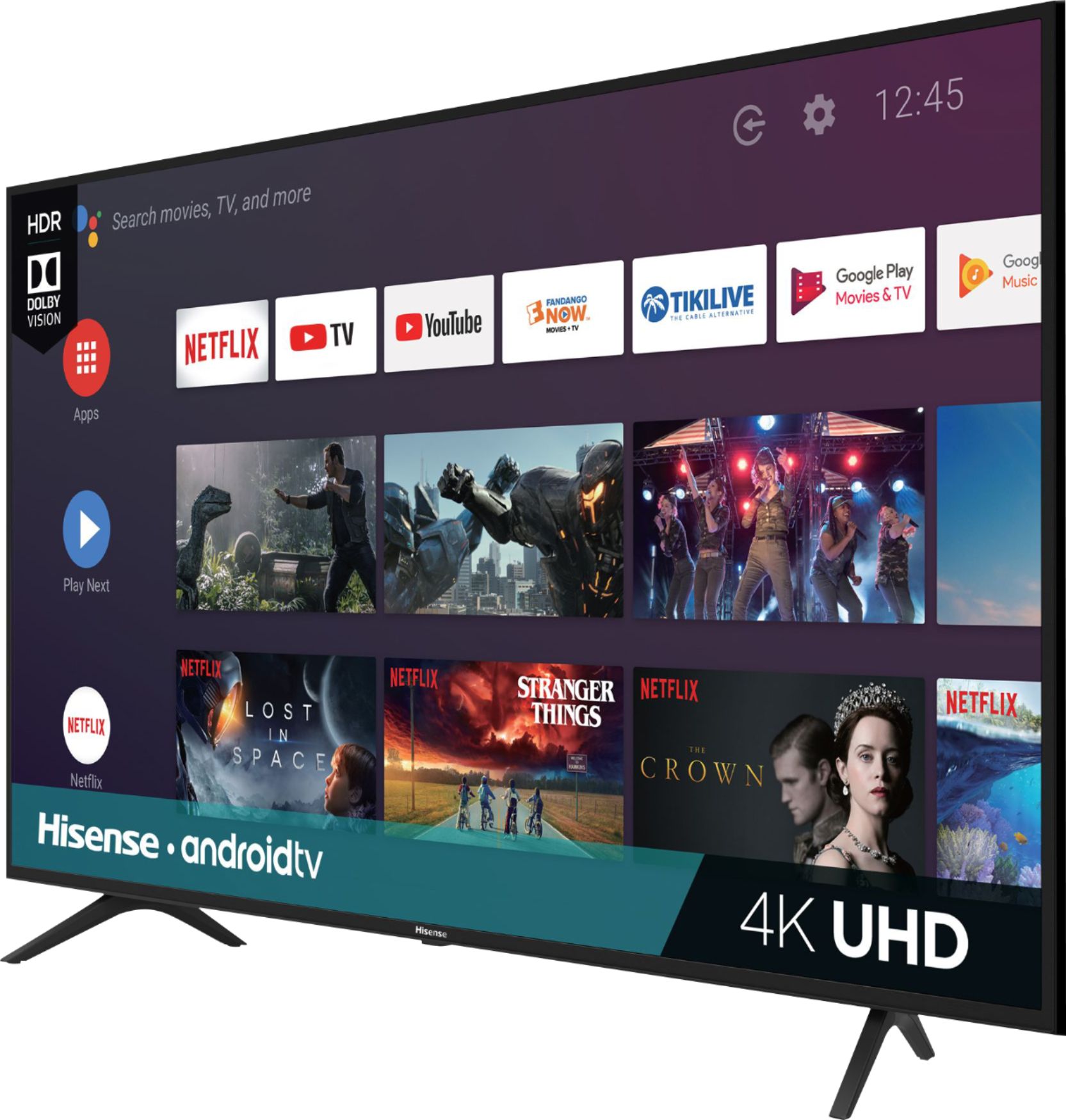
A:AnswerThank you for your interest in the 65H6570F. The refresh rate for this television is 60Hz with a smooth motion of 120Hz. If you have any further questions please give us a call at 1-888-935-8880 or email us at [email protected].
Thanks Again,
We look forward to hearing from you!
Harley with the Hisense Support Team
A:AnswerHello Al, Thank you for your interest in the 65H6570F. No you do not need a Roku or FireStick connected to the unit as this is a smart TV running on the Android operating system and as such you can download the app from the Google Play Store along with others of your favorite apps. If you have any further questions please give us a call at 1-888-935-8880 or email us at [email protected].
Thanks Again,
We look forward to hearing from you!
Harley with the Hisense Support Team
A:AnswerThank you for your interest in the Hisense 65H6570F. Yes this television remote has voice command. Thank you for your interest in Hisense USA if you have any further questions or concerns please give us a call at 1-888-935-8880 or email us at [email protected]. Thanks Again, Harley with the Hisense Support Team
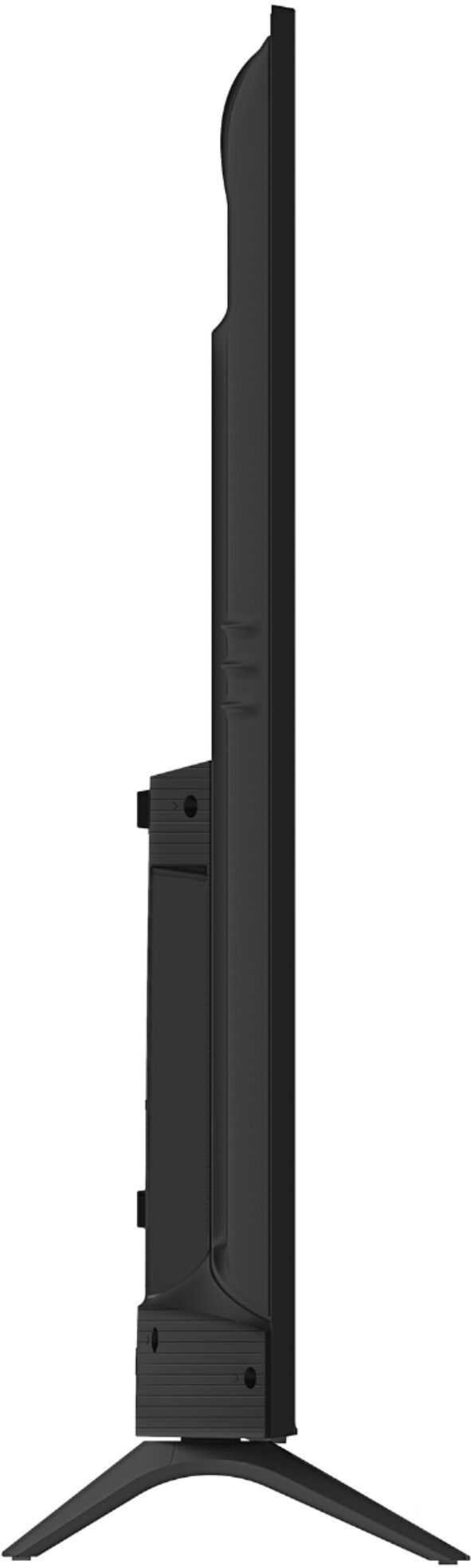
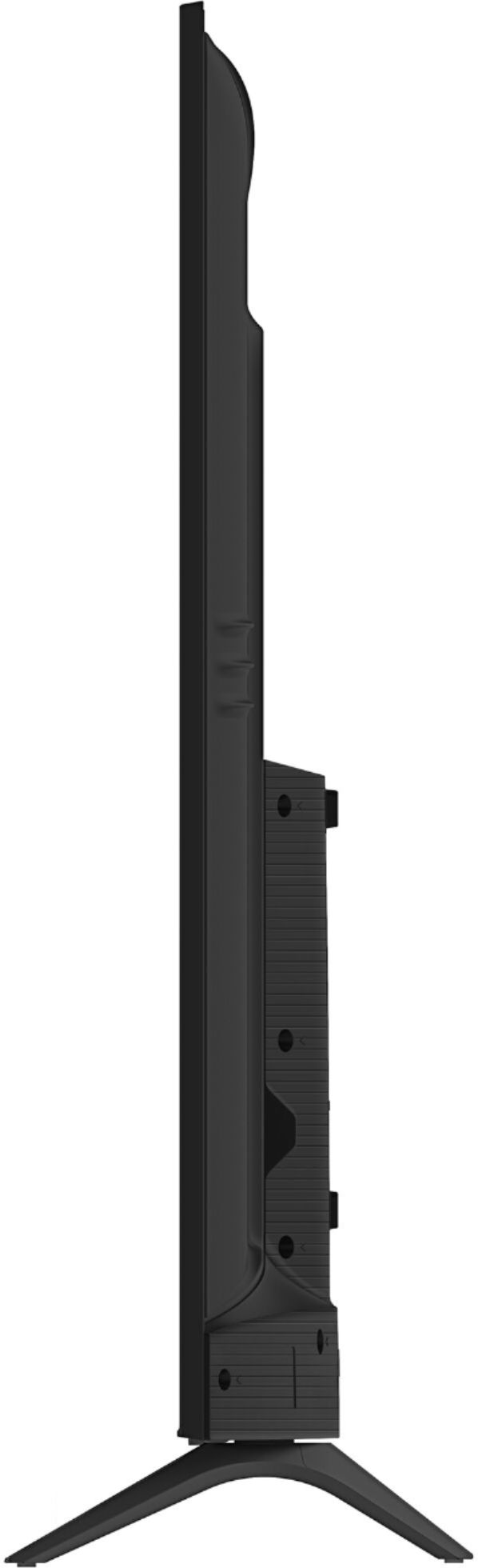
A:AnswerThank you for your interest in the model 65H6570F. The dimension for the television stand is 49.4" x 10.2". Thank you for your interest in Hisense USA if you have any further questions or concerns please give us a call at 1-888-935-8880 or email us at [email protected]. Thanks Again, Harley with the Hisense Support Team
A:AnswerYes you can, hold down the button in the middle of the navigation area on your remote when your on the app you want deleted. Or it can be deleted in the settings menu. To add apps go to the Google store or they can be sideloaded.
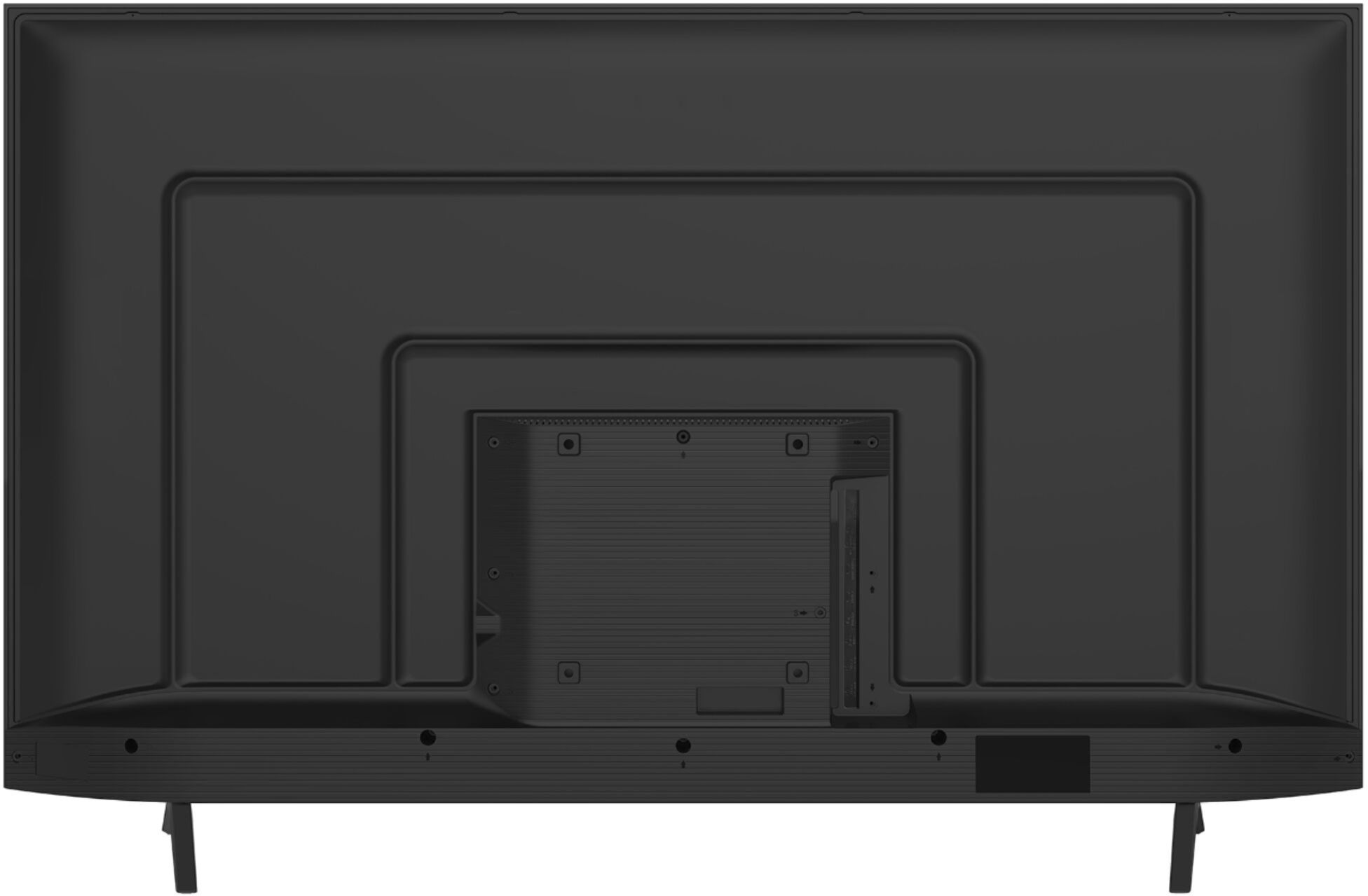
A:AnswerIt should work effortlessly from the start. However, if you encounter the problem that you don't get any audio from the digital audio output (as I did when I first tried it), try to do a HARD RESET of the TV, by doing the following: Turn off the TV; Unplug TV from outlet; disconnect every cable attached to the TV, Hold down the power button underneath where the logo is at for 30 seconds to a full minute; then plug TV back on; turn TV on, and reconnect all your cables including the TosLink cable. At this point, everything should work correctly as it should have from the beginning.
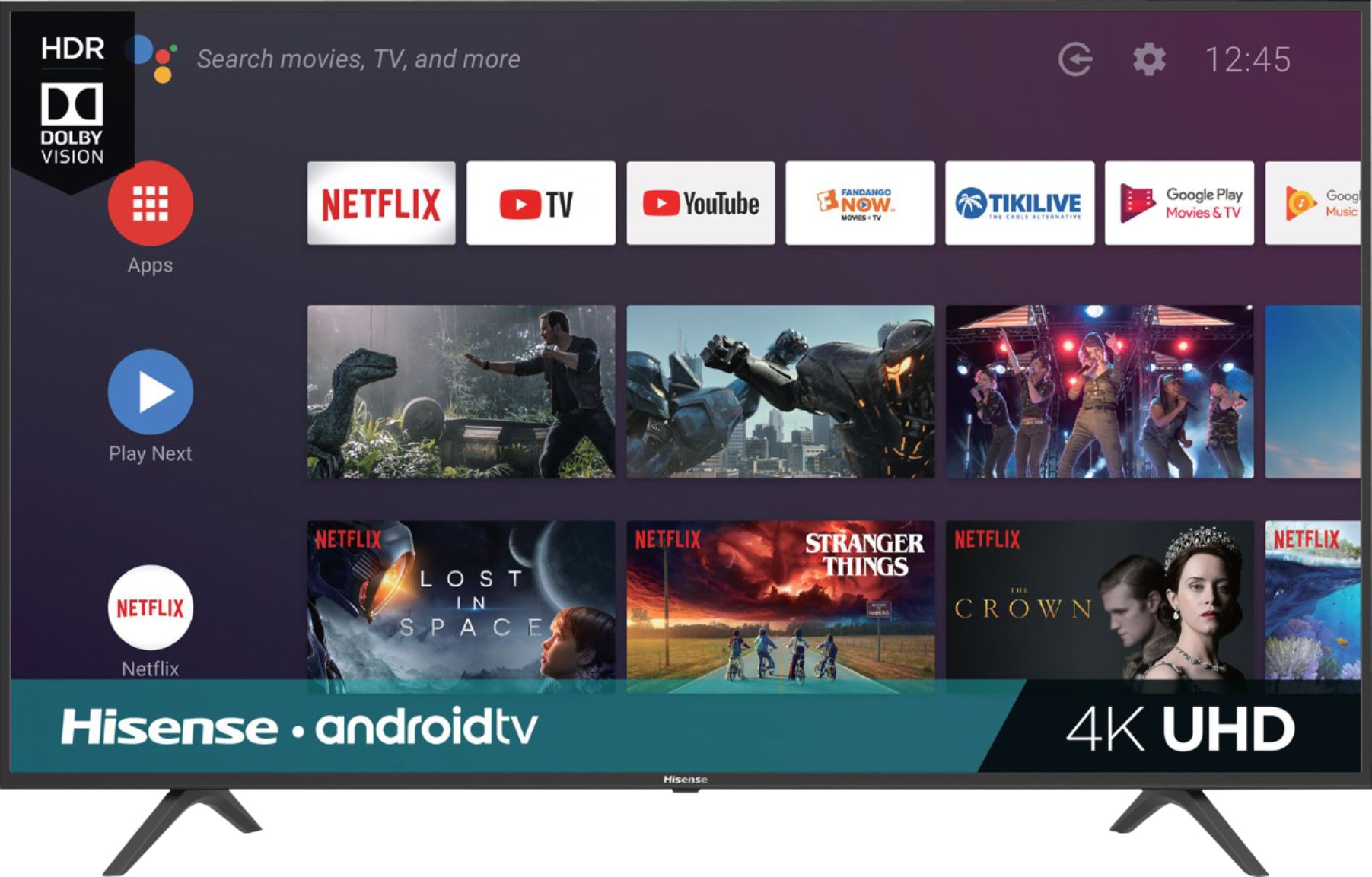
A:AnswerThe 65H6570F can cast content from any compatible IOS or Android devices such as Netflix, Youtube and Can mirror content from Supporting Android and Windows devices. Thank you for your interest in Hisense USA and if you have any other questions please give us a call at 1-888-935-8880.
A:AnswerI Got one for 299 on 11-23 online but it was early access for elite my best buy accounts only. I'm sure it will be online again but might you have get up real early friday to snag one online as it will be available to everyone and will probably go fast. That was my original plan until snagged one early.