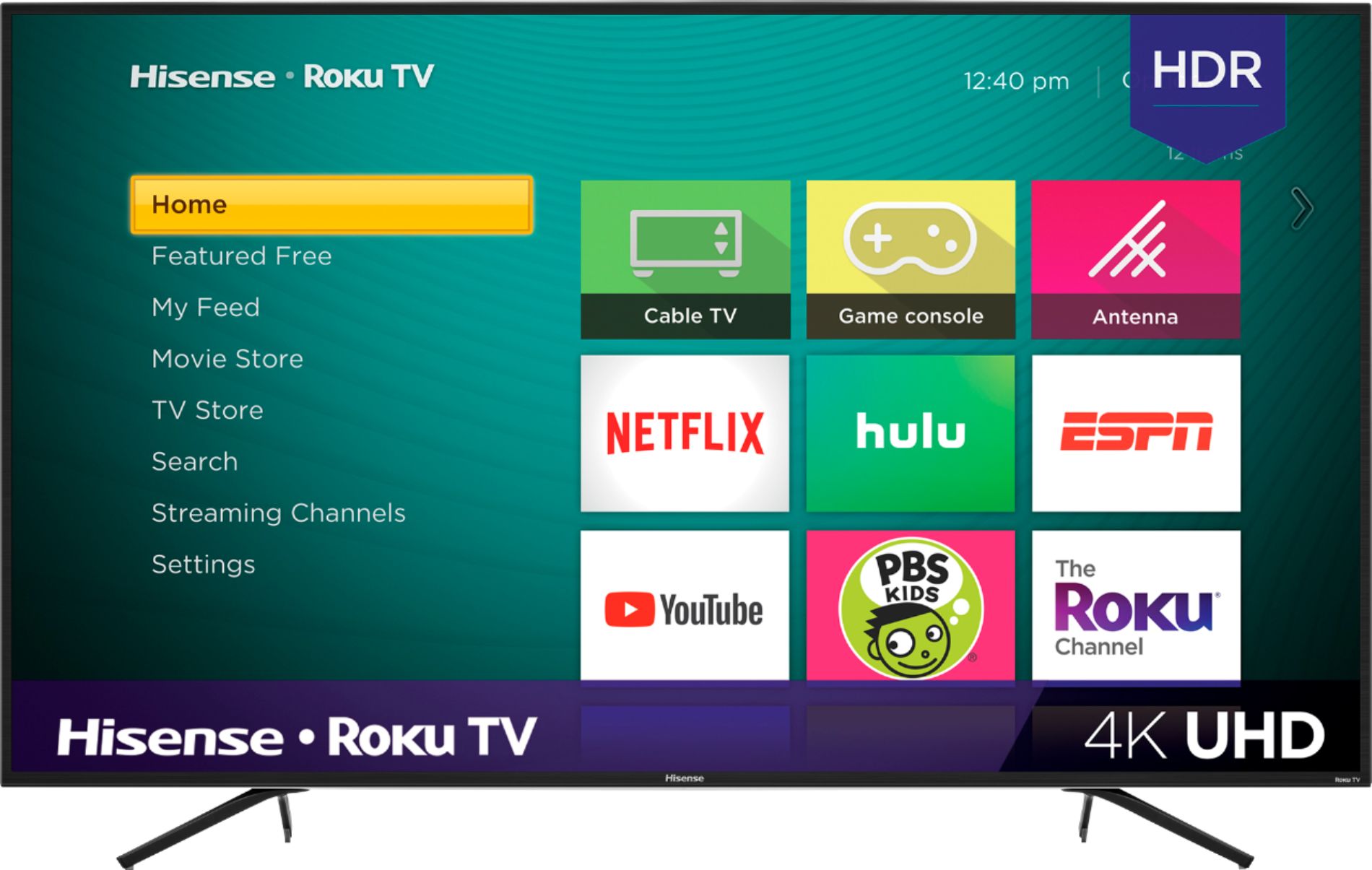
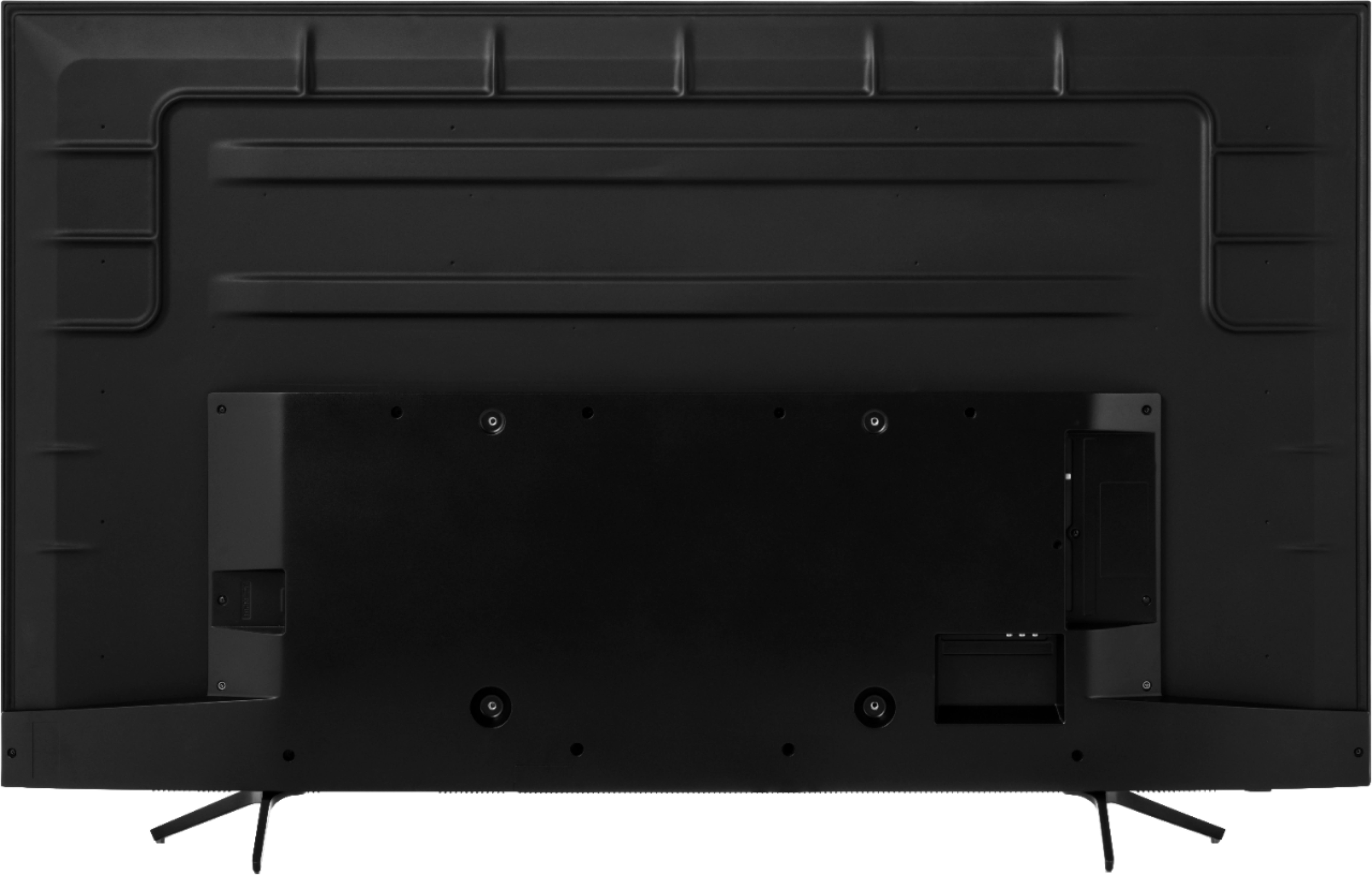
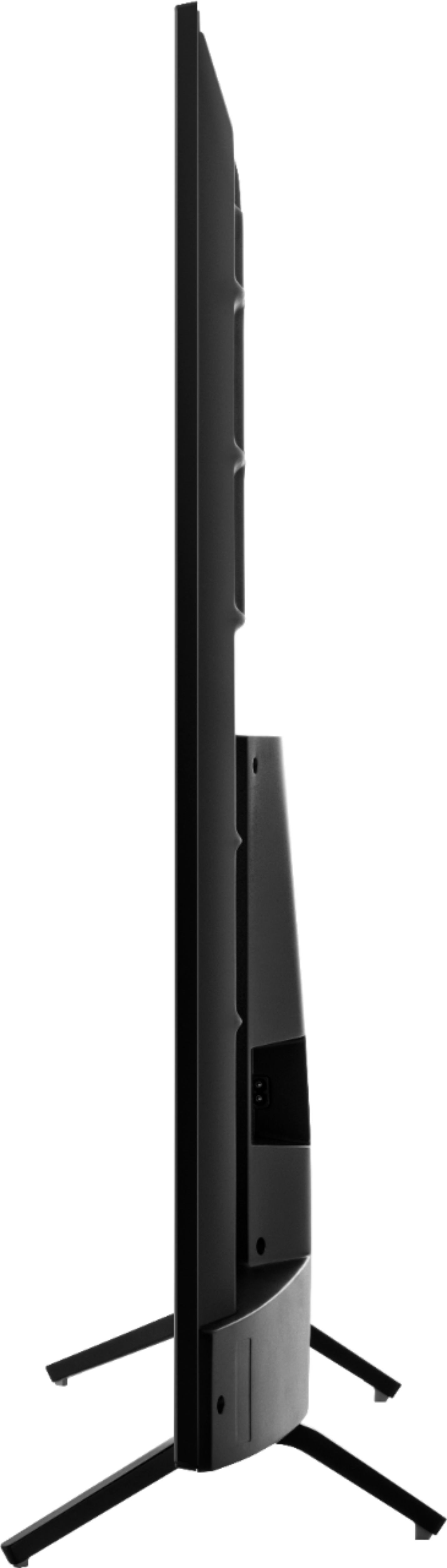
A:AnswerThere is 2 different areas for the legs, you can mount legs towards the outer edges of tv or mount more towards the center. So wider span or closer span. I have the closer span and it is 35".
A:AnswerHello Hisense Customer, Thank you for your interest in the 75R7070E2. Please press the * button on your remote, select advanced picture settings, then look for “Action Smoothing.” You can then set it to low, medium, high, or simply choose “off. If you have any further questions please give us a call at 1-888-935-8880 or email us at [email protected].
Thanks Again,
We look forward to hearing from you!
Harley with the Hisense Support Team
A:AnswerThank you for your interest in the Hisense 75R7070E2. The stand width is 60.4" x 13.5" , Thank you for your interest in Hisense USA If you have any further questions or concerns please give us a call at 1-888-935-8880 or email us at [email protected].
Thanks Again, Harley with the Hisense Support Team
A:AnswerHello Hisense Customer, Thank you for your interest in the Hisense 75R7070E2. The wall mount screw size is M6, regrettably we do not provide the wall mount screw with the television. If you have any further questions or concerns please give us a call at 1-888-935-8880 or email us at [email protected]. Thanks Again, Harley with the Hisense Support Team
A:AnswerThe 75R7070E2 does offer HDR 10+, and with HDR 10+ and HLG formats also supported, the R7 gives you more ways to dive deeper into blockbuster-level color and detail from the comfort of your couch. If you have any further questions please give us a call at 1-888-935-8880 or email us at [email protected]. Thanks Again, Harley with the Hisense Support Team
A:AnswerYou can use another separate streaming box. I have an Android TV on my HDMI 3 on the Roku screen it is labeled Streaming Player or something like that and I just click on it and the Android TV works fine with access to everything.
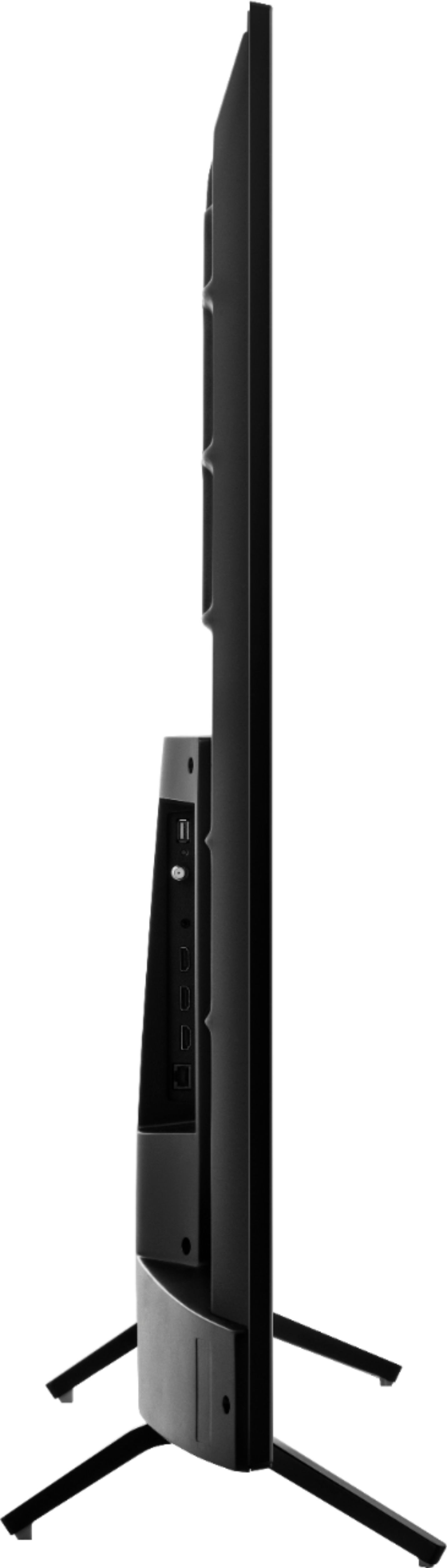
A:AnswerThe 75R7070E2 does not offer a Bluetooth audio connection but can connect to a soundbar system via HDMI Arc or Digital Optical Audio. Thank you for your interest in Hisense USA and if you have any other questions please give us a call at 1-888-935-8880.
A:AnswerHello Phil, Thank you for your interest in the Hisense 75R7070E2. Yes you can connect a fire stick to this television and yes you can get your content on the firestick. If you have any further questions or concerns please give us a call at 1-888-935-8880 or email us at [email protected]. Thanks Again, Harley with the Hisense Support Team
A:AnswerHello Josh, Thank you for your interest in the 75R7070E2. Yes you are able to enable Game mode on this television. You would need to access the Advanced picture settings. To use the Advanced picture settings menu, first press * to display the Options menu while on the select input. Then select Advanced picture settings. You would then scroll down to the game mode options. If you have any further questions please give us a call at 1-888-935-8880 or email us at [email protected].
Thanks Again,
We look forward to hearing from you!
Harley with the Hisense Support Team
A:AnswerHello Jerry, Thank you for your interest in the 75R7070E2. There are a few steps that you can take to set your HDMI input to “Enhanced”.
At your earliest convenience, please reach out directly to our support team at [email protected], 1-888-935-8880, and we can walk you through the short process.
We look forward to hearing from you!
Harley with the Hisense Support Team
A:AnswerHello Chester, Thank you for your interest in the Hisense 75R6E1. Yes Dolby vision is supported on this television. There is no difference the Walmart and Best Buy model, only difference is the retailers. Thank you for your interest in Hisense USA if you have any further questions or concerns please give us a call at 1-888-935-8880 or email us at [email protected]. Thanks Again, Harley with the Hisense Support Team
A:AnswerThe 75R7070E2 stand dimensions are 60.4”L x 13.5”W . Thank you for your interest in Hisense USA and if you have any other questions please give us a call at 1-888-935-8880.
A:AnswerI've searched and found quite a few T.V stands that would hold it but the price is more than you paid for the cabinets. I am currently using my dresser in my room but plan on mounting it to solve that issue.
A:AnswerHello Brenda, Thank you for your interest in the 75R7070E2. Yes you would be able to get the YouTube TV app. If you have any further questions please give us a call at 1-888-935-8880 or email us at [email protected].
Thanks Again,
We look forward to hearing from you!
Harley with the Hisense Support Team
A:AnswerHello Mickey, Thank you for your interest in the Hisense 75R7070E2. The best viewing angle for most people 130-140 degrees is sufficient. Thank you for your interest in Hisense USA if you have any further questions or concerns please give us a call at 1-888-935-8880 or email us at [email protected]. Thanks Again, Harley with the Hisense Support Team
A:AnswerHello Mark, Thank you for your interest in the 75R7070E2. This television has a RGB panel. If you have any further questions please give us a call at 1-888-935-8880 or email us at [email protected].
Thanks Again,
We look forward to hearing from you!
Harley with the Hisense Support Team
A:AnswerThe Wireless Roku Speakers can be connected to the 75R7070E2. For more information please visit https://www.roku.com/products/audio/roku-tv-wireless-speakers-bundle. If you have any other questions give us a call at 1-888-935-8880.