Black Friday is hereShop new DoorbustersShop now

Main Content

Questions & Answers

Page Showing 1-3 of 3 questions
  • QuestionHow to change humidity

    Asked by Anonymous.

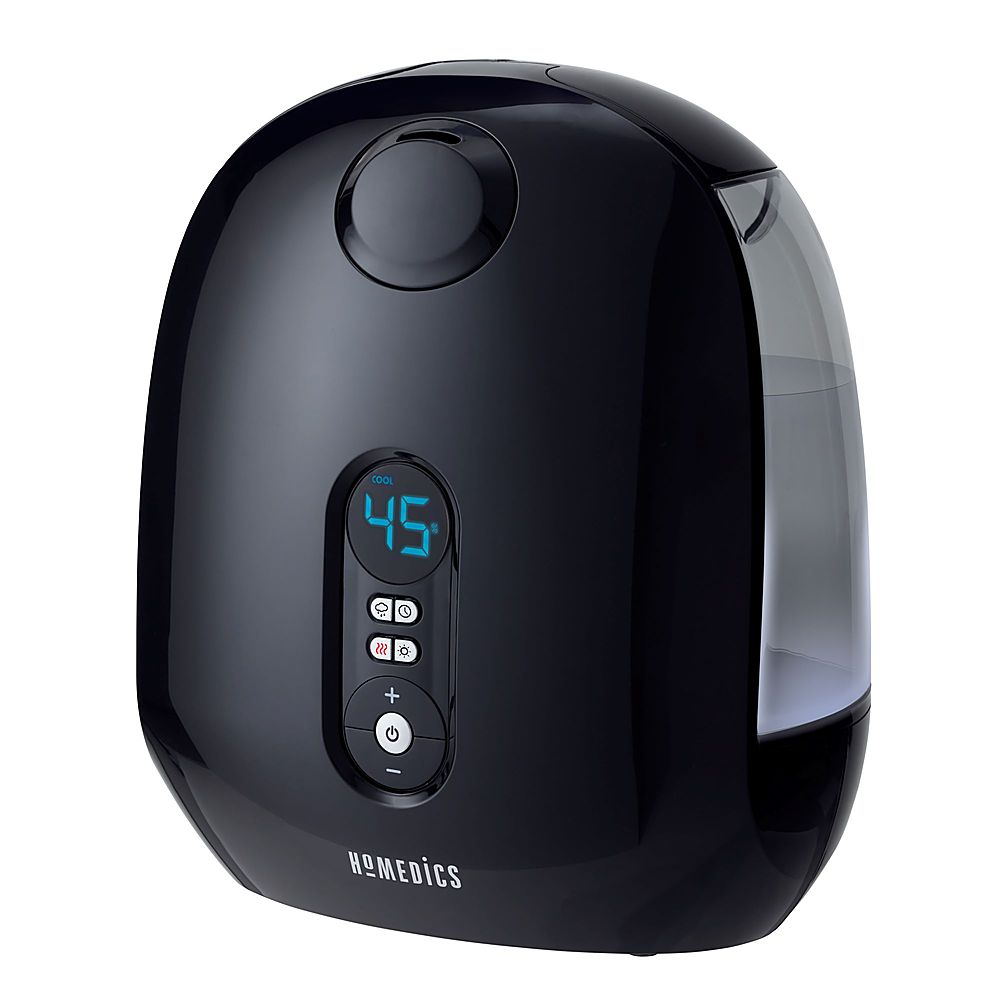
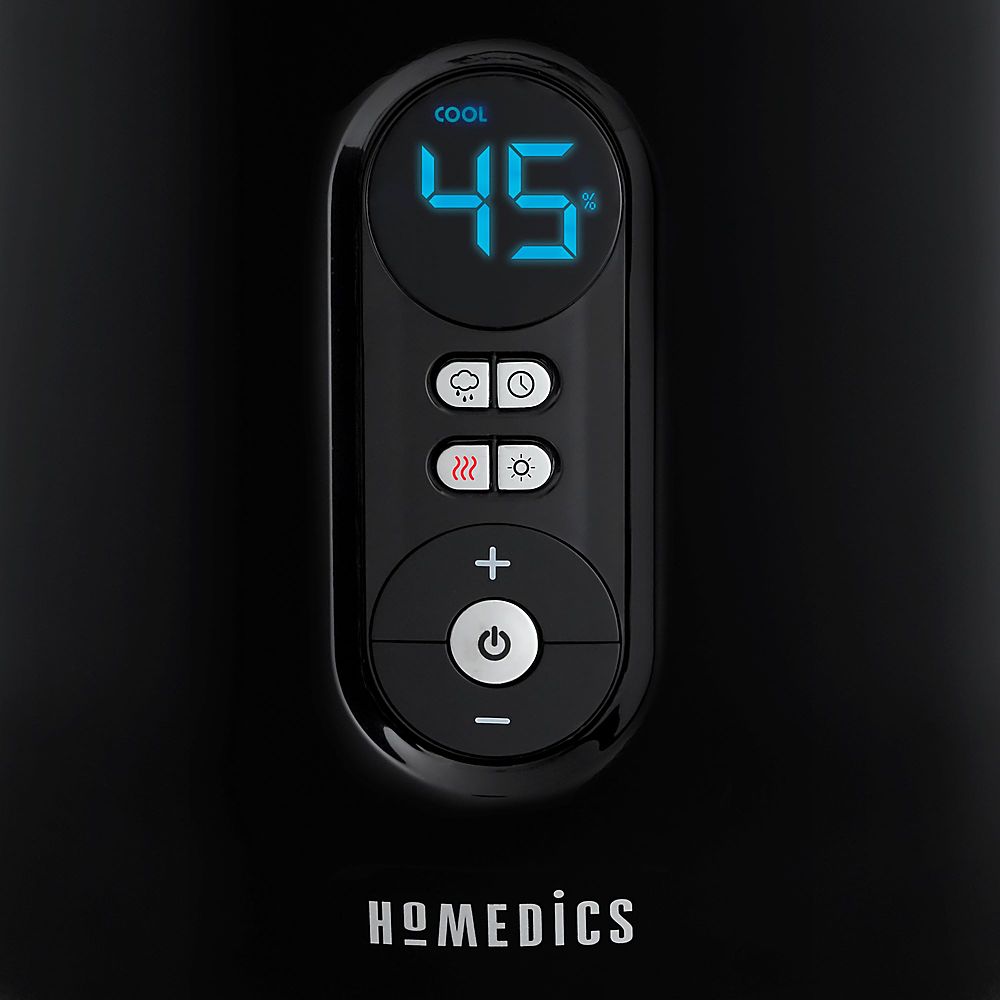
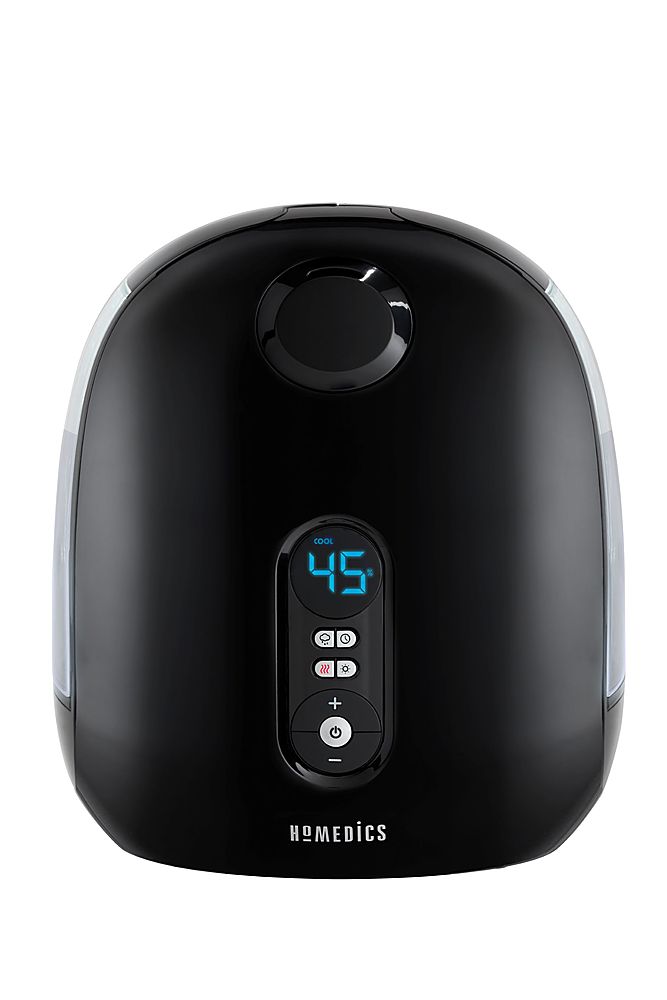
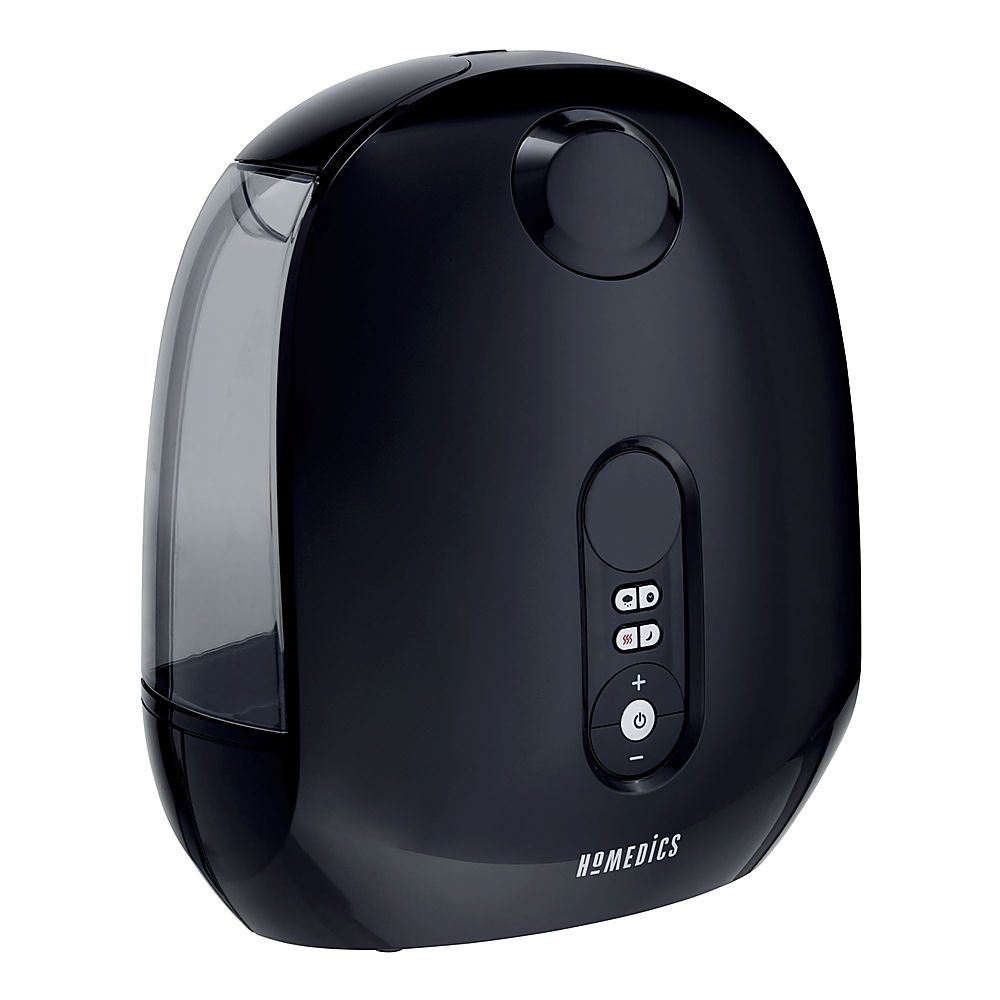
    • Answer The default humidistat setting is CO (continuous on). The programmable humidistat can be set in 5% increments, from 35% to 55% humidity. To program the humidity level, press the humidistat button. Then press the + or – button. The humidity level will increase/decrease by 5% every time the + or – button is pressed and will show on the display screen. Keep pressing the + or – button until the desired humidity setting is reached. The display will show the set humidity level for 5 seconds, then default back to display the mist output level.
      Answered by HoMedicsProductExpert

  • QuestionHow should I clean it? And how long should i.keep the vinegar stay?

    Asked by Liz.

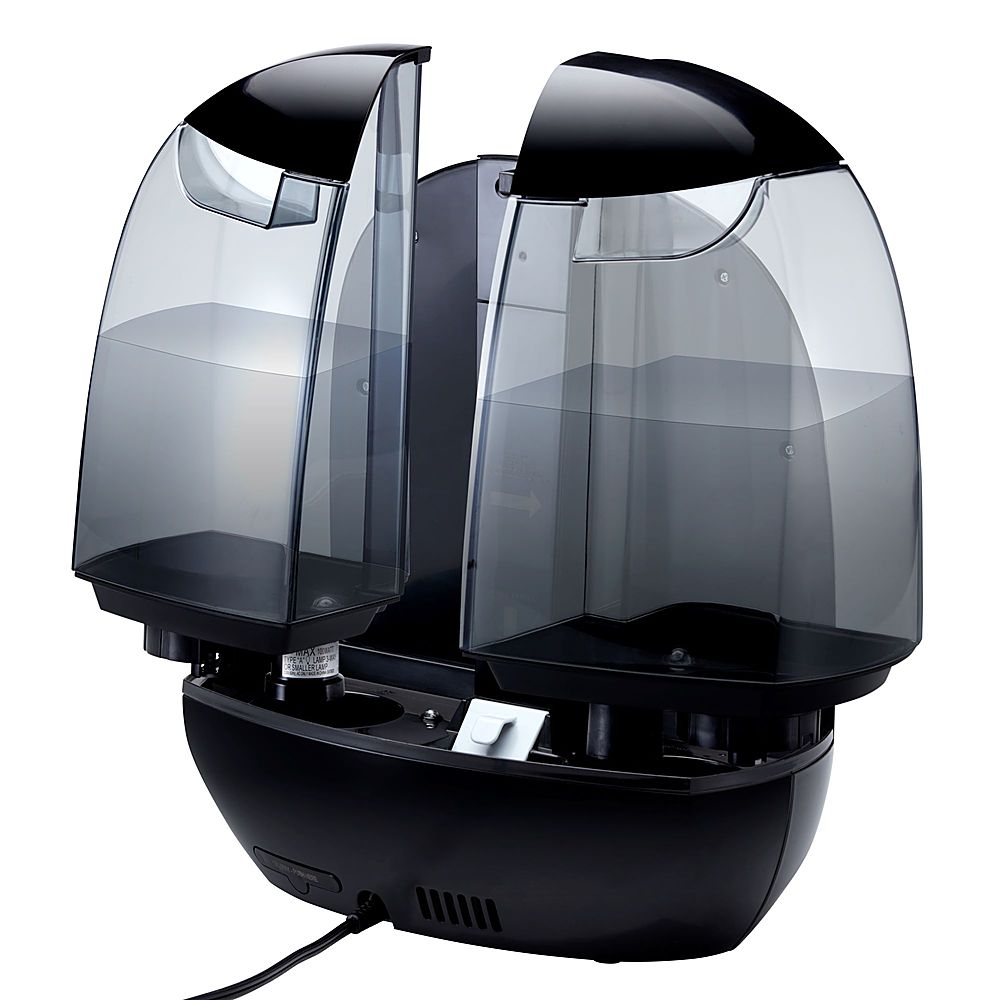
    • Answer The transducer/ultrasonic membrane must be cleaned to remove water mineral deposits when “CLEAN” is illuminated on the display. Failure to do so may cause reduced or no mist output. To clean the tanks, remove the water tanks from the humidifier base by lifting them from the main unit. Unscrew the tank caps and rinse inside the tanks with clean water. Every day: Empty and rinse each tank and tank cap before refilling. Every week: To remove any scale or buildup, use a 50/50 mixture of white vinegar and lukewarm water to clean the inside of the tanks.

      Answered by HoMedicsProductExpert

  • QuestionThe clean light is on how do I reset set this? I have already cleaned the unit.

    Asked by J.

    • Answer Press the power button and hold until the clean message resets.

      Answered by Anonymous