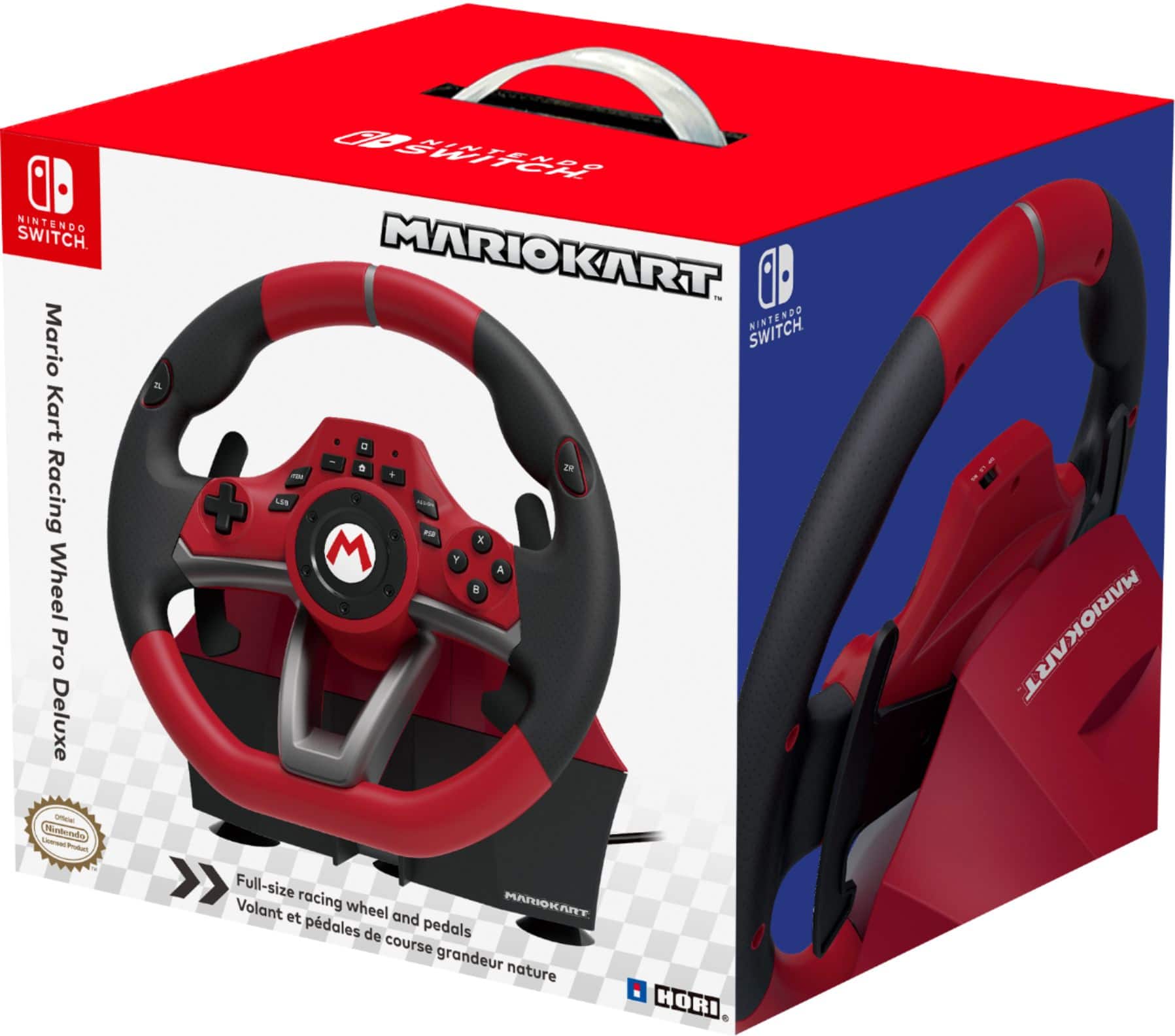
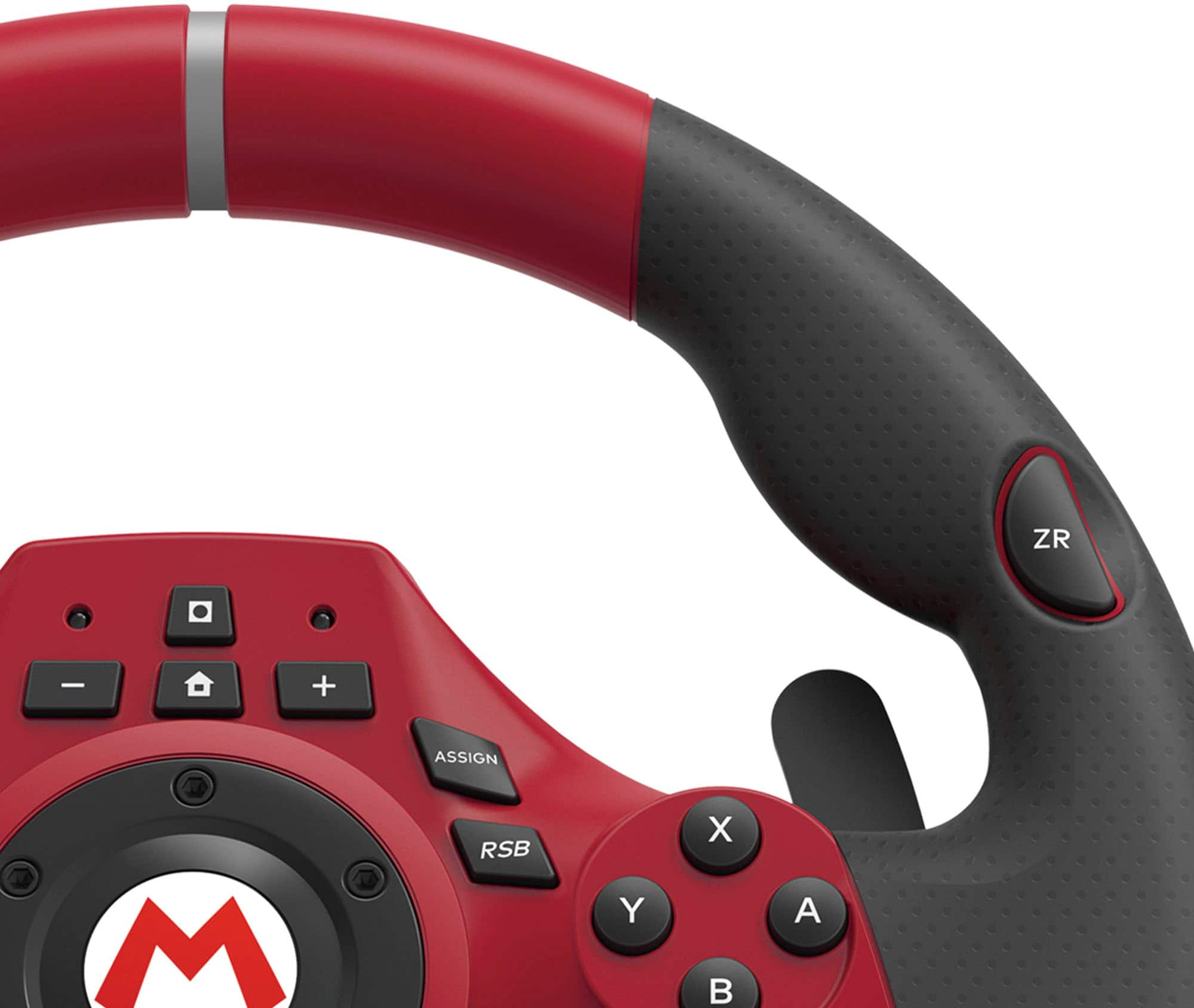
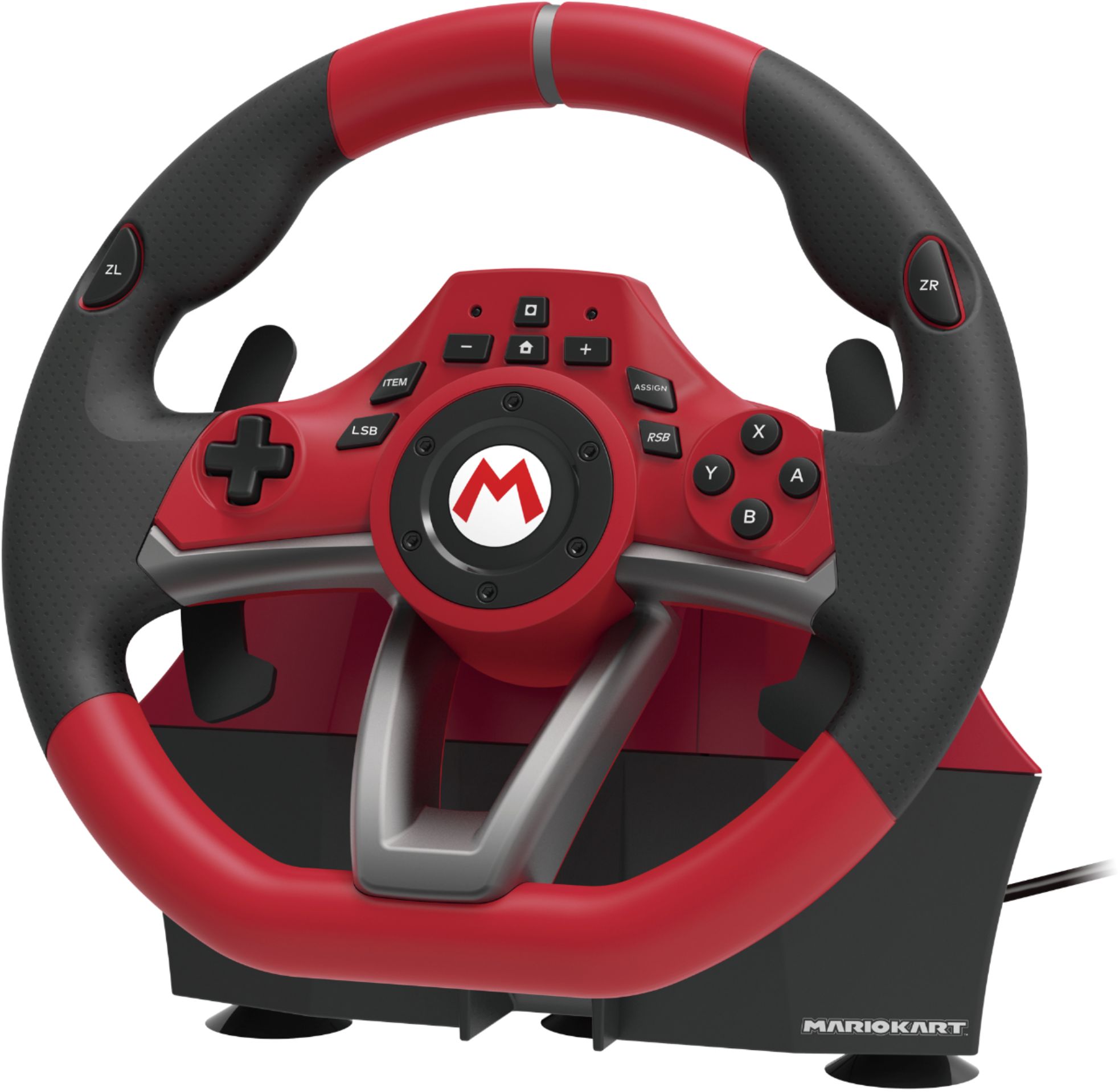
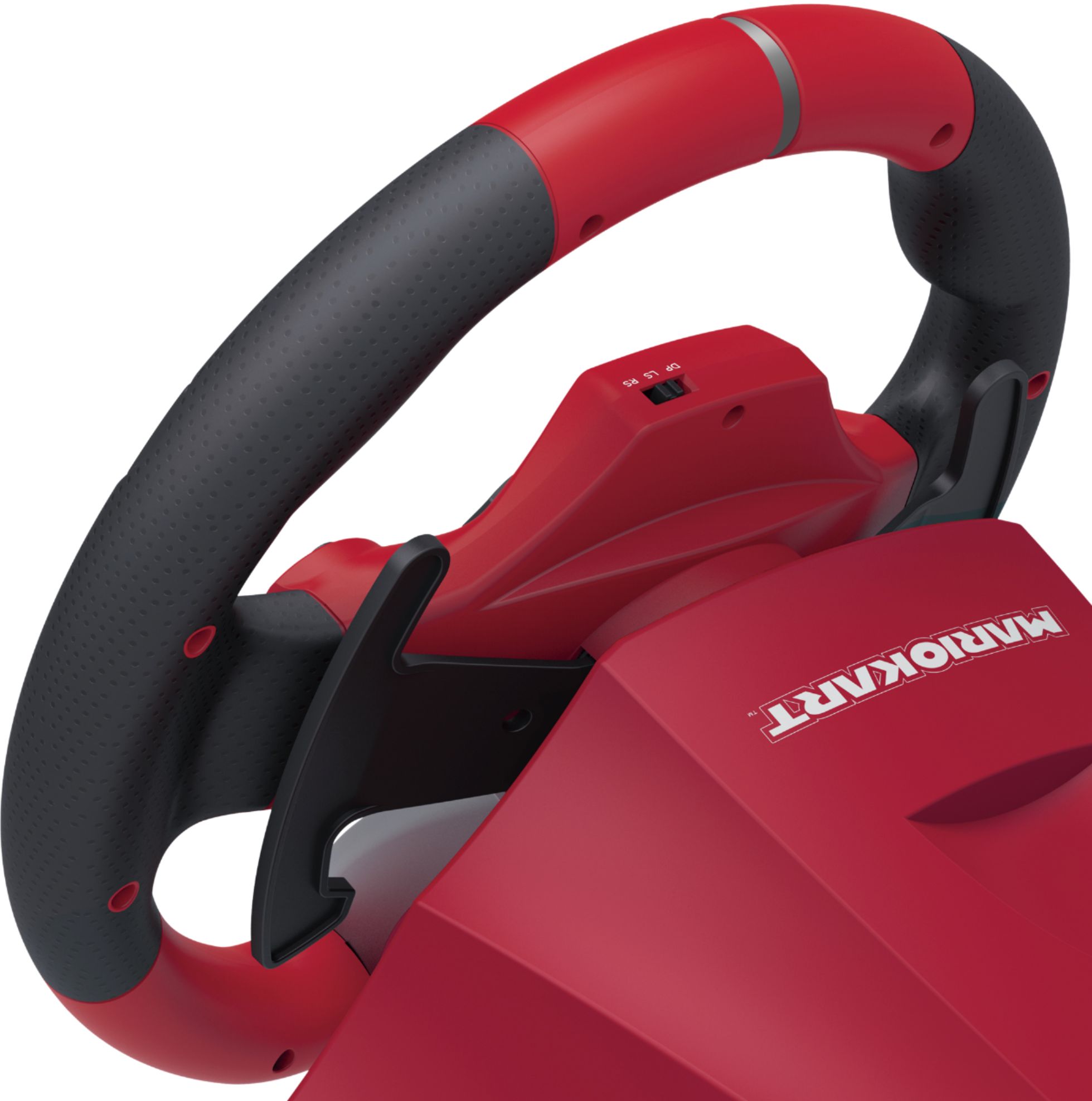
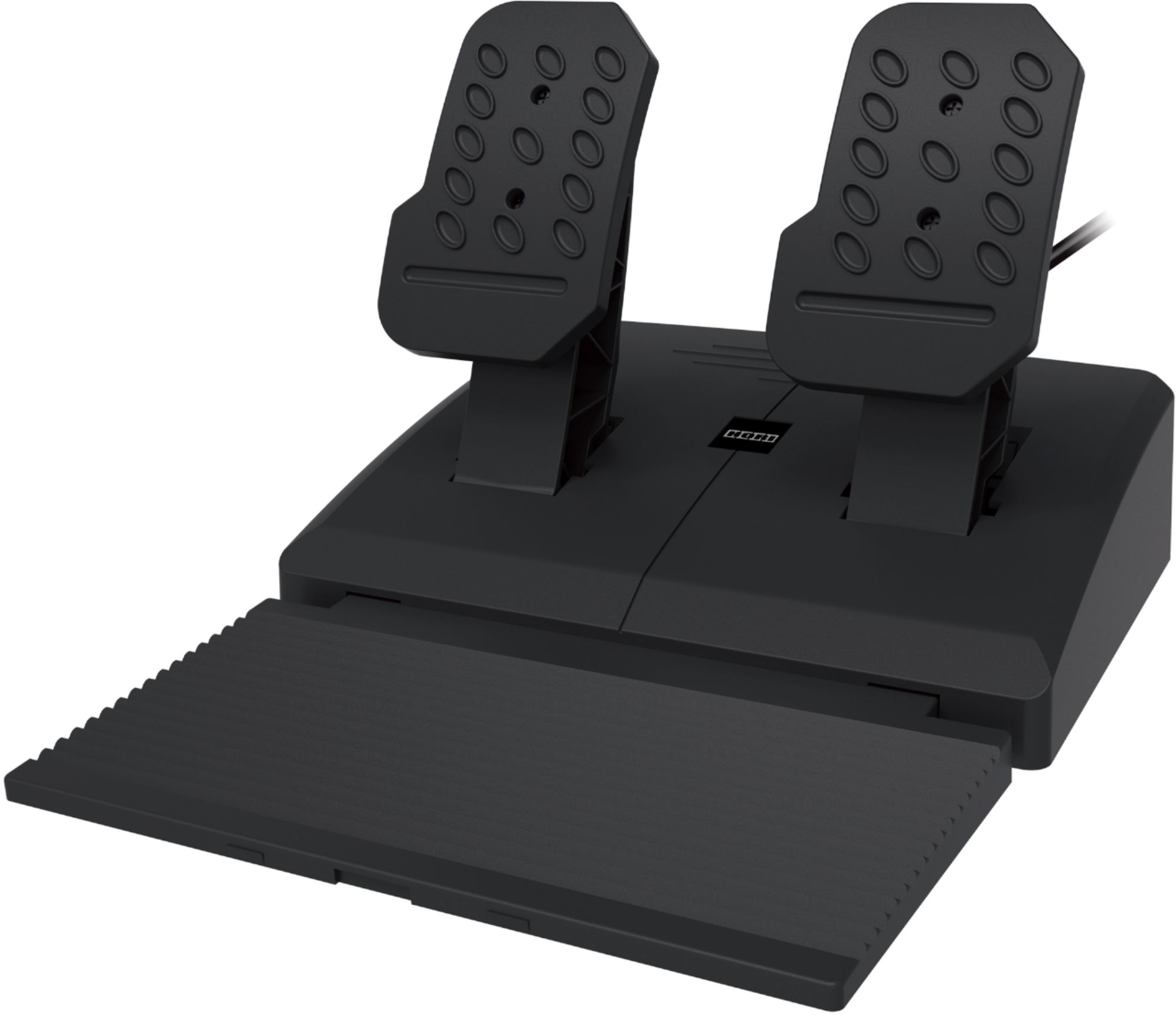
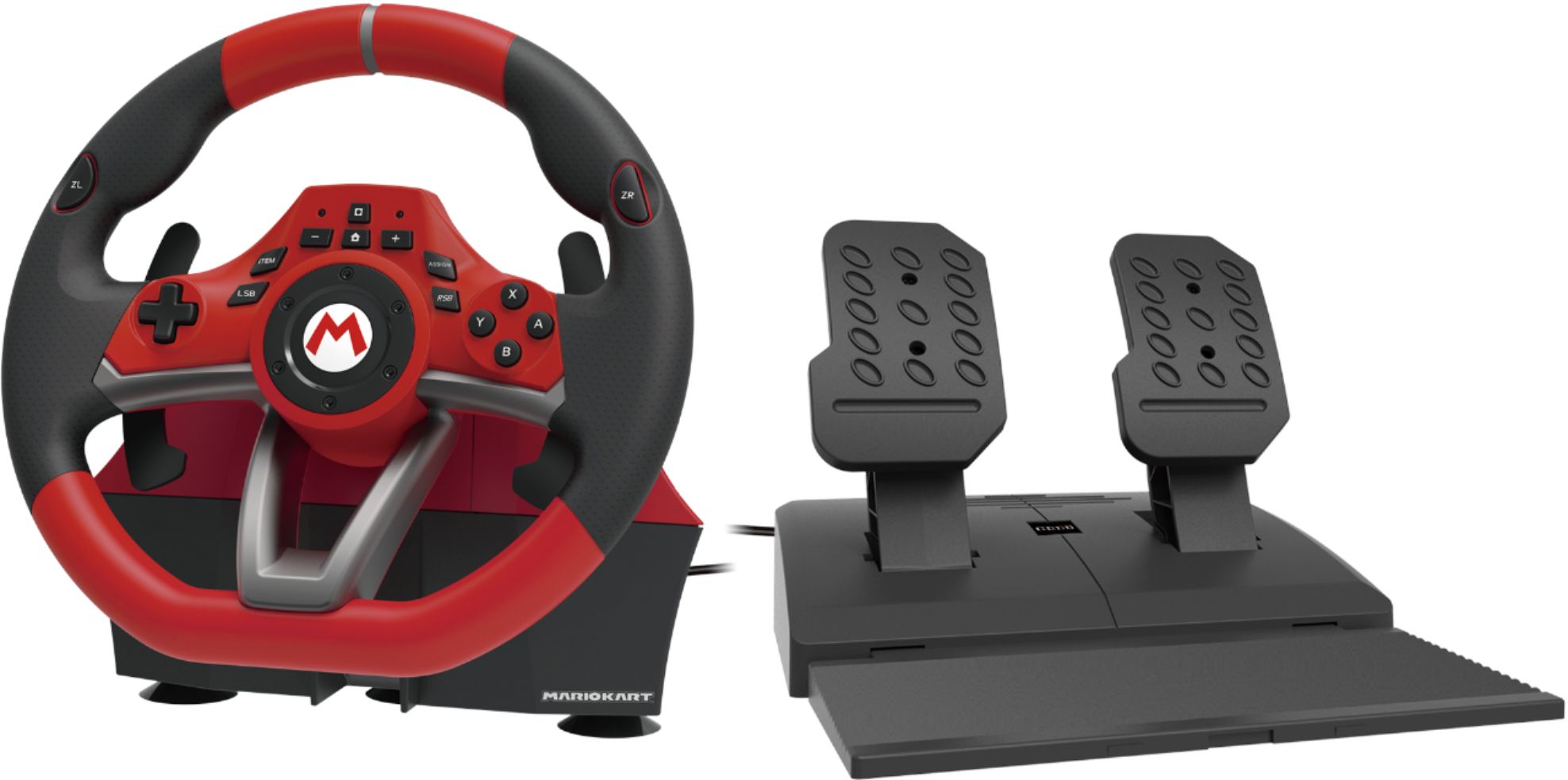
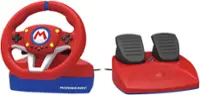
A:Answer Yes, the wheel works with Team Sonic Racing, but it requires configuration first. The default controller mappings for the foot pedals that come with the wheel is gas pedal = A button and brake pedal = B button on a standard Switch controller. Since Team Sonic Racing uses the ZL trigger for brakes and the ZR trigger for gas, you will need to reprogram the foot pedals to be gas pedal = ZR trigger and brake pedal = ZL trigger. This is a very simple process that takes only 10 seconds to do and the included manual gives clear directions on how to reprogram the buttons. And the changes will be saved to the wheel, so even after you turn off your Switch system and unplug the wheel, your changes will still be in effect the next time you plug in the wheel, so you only have to reprogram the buttons one time. The wheel has 7 different sensitivity settings and can be toggled between 180 degrees rotation and 270 degrees rotation. You will need to experiment with these settings and find the one that works best for you on Team Sonic Racing. There is a learning curve and it will take a while before you can get lap times anywhere close to what you can achieve using a standard Switch controller. Using the wheel is fun, but if you're playing competitively online and only care about coming in first place, then you're better off sticking with the controller.