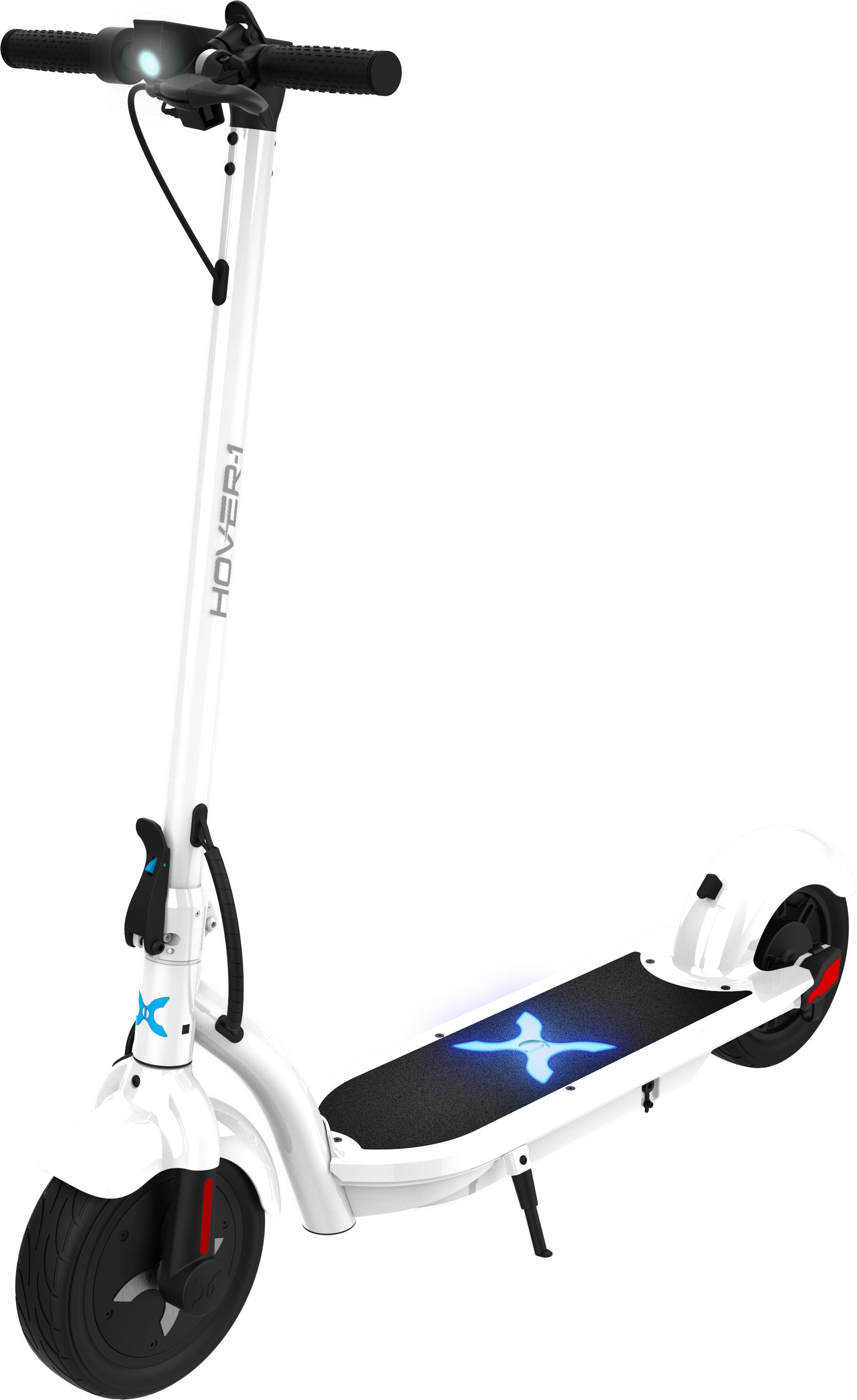
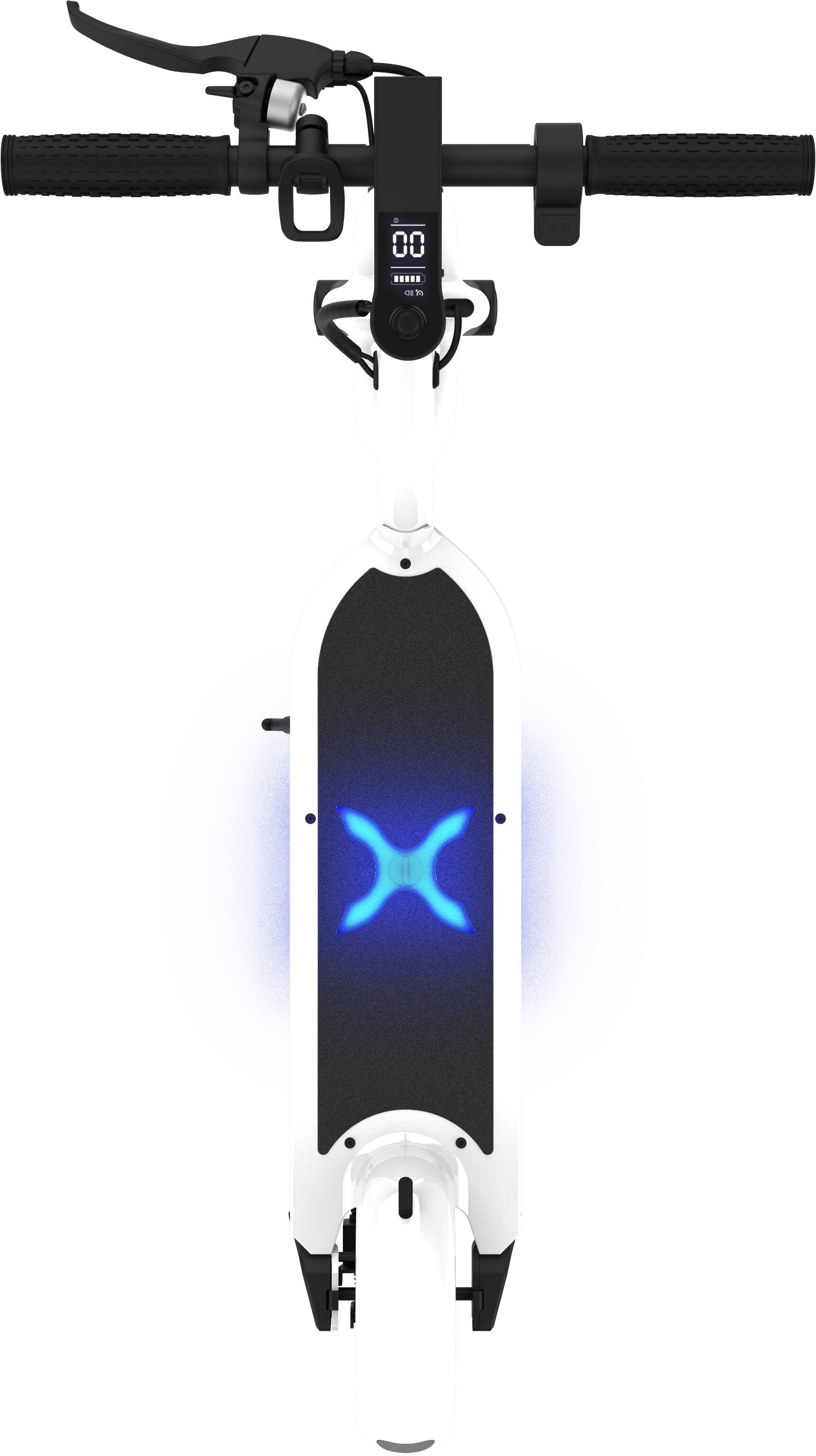
A:AnswerThe scooter has two speed modes. With the scooter powered on, press the power button once to change speed modes. 1 indicates low speed, 2 indicates high speed.
A:AnswerProbably not, depends on the weight if it’s light you can probably find a way to do it, but it struggles going up hill and when 2 people get on so it might be way slower with it
A:AnswerThere are four screws in the handlebars that you can tighten to ensure the handlebar is properly secured on the steering stem. If you are still having issues, please contact us at https://hover-1.com/troubleshoot and we would be happy to help you out.
A:AnswerFull range: Haven't kept track so far, but I imagine that eco only is the full range stated in the specs. Sport mode is a faster battery drainer.
Left of stem:
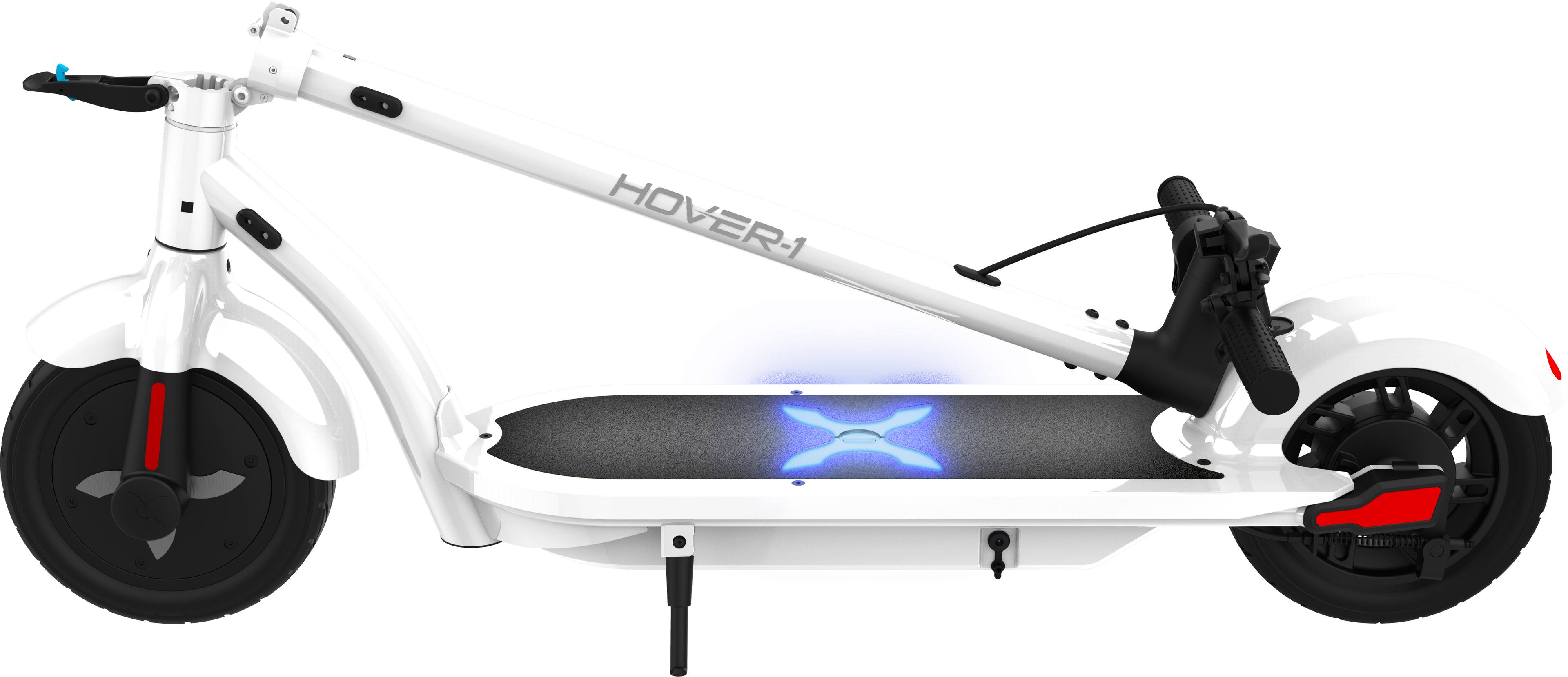
Are you talking about the little clip thing on the left side of the handle bar (there is also a bell over there too for what it's worth)?
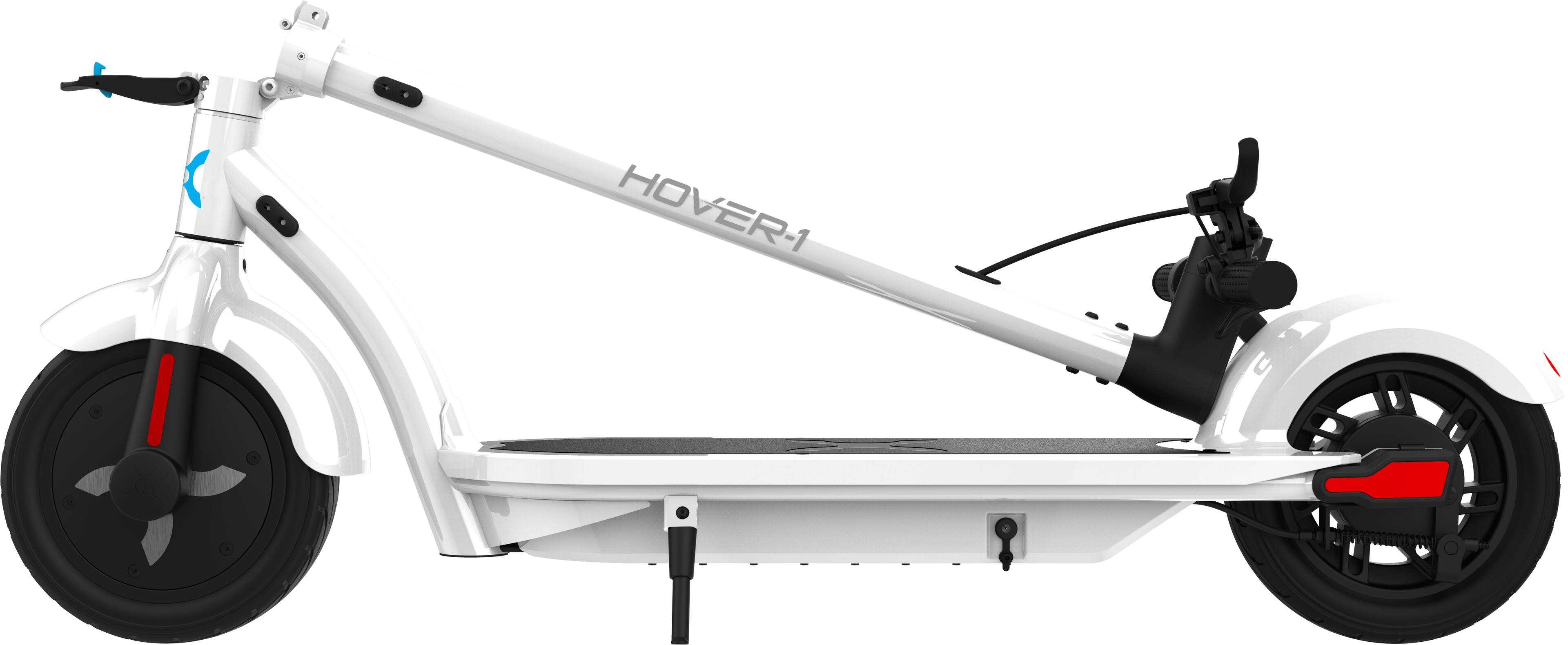
If so, this took me a bit to figure out... it is literally just a clip to hook to a nub on the back wheel cover when you fold it. Keeps it securely folded and you can then lift it from the center stem.
Hope this helped!
A:AnswerPress the button so S appears on screen should go 18 mph on led screen, but had mine GPSed at 23 plus down hill on phone gps. 12 mph is on low power mode. Learning mode or long range
A:AnswerAt this time this option is not available. If you are looking for more range, you can look at the Hover-1 Alpha Pro which comes with an 18 mile range.