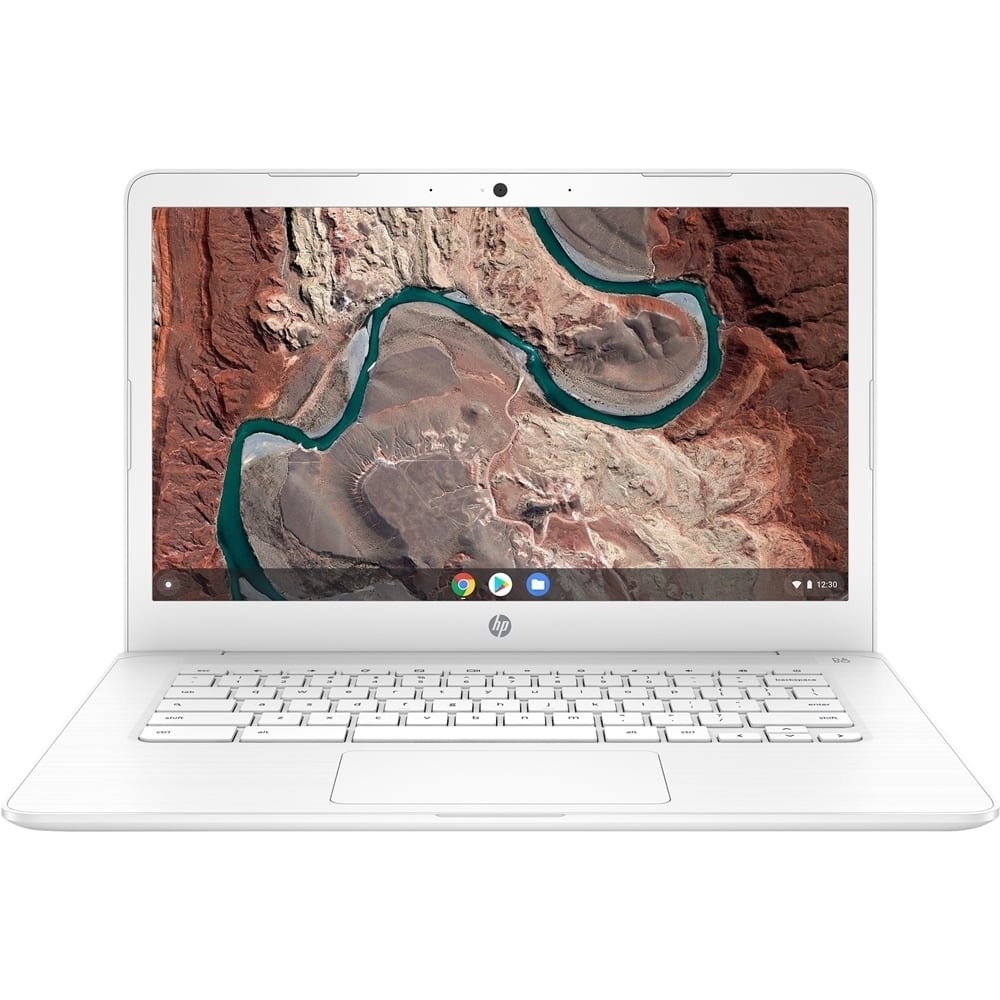
A:Answer This chromebook has 2ea USB 3.1 Gen 1 Type-C™ (Charging, power delivery, video, data).
I have read that Chromebooks support multiple displays over one USB-C cable as long as DisplayPort MST is in use. So if you have a DisplayPort monitor with both input and output ports, you can plug a second monitor into the first monitor's output to get two screens over one USB-C cable.
I know you can also use various USB-C MST docking stations.
Here is a reddit link with some details about it.
https://www.reddit.com/r/chromeos/comments/9y8ad1/hp_chromebook_x2_dual_display_triple_if_you_count/