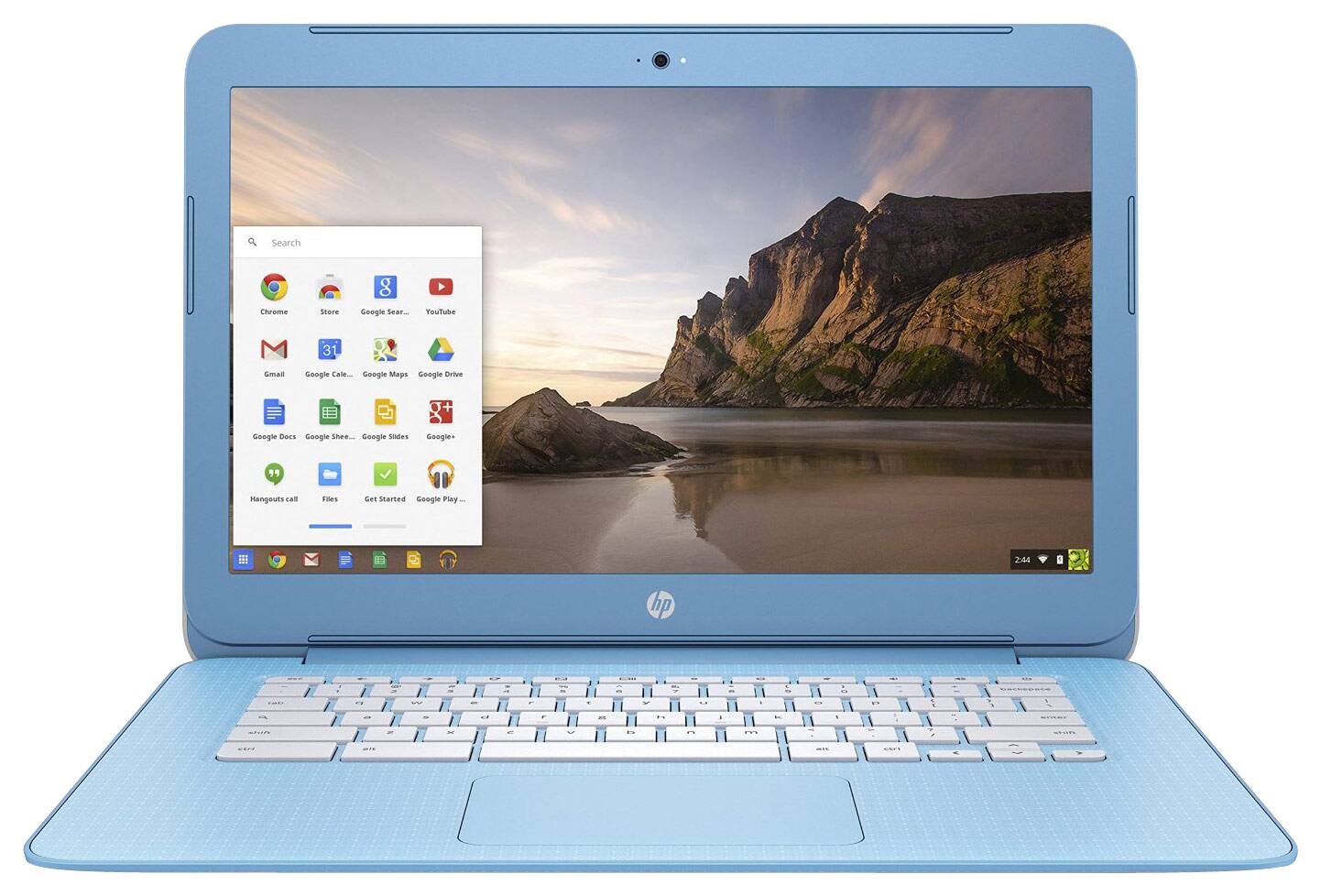
A:AnswerGood question. You cannot download any 3rd party programs on a Chromebook. Anything you download on the Chromebook has to be from the Google App Store.
I hope this helps.
A:AnswerSkype is not an app that is offered on Chromebooks. You can try using the web version of Skype on the Chromebook. Chromebook has Hangouts in place of Skype. This computer only allows you to use apps that are available on the App Store in the computer.
I hope this helps.
A:AnswerGood question. You cannot play Roblox on the Chromebook. Chromebooks can only run apps and programs that are downloaded from the Google app store that is on the computer. You can go on Youtube using the Chrome web browser that is preinstalled on the laptop already. This computer is good for surfing the web and checking emails and basic productivity tasks.
I hope this helps.
A:AnswerGood question. This computer is good for basic tasks like doing school work. It would be good for writing papers and such. However, only specific printers can be used with a Chromebook. You must check with the manufacturer to see if the printer model is compatible with the Chromebook. One feature that is required on all printers is that is needs to be wireless to work with a Chromebook. The second requirement is that it needs to be a cloud ready printer.
I hope this helps.
A:AnswerGood question. The eMMC memory is the hard drive in the computer. It is a type of hard drive that has no moving parts. It is similar to a solid-state drive, but an eMMC drive is more similar to a flash drive and reads/writes slower than an SSD.
I hope this helps.