A:AnswerYou can get your Chromebook perks, which includes the 100 GB Google Drive, by going to this webpage: https://www.google.com/intl/en_us/chromebook/perks/
A:AnswerThanks for the question. You can use almost any current HP printer with this Chromebook. Here is a great home printer that will work:
https://www.bestbuy.com/site/hp-envy-6055-wireless-all-in-one-instant-ink-ready-inkjet-printer-white/6404827.p?skuId=6404827
A:AnswerThank you for the question. Please reach out to HP Tech Support with your unit's serial number, so that the proper screen part number can be ascertained. Alternatively, you can go to parts.hp.com and input your serial number for a list of all components relative to your laptop.
A:AnswerThanks for your question. That doesn't sound normal, you should contact HP support. Here is a link to HP support: https://support.hp.com. You can also phone them at 1-800-HPINVENT.
A:AnswerHi Justin! The Google Play store has versions of Microsoft Word that work on a Chromebook. This has the Chrome OS, so it will not run Windows programs.
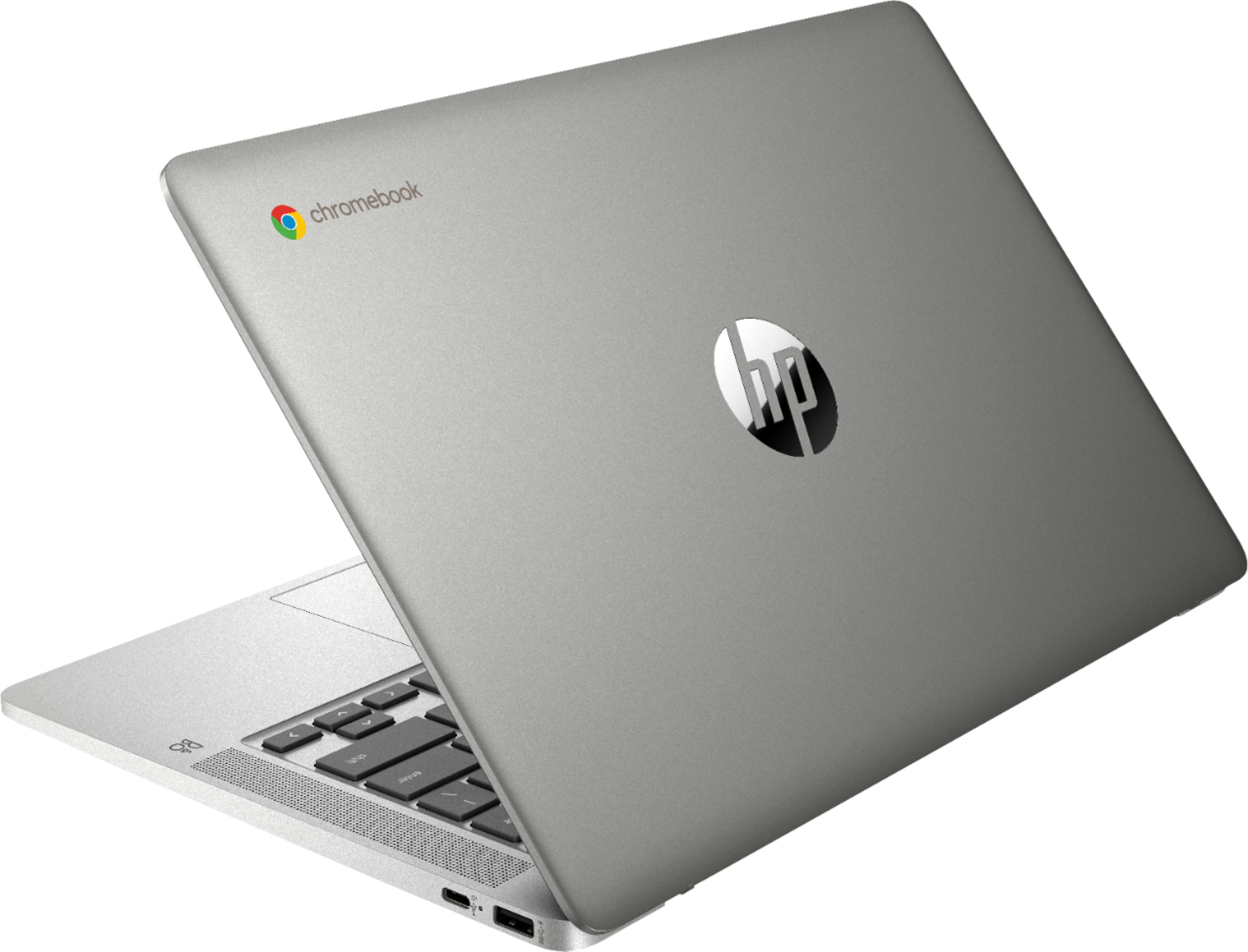
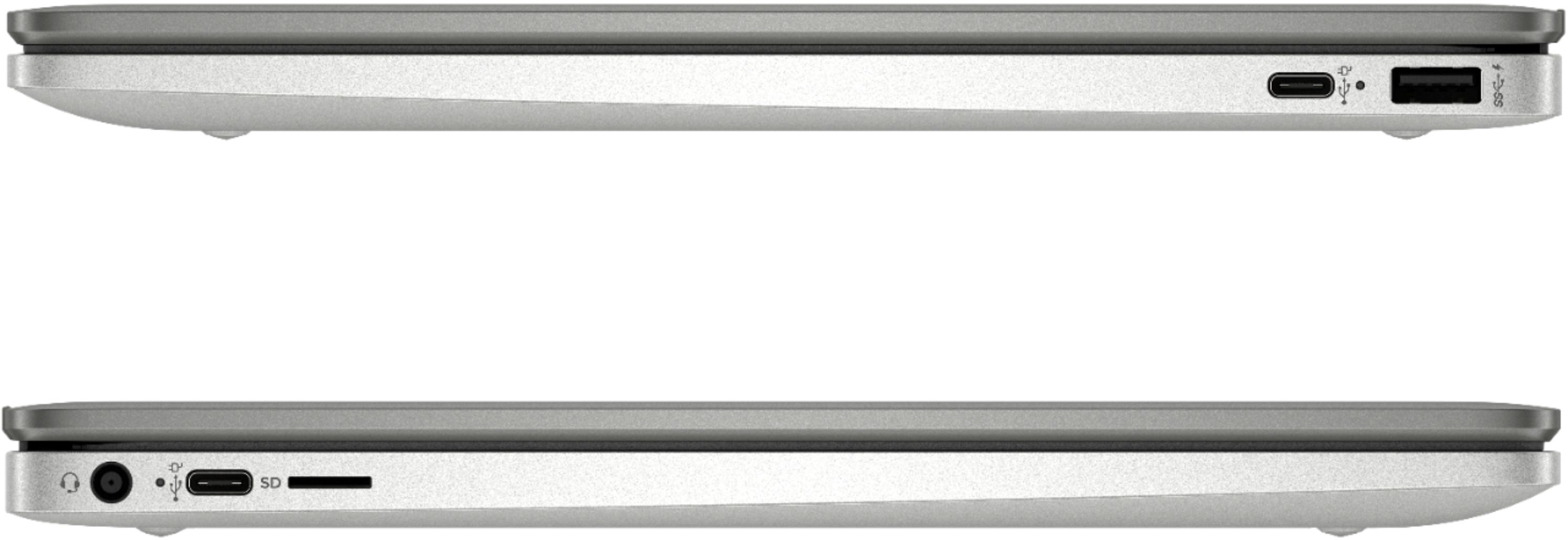
A:AnswerHi, this unit along with all chromebooks do not have a cd/dvd drives installed in order to keep them thin. You are able to hook up an external cd/dvd drive through one of the available USB ports.
Thank you for choosing Intel.