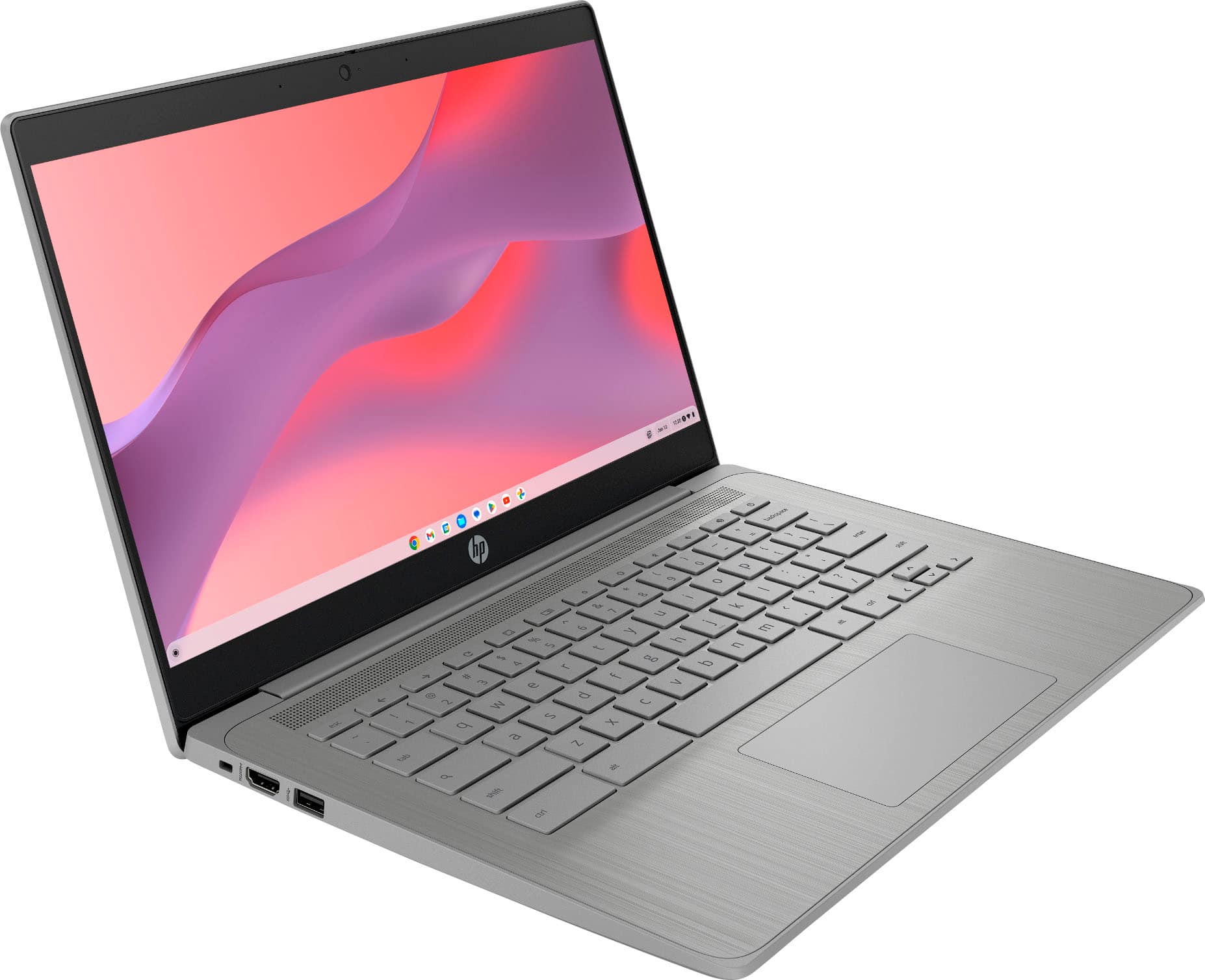
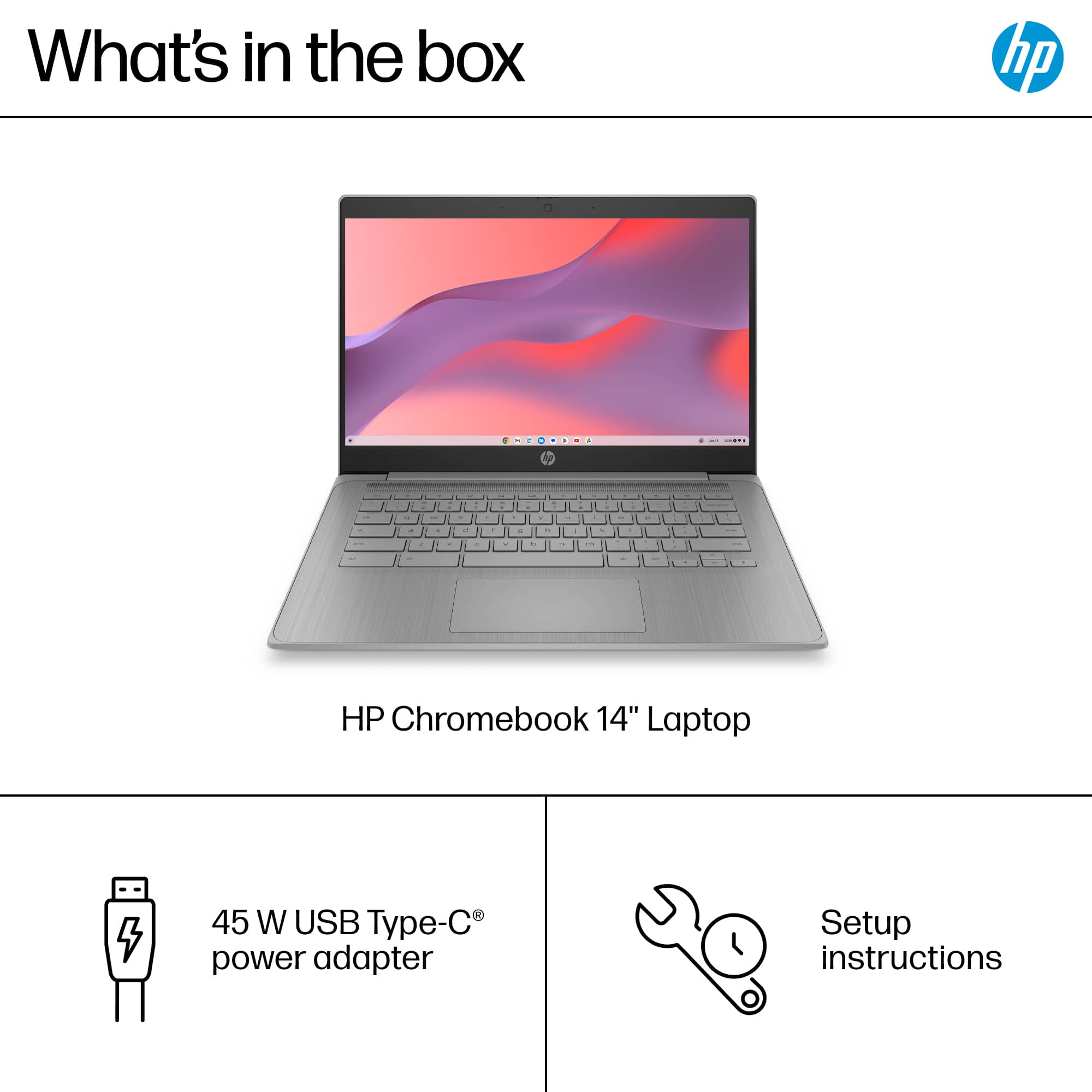
Everything for Back to School — and then someShop now
User rating, 4.6 out of 5 stars with 1692 reviews.
Show only Answered Questions
Include AI Generated Q&A
Asked 2 months ago by SanDiego13.
Answered 2 months ago by Vifil11Verified Purchase
Asked 2 months ago by zebe.
Asked 2 months ago by Nana.
Asked 2 months ago by Allan.
Answered 2 months ago by LloydJVerified Purchase
Asked 2 months ago by Anonymous.
Answered 2 months ago by FredMVerified Purchase
Asked 2 months ago by TIMM.
Answered 2 months ago by CHINOVerified Purchase
Asked 2 months ago by th.
Asked 2 months ago by sea.
Asked 2 months ago by AutoUpdateExpirationdateAUE.
This question was asked about the related product: HP - 2-in-1 14" Touch-Screen Chromebook Laptop - Intel Processor N100 2023 - 4GB Memory - 64GB eMMC - Sky Blue
Asked 2 months ago by Summerchrome.
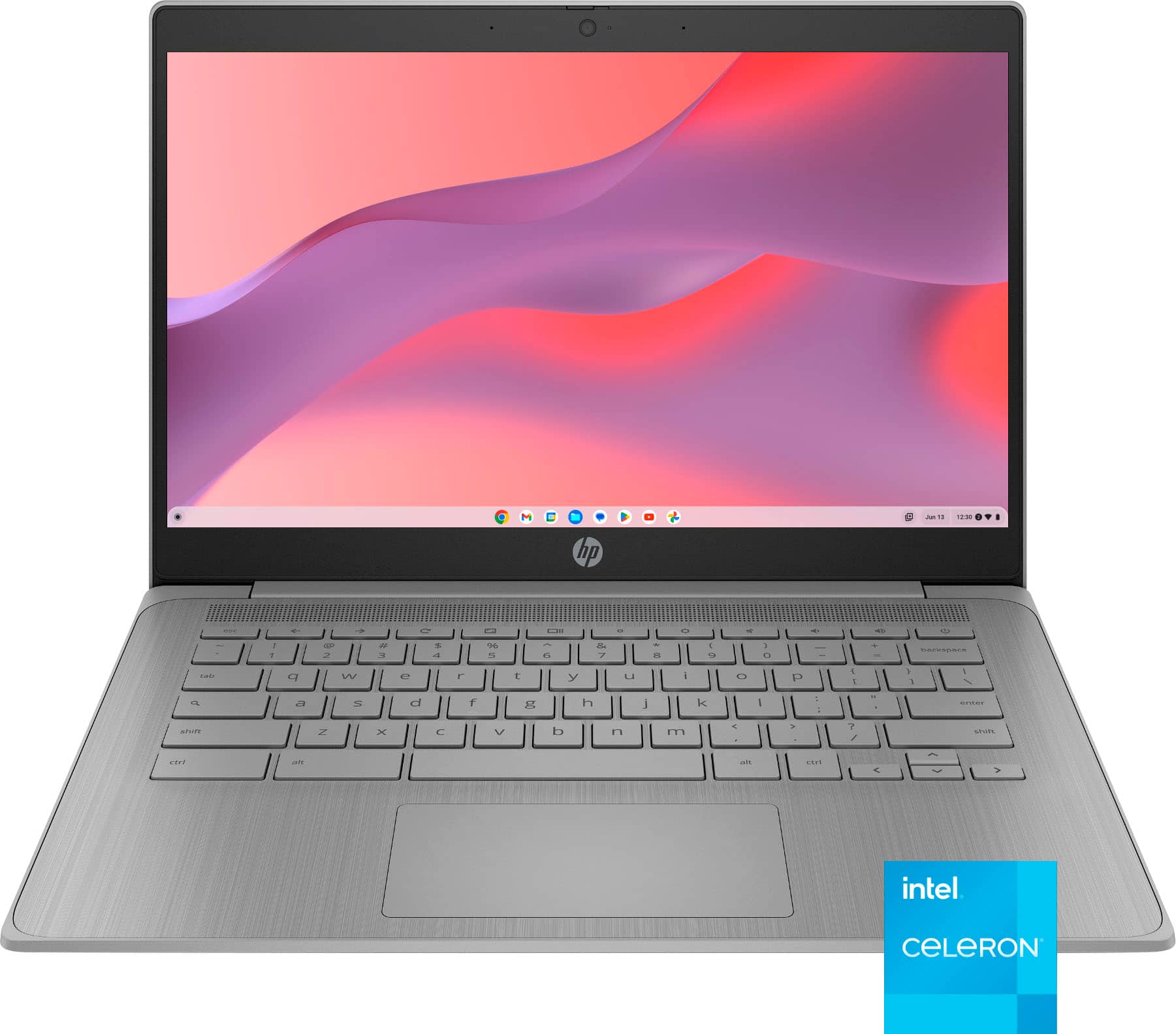
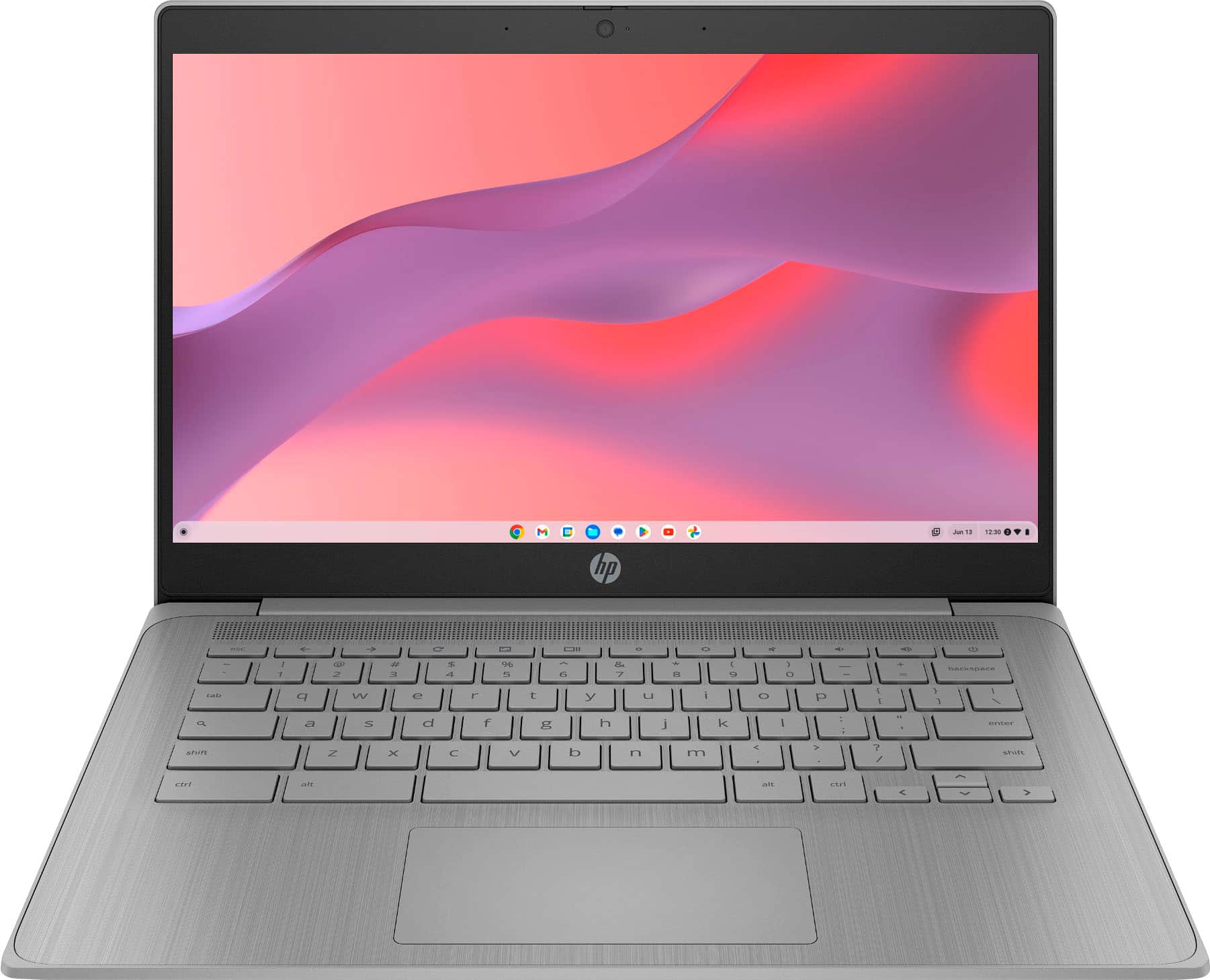
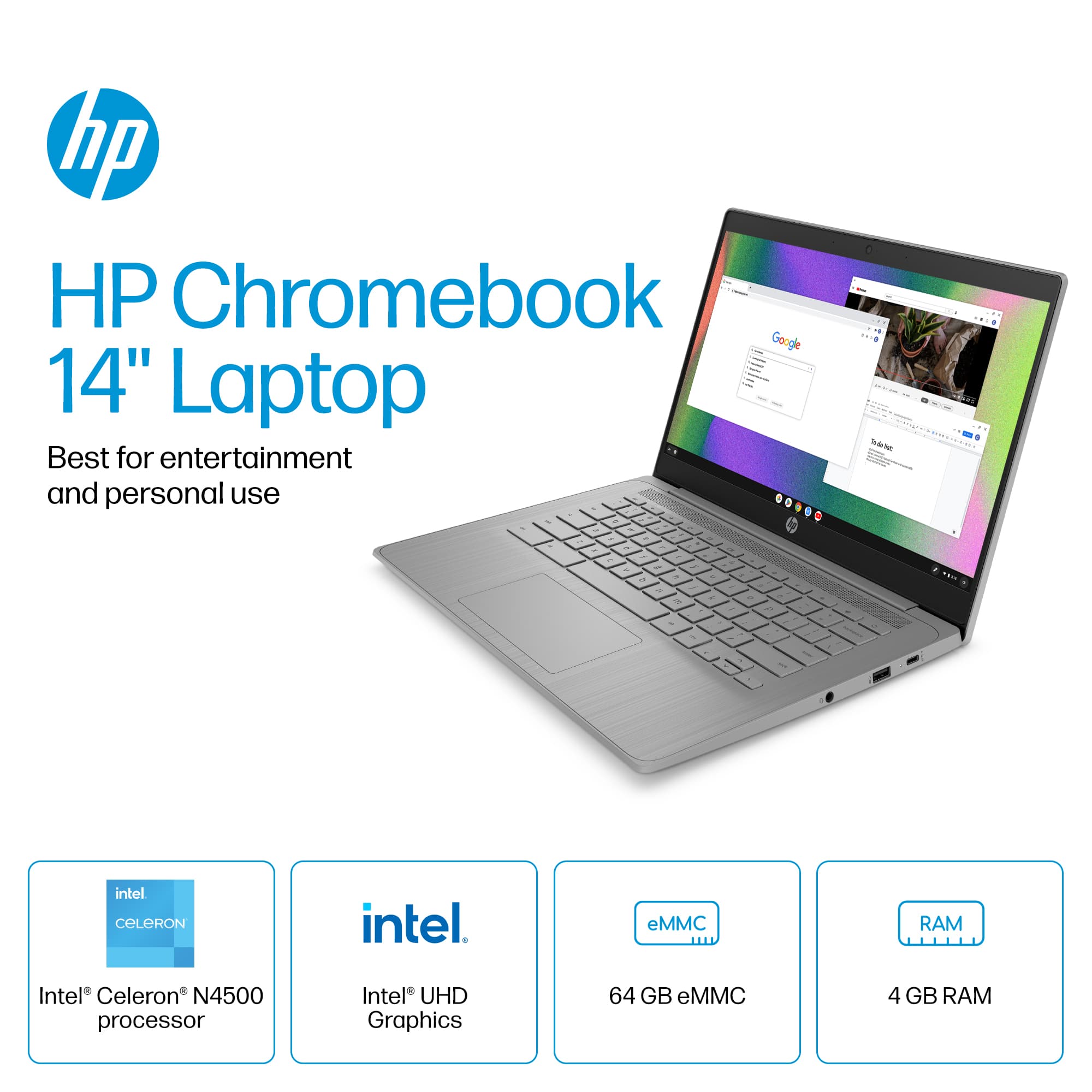
This question was asked about the related product: HP - 14" Chromebook - Intel Celeron N4500 2021 - 4GB Memory - 64GB eMMC - Modern Grey
Asked 2 months ago by Rashadsims324.
Answered 2 months ago by BreannaD
Asked 3 months ago by deegen.
Answered 2 months ago by NateVerified Purchase
Asked 3 months ago by perk.
Asked 3 months ago by Anonymous.
Answered 2 months ago by Nate
Asked 3 months ago by NAN.
Answered 3 months ago by marsmoon7
Asked 3 months ago by Nonna.
Asked 3 months ago by Dee1.
Answered 3 months ago by Megan
Asked 3 months ago by ja.
User rating, 5 out of 5 stars with 5 reviews.
User rating, 4.8 out of 5 stars with 35 reviews.
User rating, 4.5 out of 5 stars with 32 reviews.
User rating, 4.6 out of 5 stars with 1006 reviews.
User rating, 4.7 out of 5 stars with 3 reviews.
User rating, 4.6 out of 5 stars with 29 reviews.
User rating, 4.5 out of 5 stars with 243 reviews.
User rating, 4.6 out of 5 stars with 1693 reviews.
User rating, 4.6 out of 5 stars with 2745 reviews.
Not yet reviewed
User rating, 4.7 out of 5 stars with 104 reviews.
User rating, 4.5 out of 5 stars with 171 reviews.
User rating, 4.5 out of 5 stars with 11 reviews.
User rating, 5 out of 5 stars with 2 reviews.
User rating, 4.7 out of 5 stars with 86 reviews.
User rating, 4.6 out of 5 stars with 537 reviews.
User rating, 4.5 out of 5 stars with 389 reviews.
User rating, 4.6 out of 5 stars with 697 reviews.
User rating, 4.7 out of 5 stars with 76 reviews.