Acer - Chromebook Plus Spin 514 -14" WUXGA Touch Laptop - MediaTek Kompanio Ultra-12GB RAM- 256GB Storage- Wi-Fi 7 Google AI - Platinum Silver
Customers are saying
Customers are delighted by the impressive performance, robust build quality, and long-lasting battery life of this device. Users also frequently praise the fast processor speed and the convenient portability provided by its lightweight design. While the overall experience is highly positive, some users have noted that the keyboard backlighting can be inconsistent.
Highlights
The Best of Google, in a Laptop
Chromebooks run ChromeOS, the fast, secure operating system from Google, with built-in Google apps like Gmail, Gemini, Docs, Photos, YouTube, and more.
Try Google AI Pro, with 5TB of Storage, and more for 12 Months at No Cost
Boost your productivity and creativity with higher access to the best of Gemini including Nano Banana, Veo, Gemini in Gmail, Docs, and more. Plus get 5TB of storage - all in one plan.
The Power To Do More
A MediaTek Kompanio Ultra 910 Octa-Core CPU and up to double the memory and storage, so you can edit files while watching your favorite shows in WUXGA (1920 x 1200)* with up to 17hours of battery life**. (*When compared to top selling Chromebooks in 2024 | **Actual battery life may be lower and will vary significantly based on factors like network conditions, location, settings, and usage.)
Advanced Apps for Work and Play
Stay productive with Microsoft 365(2), create with Adobe Photoshop(3), edit videos with LumaFusion, and get your game on with GeForce NOW. All your favorite apps and more are just a click away.
Never Had a Virus - No Need To Worry(4)
Breathe easy knowing your security and privacy are covered with built-in protection and the Titan C2 security chip.
14” WUXGA Touch Display
Enjoy a 14” WUXGA (1920 x 1200) 16:10 touch IPS display with 300-nit brightness and anti-fingerprint coating—ensuring clear, smudge-free visuals even in bright settings. The Corning® Gorilla® Glass touchscreen offers a smooth, rugged and scratch resitant surface with effortless navigation to enhance your experience.
MediaTek Kompanio Ultra
The MediaTek Kompanio Ultra redefines Chromebook Plus laptops with groundbreaking computing performance, while also delivering all‑day battery life. The MediaTek Kompanio Ultra processor integrates 50 TOPS of AI processing power to enable on device generative AI experiences. With Generative AI inside, it delivers a new standard in on‑device intelligence — automating tasks, optimizing workflows, and enabling personalized, secure and efficient computing.
Fast. Efficient. Built on Arm.
Get all-day speed and smooth performance with Arm architecture. Our superfast chip and graphics processor powers the Acer Chromebook Plus, keeping it fast and cool, so you can create, multitask, or just catch up on life.
12GB LPDDR5X Memory
Smoothly run numerous programs and browser tabs at the same time.
256GB Universal Flash Onboard Storage
Load faster and play sooner! You can start fast, stay fast and quickly load apps with ease.
On-Device AI: All Your Tabs and Apps, All in One Place
Smart grouping lets you organize your tabs, documents, and apps by category. Say you’re planning a trip. You can collect your itinerary, budget worksheet, and hotel options in one easy-to-find group. That way, you’re not searching between all your open files and websites.
On-Device AI: Image Generation
Unleash your creativity in the Gallery app on Chromebook. Cut out the clutter from your images so your subject can be the focus of the photo with the background removal tool. You can even use it to make personalized stickers of your pets or faces.
Crystal-Clear Calls and Audio
DTS Audio with dual speakers delivers immersive sound, while 5MP webcam with a privacy shutter minimizes background noise for crystal-clear calls, ensuring you’re heard loud and clear every time
Quick Insert Key
Designed for productivity, this Chromebook Plus offers a Quick Insert Key. With the Quick Insert Key. you can now easily generate AI images or insert photos and emojis right where you need them to enhance documents and presentations, without interrupting your flow.
Ready to Withstand the Journey
Engineered with military-grade MIL-STD-810H durability and aluminum top and rear covers, the Acer Chromebook Plus Spin 514 is stylish, tough, and ready to withstand the demands of daily life, so you can take it wherever you go with confidence.
- Screen TypeIPSScreen Size14 inchesScreen Resolution1920 x 1200 (WUXGA)Touch ScreenYesBrightness300 nits
Reviews
Rating 4.7 out of 5 stars with 86 reviews
- Build Quality (33)
- Performance (32)
- Battery Life (26)
- Processor Speed (26)
- Portability (19)
- Keyboard Illumination (9)
Customer Images
The vast majority of our reviews come from verified purchases. Reviews from customers may include My Best Buy members, employees, and Tech Insider Network members (as tagged). Select reviewers may receive discounted products, promotional considerations or entries into drawings for honest, helpful reviews.

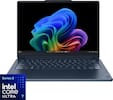
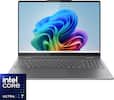
Compare similar products
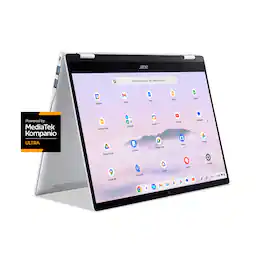
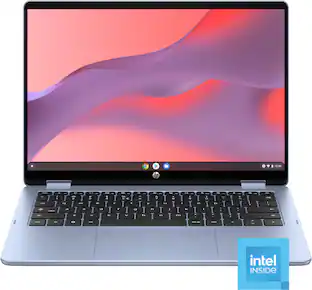
Effortless multitasking meets AI-powered productivity with the Acer Chromebook Plus Spin 514. Built on the superfast Arm architecture, it delivers speed, smooth graphics, and all-day power. This Chromebook Plus laptop with Google AI is a 2-in-1 convertible laptop, powered by a MediaTek Kompanio Ultra processor with a built-in NPU. Its lightweight design, at 3.0 pounds, features a 14” WUXGA 1920 x 1200 touchscreen, fast Wi-Fi 7 connectivity and long battery life with fast charging, ensuring all-day productivity on the move. Runs ChromeOS, with Google AI, the fast, secure operating system built by Google. Write like a pro, design unique backgrounds, and reimagine photos with generative AI.
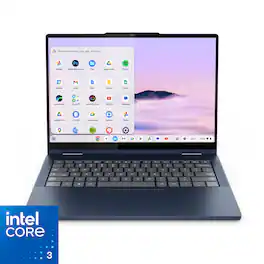
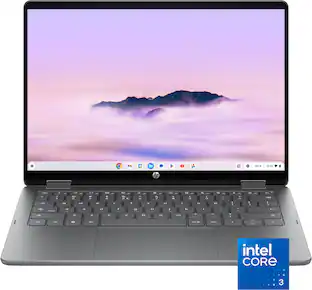
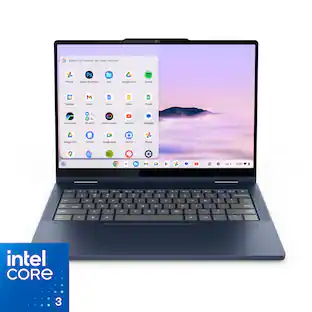
Do more, move faster, and create smarter with the Lenovo Chromebook Plus 2-in-1. Powered by Intel Core and built for life on the go, it’s a portable device made to flex with your day. Flip between laptop, tent, and tablet modes to create, present, or stream, and brainstorm ideas faster with Google AI built in.
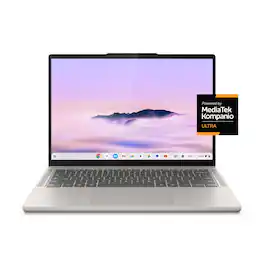
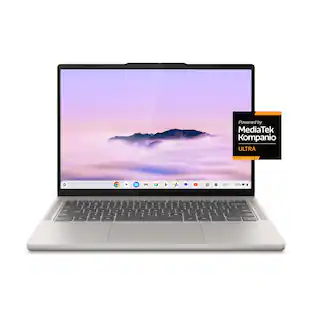
Big AI power. Simple to use. The MediaTek Kompanio Ultra’s 50 TOPS NPU boosts productivity and creativity with Smart Grouping, on-device image generation in the Gallery app, and more. The OLED display delivers crisp, vibrant visuals-perfect for photo editing and streaming-while quad Dolby Atmos speakers bring immersive audio. Thin, light, and built for self-starters, it lasts up to 17 hours.

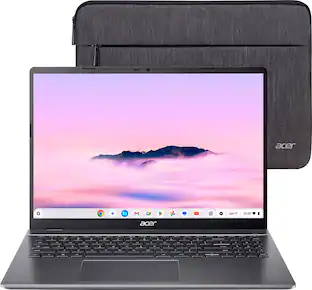
Power through your day with the Acer Chromebook Plus 516, a Chromebook Plus laptop, with Google AI built in. Featuring an Intel Core i3-1315U processor and 16” WUXGA 16:10 display, it’s built for smarter, faster productivity. Durable and always connected, it’s ready for anything. An impressive Full HD Facial Auto Exposure Camera, fast wireless connectivity and long-lasting battery life let you transition smoothly between work, home, and personal projects —all day long. And with up to double the speed, memory and storage – plus popular apps – you have the power to do more.
| Pros for Acer - Chromebook Plus Spin 514 -14" WUXGA Touch Laptop - MediaTek Kompanio Ultra-12GB RAM- 256GB Storage- Wi-Fi 7 Google AI - Platinum Silver | |||
|---|---|---|---|
| Build Quality, Performance, Battery Life, Processor Speed, Portability | Performance, Build Quality, Speed, Touchscreen | Build Quality, Battery Life, Processor Speed, Portability, OLED Quality | Speed, Battery Life, Overall Performance, Screen Size, Ease of Use |
| Cons for Acer - Chromebook Plus Spin 514 -14" WUXGA Touch Laptop - MediaTek Kompanio Ultra-12GB RAM- 256GB Storage- Wi-Fi 7 Google AI - Platinum Silver | |||
| Keyboard Illumination | Battery Life | Performance, Port Count | Keyboard Lighting |
Specs
Does it have any sort of biometrics?
Answered by TeamAcerNo, this Chromebook does not have a fingerprint reader.
Can I use a pen or stylus with it?
Answered by TeamAcerYes, this Chromebook Plus Spin 514 is compatible with an active stylus that supports the Universal Stylus Initiative (USI) standard.
How long can the battery last?
The battery can last up to 17 hours.
This question and answer was generated by AI based on customer and product data.Does this laptop have a camera?
Yes, this laptop has a front-facing camera.
This question and answer was generated by AI based on customer and product data.Is the laptop screen a touch screen?
Yes, this laptop has a touch screen.
This question and answer was generated by AI based on customer and product data.

Customers often buy these together
Office Software


Laptop Bags and Cases



More recommended items
 Mice
Mice Antivirus and Internet Security Software
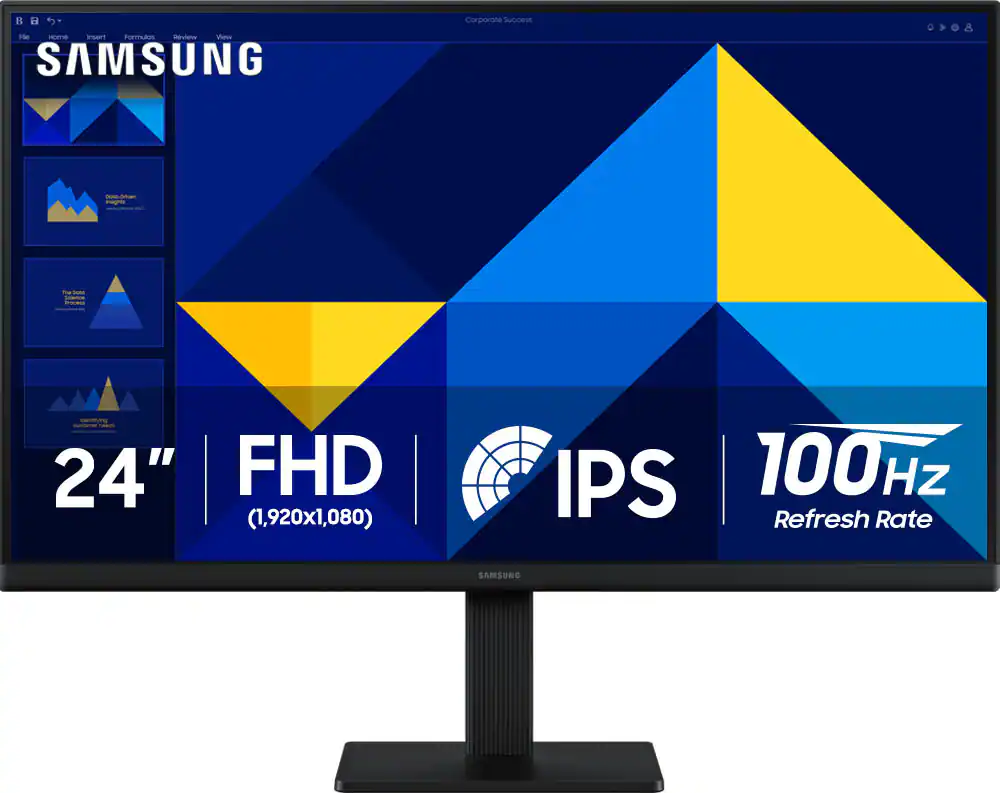 Monitors
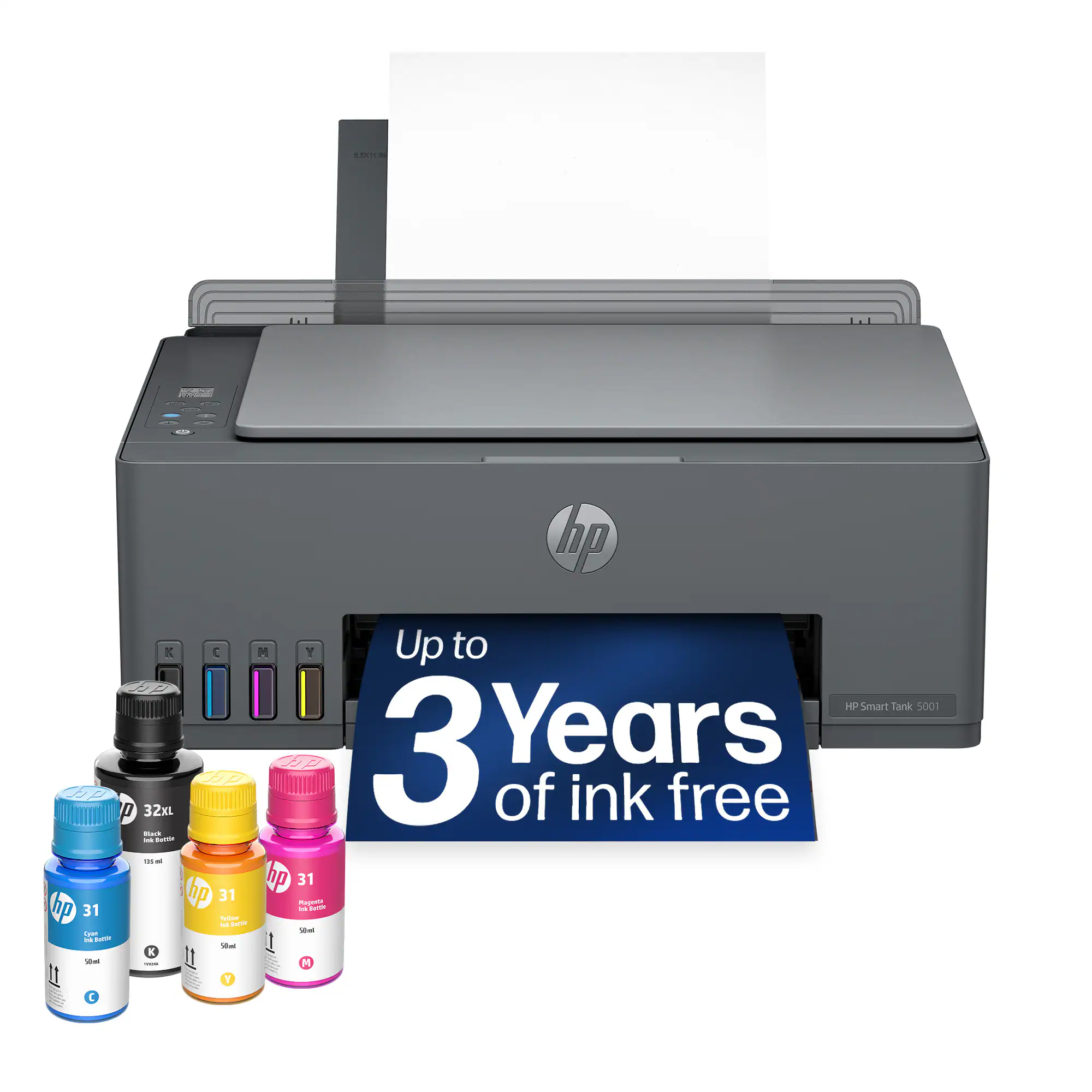 Inkjet Printers
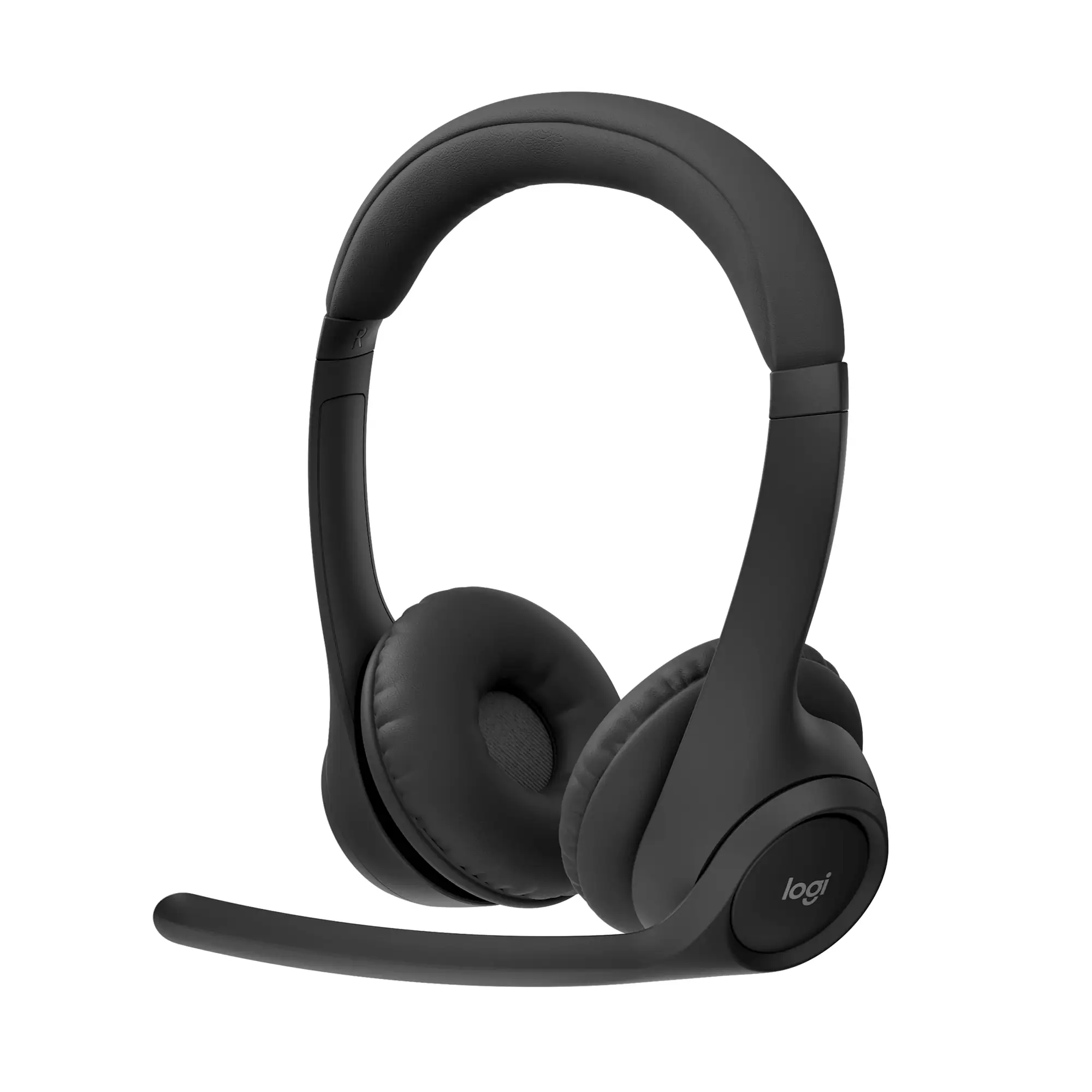 Headphones
More to consider
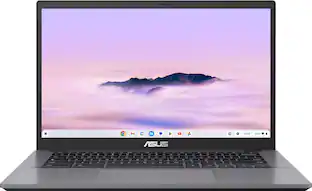 $449.00The price was $729.00
 $399.00The price was $549.00
 $529.00The price was $679.00

Explore tech essentials Sponsored
- $449.00The price was $729.00
Discover related products
 $504.68The price was $535.66







Keep exploring
 $599.99The price was $899.99
 $1,599.99The price was $1,799.99
 $1,299.99The price was $1,399.99
 $1,099.99The price was $1,299.99
 $550.00The price was $559.00
 $1,089.99The price was $1,099.99
 $1,799.99The price was $1,999.99