Questions & Answers
- Model:
- 14a-ne1013dx
- |
- SKU:
- 6612977
Q: QuestionDoes it have window 11
Asked by Anonymous.
- A:Answer No. It's a Chromebook and therefore comes with ChromeOS. Some Chromebooks you can install various GNU/Linux distributions on.
Answered by Anonymous
Q: Questioncan you connect a mouse?
Asked by heath.
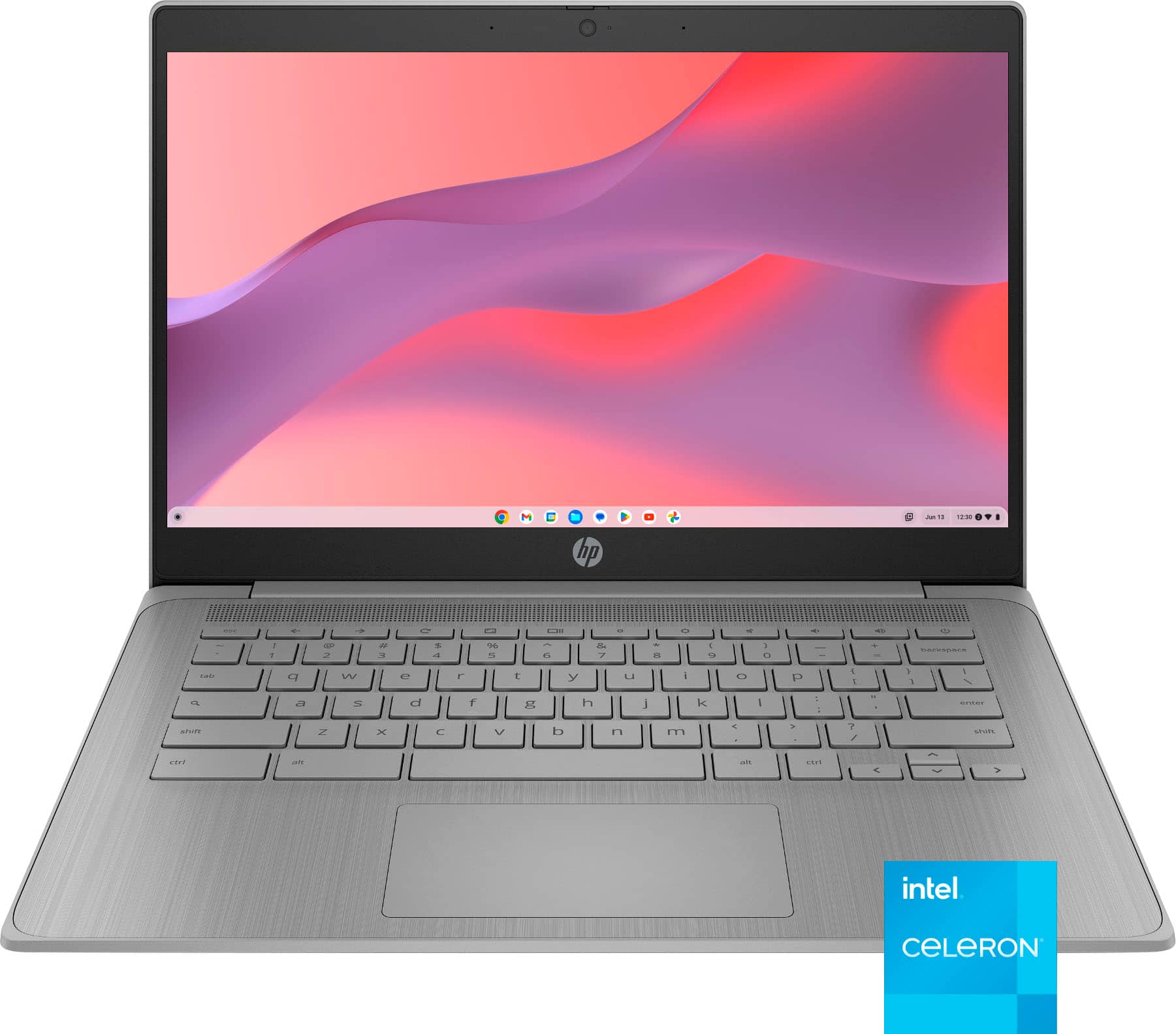
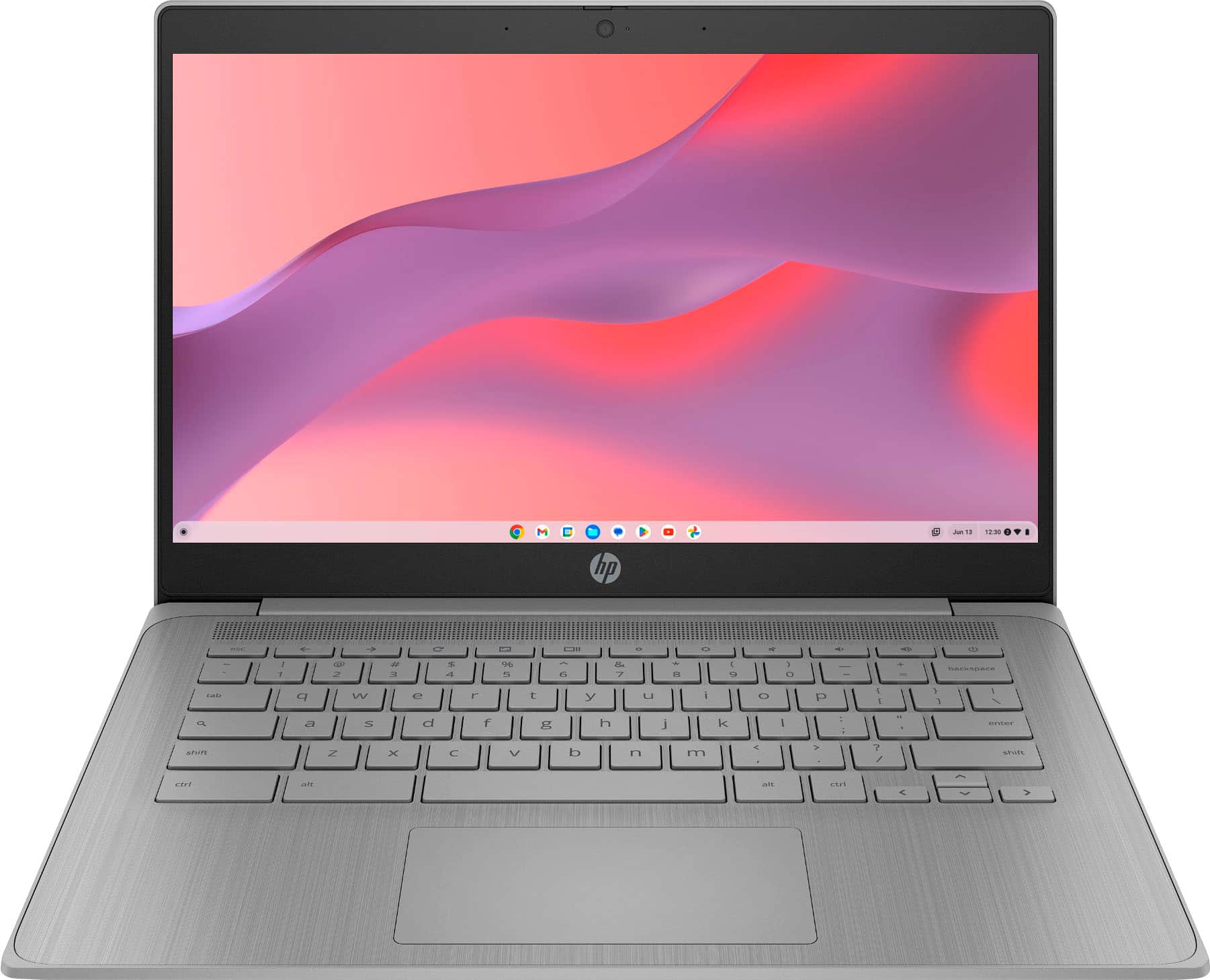
This question was asked about the related product: HP - 14" Chromebook - Intel Celeron N4500 2021 - 4GB Memory - 64GB eMMC - Modern Grey
- A:Answer Wirelessly or usb wired
Answered by Chromebookphsyced
Q: QuestionHp chrome book 14” Printer compatible ?
Asked by Kris.
- A:Answer Yes, I use it daily with my workplace!
Answered by AlexisS
Q: QuestionIs this chrome book compatible with a mouse?
Asked by Anonymous.
- A:Answer Yes
Answered by Nikky
Q: QuestionDo this computer use windows 11?
Asked by Rob.
- A:Answer No, it uses Chrome OS.
Answered by Anonymous
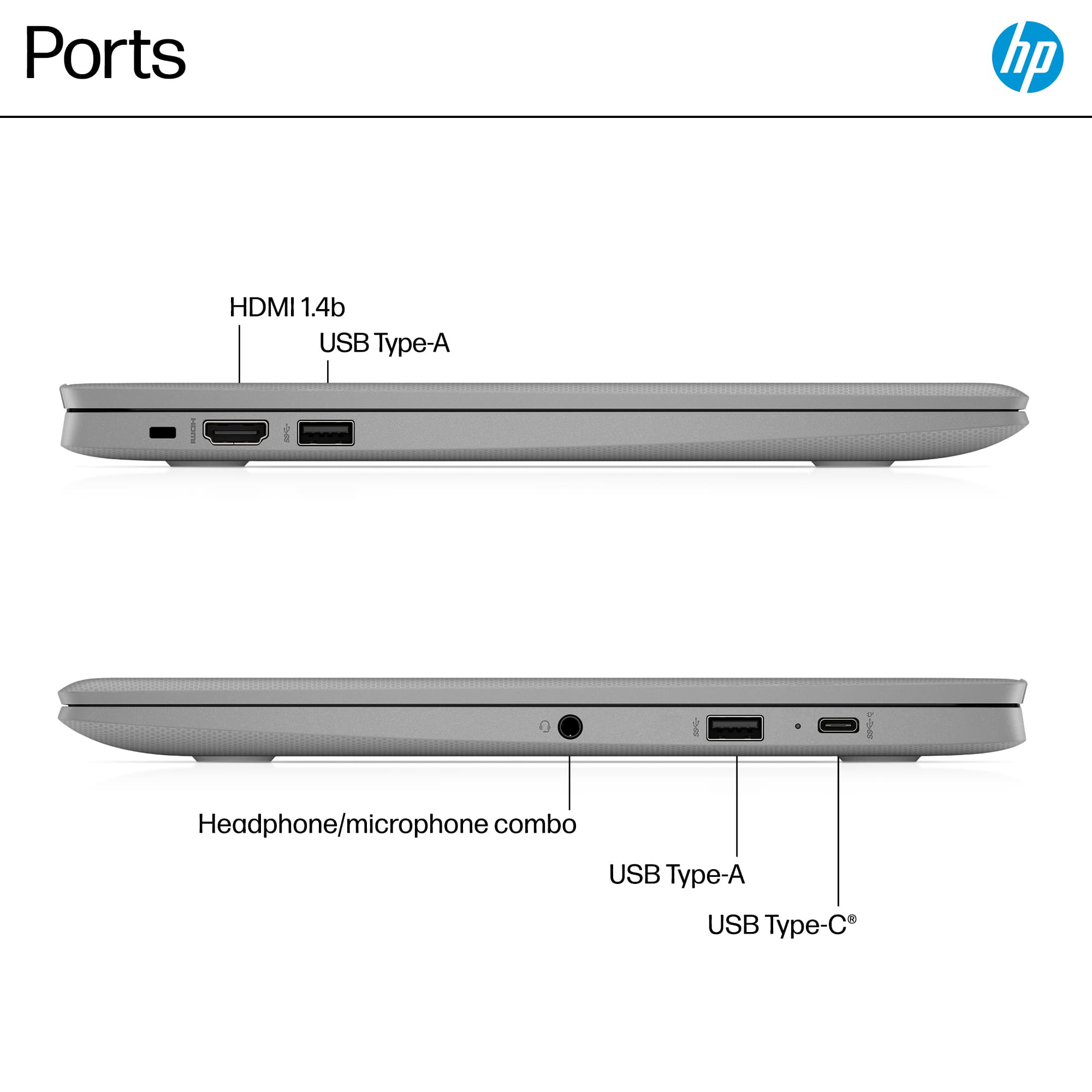
Q: QuestionDoes it have a SD card tray?
Asked by Jimmyboi.
- A:Answer No. Unfortunately the product does not have an SD tray. For peripherals, we'll have to contend with USB ports available.
Answered by Cyprian
Q: QuestionWhat type of warranty does it have
Asked by Deb.
- A:Answer Warranty covers repair if it is dropped or broken in any way.
Answered by MelaneeM
Q: QuestionDoes it comes with windows 11?
Asked by player1.
- A:Answer No, it runs on google OS.
Answered by BENJAMINP
Q: QuestionCan more Ram be added to this labtop
Asked by Ram.
This question was asked about the related product: HP - 14" Chromebook - Intel Celeron N4500 2021 - 4GB Memory - 64GB eMMC - Modern Grey
- A:Answer Yes
Answered by JonathanC
Q: QuestionCould you add windows to this type of Chromebook?
Asked by Coop.
- A:Answer There are some Chromebooks that can run Windows, but it's not officially supported, and your likely to run into problems. You CAN however, install GNU/Linux on most Chromebooks and then use WINE to run (most) Windows programs.
Answered by Anonymous
Q: QuestionIs this computer good for Mental Health Counseling curriculum?
Asked by YanNa.
This question was asked about the related product: HP - 2-in-1 14" Touch-Screen Chromebook Laptop - Intel Processor N100 2023 - 4GB Memory - 64GB eMMC - Sky Blue
- A:Answer Yes!
Answered by DanielaB
Q: Questionwhats the Hardware and Software.
Asked by jax.
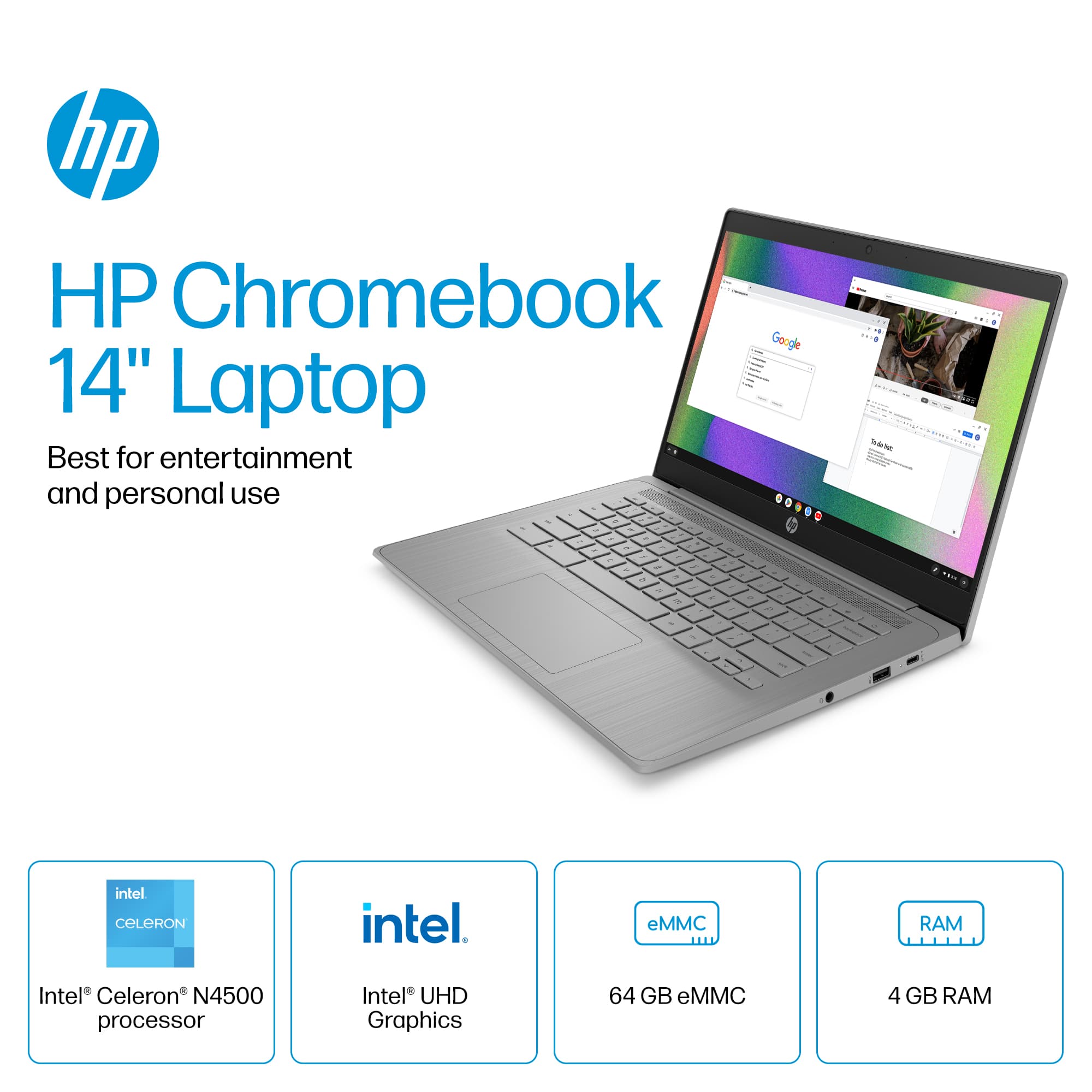
This question was asked about the related product: HP - 14" Chromebook - Intel Celeron N4500 2021 - 4GB Memory - 64GB eMMC - Modern Grey
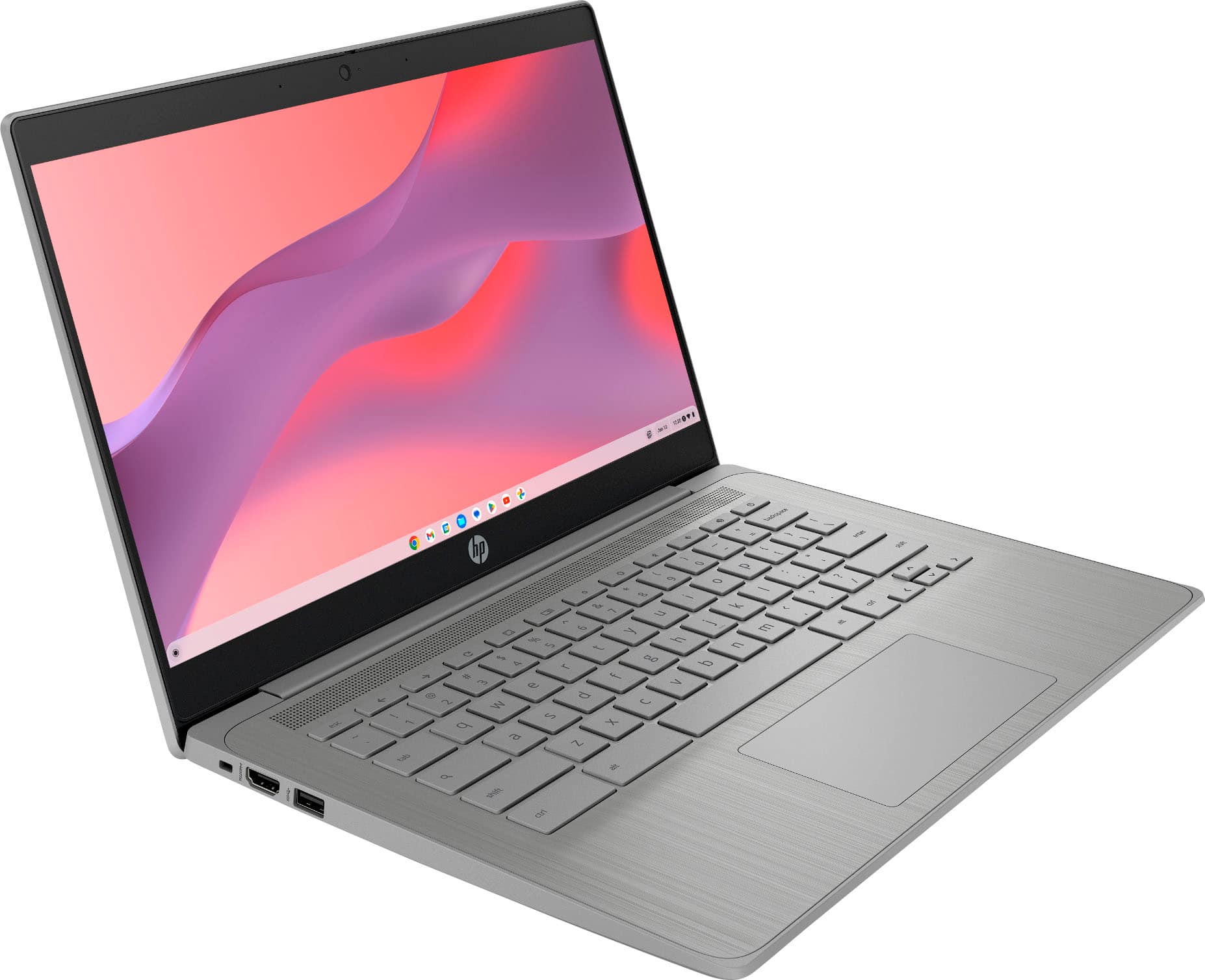
- A:Answer HP - 14" Chromebook - Intel Celeron - 4GB Memory - 64GB
Answered by LFeatherly
Q: QuestionWhat is the aspect ratio of the screen on this computer?
Asked by DyingDomino.
This question was asked about the related product: HP - 2-in-1 14" Touch-Screen Chromebook Laptop - Intel Processor N100 2023 - 4GB Memory - 64GB eMMC - Sky Blue
Q: QuestionIs it a fast or slow processing computer does it have a lot of lag time
Asked by Dan.
- A:Answer Not from what I have noticed! I have had mine for two works. storage is a problem tho
Answered by missmegan
Q: QuestionIs it possible to use a flash drive with this Chrombook?
Asked by COgirl.
- A:Answer Yes!
Answered by KS94
Q: QuestionHi Prints good photos?? Thank you
Asked by Roberto.
- A:Answer Yes it works great with any wireless printer! I have a canon wireless printer and it works perfectly with that printer!
Answered by DeDe
Q: QuestionDoes this laptop have a built in camera for video calls and zoom meetings?
Asked by Mercy.
This question was asked about the related product: HP - 2-in-1 14" Touch-Screen Chromebook Laptop - Intel Processor N100 2023 - 4GB Memory - 64GB eMMC - Sky Blue
- A:Answer Yes
Answered by DavidV
Q: QuestionCan one use this for JMRI and or decoder pro for trains. Looking for a cheap option to use to program and such dcc locos using JMRI
Asked by John.
- A:Answer JMRI is not natively compatible with Chrome OS, but it can be run on modern Chromebooks by enabling their built-in Linux environment (Crostini) to install and run Java, the programming language JMRI uses. This requires a Chromebook with an Intel or AMD CPU released from 2019 or later to support Linux apps. Once Linux is enabled, you can install Java and then download and run the JMRI application from the command line.
Answered by IamslowbutIdopoorwork