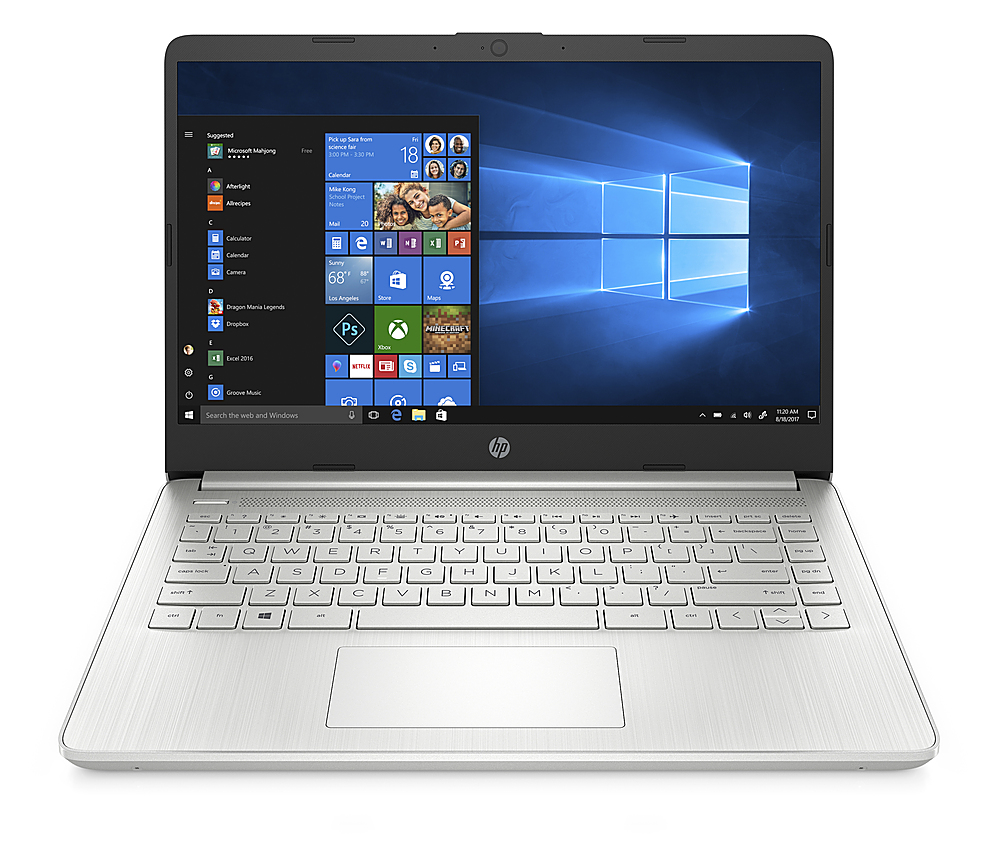
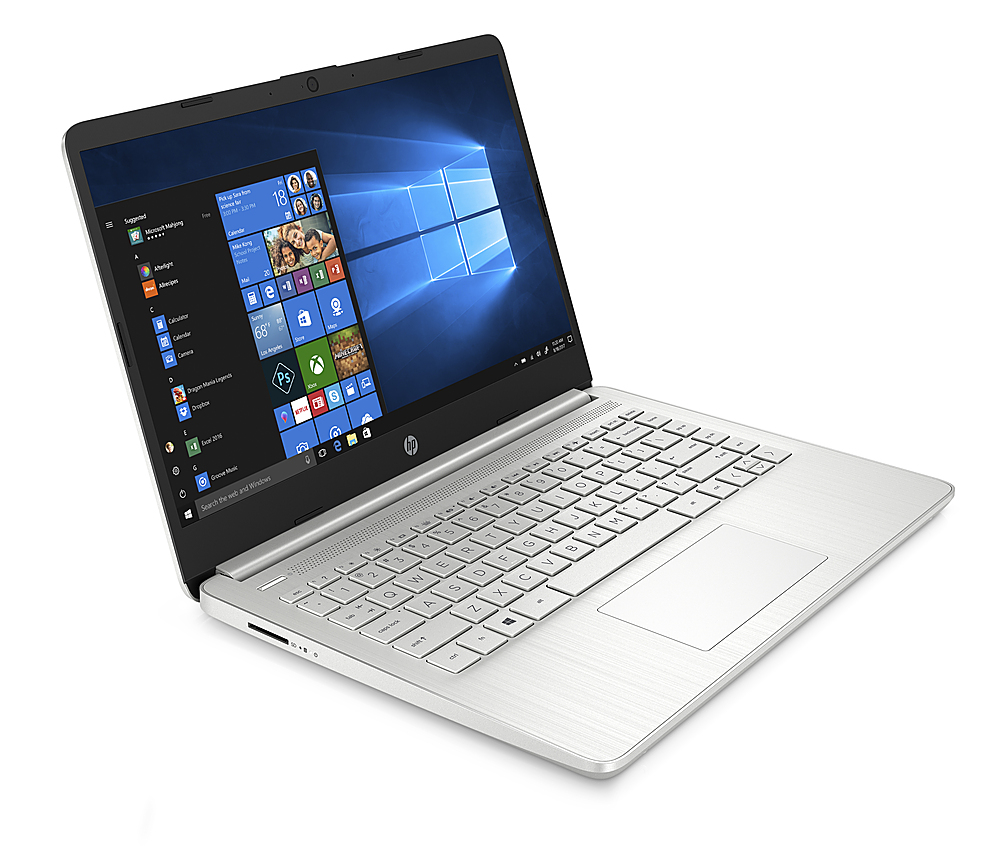
A:AnswerHello. Thanks for your question. Here are the details on the processor for this laptop: Intel Core i3-1125G4 (up to 3.7 GHz with Intel® Turbo Boost Technology, 8 MB L3 cache, 4 cores).
A:AnswerIf this is about getting it connected to ethernet, you would need a USB to ethernet adapter. It does not have a built-in ethernet port. You would just need to make sure that the adapter you pick is compatible with Windows 10, and may need to take it out of S Mode if the adapter requires any third-party software to use it.
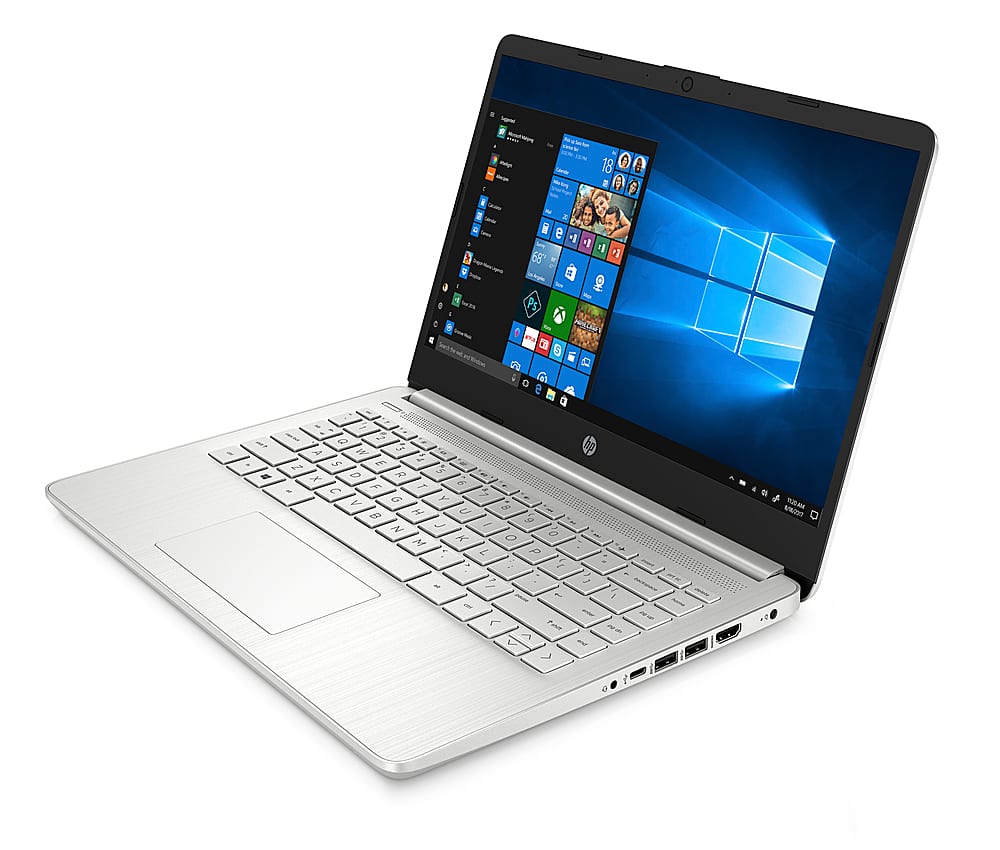
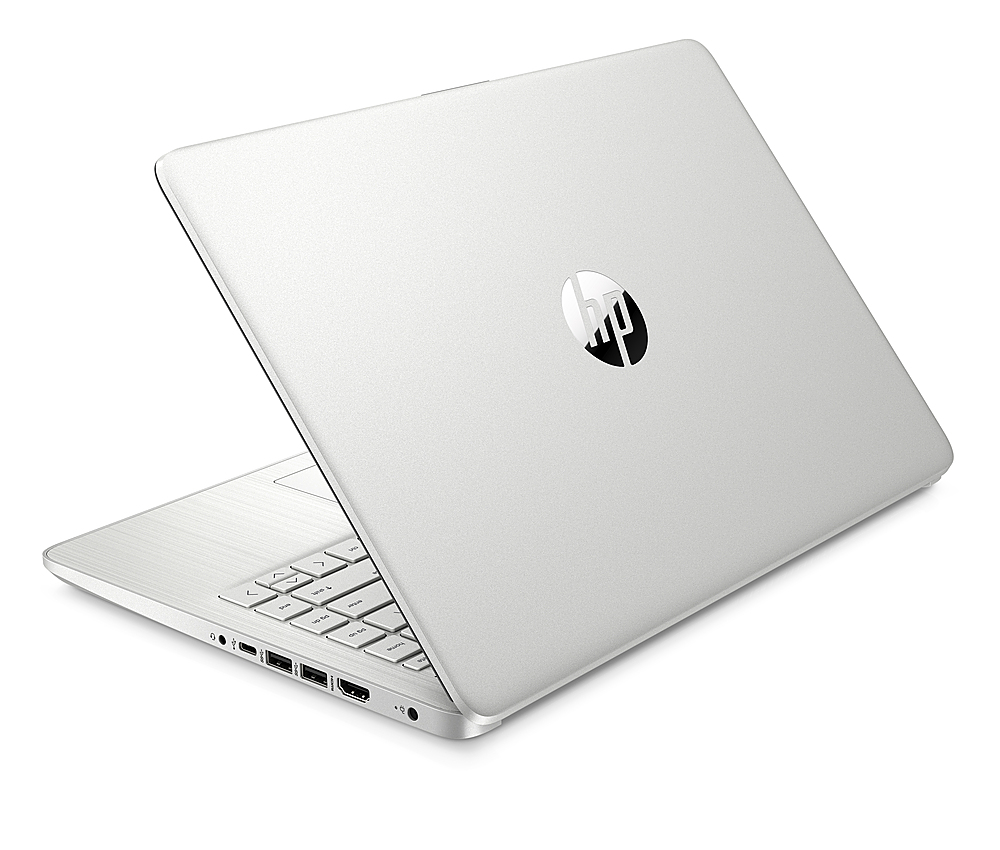
A:AnswerThank you for the question. The HP 14-dq2020nr laptop has 1 USB Type-C® (5Gbps signaling rate), 2 USB Type-A (5Gbps signaling rate), 1 AC smart pin, 1 HDMI 1.4b, 1 headphone/microphone combo port, and 1 multi-format SD media card reader.
A:AnswerThank you for the question. Connect the HP AC Smart Pin power adapter to the port on the right side of the laptop. The laptop supports battery fast charge: approximately 50% in 45 minutes.
A:AnswerThank you for the question. The 14-DQ2020NR laptop has an HP True Vision 720p HD camera with integrated dual array digital microphones. Yes, it has dual speakers. Yes, it has Bluetooth® 4.2. You can see HP Product Specification here: https://support.hp.com/us-en/document/c07029399
A:AnswerHi Christian, thank you for the question. The HP 14-dq2020nr has a True Vision 720p HD camera. It should be more than adequate for most situations, especially if you use proper lighting.