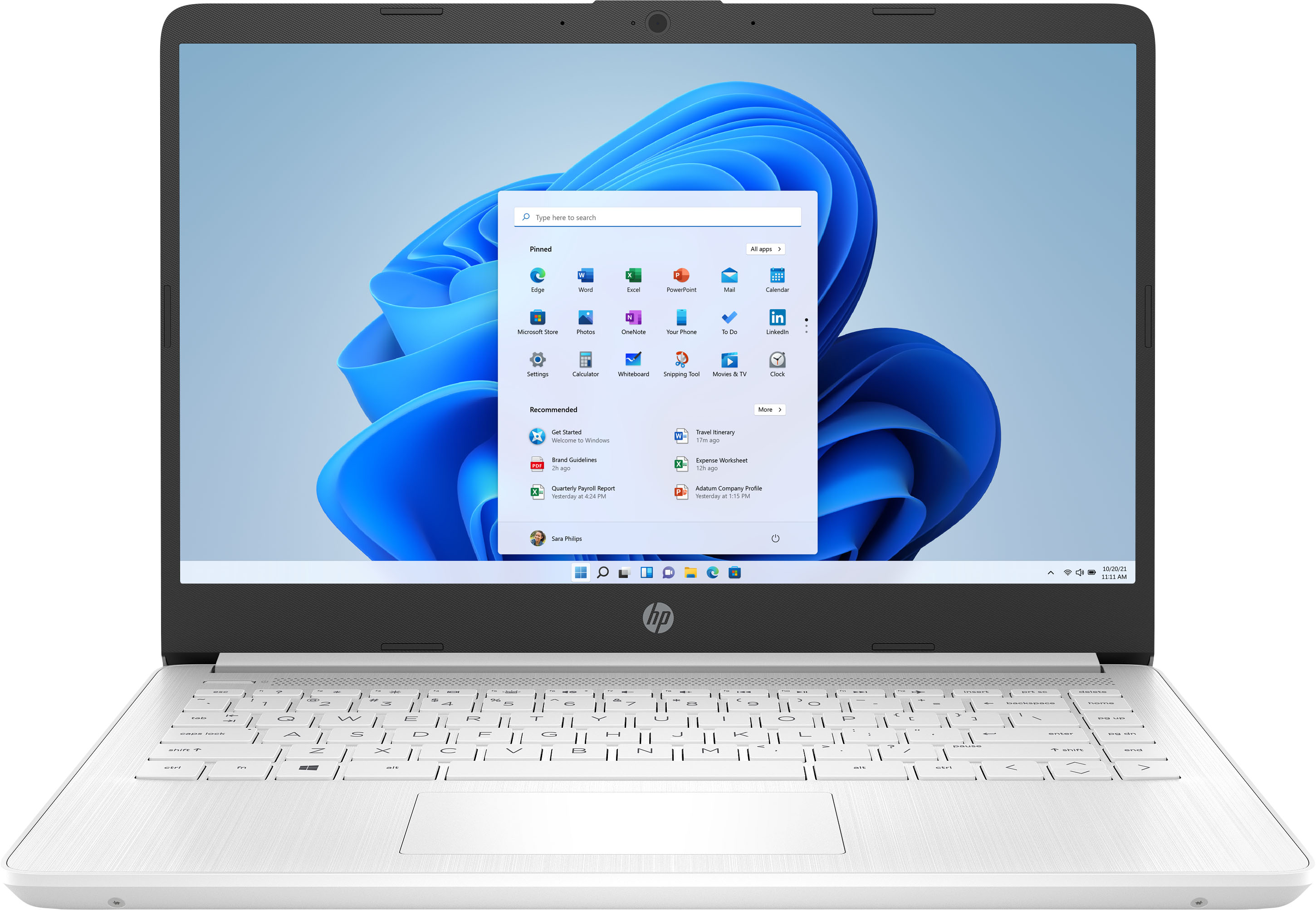
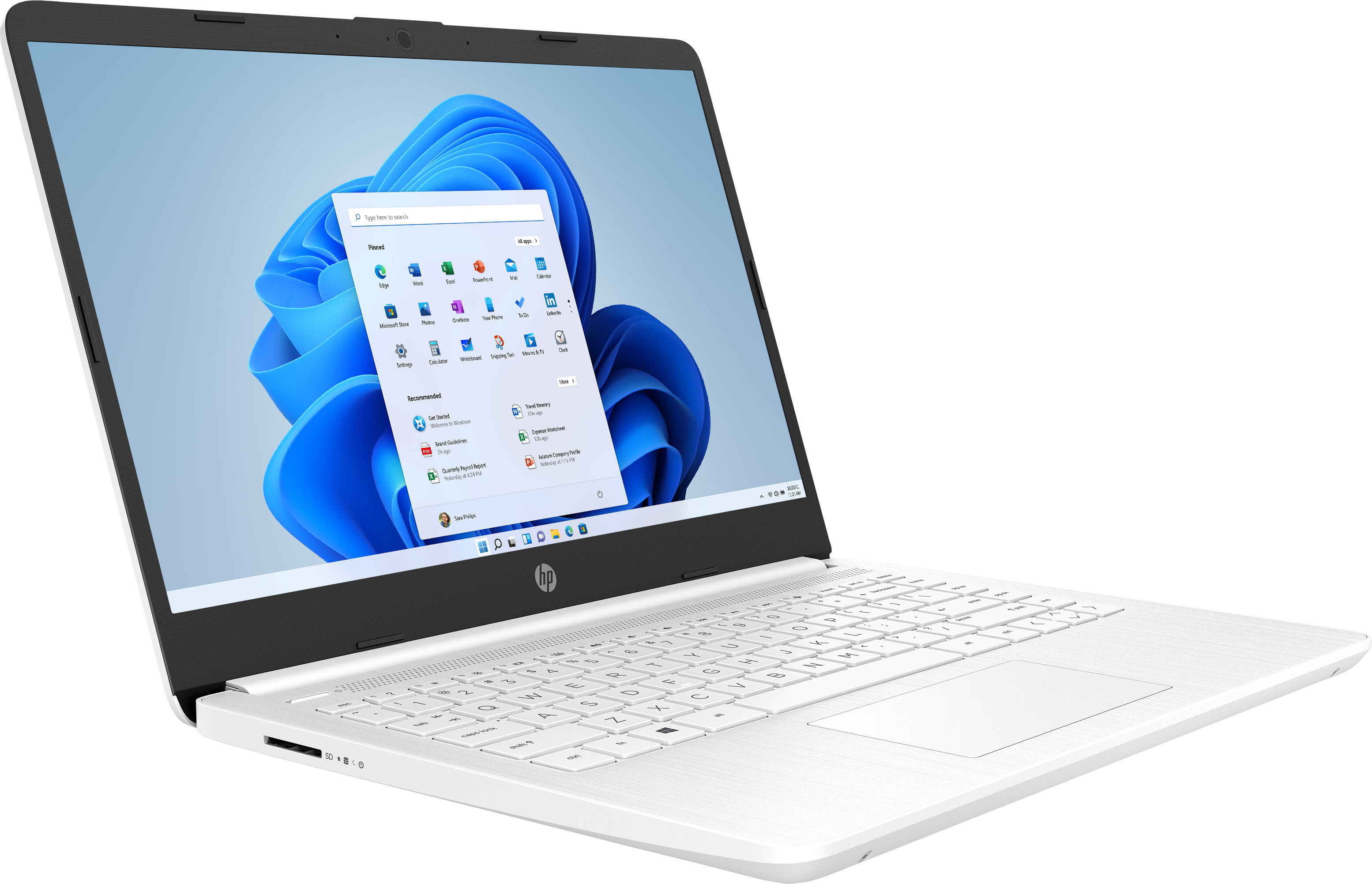
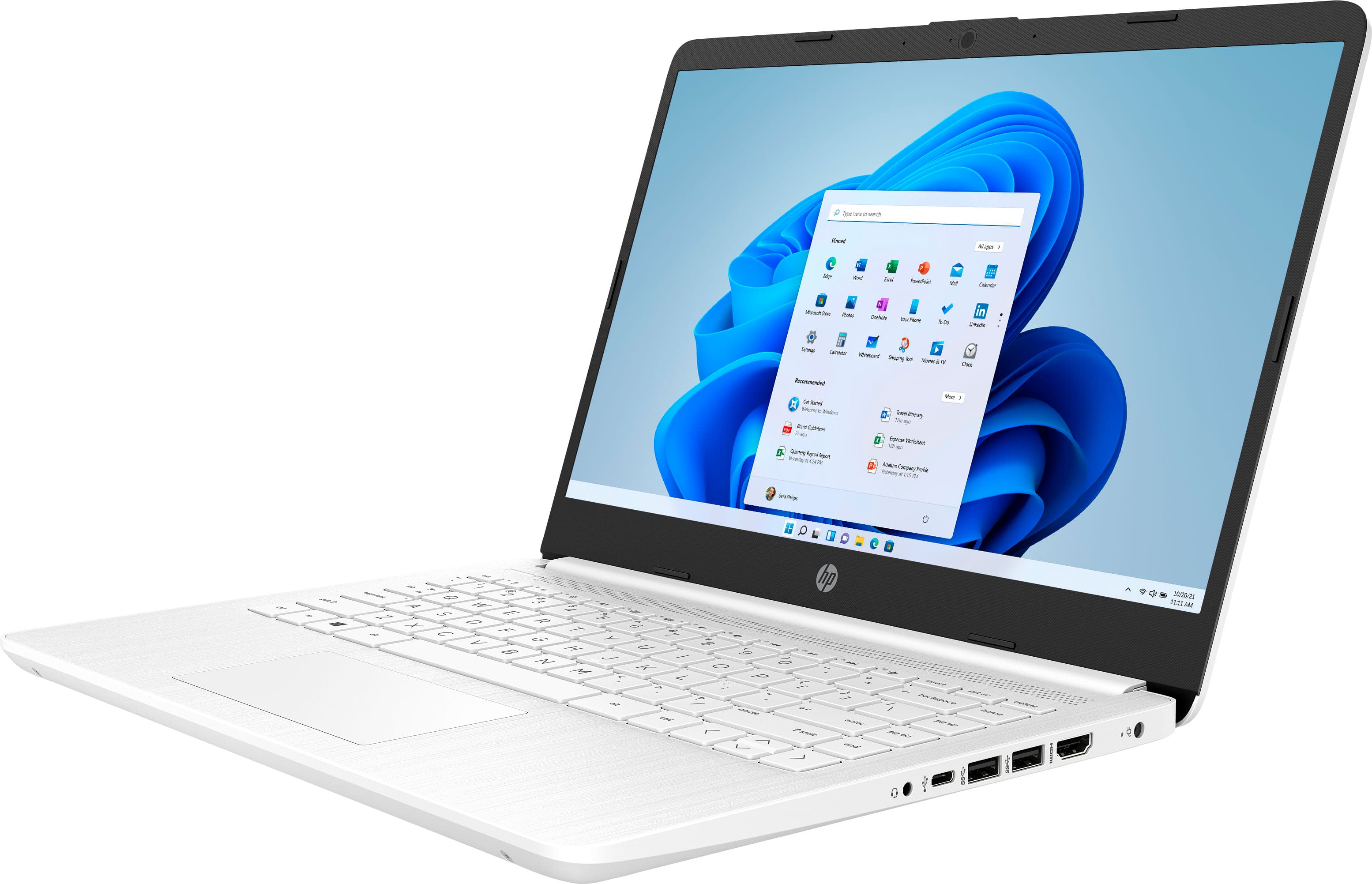
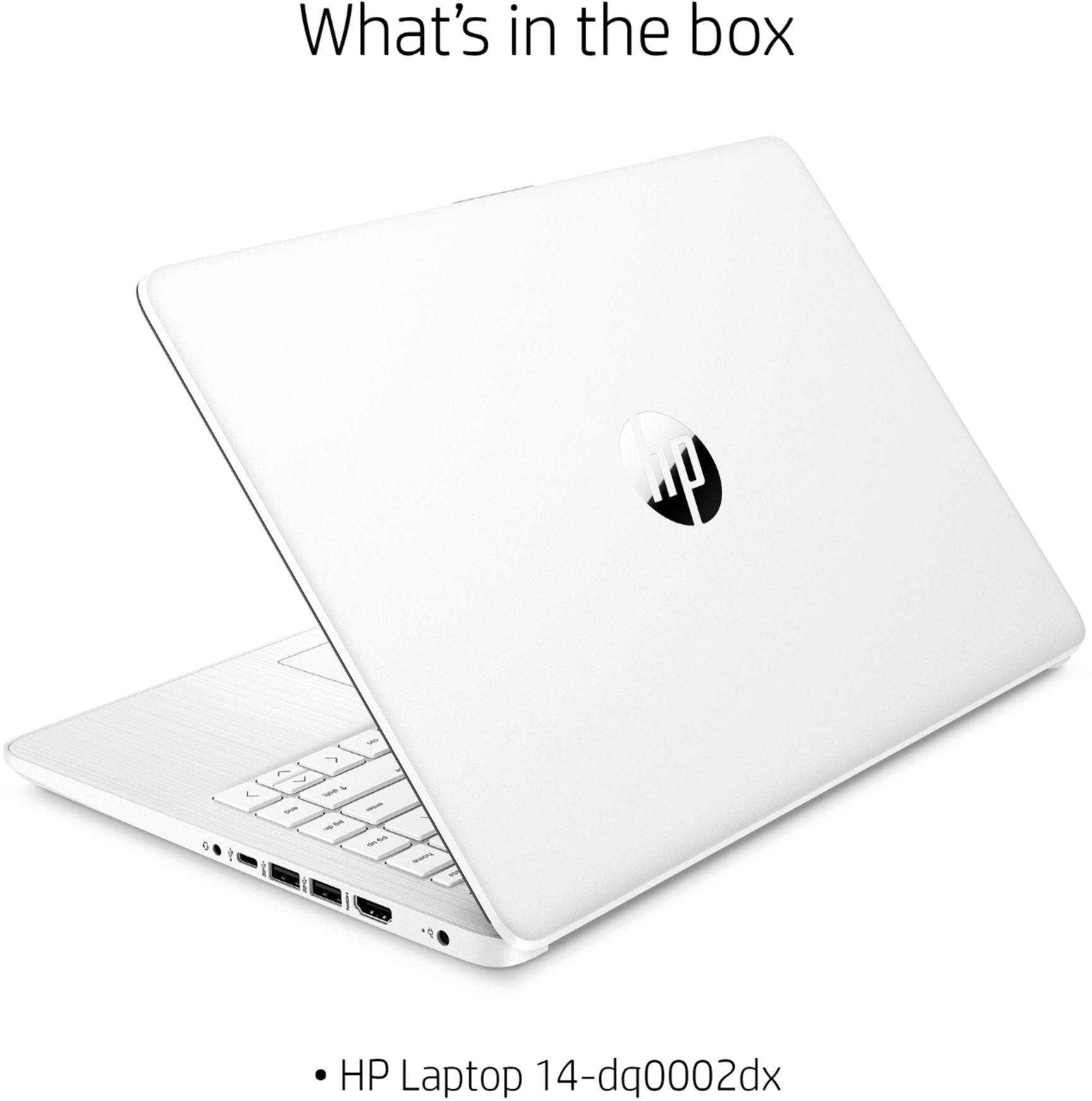
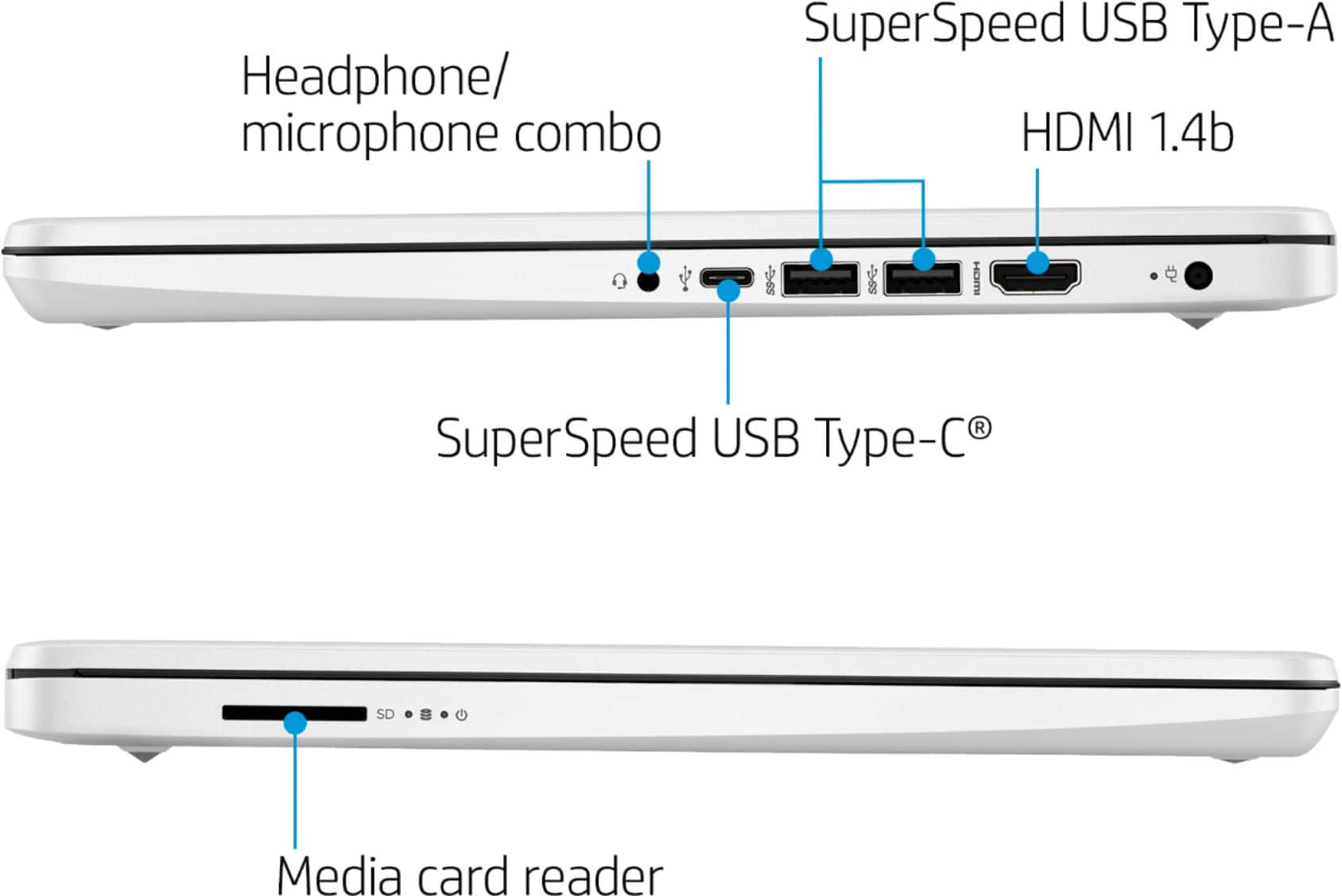
A:AnswerHi InquiringMindsWantToKnow you can easily add storage to your HP laptop by connecting either external hard drives or USB thumb drives to any of the available USB ports on the laptop.
To take S mode off here are the directions from Microsofts website https://support.microsoft.com/en-us/windows/switching-out-of-s-mode-in-windows-10-4f56d9be-99ec-6983-119f-031bfb28a307
Thank you for choosing Intel
A:AnswerHello! Thank you for your question! You can play Minecraft on the HP 14" Laptop (14-dq0002dx)! It has 64GB of storage. We recommend an option with a more powerful processor and dedicated graphics card for the optimal gaming experience, such as our HP Pavilion and Omen gaming computers.
A:AnswerYou can play games like Solitaire on this laptop. If you want to play games like Call of Duty, we recommend looking at the HP Pavilion Gaming or Omen laptops.
A:AnswerYou do basic photo editing with this laptop. If you want to use Adobe programs, you need a computer with at least Intel i5 or Ryzen 5 processor or better with 8 GB or 16 GB of RAM and a discrete graphics card with 2 gigabytes or more of video memory to run the Adobe programs. They are big programs that require a lot of processing power to run.
A:AnswerThis pc is not meant for gaming. Even simple gaming like minecraft is too much for it. These entry level PCs are basically for web browsing and email.