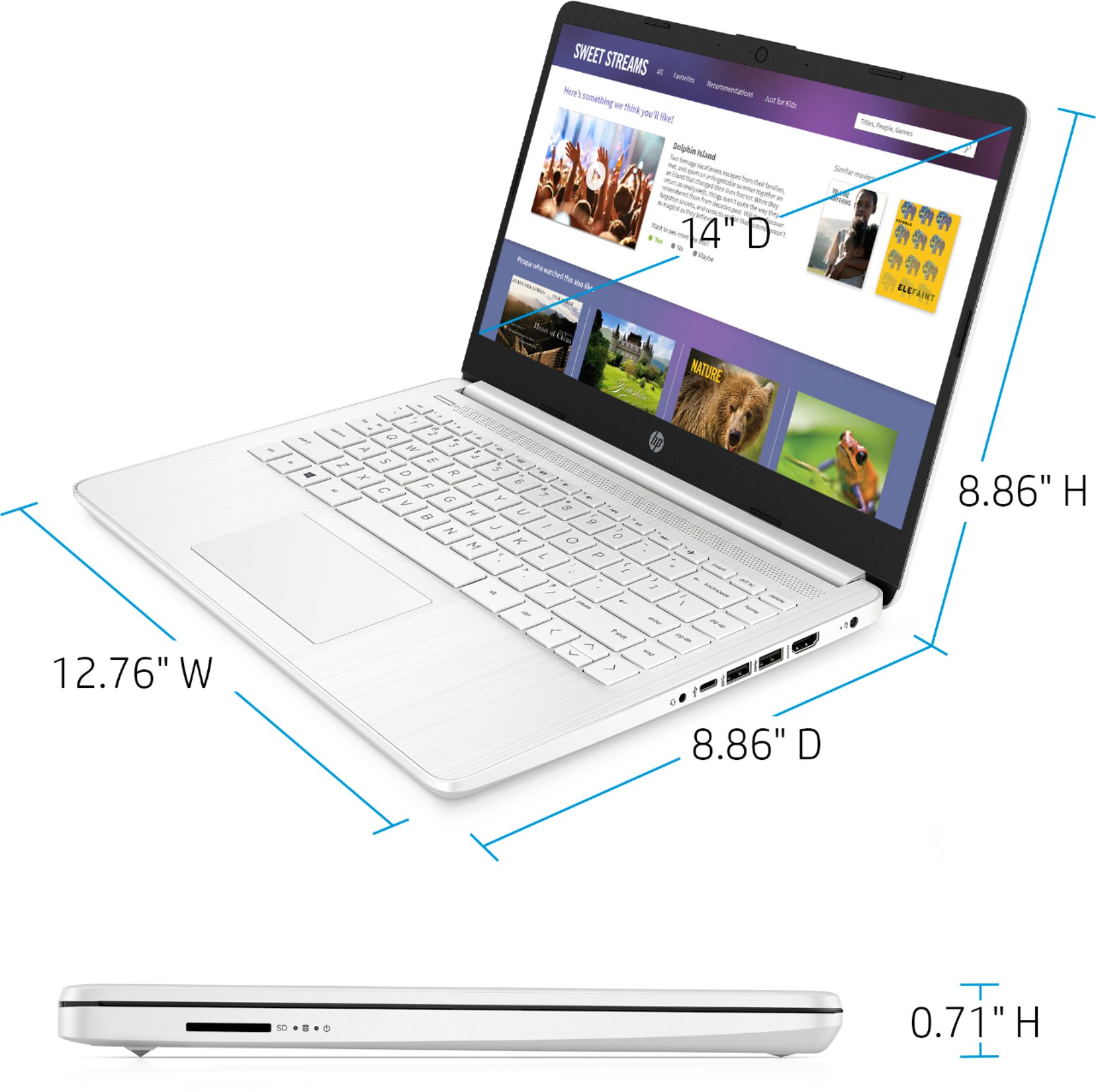
A:AnswereMMC is embedded Multi-Media Controller. It is a basic type of flash storage. HP does not list the battery hours anyplace I can find, but I would expect 8-10 hours. A USB mouse is one accessory many people buy with the laptops.
A:AnswerWe recommend trying to use the troubleshooter on the laptop. The easiest way to start the troubleshooter tool is to right click on the network icon on the taskbar (usually located near the date and time). Once you open the menu, select "Troubleshoot problems " (Step 3 on the webpage provided). A box will pop up and it will begin diagnosing the issue. Here are some other things you can try: https://support.hp.com/us-en/document/c04649175
A:AnswerDONT WAIST YOUR MONEY AND TIME BUYING THIS COMPUTER, IT LAST ONLY A MONTH BEFORE START GIVING ME PROBLEMS AND EVEN TOUGH THAT YOU CAN CALL HP THEY ARE NOT CAPABLE TO FIX SIMPLE ISSUES CUZ THE PEOPLE ANSWERING THE PHONE DONT KNOW MUCH ABOUT THEIR COMPUTERS,,, BE AWARE, GOOD LUCK
A:AnswerHello Tyla. That’s a great question. The HP 14-dq0005dx does appear to be compatible with Microsoft Office. This PC does appear to fit the requirements and will work with ease!
Here are the requirements listed below (sourced via Microsoft.com):
“Office desktop versions of Word, Excel, PowerPoint, OneNote, Outlook, Publisher, and Access. Windows 8 or higher required. Office Mobile apps (Word, Excel, PowerPoint, OneNote, Outlook Mail, and Outlook Calendar) require Windows 10, a 1 GHz or faster processor, 1 GB (32-bit) or 2 GB (64-bit) of RAM, 16 GB of free hard disk space, Microsoft DirectX 9 graphics device with WDDM driver, a Microsoft account and Internet access.” - Microsoft.com
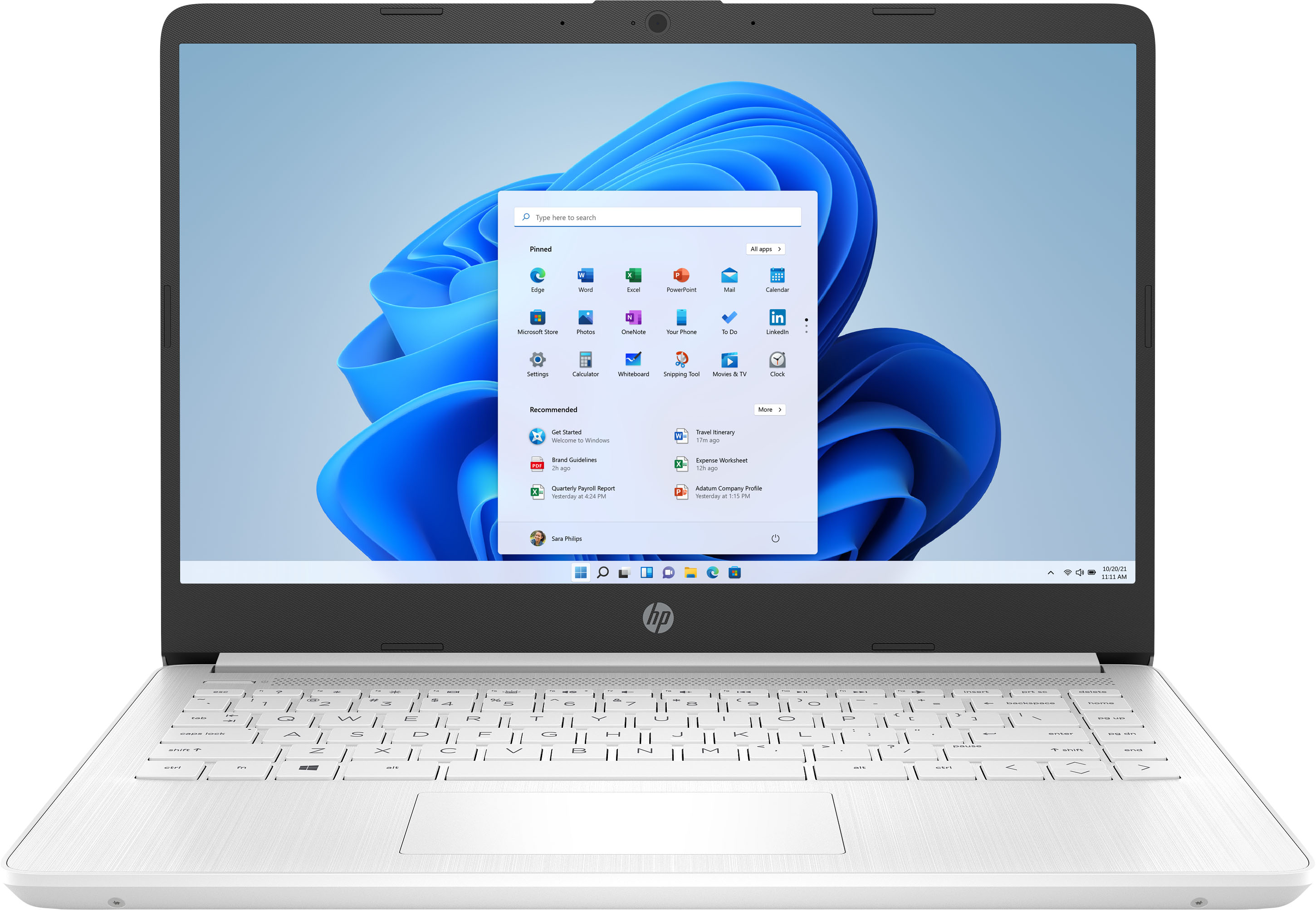
A:AnswerHi Jr! This laptop meets the minimum requirements, so I suggest a laptop that has more power to give you decent performance. Here is an example of one:
https://www.bestbuy.com/site/hp-14-laptop-amd-ryzen-3-8gb-memory-1tb-hdd-jet-black/6422496.p?skuId=6422496
A:AnswerThe storage on this laptop is not a solid state drive. It is an eMMC. If you want more storage, we recommend using USB flash drive, external hard or solid state drive, or a SD card. You can also use the cloud like Google Drive or OneDrive for more storage.
A:AnswerNo, this is not a gaming PC. While you can play some games on any computer, modern games like Minecraft, Fortnite and most other popular titles require a lot of power. For this reason, I would recommend a model with a dedicated Graphics Processing Unit (GPU) for PC gaming.
A:AnswerI use this for continuing education courses. If your wanting for games I'd get something that runs faster so it doesn't freeze up on you. I ordered my son one from Amazon that's faster and works great for games
A:AnswerThe SIMs 1 or SIMs Classic is available online (archived) on some sites. You can use an External USB DVD drive with this laptop and just plug it in when you need it. Here is an example of one:
https://www.bestbuy.com/site/lg-8x-external-usb-double-layer-dvdrw-cd-rw-drive-black/5852919.p?skuId=5852919
A:AnswerThank you for the question. With just 64GB of storage, you would need to use Quickbooks online and store documents to the cloud. An alternative would be acquiring an external drive to store your programs and files.