A:AnswerThank you for the question. Yes, you'll be able to transfer files (there are three methods) from the old PC to the new PC. Note that only files are transferred; you'll need to reload the programs/apps.
A:AnswerTypically, Linux distributions are downloaded from a website. I don't know of any place that sells it, and in any event, you'd be buying a free program.
A:AnswerI bought an 8GB module recommended by crucial and installed it. There is a channel on youtube that shows how to install the memory. Mine is working fine and recognizes all 8GB.
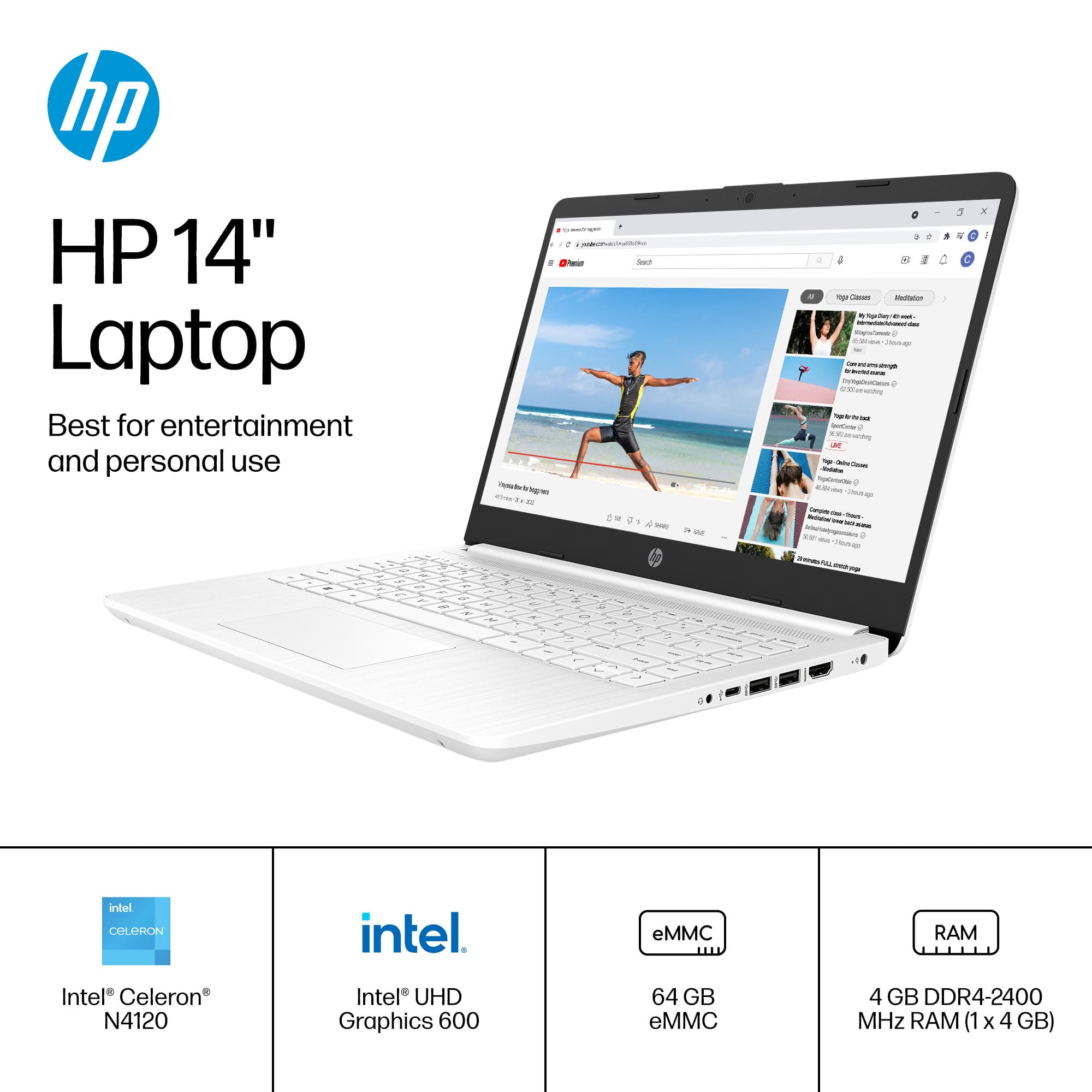
A:AnswerThank you for your question. The 14-dq0052dx is equipped with an Intel Celeron N4120 processor, 4GB of RAM, and Intel UHD Graphics 6001. This setup is suitable for light gaming. Here are some types of games you can play on this laptop: Games like Candy Crush Saga, Among Us, and Stardew Valley should run smoothly. Less Demanding Games such as Minecraft, The Sims 4, and Terraria can be played with lower settings and any game that runs in a web browser, like Slither.io or Agar.io, will work well.
A:AnswerComputers are not like cars where they have a "model year". This computer was first introduced in 2022 and it will continue to be one of HP's current laptops through the middle of 2025
A:AnswerThank you for the question. Update intervals are determined by the software developer. It's impossible to tell you when updates will occur. Speed should remain steady but can be affected by limited RAM, and how hard the processor is working. You might want to go with an i3 processor and 8GB of RAM if you intend to do more than basic (email, streaming, homework) computing. Using mobile settings, the battery life of the 14-dq0054dx is indicated as up to 10 hours and 15 minutes. It supports battery fast charge: approximately 50% in 45 minutes.
A:AnswerGreetings from the Intel team. Thank you for your question.
Yes, these are some recommendations from HP-Support to improve your computer performance:
https://support.hp.com/us-en/document/ish_4506872-3484978-16
Some extra steps that you can consider:
1. Uninstall unnecessary software
2. Limit the programs at startup
3. Check for spyware and viruses
4- Take a look at your web browser (clear cache)
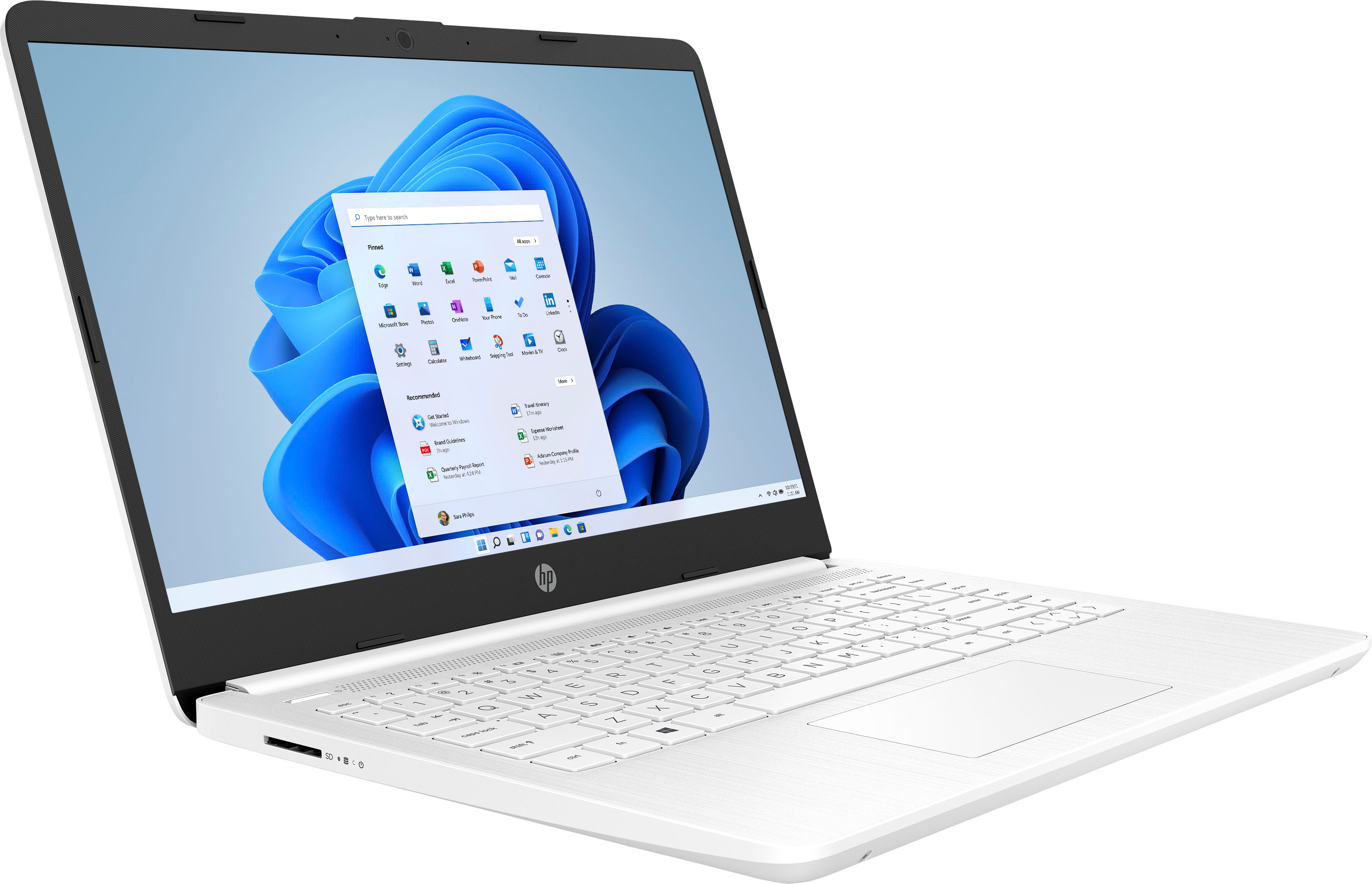
The HP-14-dq0054dx comes with Windows 11 Home in S mode; switching out of the S mode will require extra system resources, impacting performance.
For detailed information about the Intel® Celeron® Processor N4120, visit:
https://ark.intel.com/content/www/us/en/ark/products/197309/intel-celeron-processor-n4120-4m-cache-up-to-2-60-ghz.html
Thank you for choosing Intel! Emilio_Intel
A:AnswerUnfortunately, no you can't. The game requires the computer to have at least a gigabyte of dedicated video memory on a video card, which this computer doesn't have.