Questions & Answers
- Model:
- 14-dq3000dx
- |
- SKU:
- 10287103
Q: Questioncan you put a SIM card on the computer
Asked by Mac.
- A:Answer Hello. Thanks for your question. No, you cannot put a SIM card into this HP laptop.
Answered by HP Team

Q: QuestionI am 78 my husband 81 we are retired.we won't be doing a whole lot Which lap top would best suit us?
Asked by Musty.
This question was asked about the related product: HP - 14" Laptop - Intel Celeron - 4GB Memory - 64GB eMMC - Indigo Blue
- A:Answer No the computer runs too slows to even watch YouTube
Answered by DiegoP
Q: QuestionI am looking for a cheap small laptop to connect via a wireless connection to a dumb TV in my entertainment center. I essentially want to use the TV as a large monitor. I don't want to use my wi-fi for the connection, just some type of direct wireless.
Asked by Smitty.
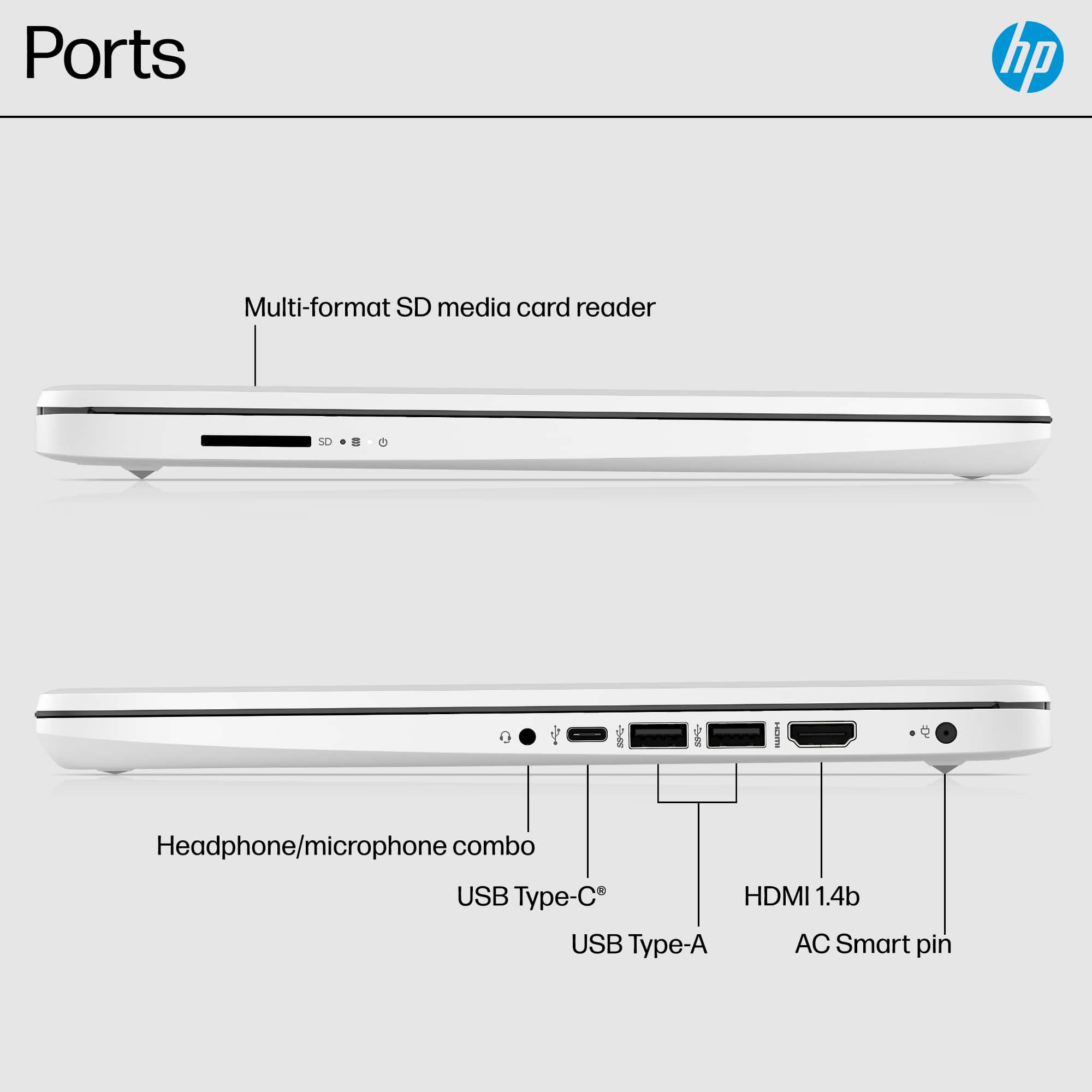
- A:Answer Thank you for the question. You can connect your laptop to the TV via an HDMI cable if your TV has an HDMI port. Without knowing the TV model that you have, and if it has Wi-Fi capability, we are unable to offer further solutions. Apologies.
Answered by HP Team

Q: QuestionCan you download adobe?
Asked by Bookworm.
- A:Answer Because this computer is running Windows in "S Mode" it can only download and run apps that are in the Windows Store. "Adobe" is a company that has a number of different software products, so without knowing which one you're wondering about it's impossible to say if that app is in the Windows store or not.
Answered by HP Team

Q: QuestionIs it for gaming
Asked by k.
This question was asked about the related product: HP - 14" Laptop - Intel Celeron - 4GB Memory - 64GB eMMC - Indigo Blue
- A:Answer Hello, this laptop is not designed for gaming. It is always recommended to have a dedicated graphics card and a strong processor to game with a device. Thank you for being an HP customer!
Answered by HP Team

Q: QuestionCan I change the hard drive for SSD and add up more RAM?
Asked by erentas.
This question was asked about the related product: HP - 14" Laptop - Intel Celeron - 4GB Memory - 64GB eMMC - Indigo Blue
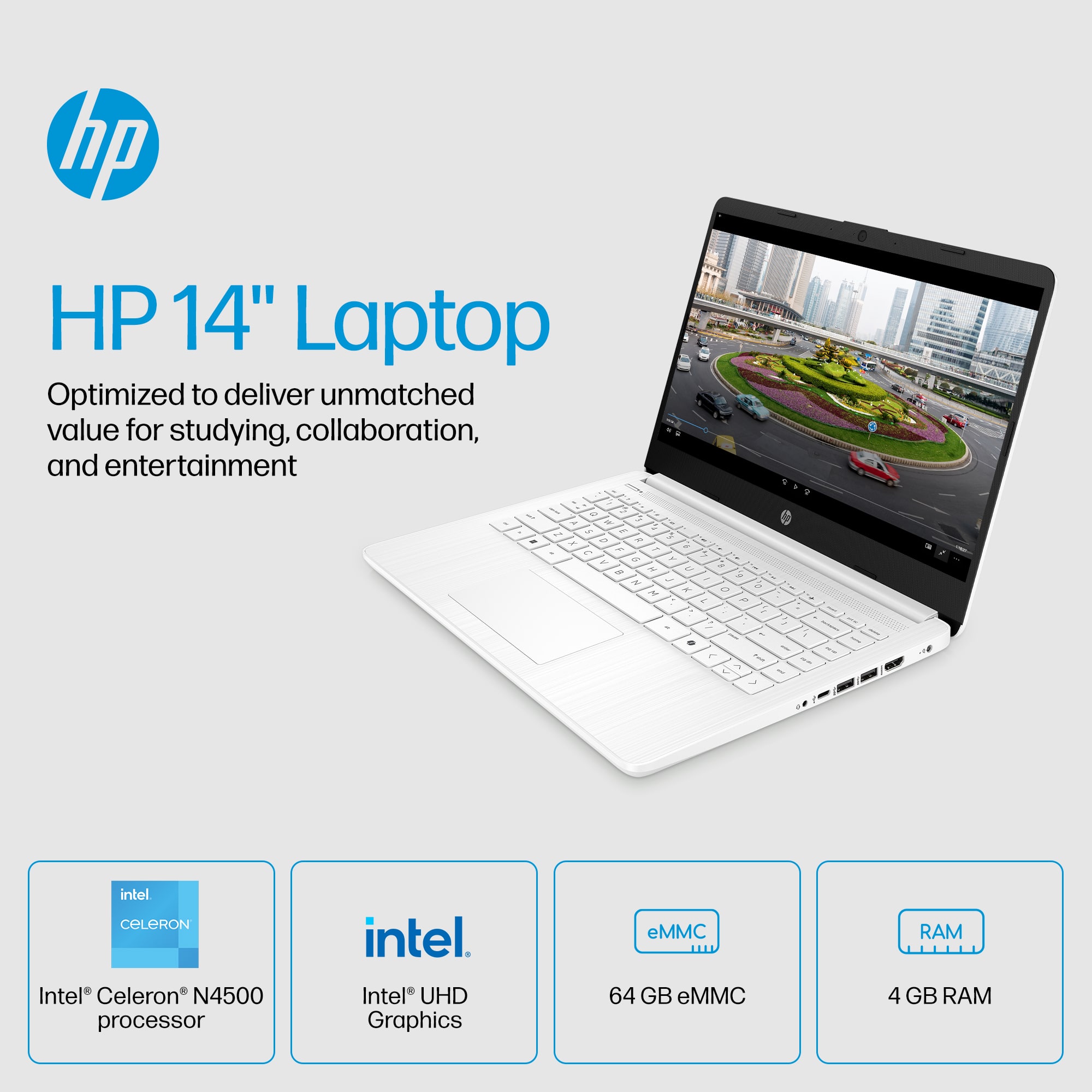
- A:Answer Thank you for the question. Apologies, no. This model has 4GB of random-access-memory (RAM), and 64GB eMMC (Embedded Multimedia Card) storage (instead of a hard disk drive or a solid state drive). The eMMC is soldered to the motherboard.
Answered by HP Team

Q: QuestionHow is the audio on this laptop - esp. for medium size room conference call - Zoom?. Can the people on the receiving end hear us well - again in a Zoom conference call?
Asked by Bengi.
- A:Answer Many factors will impact a Zoom conference call and while the mic and camera both are good, the quality of the conference call might not be. It is also affected by the internet setup, the internet speeds between everyone involved in the meeting, clear connection and firewalls. For Zoom you would also have to take this device out of Windows 11 Home in S Mode. The camera also does not offer a wide format for a large group. Best Buy does offer home and business walk ins if you are looking to make sure you have an optimal setup for online meetings on your end.
Answered by HP Team

Q: QuestionCan you plug ethernet cord directly into this laptop?
Asked by Crashbro.
This question was asked about the related product: HP - 14" Laptop - Intel Celeron - 4GB Memory - 64GB eMMC - Indigo Blue
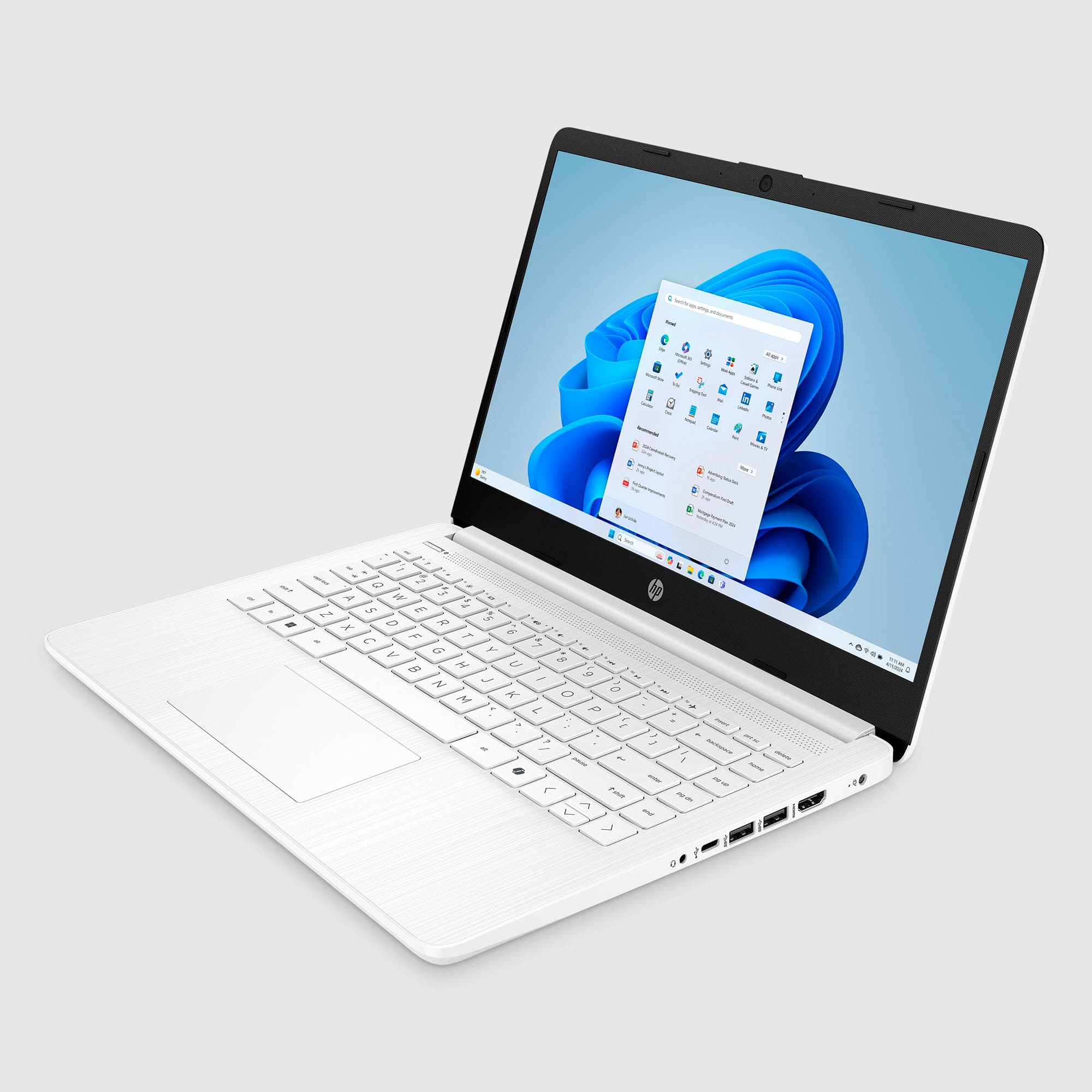
- A:Answer The computer doesn't have an Ethernet port, however, you can get an Ethernet to USB adapter that takes the cable and connects it to one of the USB ports.
Answered by HP Team

Q: QuestionIs it possible to upgrade the RAM to 8 GB?
Asked by Basicuser.
- A:Answer Thank you for the question. Unfortunately, no. The RAM is soldered directly to the motherboard and is not upgradeable.
Answered by HP Team

Q: QuestionI have some doubts about the product [Model:14-dq0055dx] - SKU:6499751 What is the maximum amount of ram memory that I can increase my laptop to?
Asked by MrAlexander.
This question was asked about the related product: HP - 14" Laptop - Intel Celeron - 4GB Memory - 64GB eMMC - Indigo Blue
- A:Answer Thank you for the question. The RAM is "surface mounted" (directly soldered to the motherboard) and is not user upgradeable.
Answered by HP Team

Q: Questionis there a slot for upgrading the RAM and installing an m.2 ssd stick?
Asked by Nando.
- A:Answer Unfortunately, no. The RAM is not upgradeable and the motherboard does not include an NVMe m.2 slot.
Answered by HP Team

Q: QuestionCan I upgrade the RAM in it?
Asked by Juat.
This question was asked about the related product: HP - 14" Laptop - Intel Celeron N4500 2021 - 4GB Memory - 64GB eMMC - Snowflake White
- A:Answer In a previous question the answer says the RAM can be upgraded to 8mb stick.
Answered by MitchW
Q: QuestionCan you add more ram to this pc?
Asked by RobD.
This question was asked about the related product: HP - 14" Laptop - Intel Celeron - 4GB Memory - 64GB eMMC - Indigo Blue
- A:Answer Unfortunately, no. The RAM is "surface mounted" (directly soldered to the motherboard) and is not upgradeable.
Answered by HP Team

Q: QuestionIs the memory expandable?
Asked by atax.
- A:Answer The memory can not be upgraded on this model.
Answered by HP Team

Q: QuestionIf I turn off s mode can I do zoom meetings on the laptop?
Asked by shelf.
This question was asked about the related product: HP - 14" Laptop - Intel Celeron - 4GB Memory - 64GB eMMC - Indigo Blue
- A:Answer Yes, although if you're going to _host_ the Zoom meeting, the computer really doesn't have the RAM or storage space to do that.
Answered by HP Team