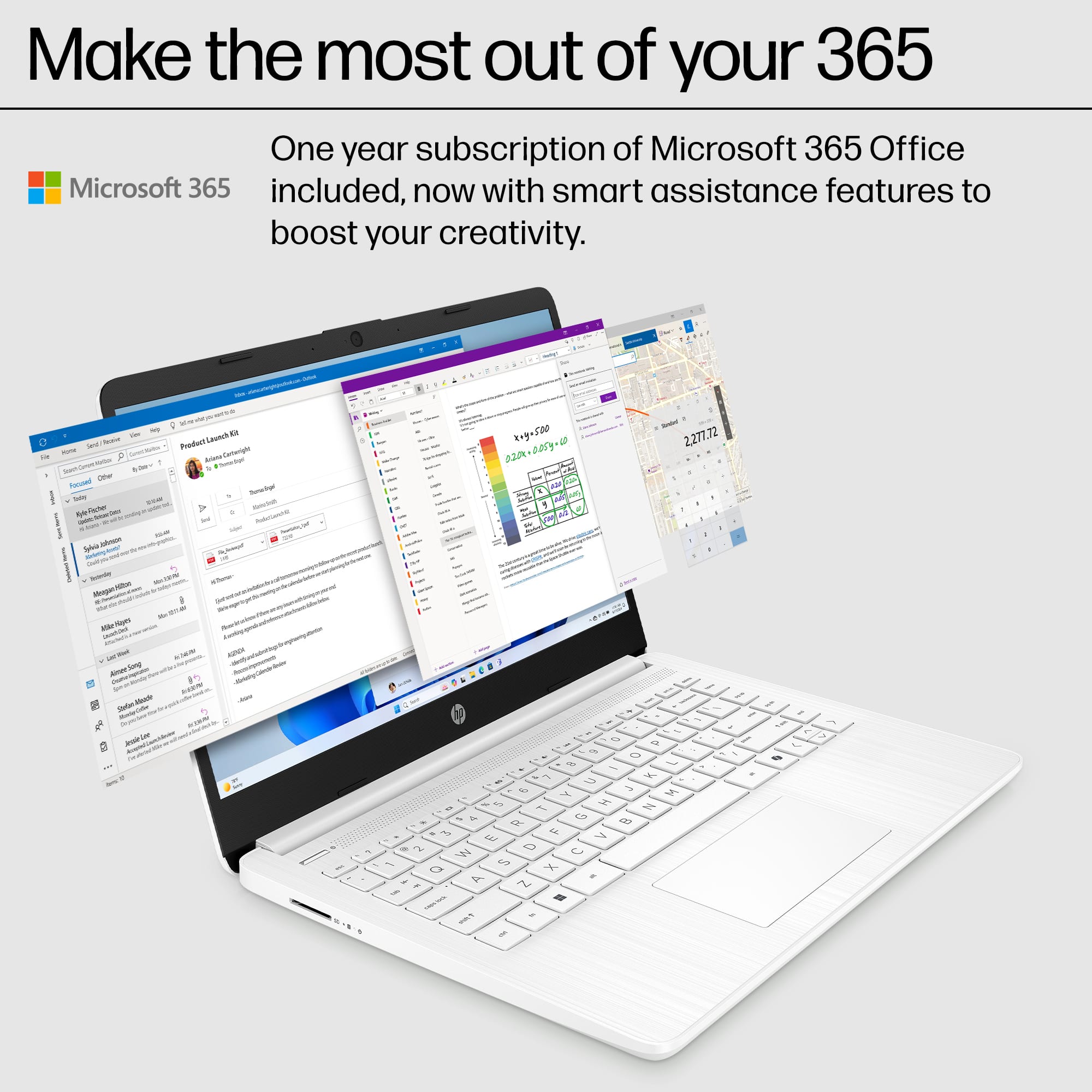
A:AnswerThank you for your question. If you choose not to renew your Microsoft 365 subscription after the free year, your computer and internet operations will remain unaffected. However, your access to Microsoft 365 apps and services will change. Office Apps (Word, Excel, etc.): You can still open and view documents, but you won’t be able to edit or create new files.
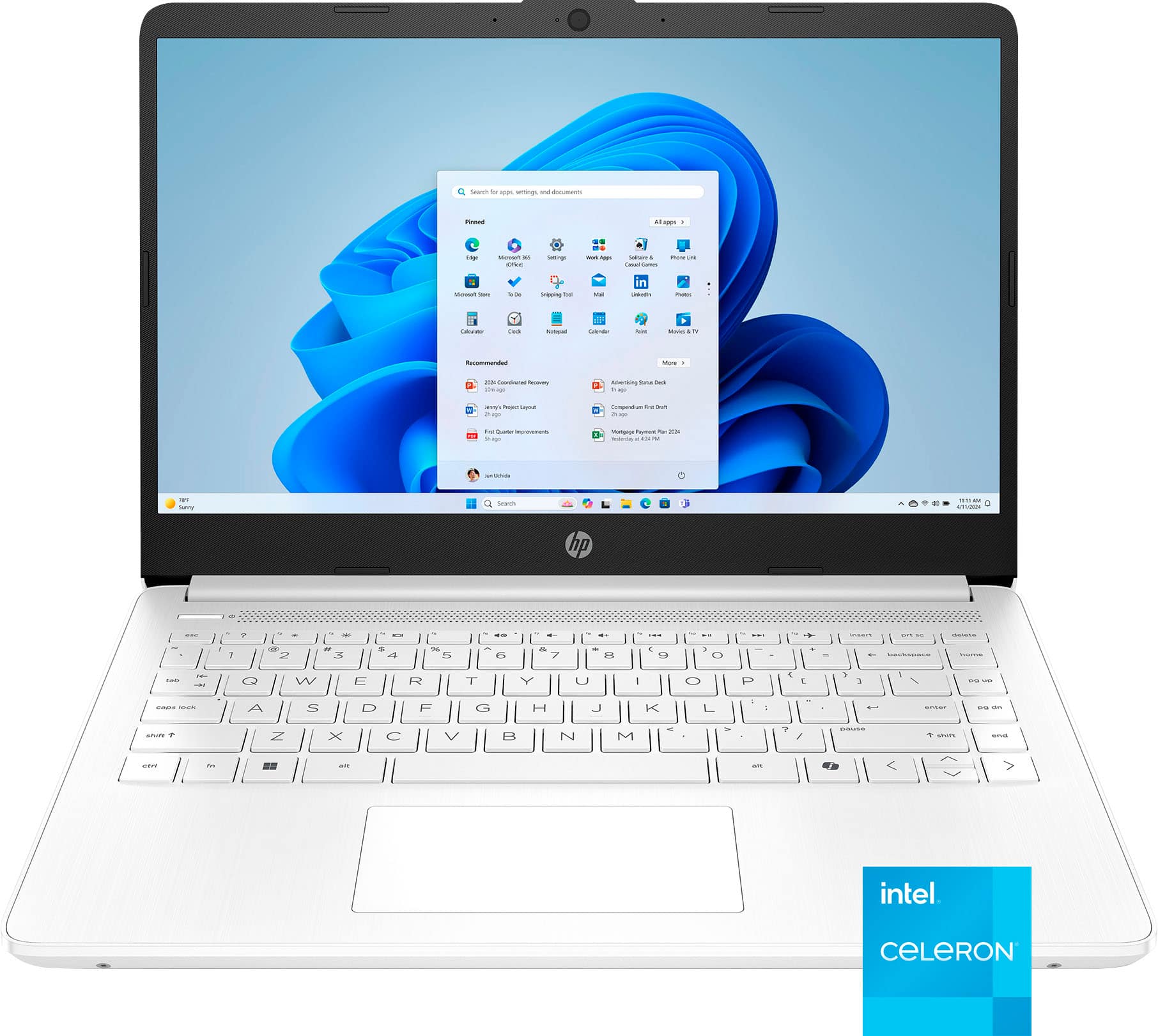
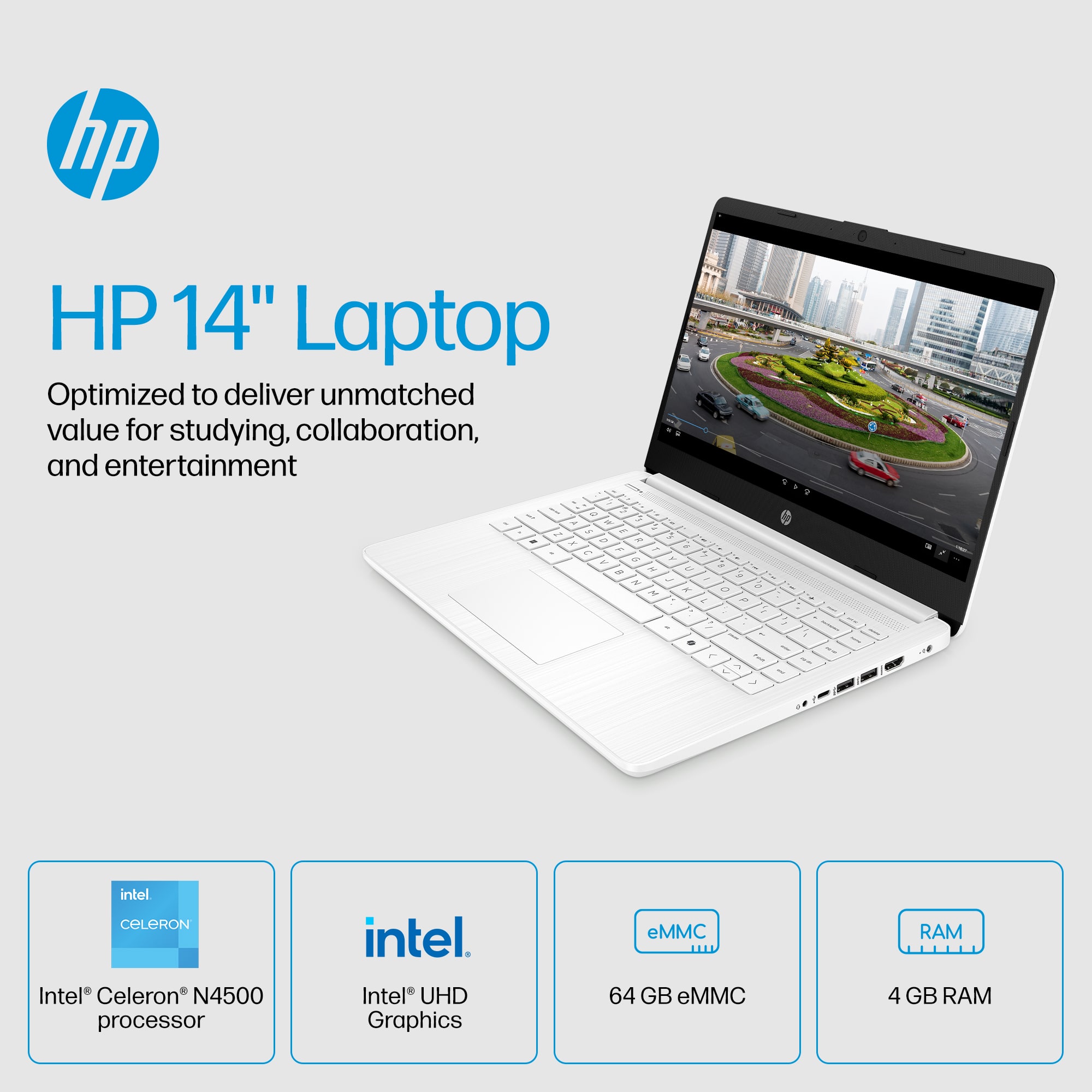
A:AnswerThank you for the question. This HP 14-dq0055dx laptop includes a free one-year subscription to Microsoft 365 Personal and a 30-day trial of McAfee Live safe virus protection. For ongoing use after the trial, you'll need a subscription.
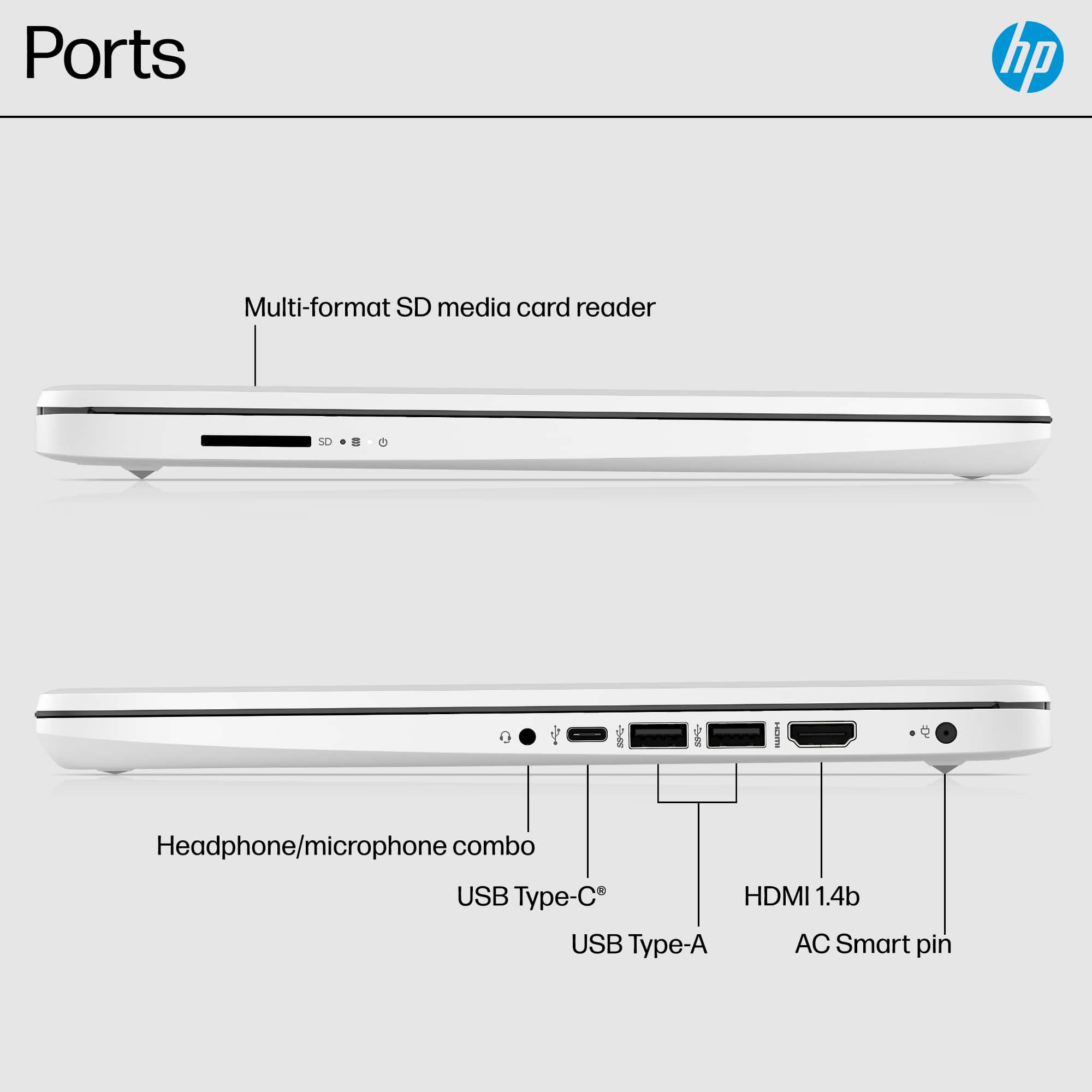
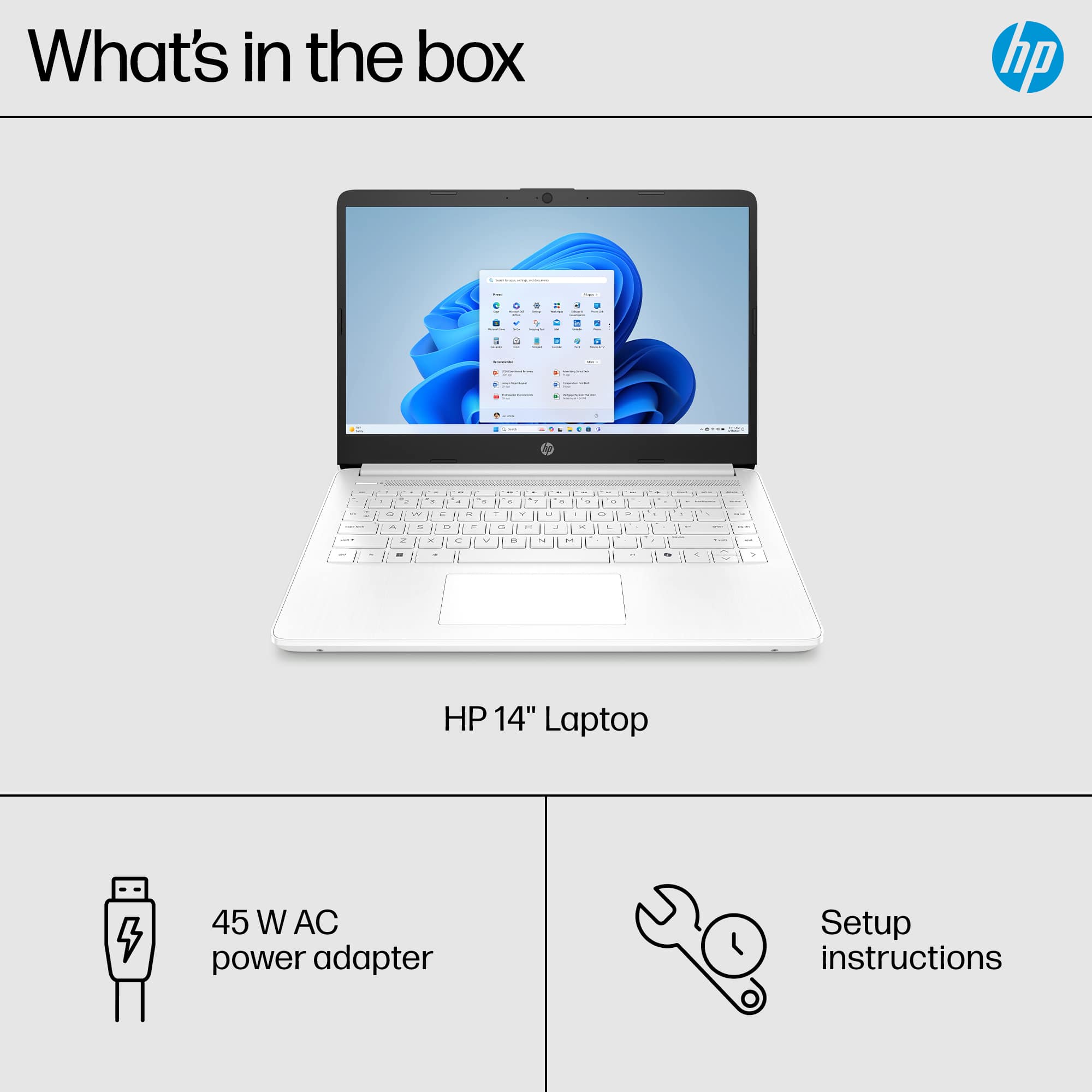
A:AnswerHello, thank you for your question. This device will take a compatible 65W charger, using 19.5v as you discovered. If you're unsure if your charger will fit the bill, don't hesitate to ask HP Support or your local Best Buy Geek Squad!
A:AnswerThe thing is, if you turn off S mode, you've disabled some of the security settings so the computer tries to compensate by automatically downloading software for things like security to plug the holes that turning off S mode leaves
A:AnswerThank you for your question. In the case of most devices, it is safe to use an adapter with a higher wattage (W) rating, as the device will only draw the amount of power it needs to run effectively. With this in mind, voltage is the essential factor and should be the same or within a tolerance of one volt. Keep in mind, this will not change the rate at which the device charges, as it will only pull the amount of power it needs and is rated to have transferred to it.
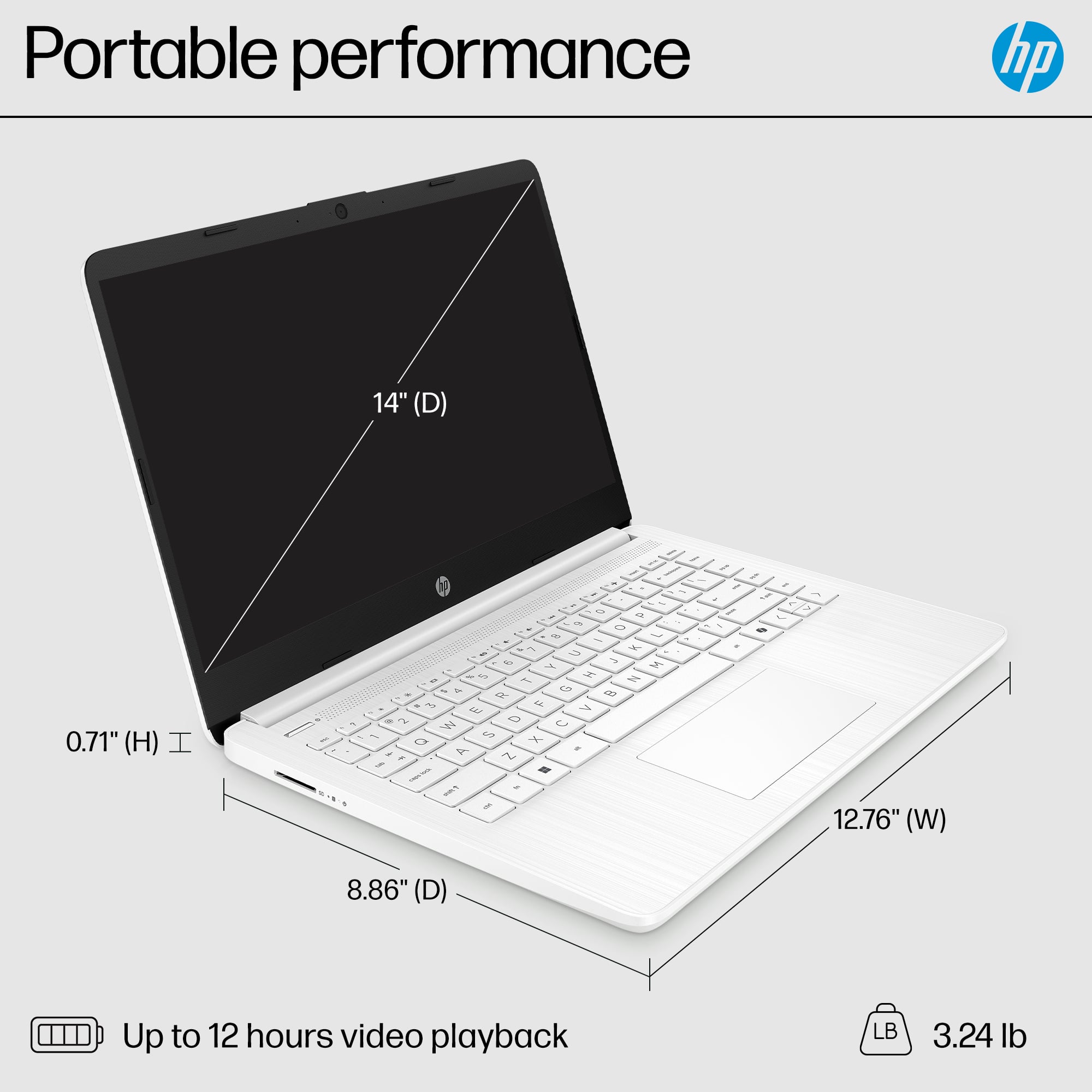
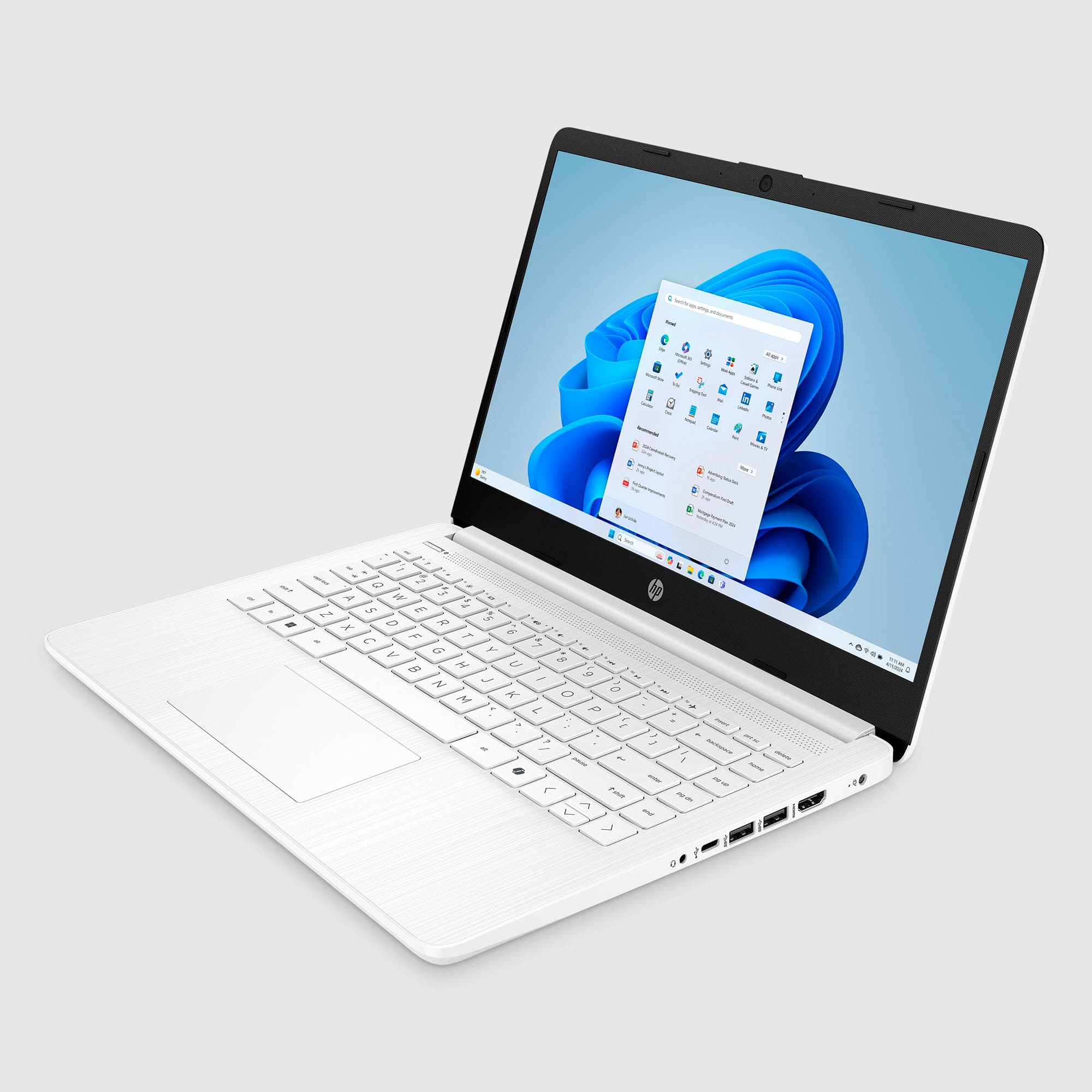
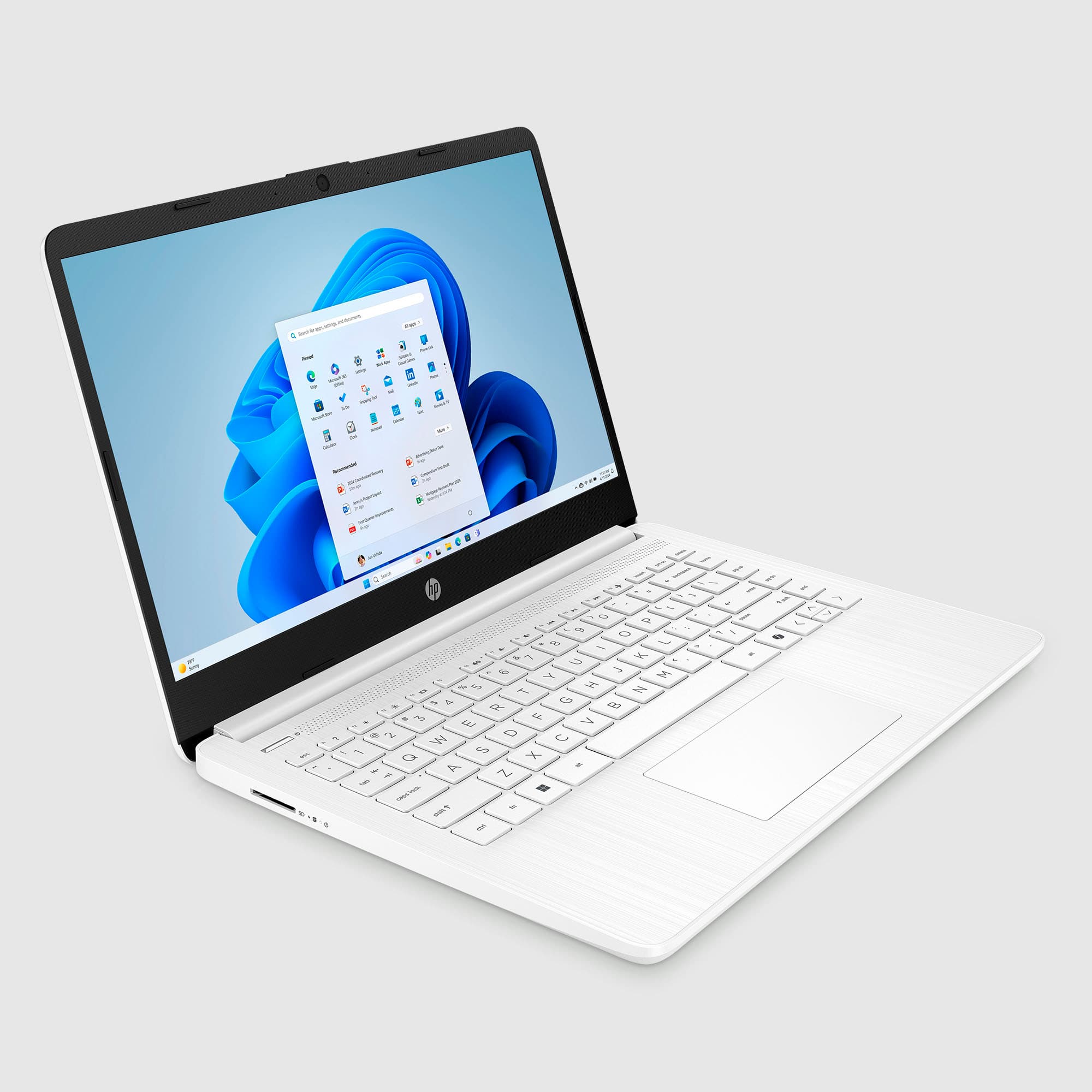
A:AnswerHello. Thanks for your question. This HP laptop does not have the ten key pad on the right of the keyboard. The numbers are on the top row of the keyboard. You can use an external USB 10 keypad.
A:AnswerThank you for the question. Yes, you'll be able to transfer files (there are three methods) from the old PC to the new PC. Note that only files are transferred; you'll need to reload the programs/apps.
A:AnswerTypically, Linux distributions are downloaded from a website. I don't know of any place that sells it, and in any event, you'd be buying a free program.
A:AnswerHello, these devices are designed not for users to access the internal components. You can view the manual online if you do a search for it. Thank you for being an HP customer!