Everything for Back to School — and then someShop now
User rating, 4.1 out of 5 stars with 1758 reviews.
Show only Answered Questions
Include AI Generated Q&A
Asked 5 months ago by Renee.
Asked 5 months ago by Anonymous.
Asked 5 months ago by Scooter.
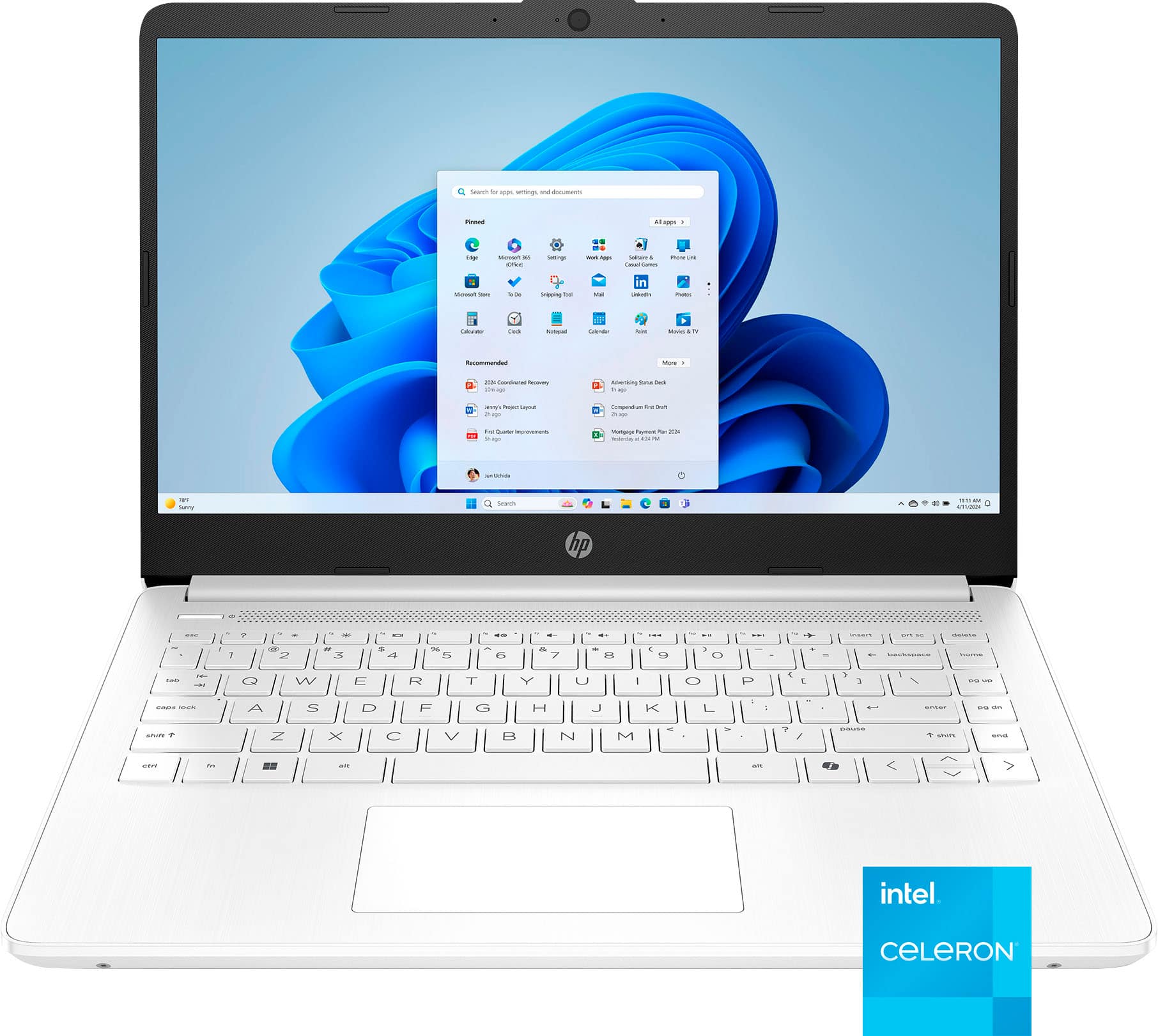
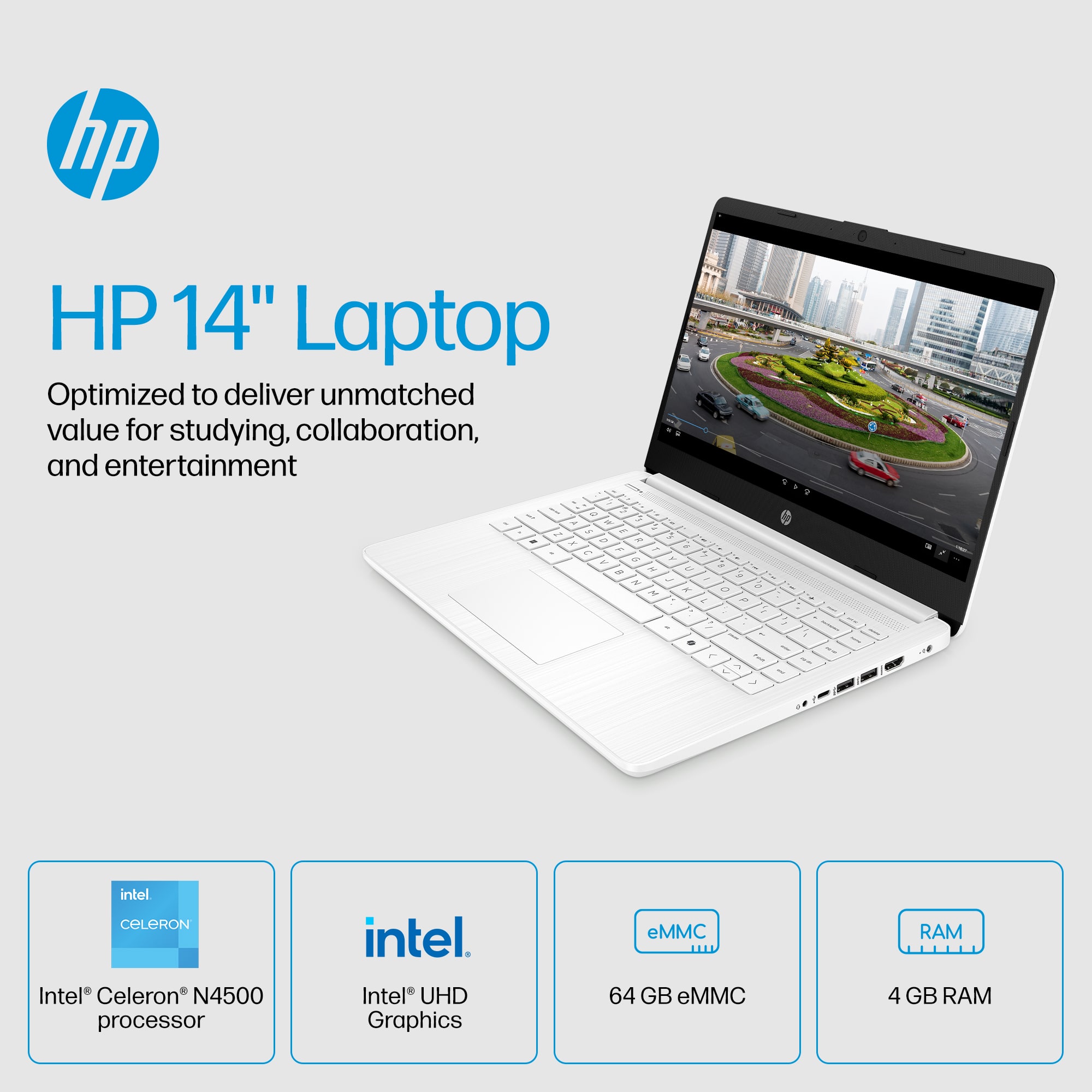
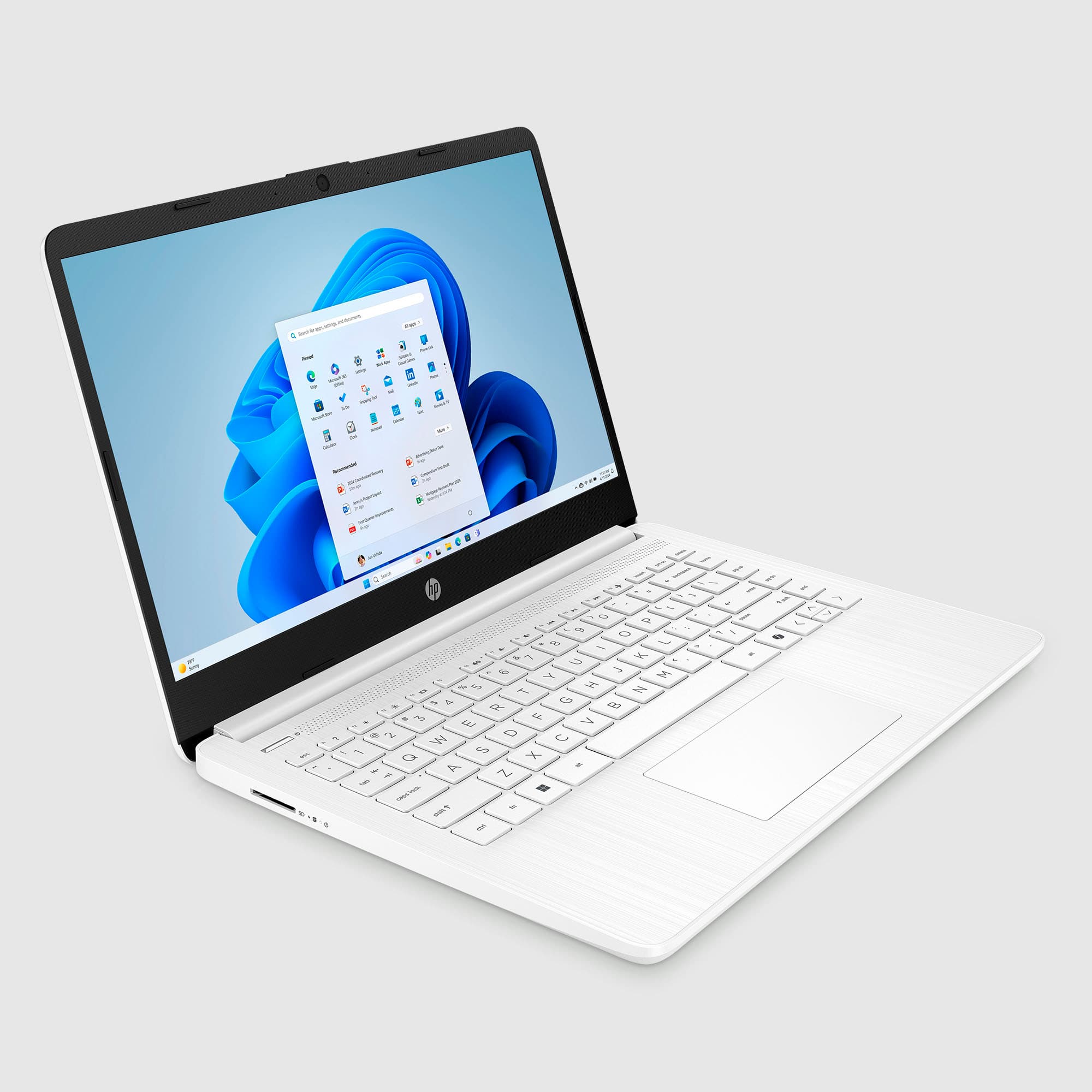
This question was asked about the related product: HP - 14" Laptop - Intel Celeron N4500 2021 - 4GB Memory - 64GB eMMC - Pale Rose Gold
Asked 5 months ago by LinuxLearner.
Asked 5 months ago by Nina.
Answered 5 months ago by user754604
Asked 6 months ago by Anonymous.
Answered 5 months ago by SarahVerified Purchase
Asked 6 months ago by keyshawn.
Answered 5 months ago by DorisMVerified Purchase
Answered 5 months ago by DaniellePVerified Purchase
Asked 6 months ago by horsefeathers.
Asked 6 months ago by touch.
Asked 6 months ago by Dan.
Asked 6 months ago by cactusgal.
Asked 7 months ago by Leo.
This question was asked about the related product: HP - 14" Laptop - Intel Celeron N4500 2021 - 4GB Memory - 64GB eMMC - Snowflake White
Asked 7 months ago by Charger.
Asked 7 months ago by Memory.
Asked 7 months ago by Crissy.
Asked 7 months ago by Anonymous.
Asked 7 months ago by Kiki.
Asked 7 months ago by noyb.