A:AnswerIf you use the default browser, which is Edge, Bing will be the default search engine. You can change it to any one your want: Google, Amazon, DuckDuckGo, etc. There are 1,500 easily available search engines, and a virtually unlimited number if you search. Of course, you will need more RAM as you add engines, and I don't know if this computer will sustain that.
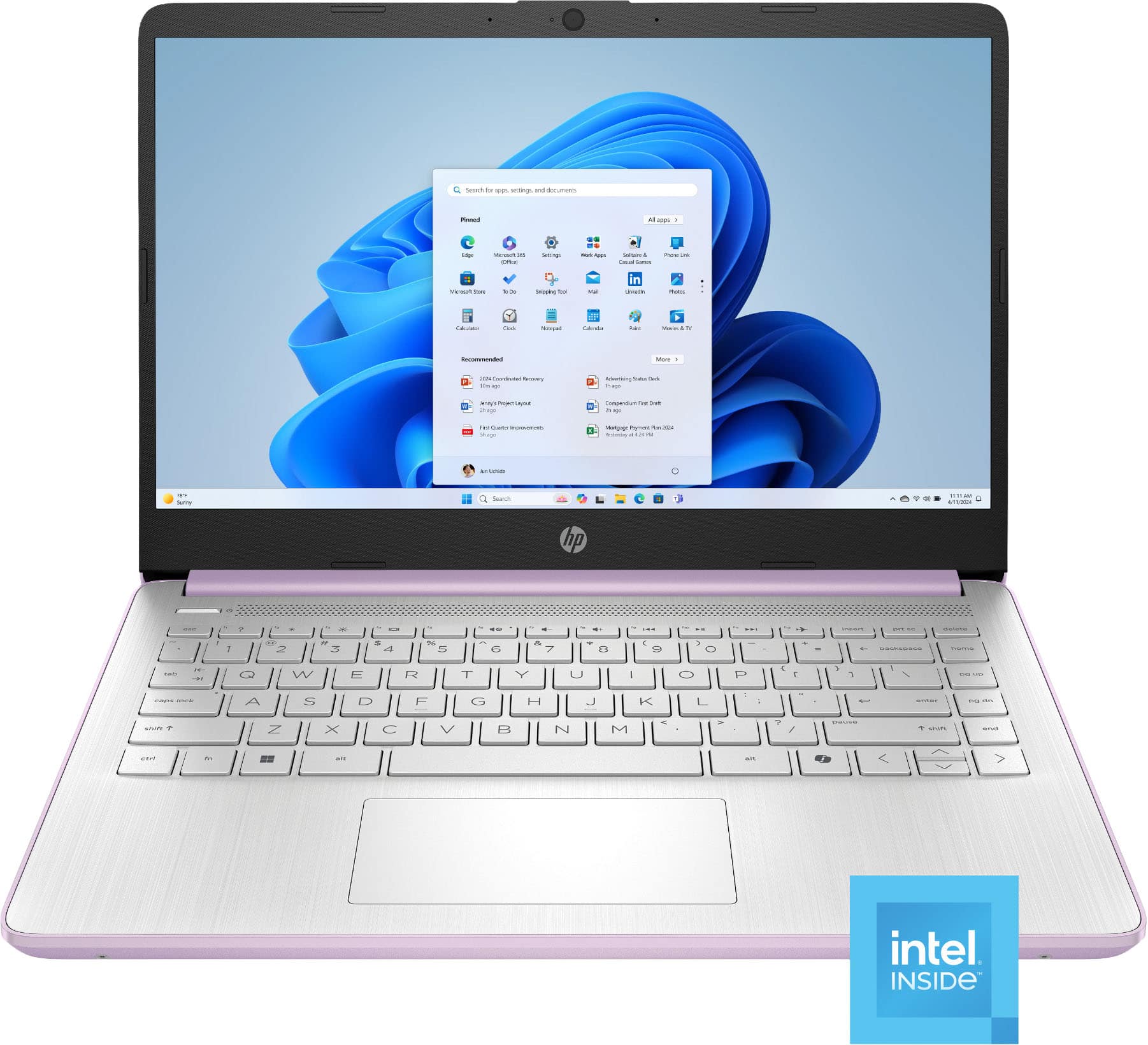
A:AnswerNo. It is for someone who will hardly use it (like a senior) or will play with it (like a child). Throw in another hundred if you want to do serious work, over an extended period of time.
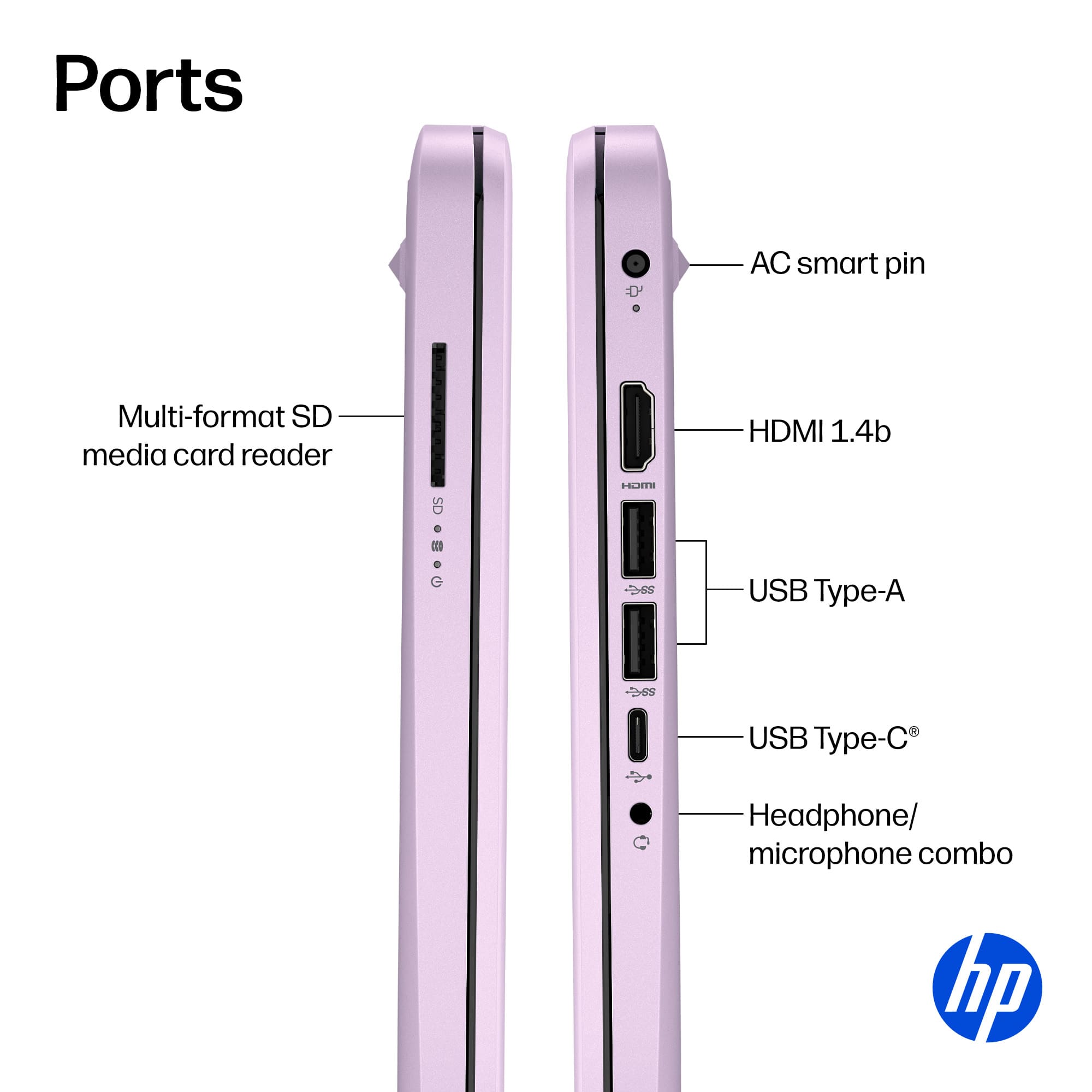
A:AnswerIf it's universal, it should be no problem, though not every port may be compatible (e.g., a USB-A port won't suddenly be able to carry video signals).
A:AnswerDo you see "touch" anywhere on the listing? That's your answer.
And backlighting? You must be on severe drugs, and need a doctor, not a computer.
A:AnswerYou mean, automatically? By magic?
You can transfer DATA easily by copying it to a pen or SD drive from your old PC, then downloading it from this external source to the new one. Settings are more complicated. Have BB do it (extra charge). There is a way to do it yourself, but you obviously don't know enough about computers to do this yourself.