A:AnswerYou mean, automatically? By magic?
You can transfer DATA easily by copying it to a pen or SD drive from your old PC, then downloading it from this external source to the new one. Settings are more complicated. Have BB do it (extra charge). There is a way to do it yourself, but you obviously don't know enough about computers to do this yourself.
A:AnswerProbably, since there was so much objection to the Win11 update, but even Bill Gates can't tell you for sure, since Win12 is still very much in transition.
A:AnswerThere is a link at the bottom of every BB page for their return policy.
But it's only a couple of hundred dollars, and you obviously don't care enough about money to read anything.
A:AnswerIf you have to ask, you are not ready to use a printer.
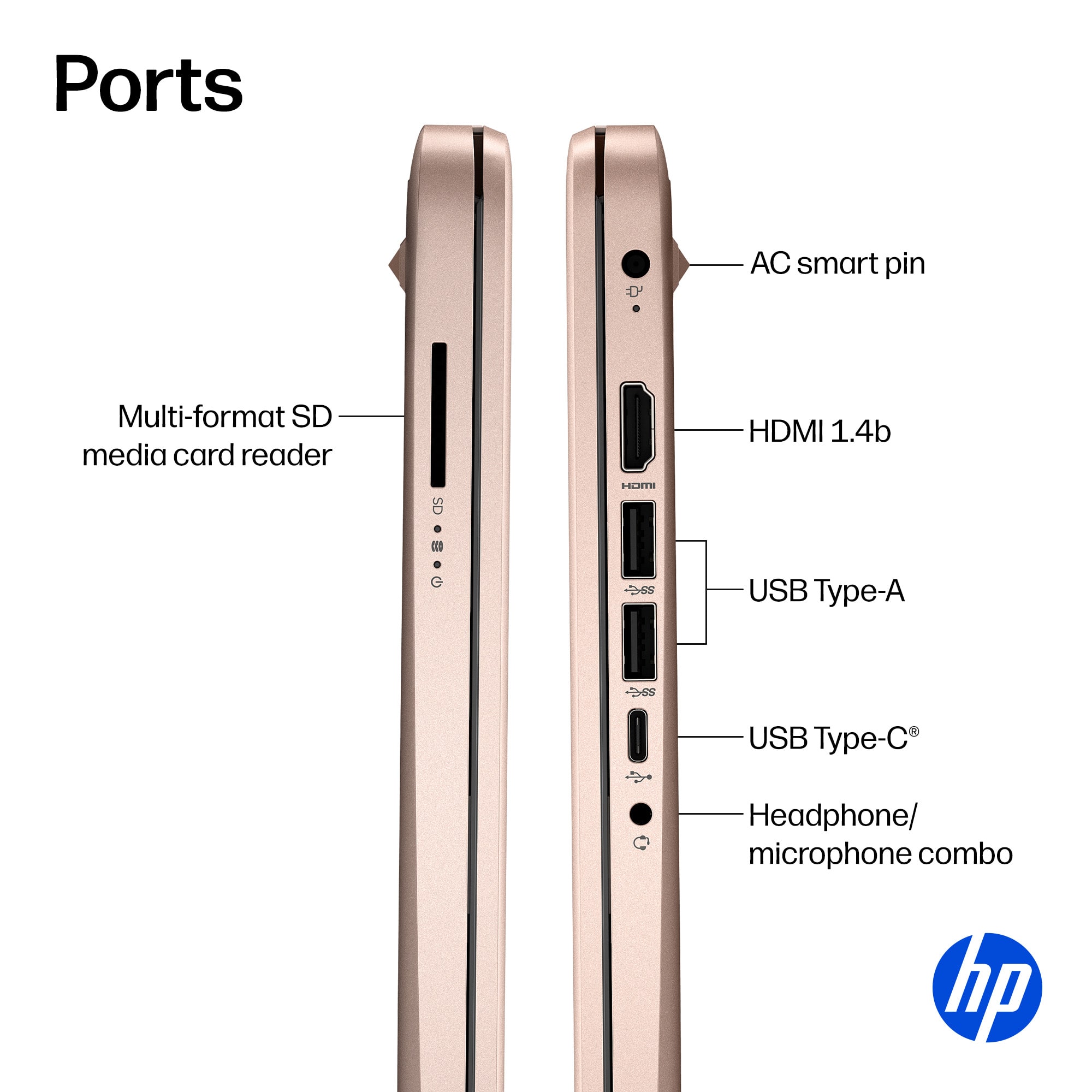
EVERY COMPUTER YOU CAN FIND, outside of a junkyard, will connect and work with ANY PRINTER YOU CAN FIND (not junkyard-compatible).
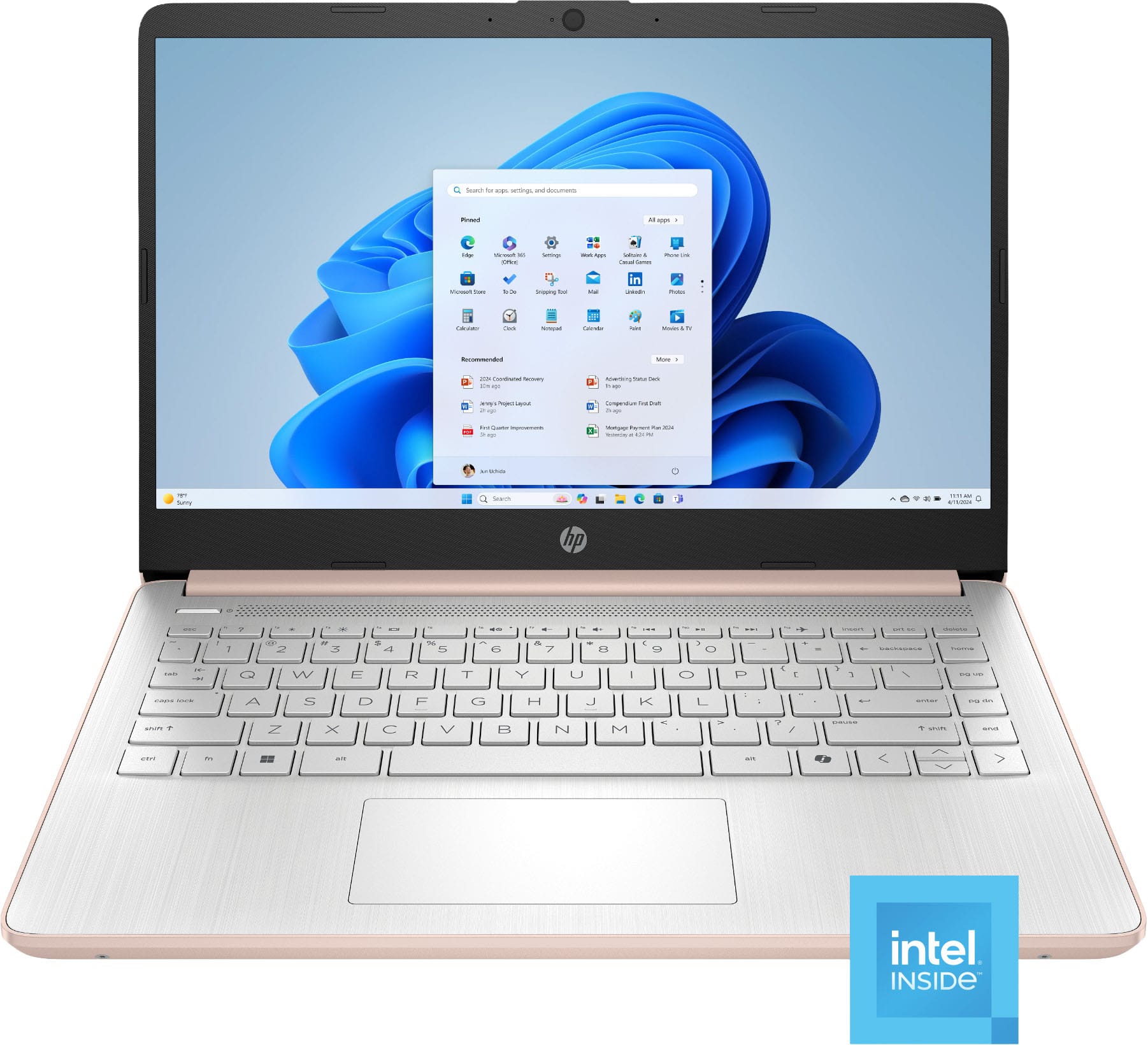
A:Answer1. Do you see the word "touch" anywhere on the listing? That's your answer.
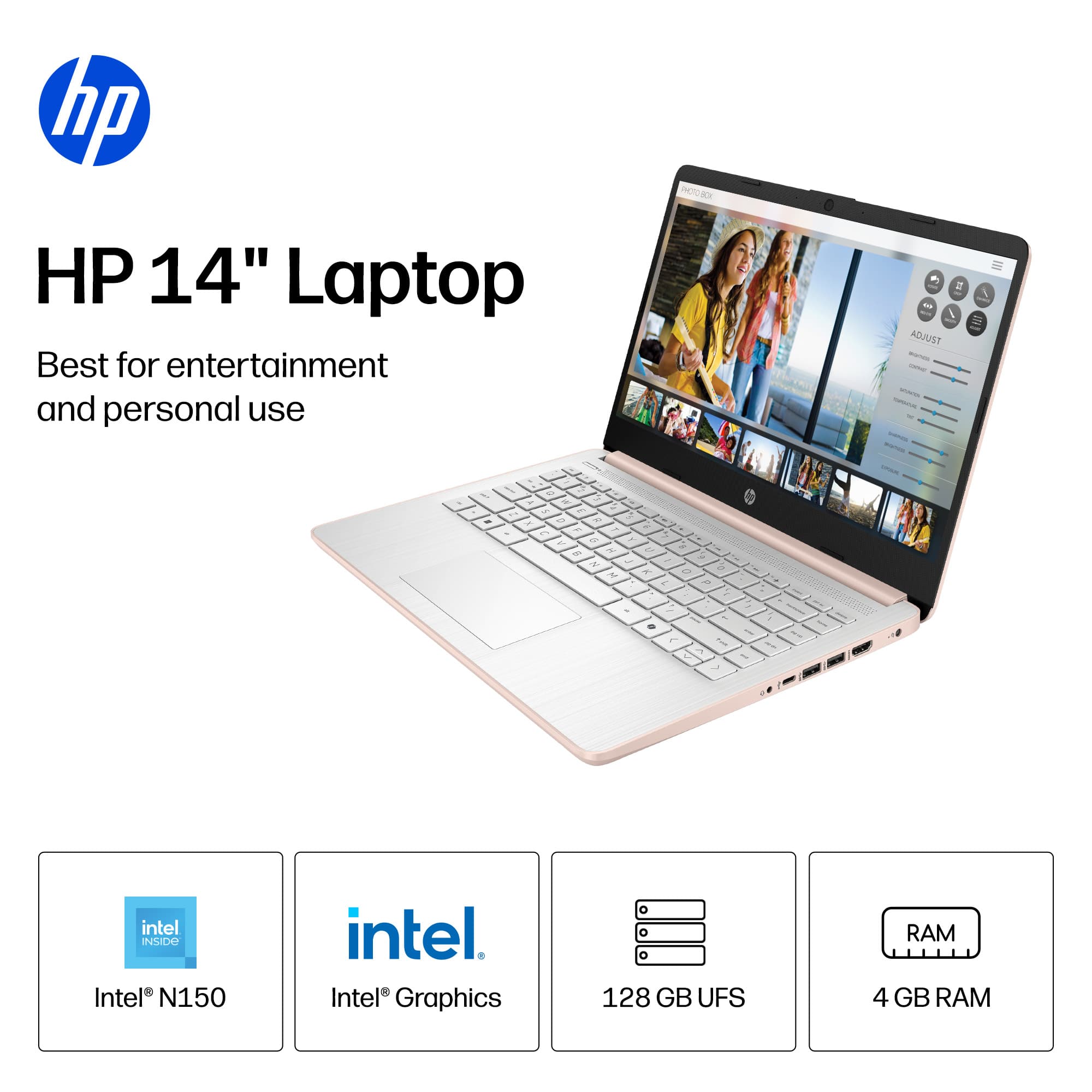
2. YOUR normal is not mine, so the question is meaningless as it stands. However, it is acceptable for light browsing, shopping, email, YouTube, other music and video streaming. Just don't try to do more than one thing at a time, and don't expect to be on it for hours at a time, even plugged in.