4th of July SaleEnds Sunday. Limited quantities. No rainchecks.Shop now
User rating, 4.5 out of 5 stars with 1859 reviews.
Show only Answered Questions
Include AI Generated Q&A
Asked 7 months ago by f.
Asked 7 months ago by Anonymous.
Asked 7 months ago by me.
This question was asked about the related product: HP - 14" Laptop - Intel Processor N150 2025 - 4GB Memory - 128GB UFS - Willow Green
This question was asked about the related product: HP - 14" Laptop - Intel Processor N150 2025 - 4GB Memory - 128GB UFS - Pale Rose Gold
Asked 7 months ago by LiiLii.
Asked 7 months ago by VonnieH61.
Answered 7 months ago by Anonymous
Asked 7 months ago by Rg.
Asked 7 months ago by Game.
Asked 7 months ago by Sighs.
Asked 7 months ago by Jack.
Asked 7 months ago by nir.
Asked 7 months ago by Bigdeal.
Asked 7 months ago by MohamedI.
Answered 7 months ago by MotivoVerified Purchase
Asked 7 months ago by Core4.
Asked 7 months ago by Phyllis.
User rating, 4.7 out of 5 stars with 1056 reviews.
User rating, 4.8 out of 5 stars with 61 reviews.
User rating, 4.7 out of 5 stars with 94 reviews.
User rating, 4.8 out of 5 stars with 25 reviews.
User rating, 4.8 out of 5 stars with 32 reviews.
User rating, 4.8 out of 5 stars with 1727 reviews.
User rating, 4.8 out of 5 stars with 127 reviews.
User rating, 4.6 out of 5 stars with 94 reviews.
User rating, 4.7 out of 5 stars with 148 reviews.
User rating, 4.7 out of 5 stars with 578 reviews.
User rating, 4.6 out of 5 stars with 849 reviews.
User rating, 4.8 out of 5 stars with 33 reviews.
User rating, 4.7 out of 5 stars with 538 reviews.
User rating, 5 out of 5 stars with 3 reviews.
User rating, 4.7 out of 5 stars with 414 reviews.
User rating, 5 out of 5 stars with 10 reviews.
User rating, 4.5 out of 5 stars with 456 reviews.
User rating, 4.8 out of 5 stars with 249 reviews.
User rating, 4.7 out of 5 stars with 608 reviews.
User rating, 4.7 out of 5 stars with 204 reviews.
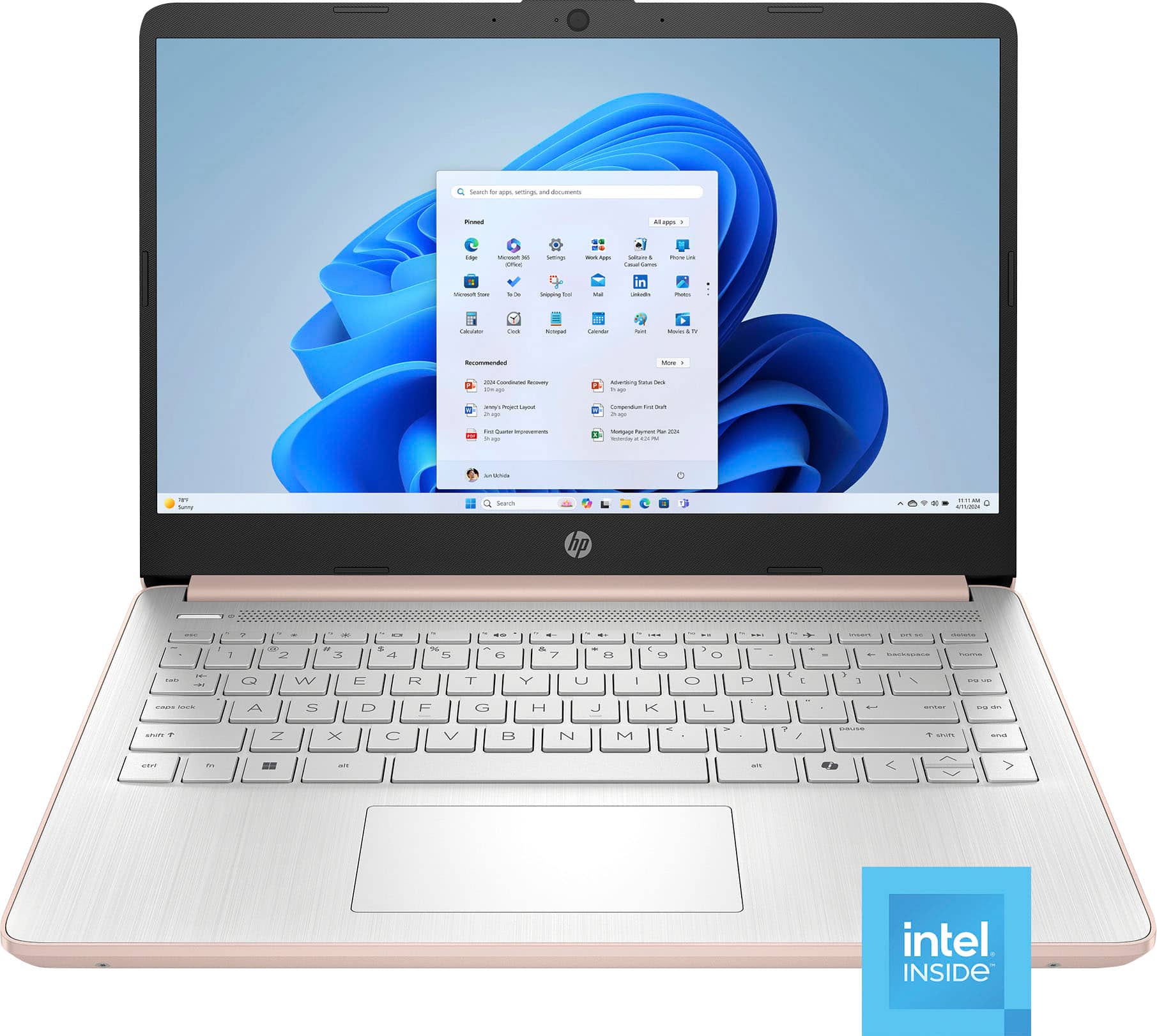
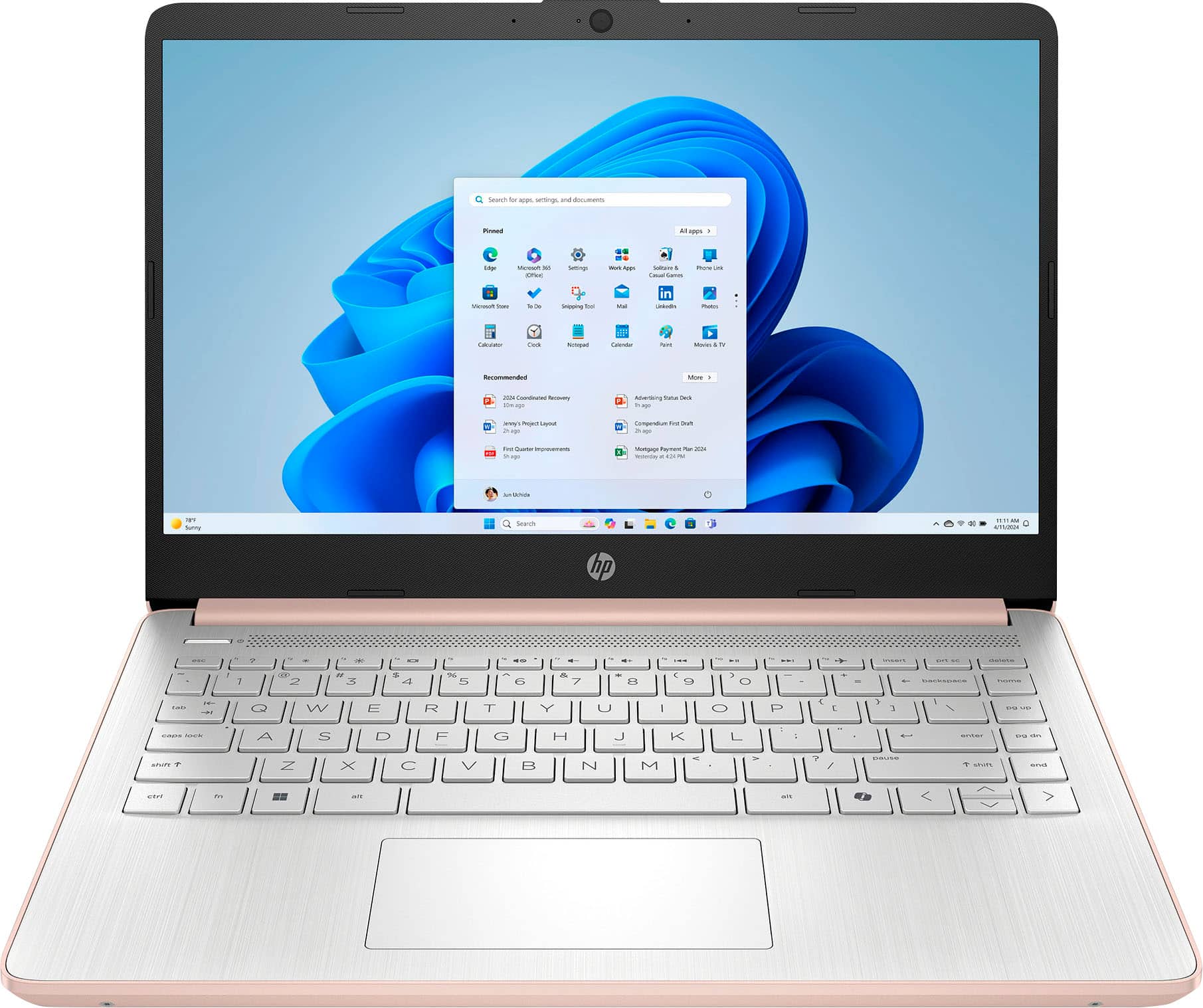
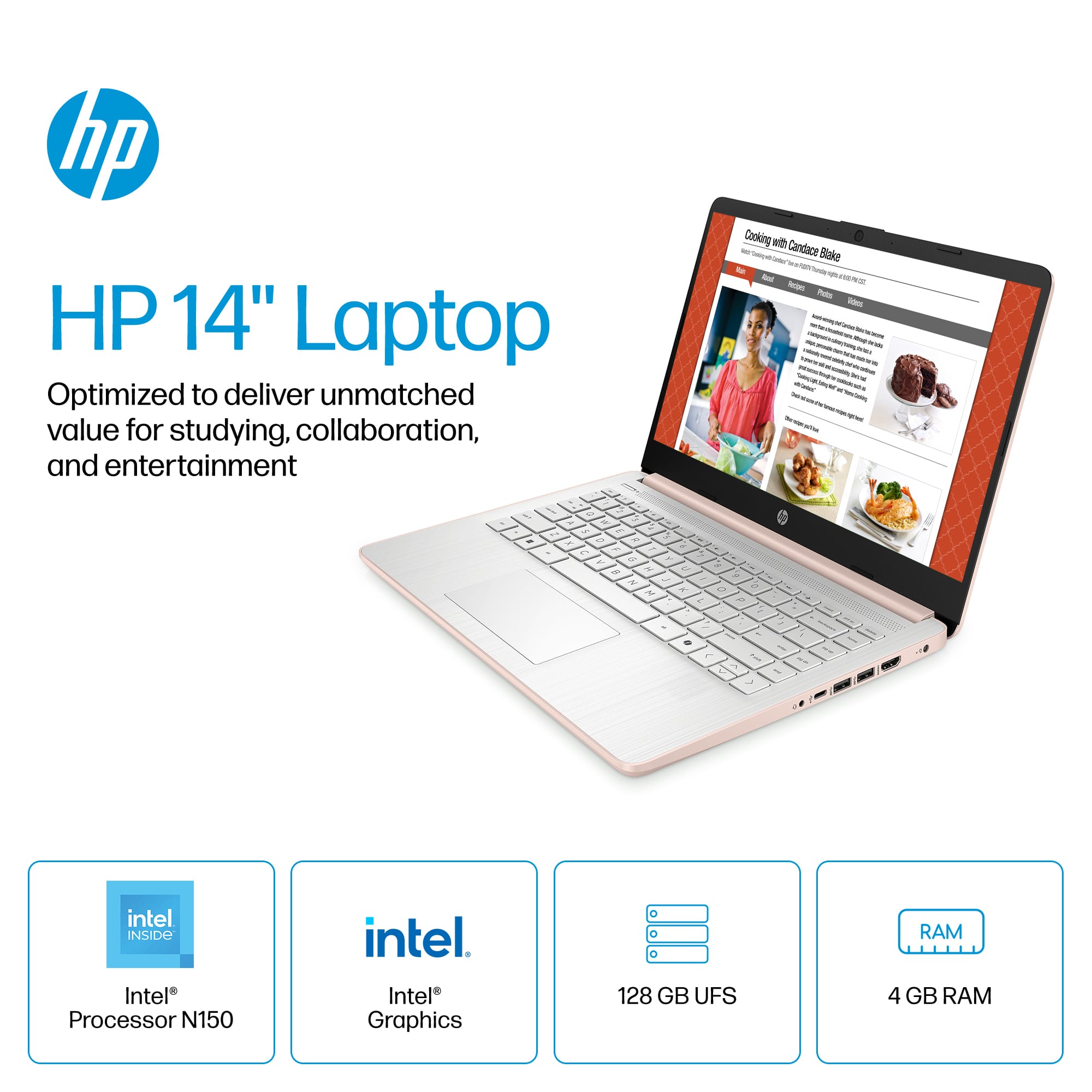
 for more information. ENERGY STAR and the ENERGY STAR logo are registered trademarks of the U.S. Environmental Protection Agency. - The percentage of recycled plastic varies by product. Recycled plastic content is based on the percentage of post-consumer plastic by product, as defined in the REE 1680.1-2018 standard. hp](https://pisces.bbystatic.com/image2/BestBuy_US/images/products/53c4b7ea-761e-435c-aa0f-12820758ebe9.jpg)