A:AnswerBecause it's a Chromebook, you can only download and run apps that are available in the Google Play store. Unfortunately, none of the Cricut apps are available from there.
A:AnswerHI Kasi! Chromebooks have security features that help prevent and protect against viruses and malware built into Chrome OS.
Here is a link that will explain a little more about the security features implemented in Google's Chrome OS: https://bit.ly/361zqAm
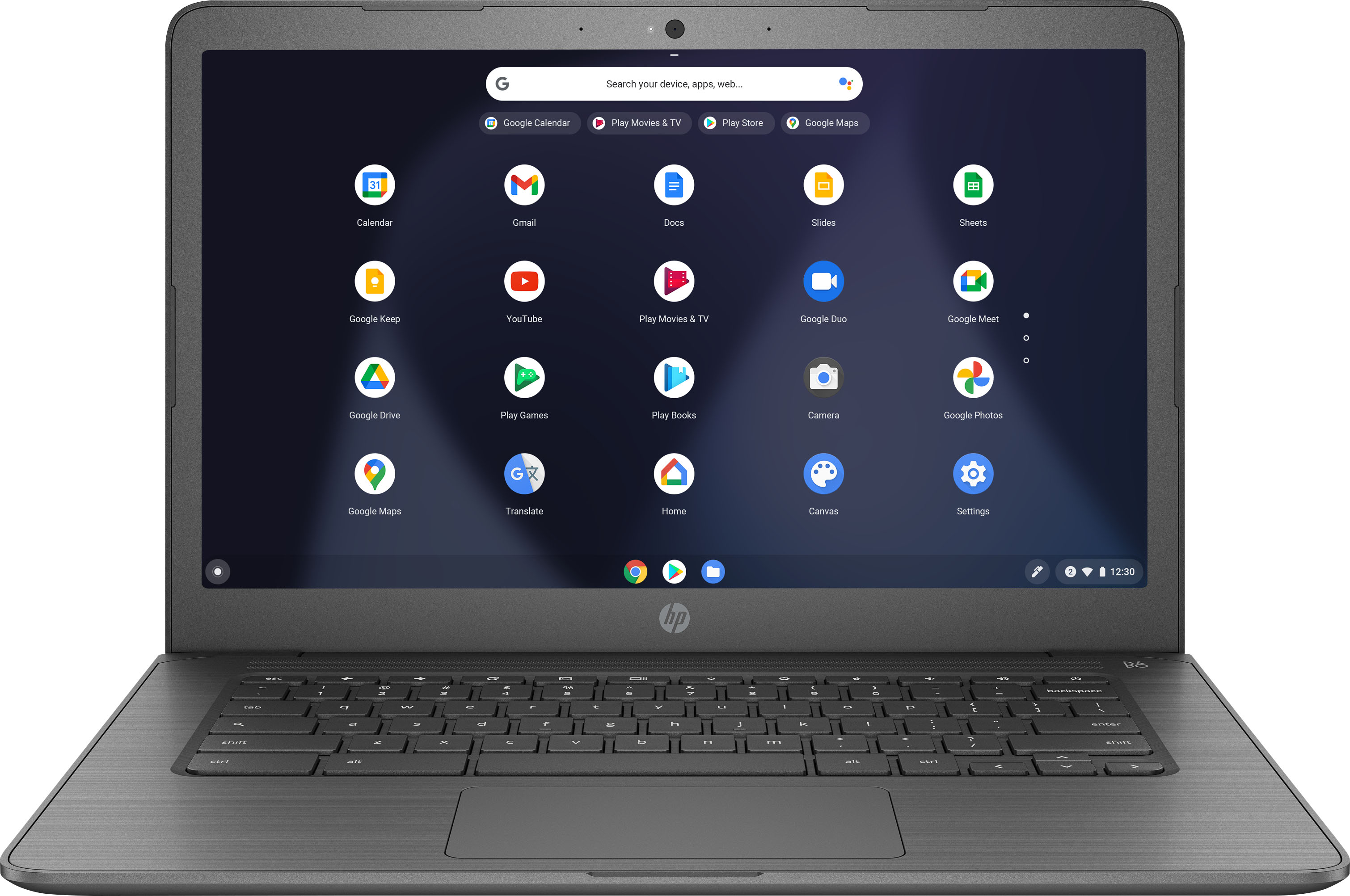
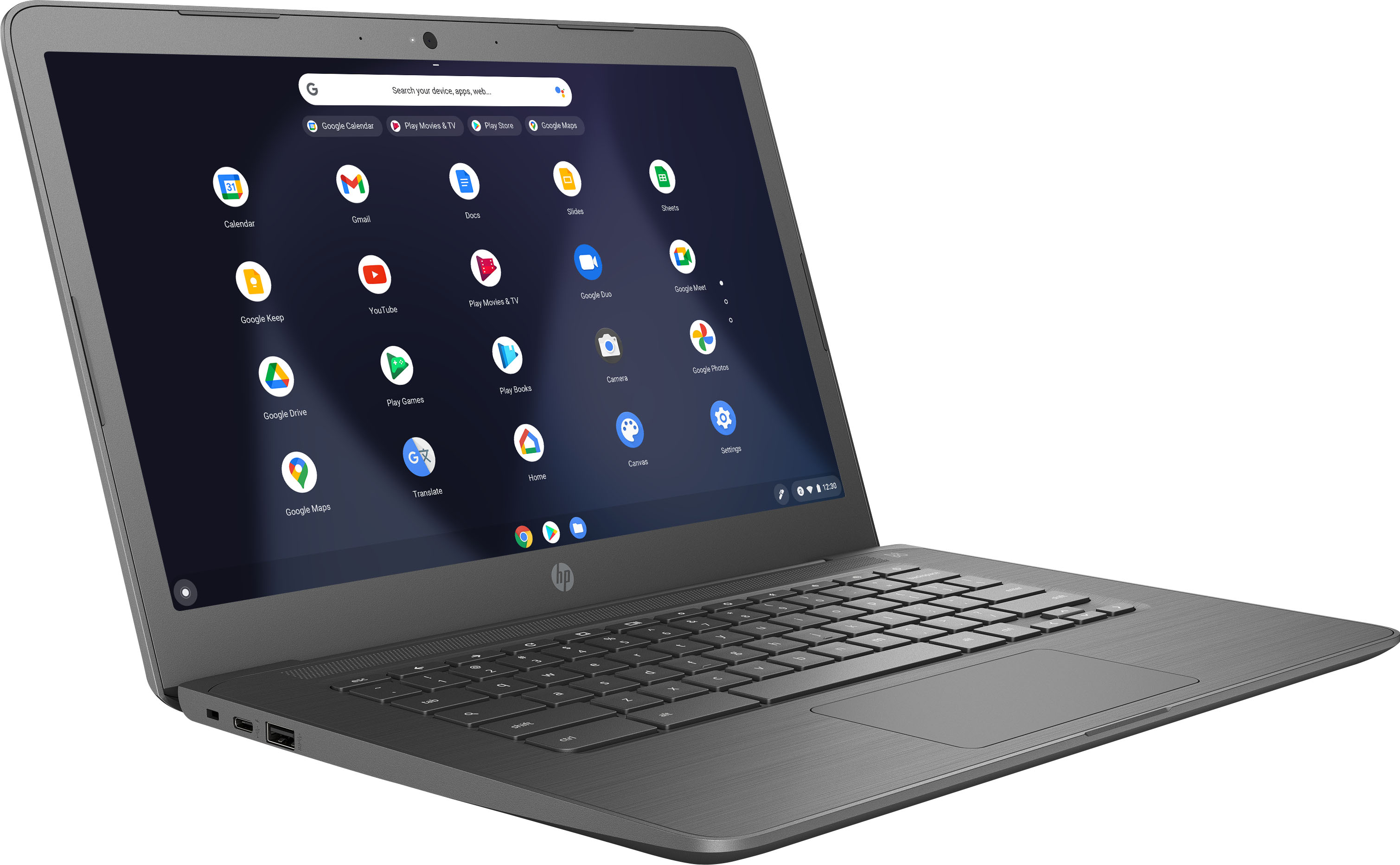
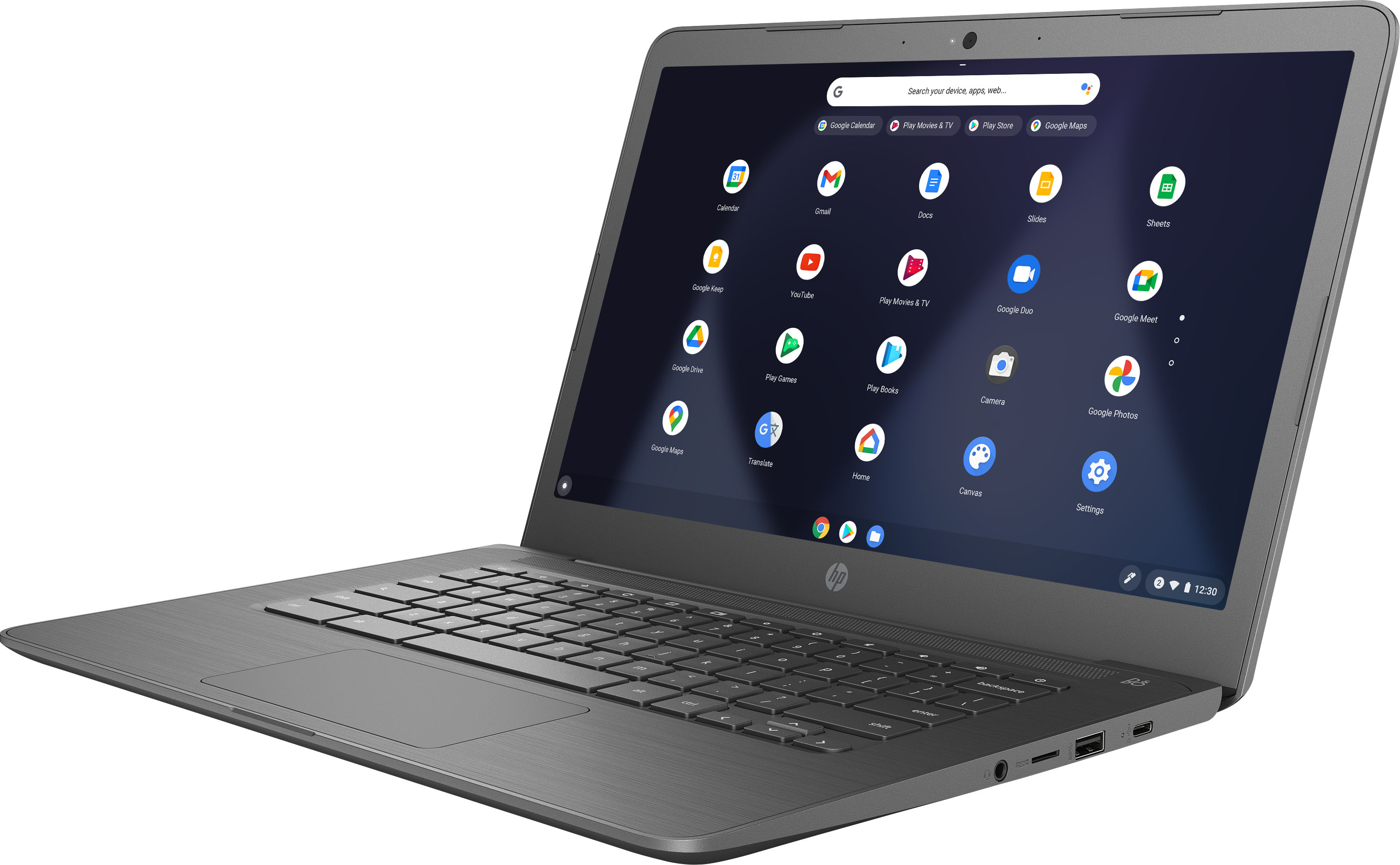
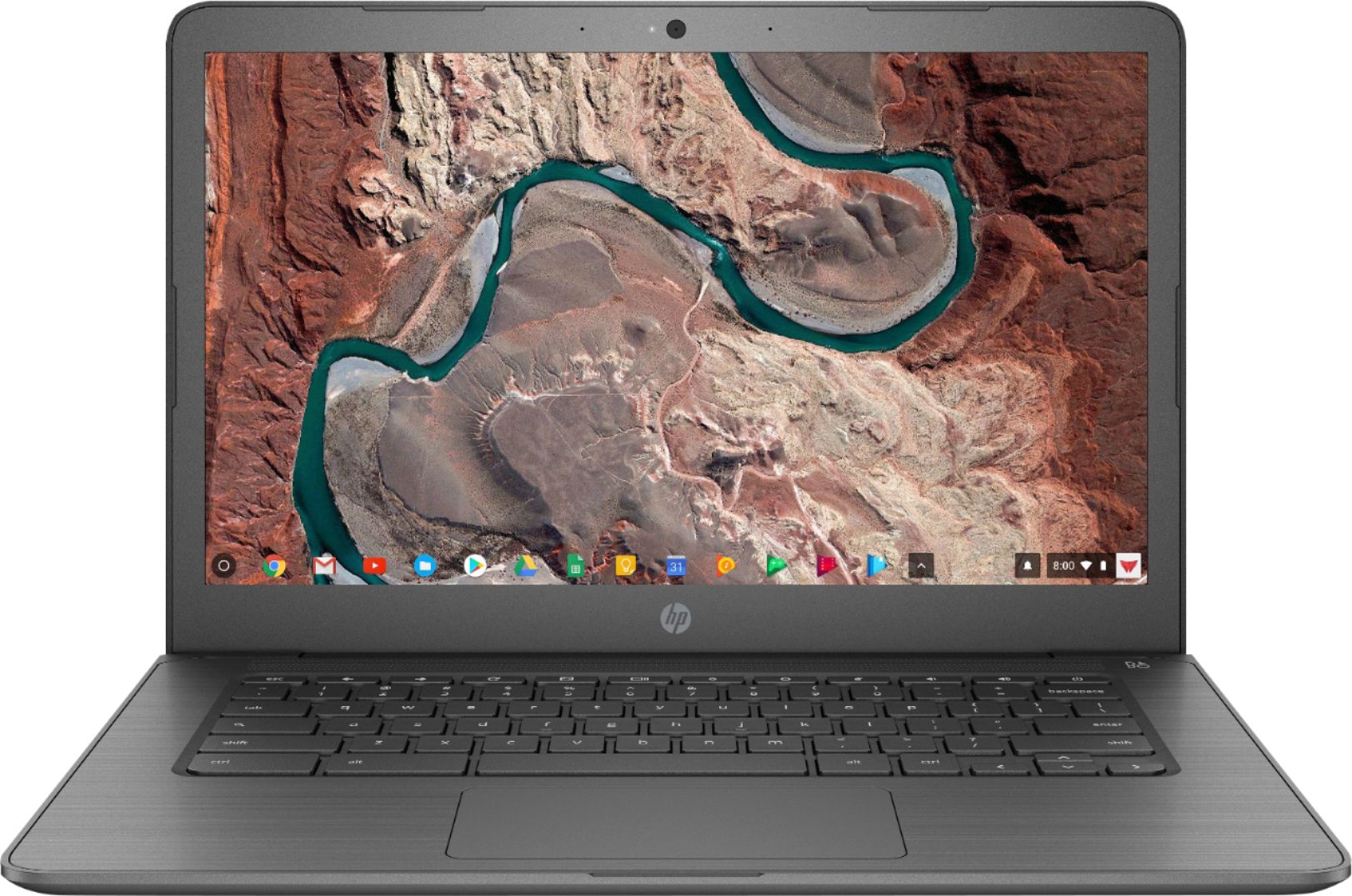
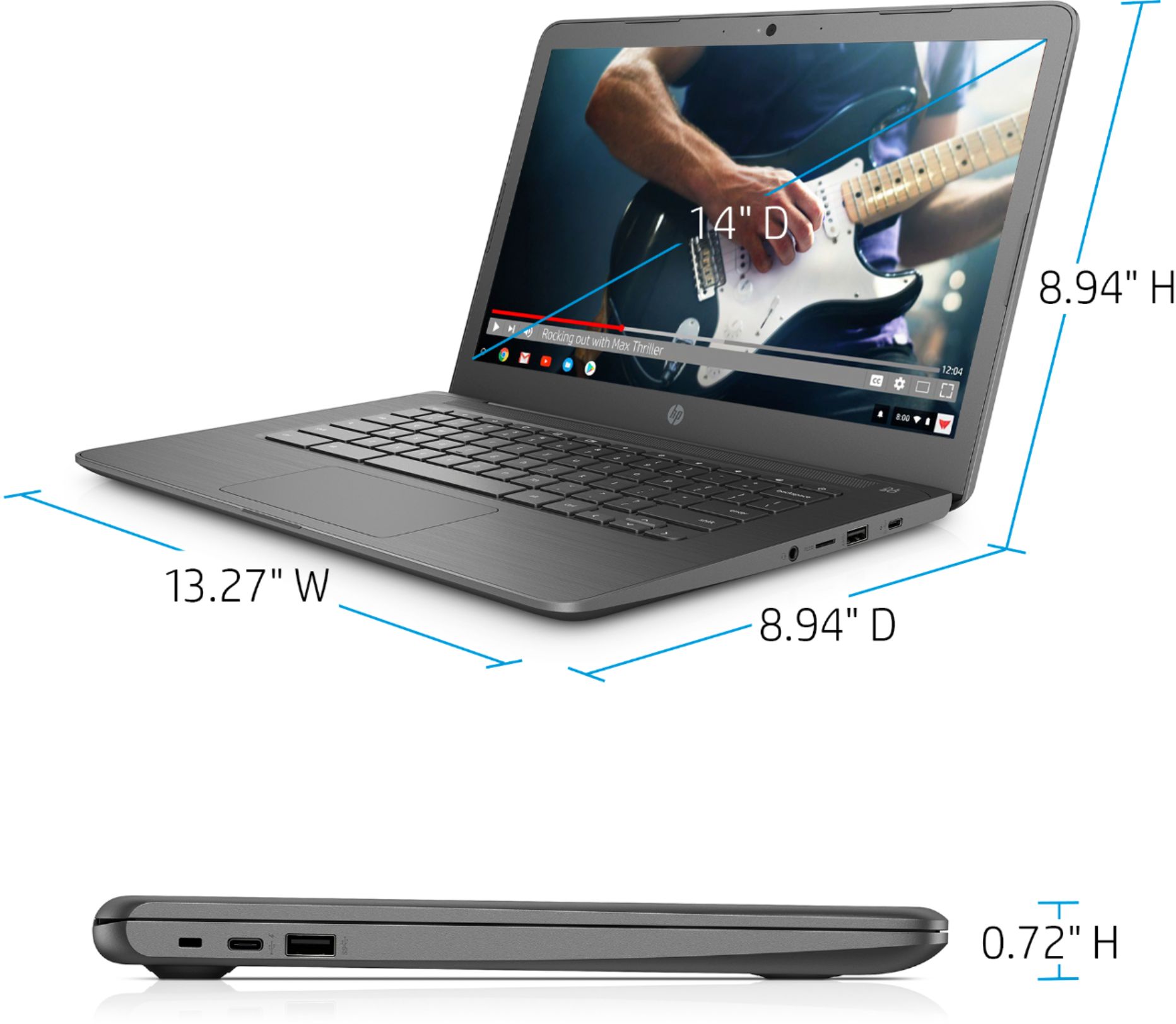
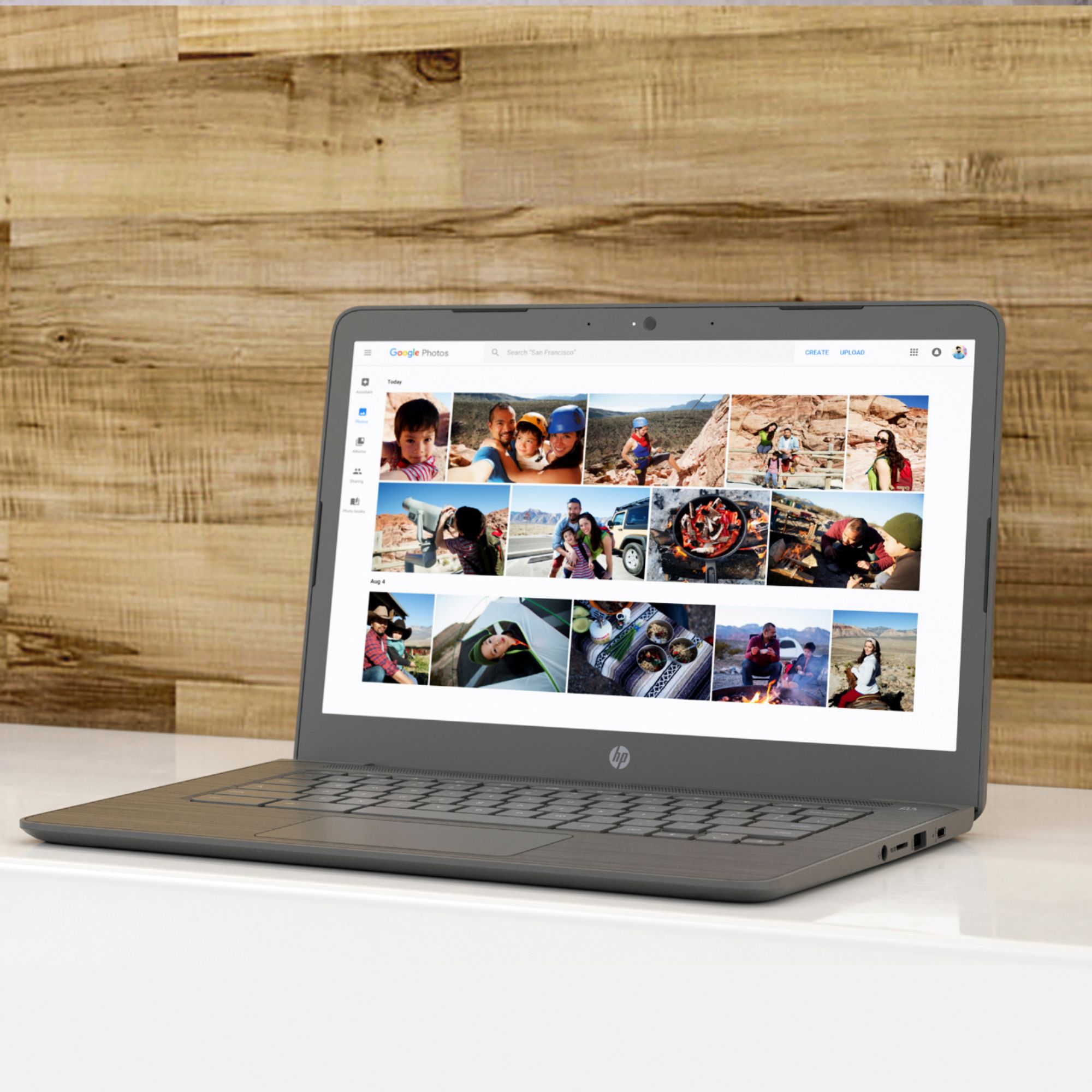
A:AnswerHello. Thanks for your question. Yes, there is a camera on this Chromebook for Zoom meetings. You can use any wireless or wired mouse with this Chromebook.
A:AnswerYou can only use apps from the Google Play Store or Chrome Web Store on this HP Chromebook. You can also do taxes through the tax software's website. If you want to use software, we recommend looking at a laptop that has Windows 10 Home.
A:AnswerThis is a HP Chromebook. You can download apps from the Google Play Store to this Chromebook. Software cannot be installed on a Chromebook. If you want to use software, we recommend looking at a laptop that has Windows 10 Home.
A:AnswerUnfortunately, no, you can't run the regular Photoshop application on your Chromebook. The Chrome OS does not support it, and the hardware isn't powerful enough to run it.