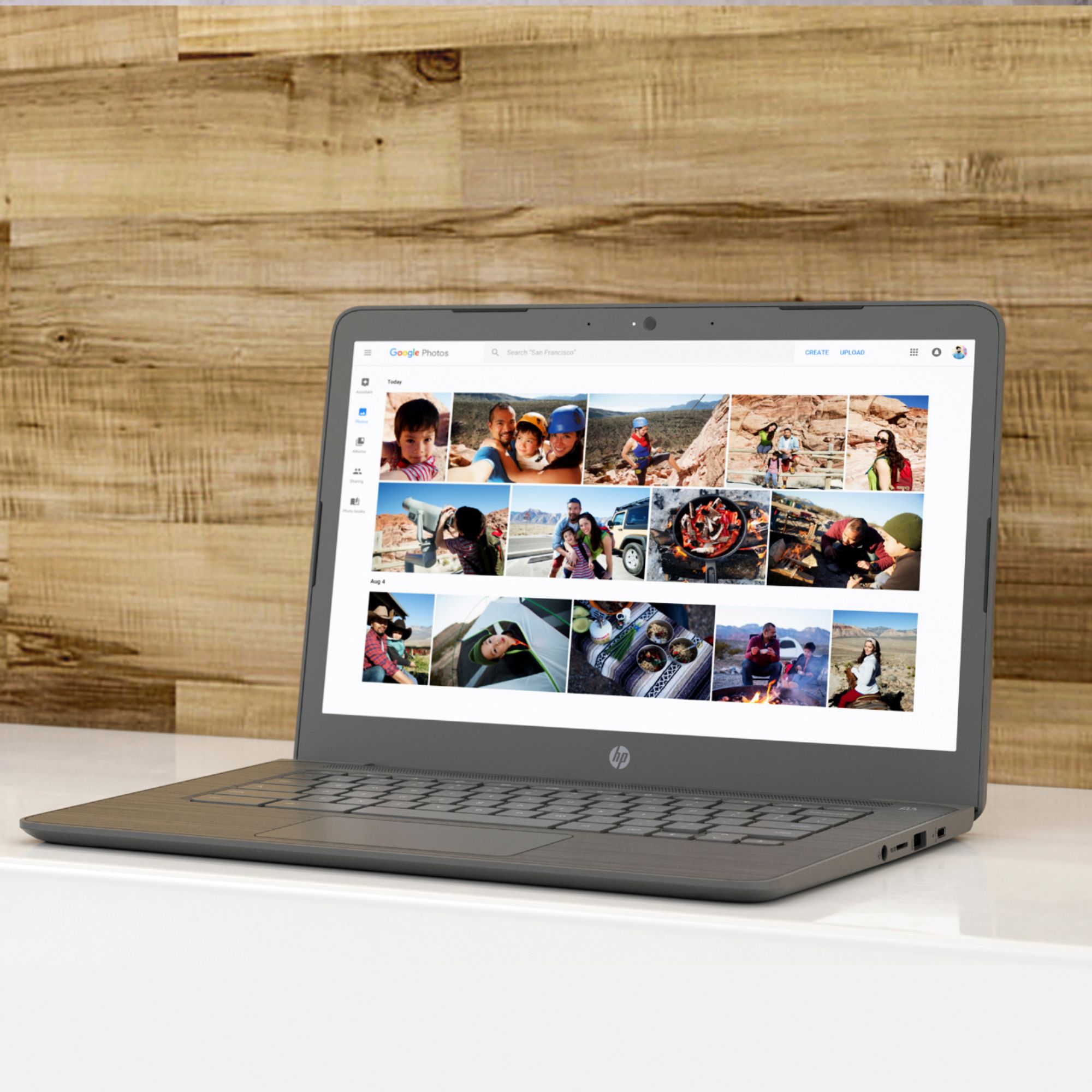
A:AnswerThank you for the question. Chromebooks are excellent for accessing online content and Zoom meetings. You can access your Microsoft 365 account without downloading the entire program. Due to the limited amount of storage, save documents to the cloud or an SD card.
A:AnswerHello! Thank you for your question! Yes, you can pull up a virtual keyboard and type using the touchscreen. While in the Chromebook settings, use the search bar at the top to search for "Keyboard" which will lead you to the Accessibility settings.
A:AnswerIt is claimed to be up to 10 1/2 hours. My granddaughter uses it for about 6-6 1/2 hours in school work daily and it shows to still be above half of battery life. She recharges it at night.
A:AnswerNo, we don't include CoolSense technology in Chromebooks, which run cool to begin with since they are streamlined without heavy-duty components.
A:AnswerYes. Chromebooks generally use Google equivalents such as Google Docs and Google Sheets, but you can also use the Google Play app versions of Microsoft Office programs such as Word and Excel, or the full versions of Office 365.