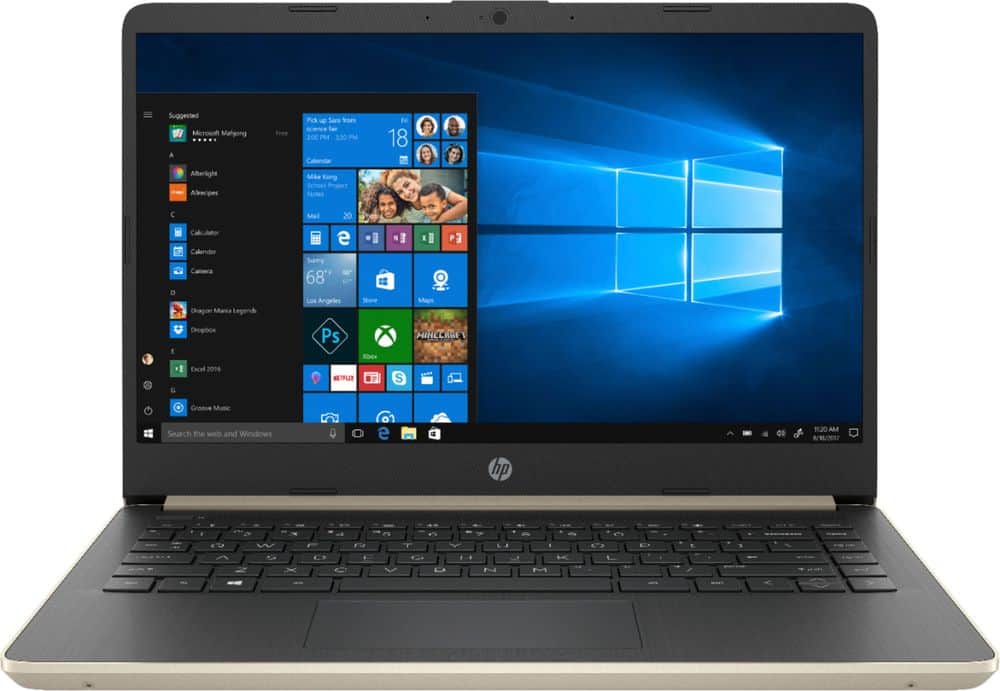
A:Answer Google has links to clear instructions on how to turn off S mode. It is a one minute task, AFTER you digest the instructions. BUT, you can never turn S Mode on in the future. After you turn it off, it is gone forever. I bought two HP 14 laptops (the 2018 model). I turned off S Mode so that I could download a Canon printer driver directly from Canon. A week later, the laptop was destroyed by a defective BIOS that was automatically installed from the HP website. My second HP 14 was left in S Mode. I went to the Microsoft store and after 20 minutes of searching and searching found a Canon printer driver. It installed easily and worked perfectly. The Microsoft store has a TON of apps and programs, but the store is difficult and time-consuming to search in depth. But, Microsoft works hard to supply every program and app that is proven to be 100% reliable.
Another example: in April Microsoft began installing Windows 10 Version 1903 on computers around the world. Many users had problems, some minor and some major after installing 1903. The rollout was delayed while bug fixes were being implemented. Yet, 1903 problems continue. Not ONE Windows S mode computer has a problem with 1903. Why? Microsoft will not begin sending Version 1903 to S Mode computers until it is PERFECT...which might be a year from now. The mantra of Windows S mode is to offer a perfect user experience, and that means installing only the best and most reliable software.