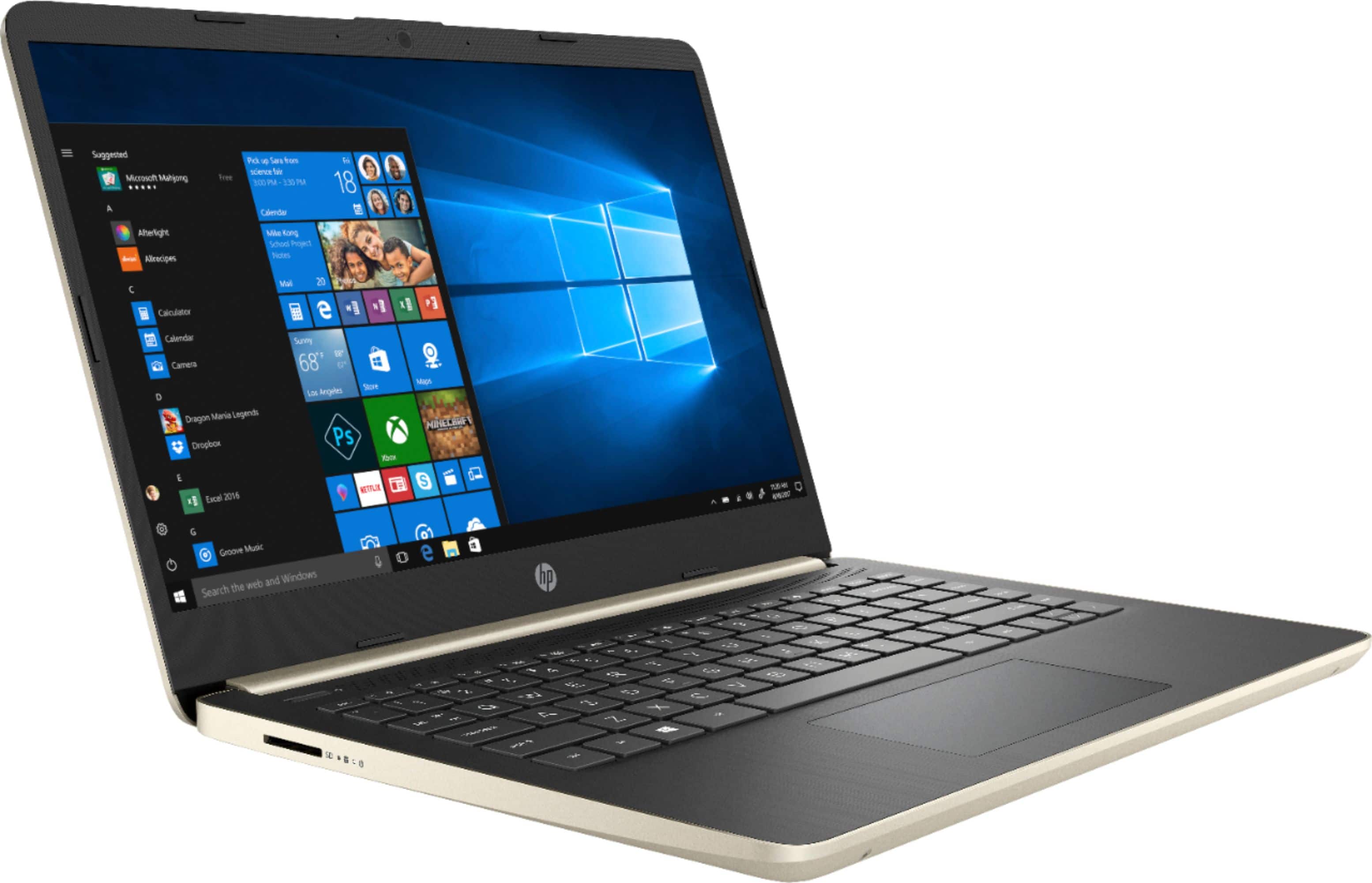
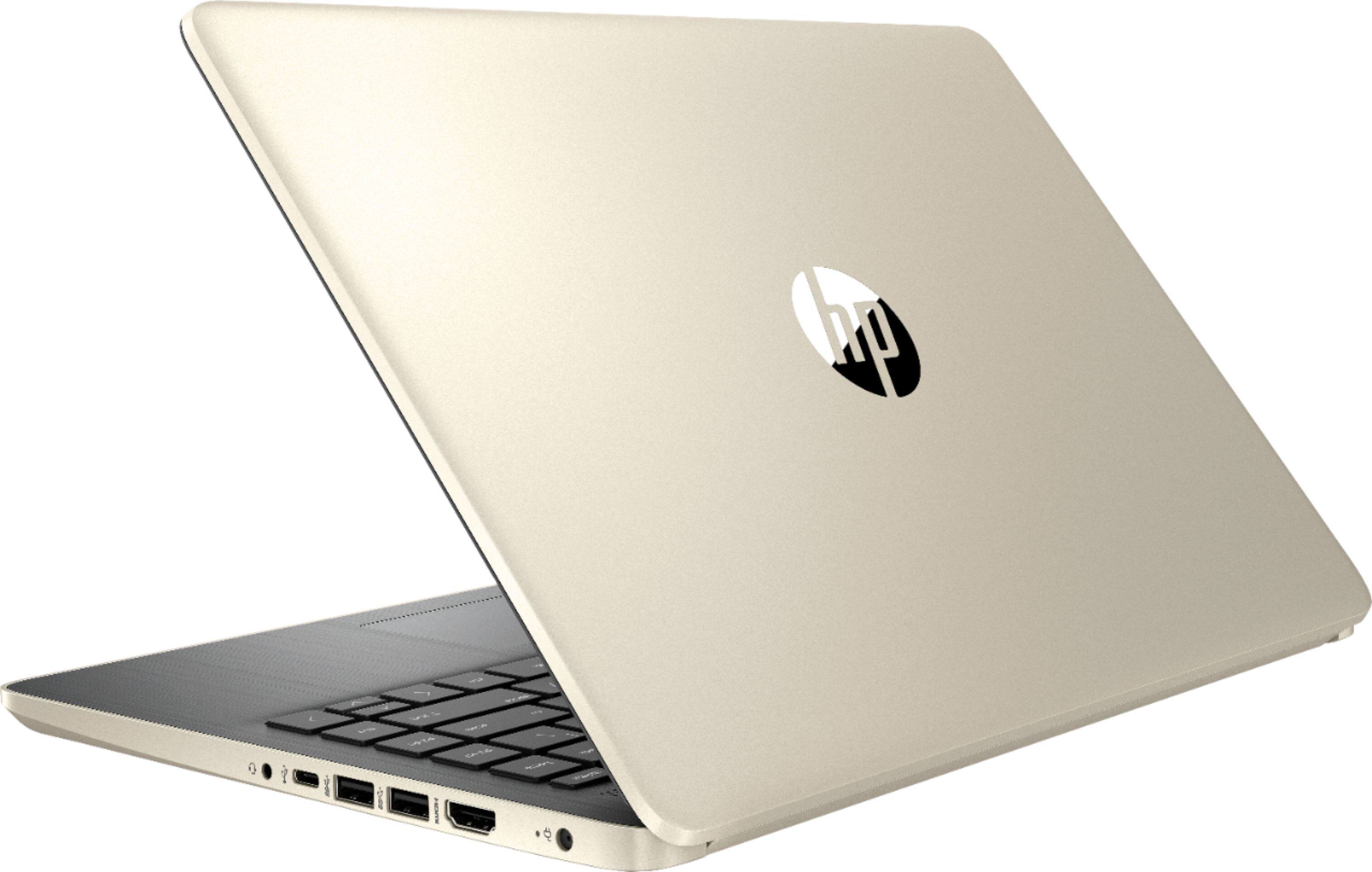
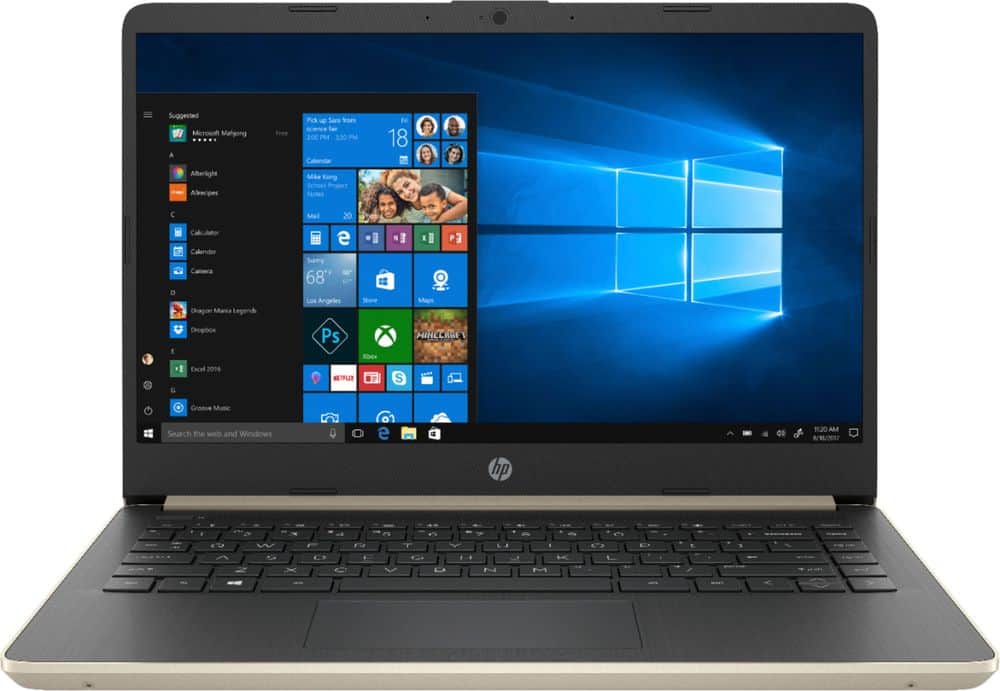
Questions & Answers
- Model:
- 14-DQ0011DX
- |
- SKU:
- 6353351
Highly rated by customers for: Touch screen, Price, Fast
Page Showing 101-113 of 113 questions
Q: QuestionCan it fold backwards?
Asked by Courtney.
- A:Answer No it’s a laptop. Not a 2in1
Answered by Danno
Q: QuestionHow fast is this computer compared to the basic laptop or compared to an above i5? Can it handle photo editing apps?
Asked by Juiceweed.
- A:Answer The Intel i3 processor is under the Intel i5 processor. The Intel i3 computer is the average speed computer. If you are planning to use photo editing programs like Adobe Photoshop, it is recommended to get a computer with at least an Intel i5 or better with 8 gigabytes of RAM or more. If you can get a computer with a discrete graphics card that will also help. Adobe programs are big programs and they are very graphic intensive.
Answered by HP Team

Q: QuestionHi, can this laptop be upgraded to Windows 10 Pro?
Asked by SuperUSer.
- A:Answer Yes, WIndows 10 pro works and is required for my office because pro's features.
Answered by Mike123
Q: QuestionDoes keyboard have backlight option? Function 5 key
Asked by Mjray.
- A:Answer This laptop does not have a backlit keyboard.
Answered by HP Team

Q: QuestionThis laptop has light in the keyboard?
Asked by Ciprian09.
- A:Answer You're not going to get a backlit keyboard for $250-$300.
Answered by Ellett
Q: QuestionHow much of a PITA is it to upgrade the ram / SSD? I’m assuming you have to peel off the rubber feet and remove the screws and the bottom cover pops off? I’m hoping the SSD/ram is not soldered into the main board.
Asked by wrywhy55.
- A:Answer After you remove the bottom cover, you will gently move the battery out of the way and just pop an 8gb RAM module into the empty slot. Personally, I would pay the Geek Squad to do this to avoid problems with the HP warranty. If you Google, you should be able to find the HP service manual for the HP 14 series as a PDF download.
Answered by AlanHouston
Q: QuestionJust bought this model, does it come with a back light for the keyboard????? Anyone know this? If so, How do you turn it on?
Asked by Jackieeeee.
- A:Answer Doesn’t have a backlit keyboard
Answered by StlTech
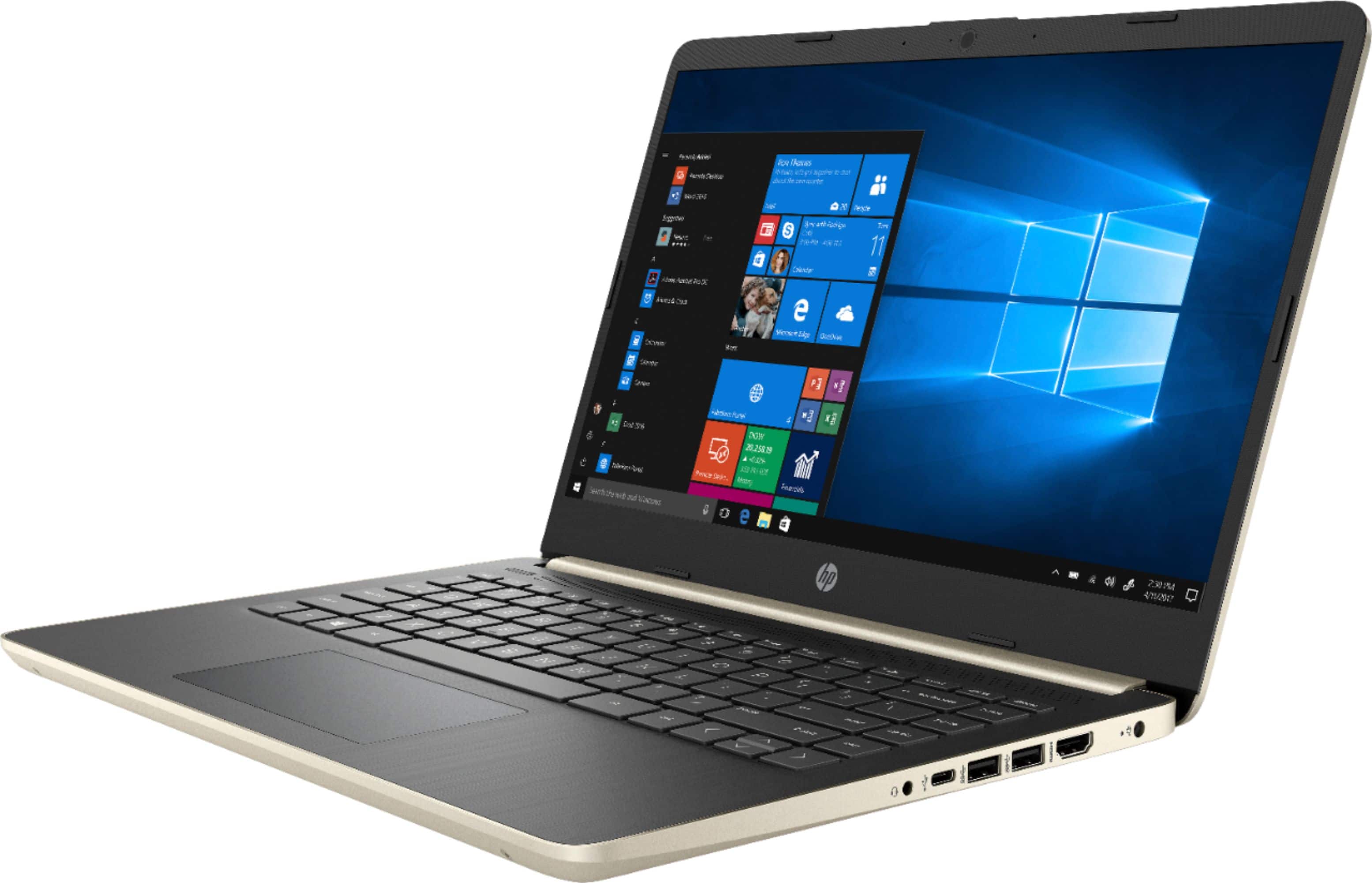
Q: QuestionCan the USB 3.1 Type C Port in this laptop be used to drive a 2nd external display, instead of the internal one. -ie one from HDMI and 2nd from the C port?
Asked by Momus.
- A:Answer The USB C port on this laptop is only used for data transferring. You can connect one monitor to the 1 HDMI port. Then, you can use an USB to HDMI adapter for the other monitor.
Answered by HP Team

Q: Questionhello, i was wondering if an internal hard drive can be added without removing the included ssd thanks.
Asked by quadapplesauce.
- A:Answer No idea. But I would not risk breaking the warranty
Answered by Elisa
Q: QuestionI have been trying to work with windows in S mode but I need to download programs outside Microsoft , how do I change from S mode ton Windows 10
Asked by gonzalo.
- A:Answer Google has links to clear instructions on how to turn off S mode. It is a one minute task, AFTER you digest the instructions. BUT, you can never turn S Mode on in the future. After you turn it off, it is gone forever. I bought two HP 14 laptops (the 2018 model). I turned off S Mode so that I could download a Canon printer driver directly from Canon. A week later, the laptop was destroyed by a defective BIOS that was automatically installed from the HP website. My second HP 14 was left in S Mode. I went to the Microsoft store and after 20 minutes of searching and searching found a Canon printer driver. It installed easily and worked perfectly. The Microsoft store has a TON of apps and programs, but the store is difficult and time-consuming to search in depth. But, Microsoft works hard to supply every program and app that is proven to be 100% reliable. Another example: in April Microsoft began installing Windows 10 Version 1903 on computers around the world. Many users had problems, some minor and some major after installing 1903. The rollout was delayed while bug fixes were being implemented. Yet, 1903 problems continue. Not ONE Windows S mode computer has a problem with 1903. Why? Microsoft will not begin sending Version 1903 to S Mode computers until it is PERFECT...which might be a year from now. The mantra of Windows S mode is to offer a perfect user experience, and that means installing only the best and most reliable software.
Answered by AlanHouston
Q: QuestionSo are u supposed to be able to click on things by touching the screen
Asked by sweetT.
- A:Answer I use the mouse pad. It works were well!!
Answered by Anonymous
Q: QuestionCan you play video games and can it run smooth throughout the video game
Asked by Joel.
- A:Answer I have not tried playing video games. I bought it so I could write, email, get online, watch movies and listen to music. So far I have been able to do everything I have wanted too. And the price was not bad as far as I am concerned.
Answered by mountianman
Q: Questionis keyboard lighted
Asked by Anonymous.
- A:Answer Yes, the keyboard is lighted.
Answered by CommunityAnswer
Most-viewed items
- Ultimate Deal$299.00$299.00
- $298.00$298.00The price was $349.00
- $109.95$109.95The price was $129.99
- Ultimate Deal$159.99$159.99
- $329.99$329.99The price was $469.99
- $449.99$449.99The price was $649.99