A:AnswerYou can buy an adapter that will convert any drive connection (SATA, IDE, NVMe, etc.) to a USB connection. Remove the drive, put it in this type of adapter, and then just connect the old drive to the new laptop via a USB port.
A:AnswerActually, it is more of an upgrade, than an addition, since you will not be running two operating systems simultaneously (unless you are going for a dual boot system, which I do not recommend), but yes, you can, and it's pretty easy. Most of the time it's about $100 more (depending on which Pro version you want), unless packaged with something else, in which case you might be able to get a "deal."
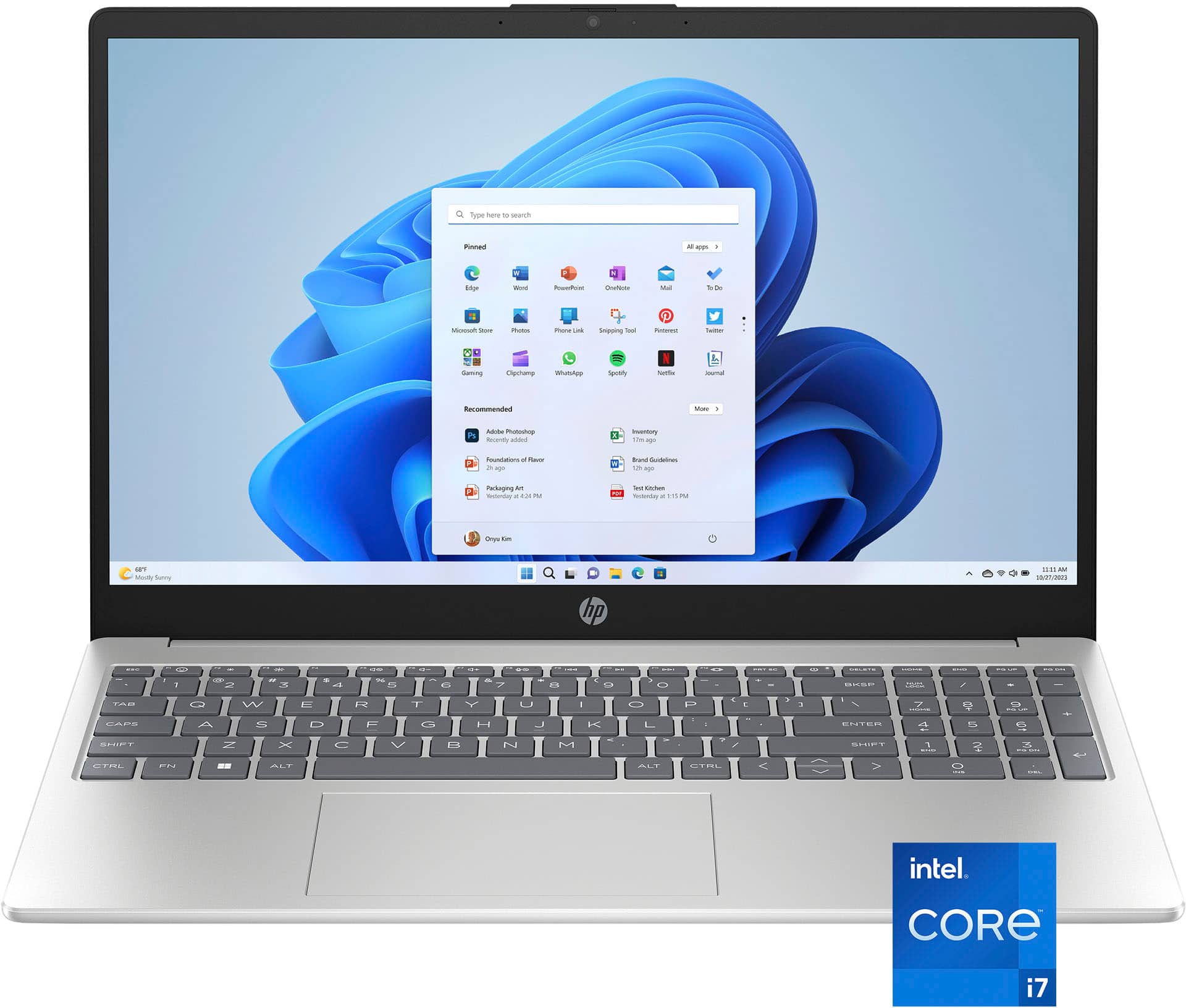
A:AnswerNot backlit.
It might be possible to convert to one if (1) you can find one compatible; (2) have the technical expertise, (3) don't mind possibly voiding your laptop’s warranty,
A:AnswerI don't think ANY laptop has a lifetime MS Office Suite subscription, except possibly one your business may issued to you. Otherwise, you (1) have limited used of Excel, Word, and PowerPoint through the browser, (2) can buy a permanent copy of the suite, (3) get a free suite, like Kingsoft.
A:AnswerUnfortunately, there is no standard method of measuring battery life, the way there is, for example, CPU performance. This means it is impossible to compare one company’s computer’s battery use vs. another. Some manufacturers do provide details on how they measured it, but this is a rarity. The best way to find this information is to search out reviews by trusted tech publications, where they give detailed explanations of their procedures, as well as comparisons to comparable models.
A:AnswerYes, and no. You can attach a 4 TB external drive, but it does not support adding internal storage that high. It does not appear to be upgradable, either.
A:AnswerTo find out whether a specific computer build enables use of a specific program, always go to the manufacturer's website and search for the application, where you will find a full list of system requirements, both minimum (program will run, possibly with some limitations) and recommended (program can be run with full flexibility and enjoyment).
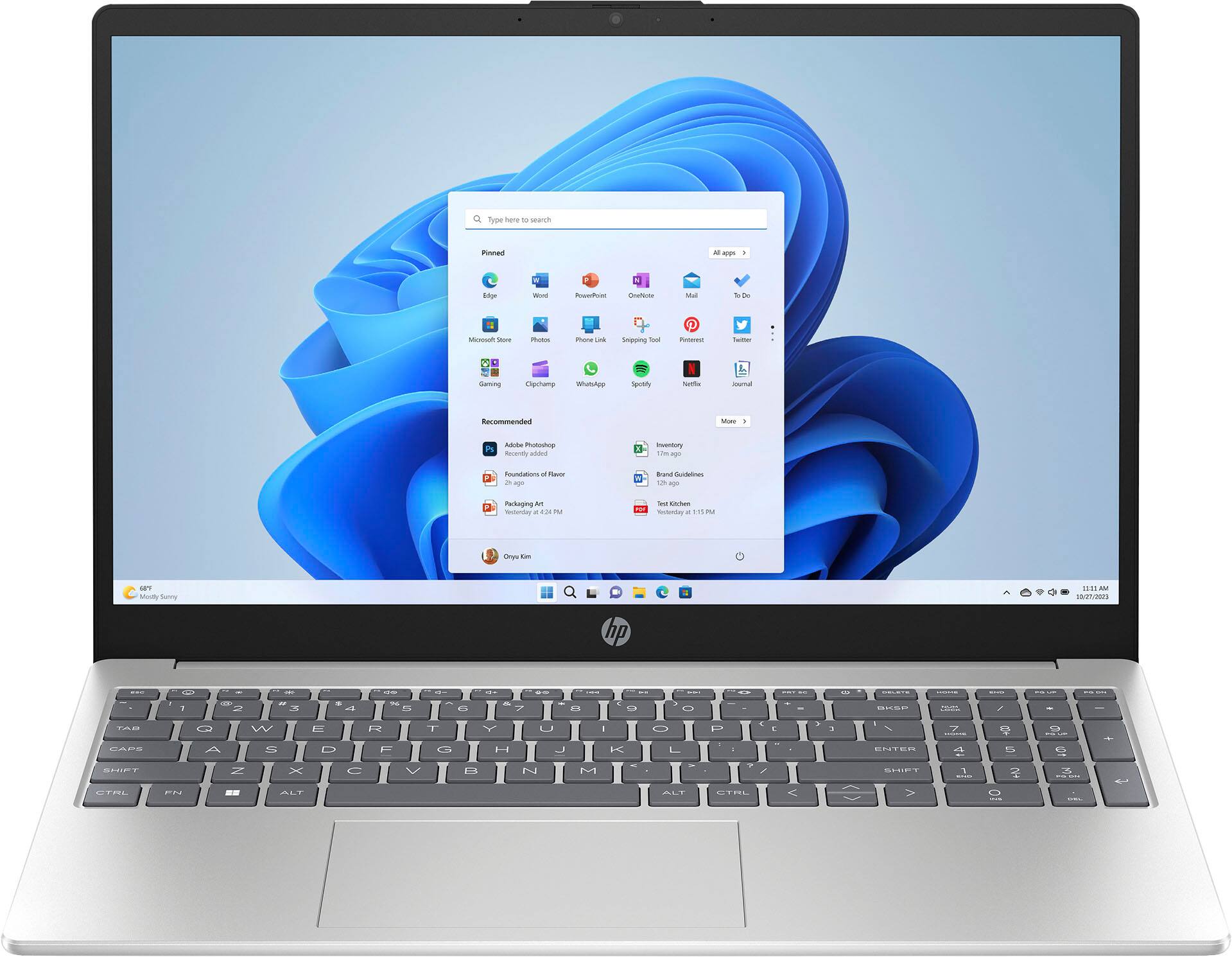
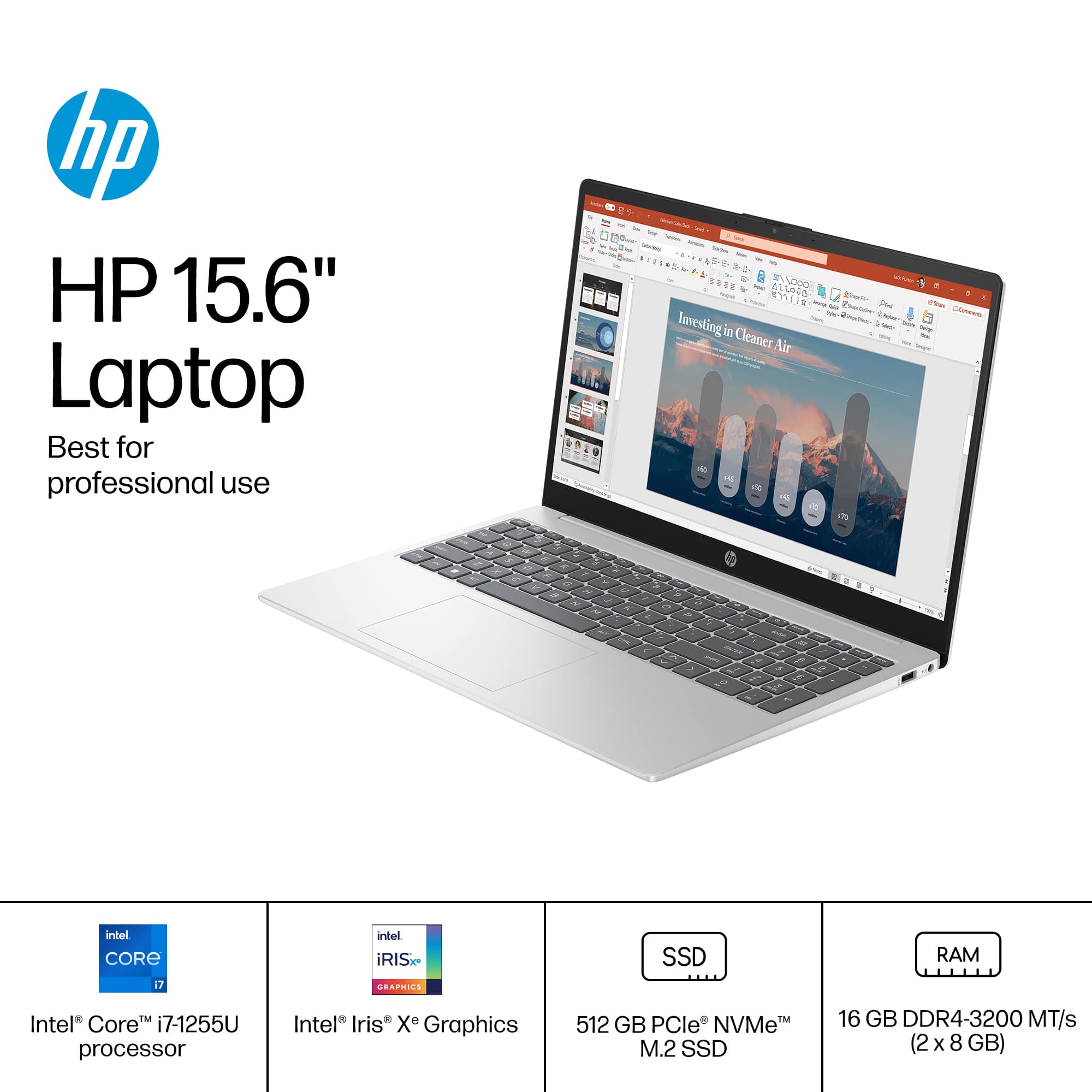
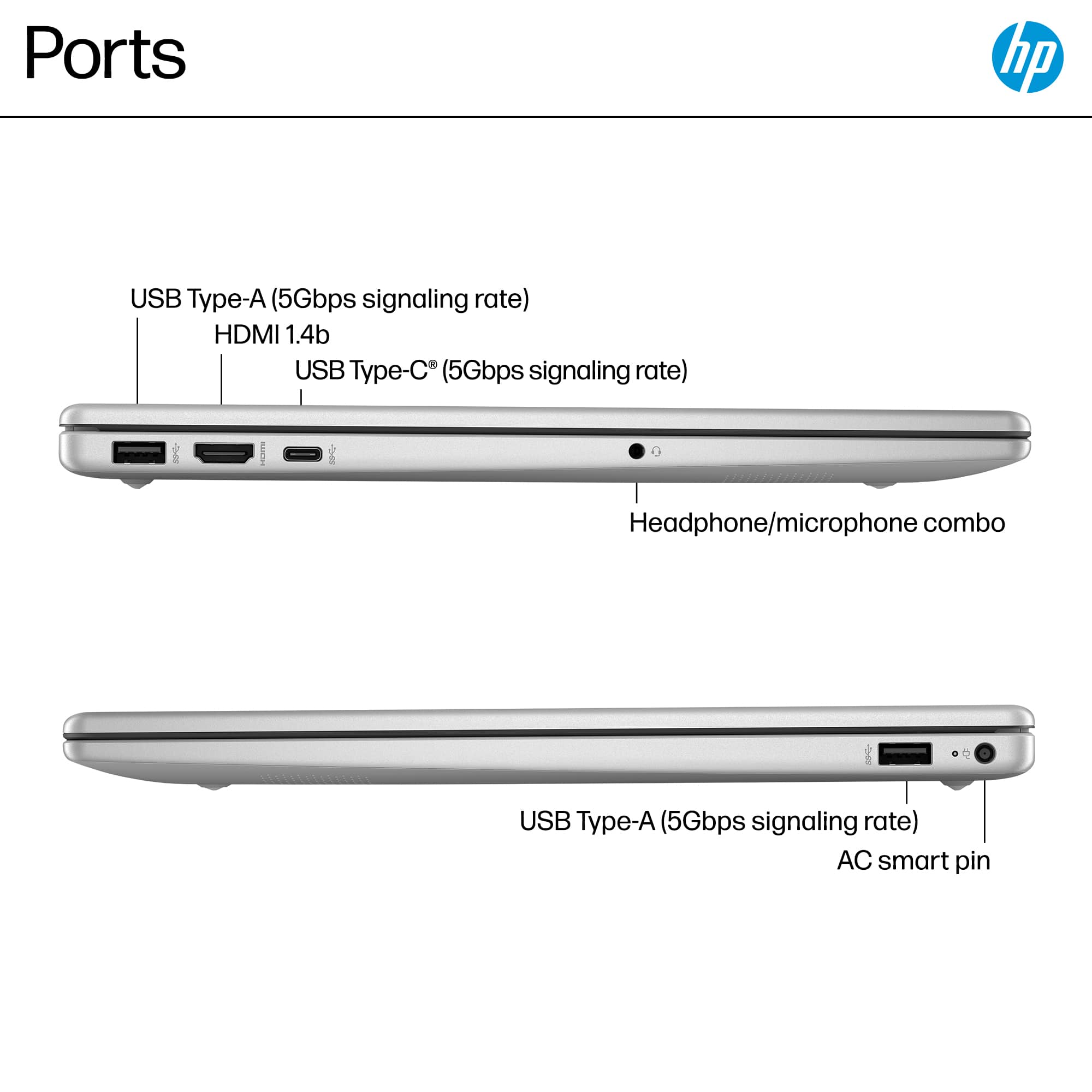
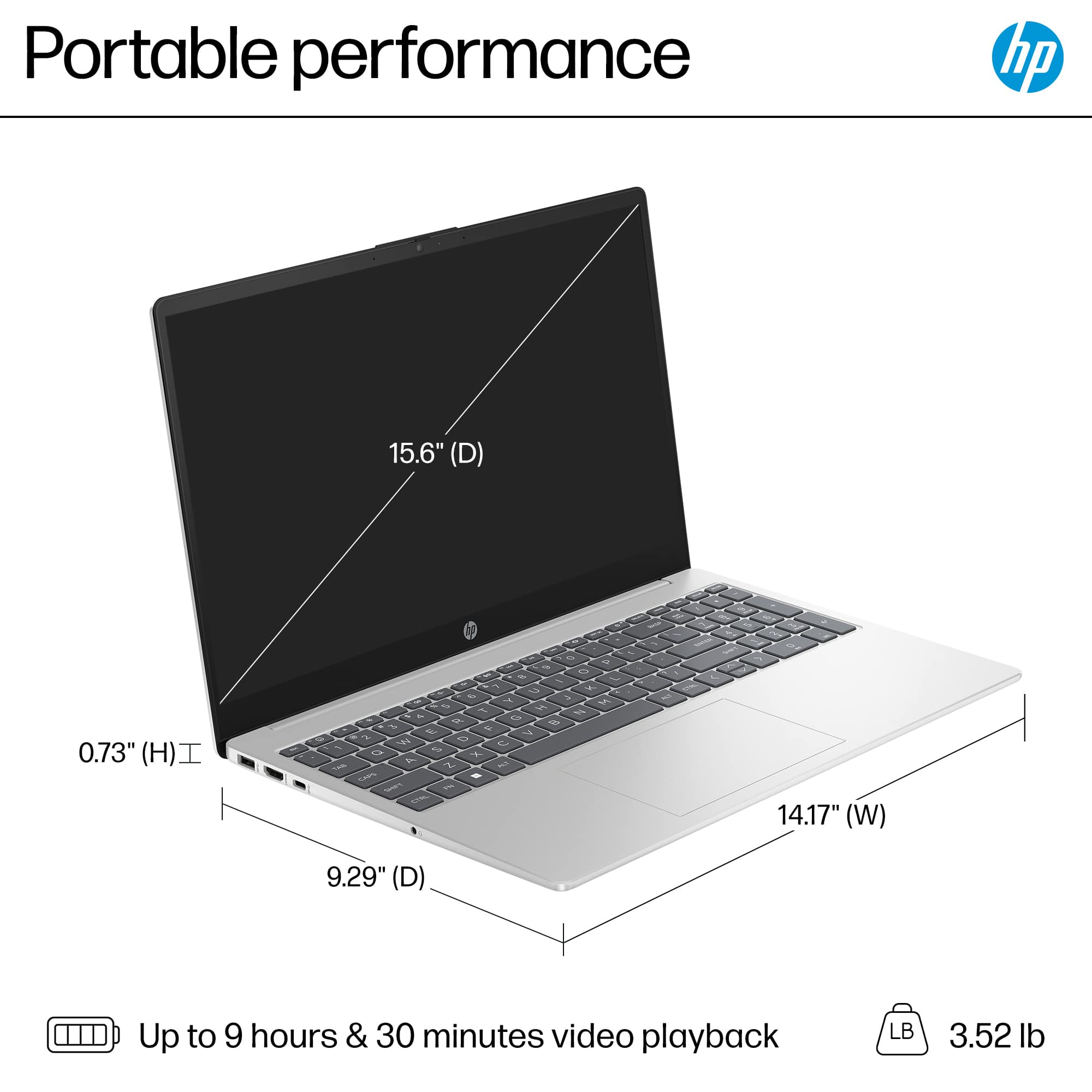
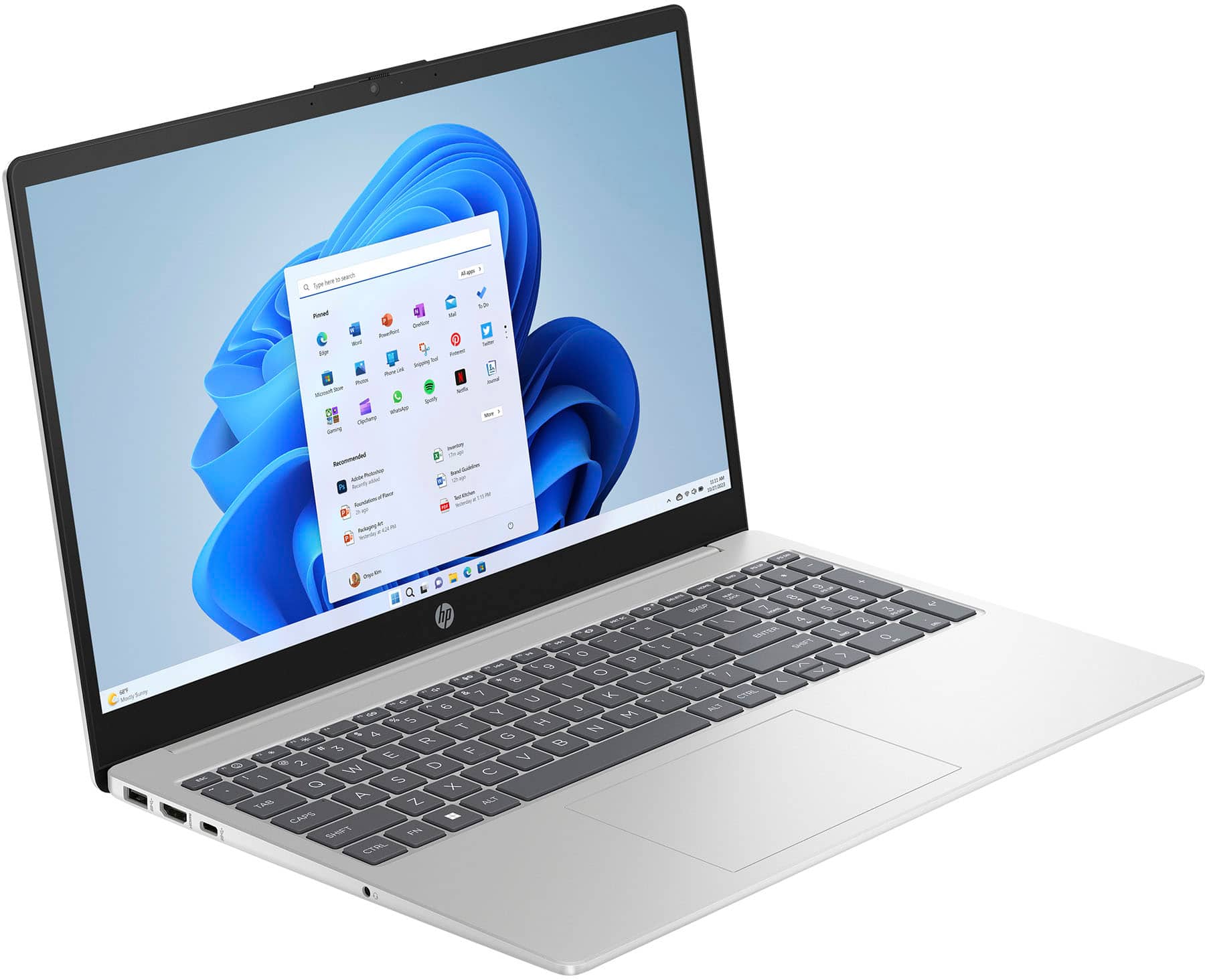
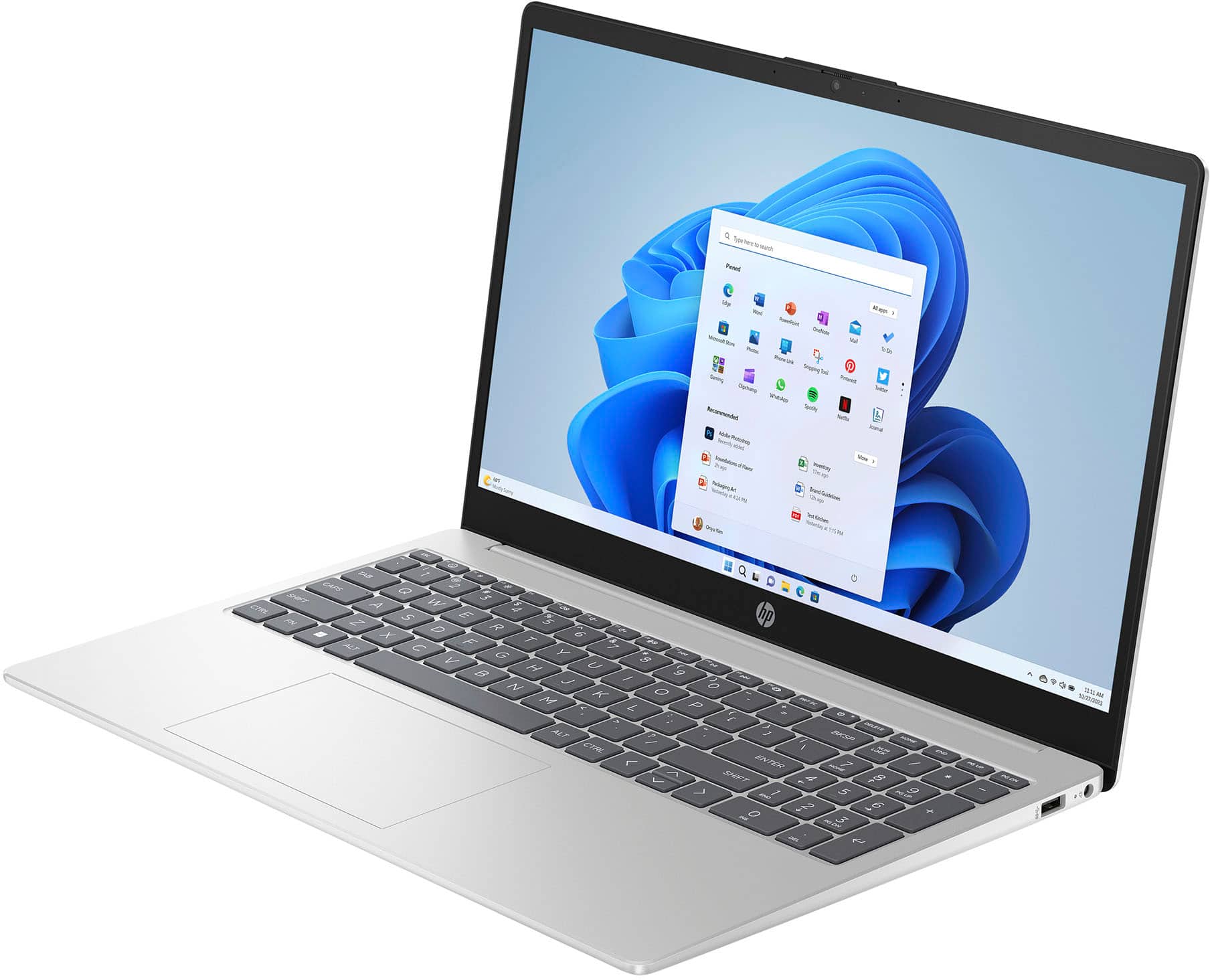
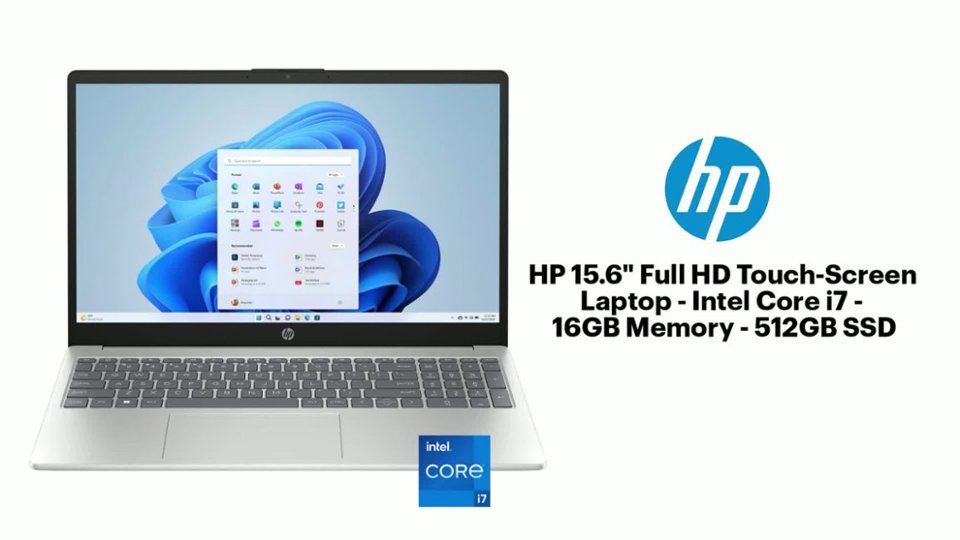
A:AnswerHello, Judy. Thanks for your question. The HP Laptop 15-fd0107dx features a 15.6" touchscreen and comes with Windows 11 Home in S mode. It comes with 16 GB (Gigabytes) of RAM and a 512GB SSD (solid state drive). For the ports, it includes: 1 USB Type-C (5Gbps signaling rate) for data transfer only (no charging or external monitor support), 2 USB Type-A (5Gbps signaling rate), 1 HDMI 1.4b port and 1 headphone/microphone combo jack. The laptop provides a battery life of up to 6 hours and 30 minutes
A:AnswerIt says "Windows 11" about nine times on the page, and another six times on the Datasheet. Let us know how many more times would suffice for you.
A:AnswerWord, Excel, and PowerPoint are included, free, to a LIMITED extent, and then only when using the browser. Unlimited use requires a subscription or purchase, or use of a compatible, non-Microsoft suite, e.g., Kingsoft.
A:AnswerCorrecting CyberspaceCadet: S mode CAN be reversed. There are two way: edit the Registry, or perform a factory reset on the computer. This second method, unfortunately, also wipes your drive. But you can't have everything!