A:AnswerThank you for the question. Microsoft 365 (Word, Excel, etc.) is a subscription service, and Microsoft has included a 30-day trial with this laptop. You can subscribe for ongoing service after the trial.
A:AnswerLuis, thank you for your question about this HP laptop! This laptop is equipped with Bluetooth and will pair with any Bluetooth device, including Bose and Jabra earbuds!
A:AnswerThank you for your question about this HP laptop! This laptop is not active-stylus compatible. The HP Envy, Spectre, and Omnibook 2-in-1 laptops are active stylus-compatible.
A:AnswerIf you want a Surface-branded laptop (which are ONLY manufactured by Microsoft), search for those words ("microsoft" and "surface"). Be aware that Surfaces, while thin and light, are NOT RAM upgradeable--what you buy is what you have, forever. Use of LPDDR memory is the tradeoff for the size and weight. Drives, however, can be upgraded.
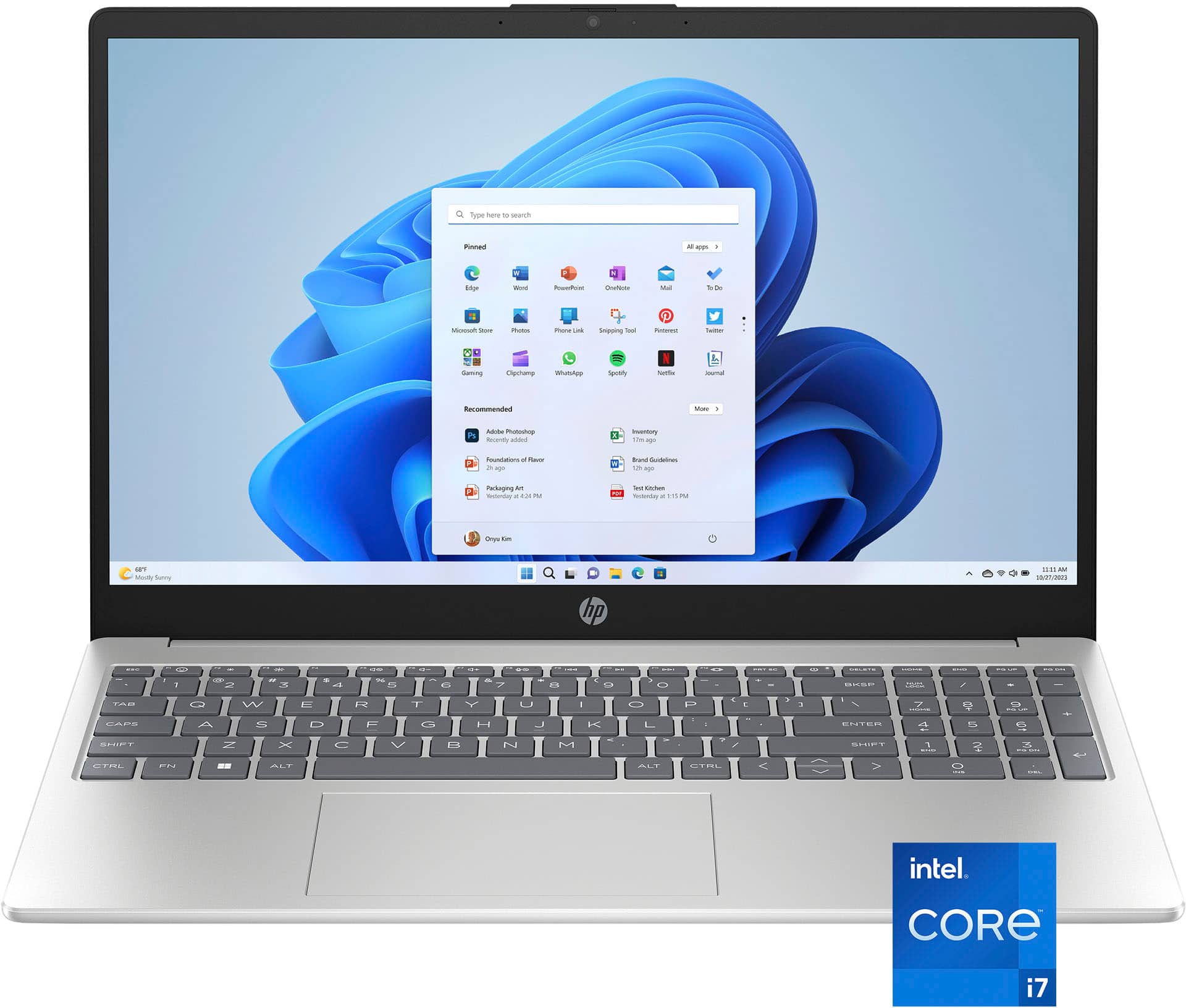
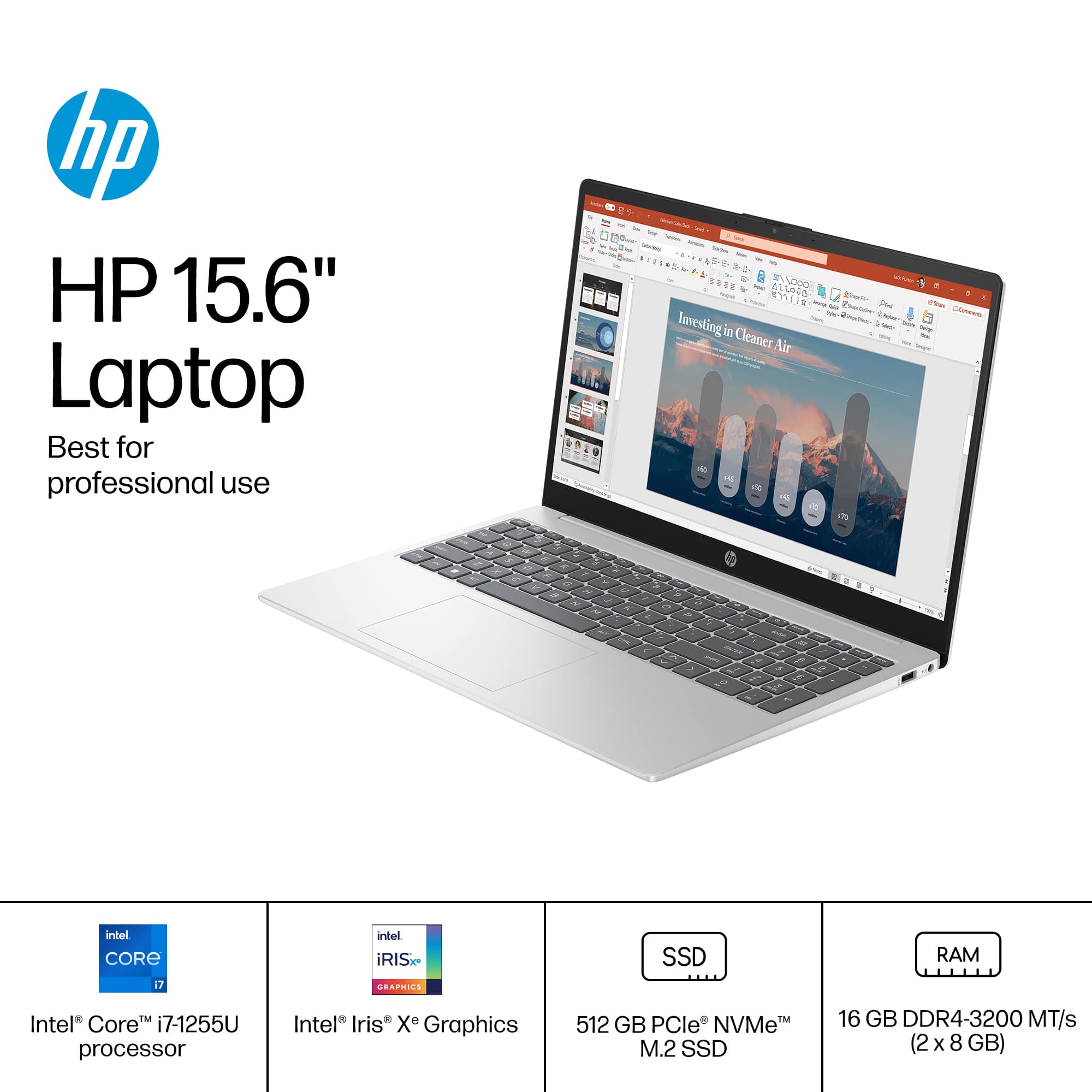
A:AnswerHello and thank you for asking. The HP 15-fd0107dx laptop computer has an Intel i7-1255U processor or CPU. According to Intel, that CPU has two types of cores: Performance and Efficient. The Maximum Performance Core Turbo Frequency is 4.7 GHz and the Maximum Efficent Core Turbo Frequency is 3.50 GHz. Processing speeds will vairy from the maximum frequency as it depends upon the CPU workload.
A:AnswerSlick, thank you for askin about the touch screen on this HP laptop! It can work using your finger or a stylus that has a rubber tip on it. This does not support an active stylus.
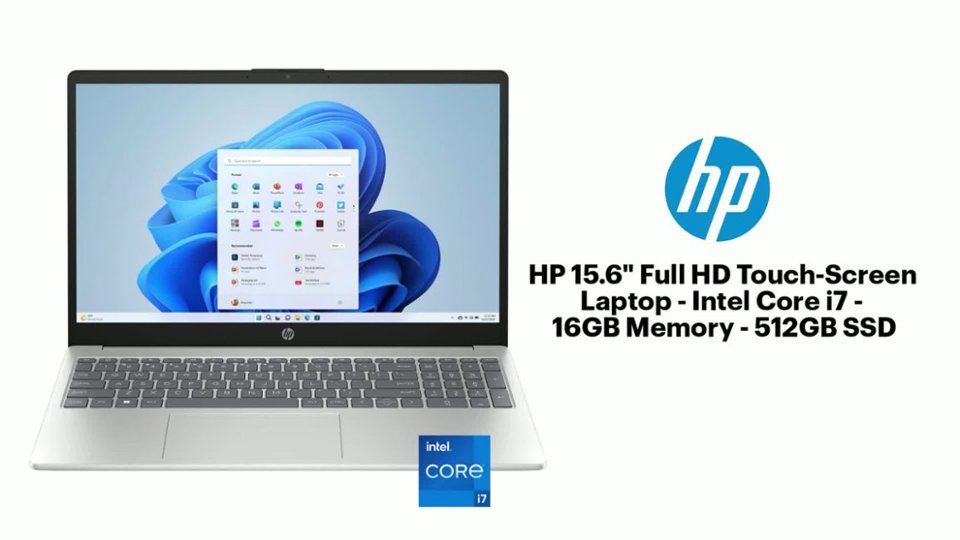
A:AnswerHello and thank you for your question about the HP 15.6" Touch-Screen Laptop Model 15-fd0107dx. As system requirements for software constantly change, we are unable to answer questions about software compatibility or performance. What is compatible today may not be in the future. Please check the software manufacturer's website for the most current minimum and recommended requirements.
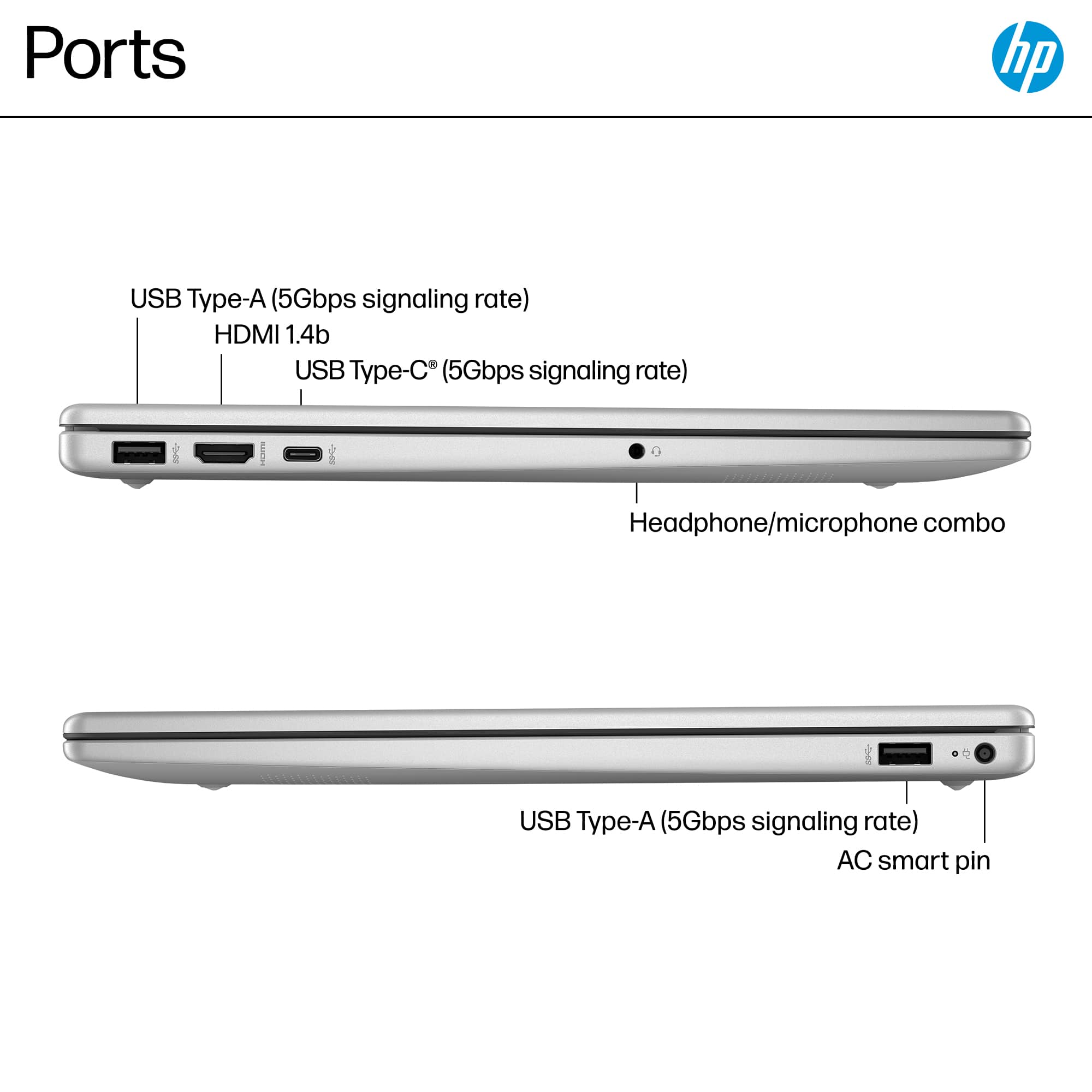
A:AnswerHi Jody! The HP 15-fd0107dx uses the Smart Pin power connection and does not charge from the USB ports. A hub would be a better idea if you want to extend USB or video connections.
A:AnswerJody, thank you for your question about this HP laptop! None of the docking stations are compatible with this for dual monitors because none of the USB-C ports are equipped with DisplayPort. That type of port is on our Pavilion, Envy, Spectre, and OmniBook series laptops and you can use a USB-C dock with with those.
A:AnswerThank you for the question. Turbo Tax does not support Windows 11 in S Mode, the operating system in the 15-fd0107dx laptop. You have the option of using Turbo Tax's online version, or converting the laptop out of S Mode. This is a free and simple conversion, and it is nor reversible.
A:AnswerThanks for your question about this HP 15.6" Full HD Touch-Screen Laptop (15-fd0107dx). Windows 11 in S mode is a version of Windows operating system, that allows you to only download from the Microsoft Store for applications and games.
A:AnswerThanks for your question. You can use Google Chrome on this laptop once you switch it out of S mode. This can be done in the Windows settings for free.
A:AnswerThank you for your question between the two HP laptops! The main difference between the HP 15-dy5073dx and HP 15-fd0107dx is the processor. The HP 15-dy5073dx comes with an Intel Core i7-1355U processor. The HP 15-fd0107dx laptop has an Intel Core i5-1335U processor. The Intel Core i7-1355U processor in the HP 15-dy5073dx laptop offers better performance and graphics capabilities compared to the Intel Core i5-1335U processor in the HP 15-fd0107dx laptop.