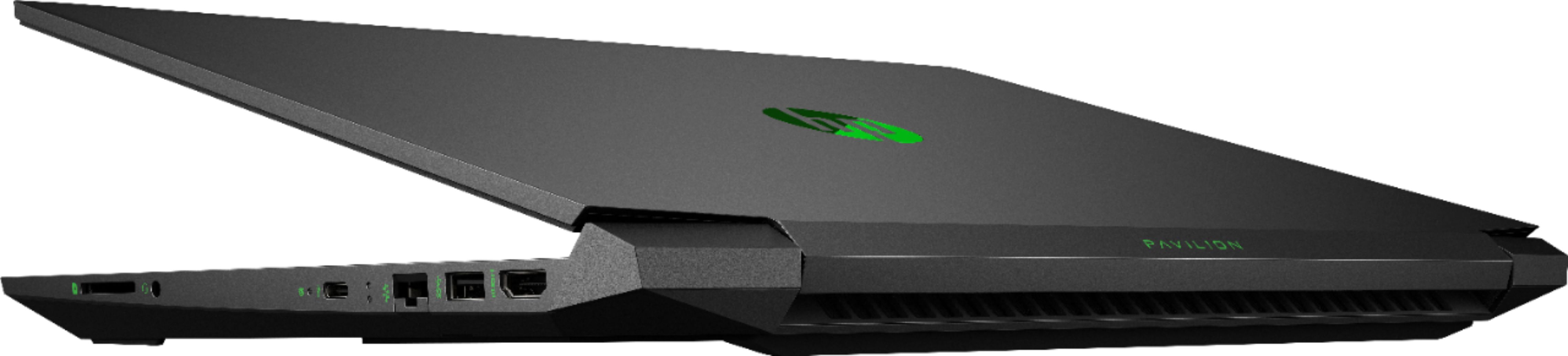
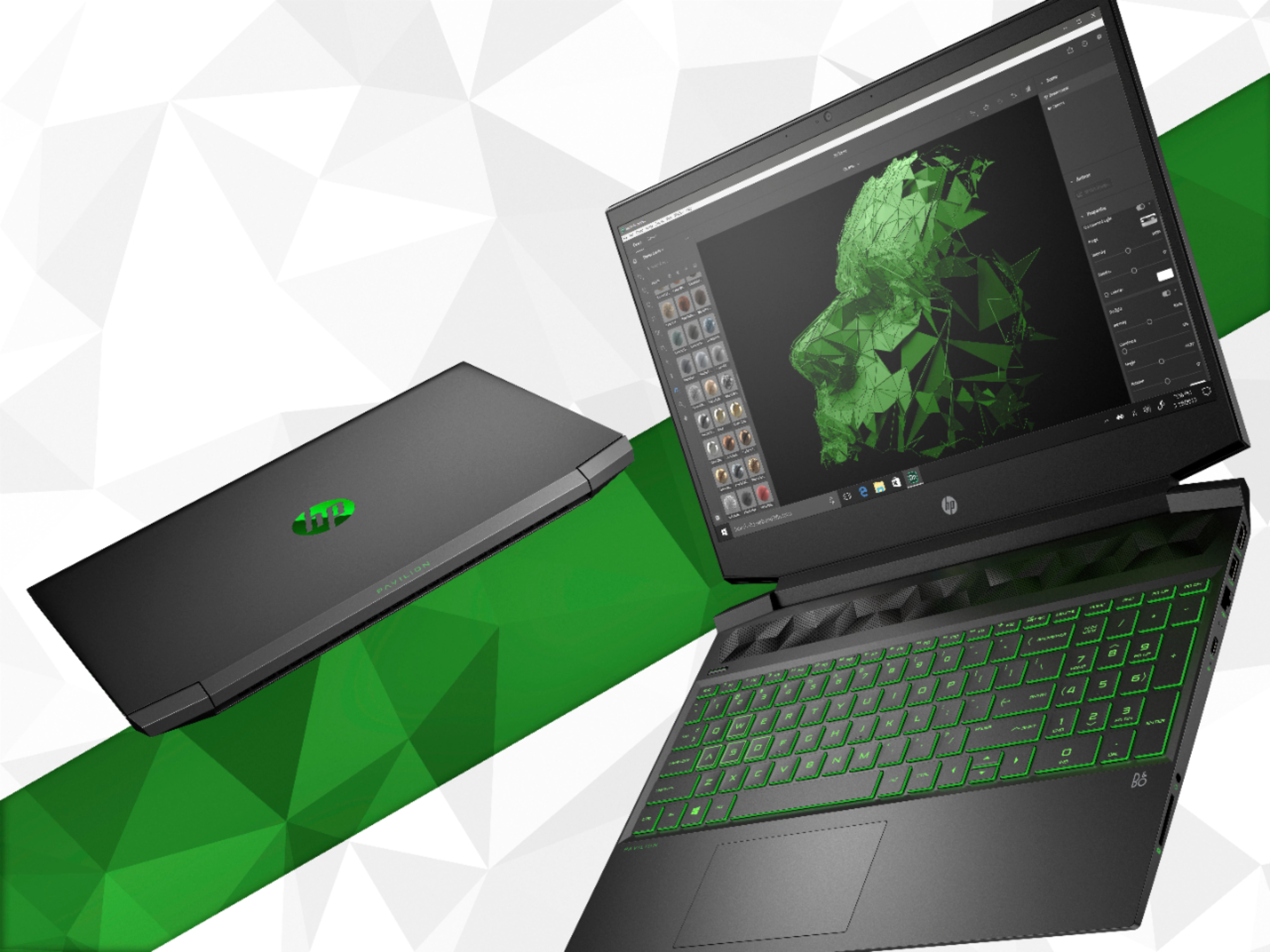
A:AnswerPlease ignore other answers. This unit DOES have a TN backlit display. It is NOT ips! The display is actually not to bad for a TN display and imho is quite acceptable. There is a spare 2.5 inch hdd/SSD bay ( plastic hp branded cover over the bay ). You can also upgrade the m2 SSD if needed.
A:AnswerYes. This computer comfortably exceeds all the system requirements of Sims 4, so you should have a really nice experience running it on this computer.
A:AnswerYes, this laptop will run Fortnite well. This is also one of the best on sale in the $500-800 range. There is another one on sale by Asus for $579 with a Gtx 1660 as the graphics card (better then the one on this) There are other ones but these two are the best for your price range. :)
A:AnswerTbh man yea it would be a great laptop to buy for your son, it will run the game you mentioned and smoothly at that, hope you and your family have a great Thanksgiving and Christmas
A:AnswerIf you go to the lowest graphics setting it can handle Rainbow Six Siege at 60FPS. All of the others except the newest Borderlands it will handle just fine. The GTX1050 is lower than what I would recommend to play borderlands 3.
A:AnswerJust look for DDR4 8gig Laptop ram. You will find a PNY set on BestBuy for $30 that will fit the port nicely. Once you add the extra ram the machine goes from single channel to dual channel ram and the performance boost is noticeable.
A:AnswerI'm a little bemused at the answer HP gave referencing Civ. They state that the gfx card can not handle Civ? Really HP? Considering that Civ can be run quite successfully on a GTX 950 and even lower it amazes me as to why they feel Civ will not run on a GTX 1050? It amazed me so much that I installed Civ on this very laptop and I can clearly state that the game runs smoothly on high settings.
A:AnswerThe bay you need is under a black plastic HP branded cover. It looks like the bay is already in use but the HP branded cover is just that a cover. I admit it had me fooled unto I read someone took a look at that HP branded piece of plastic and realized it was just a cover. The bay is under neat it. Remove the screws either side and pull the cover out, then place your HDD/SSD into the slot provided.
A:AnswerThe battery life is good if you're just using it to browse the internet or do homework, but if you're gaming you better keep your computer on its leash because you wont get more than an hour and a half gaming with a full charge. I absolutely love the computer though, even with the low battery life.