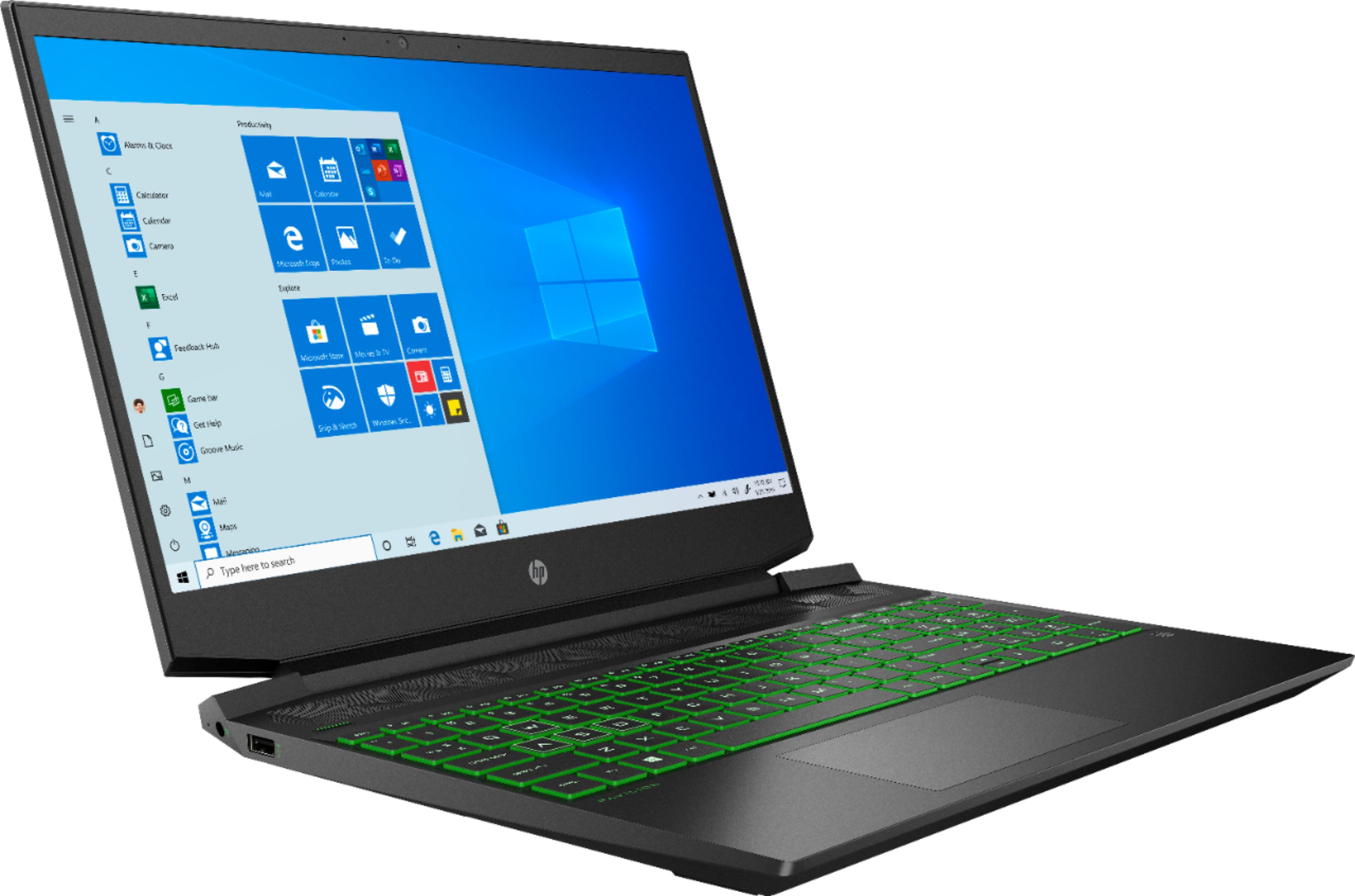
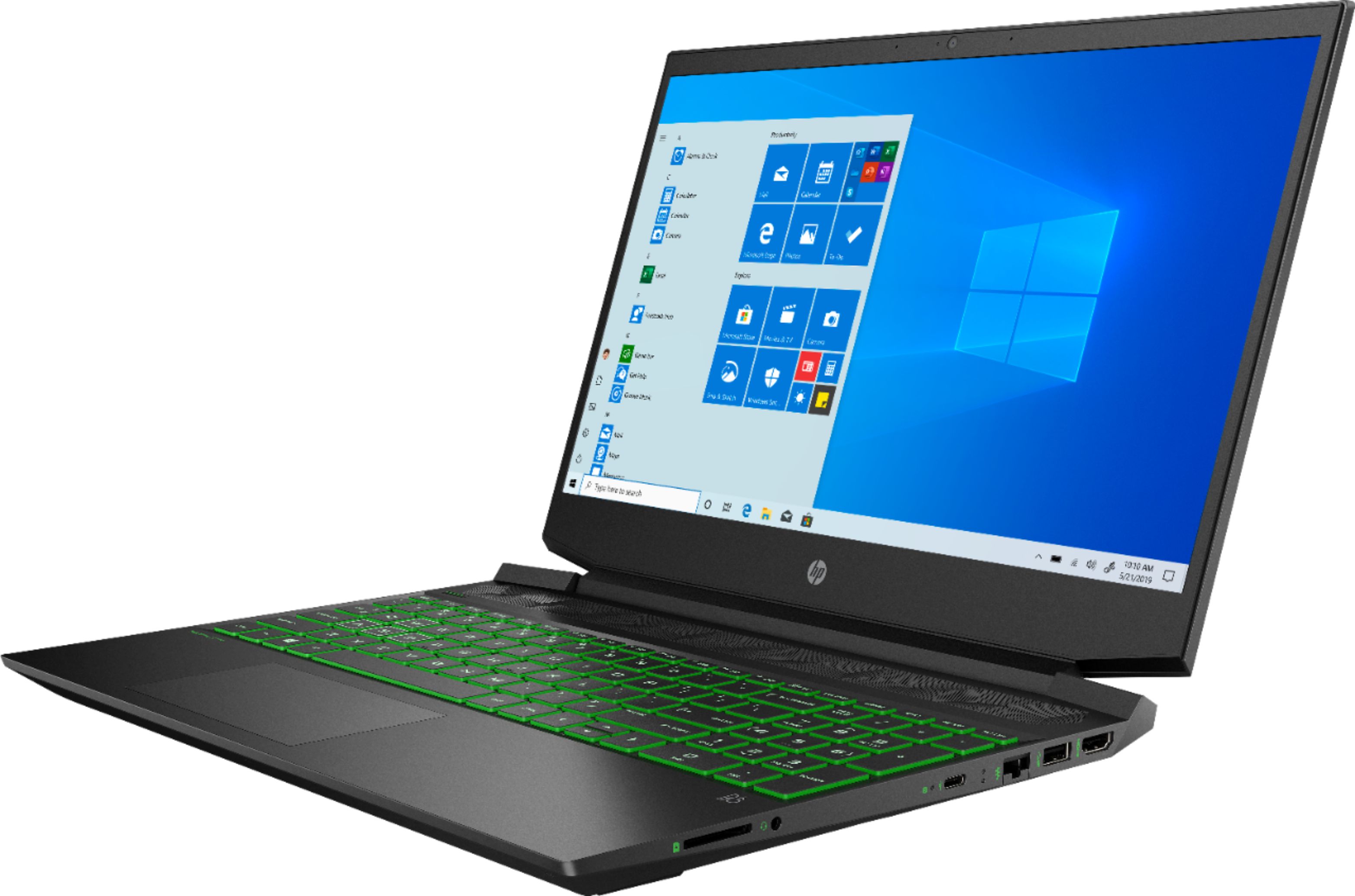
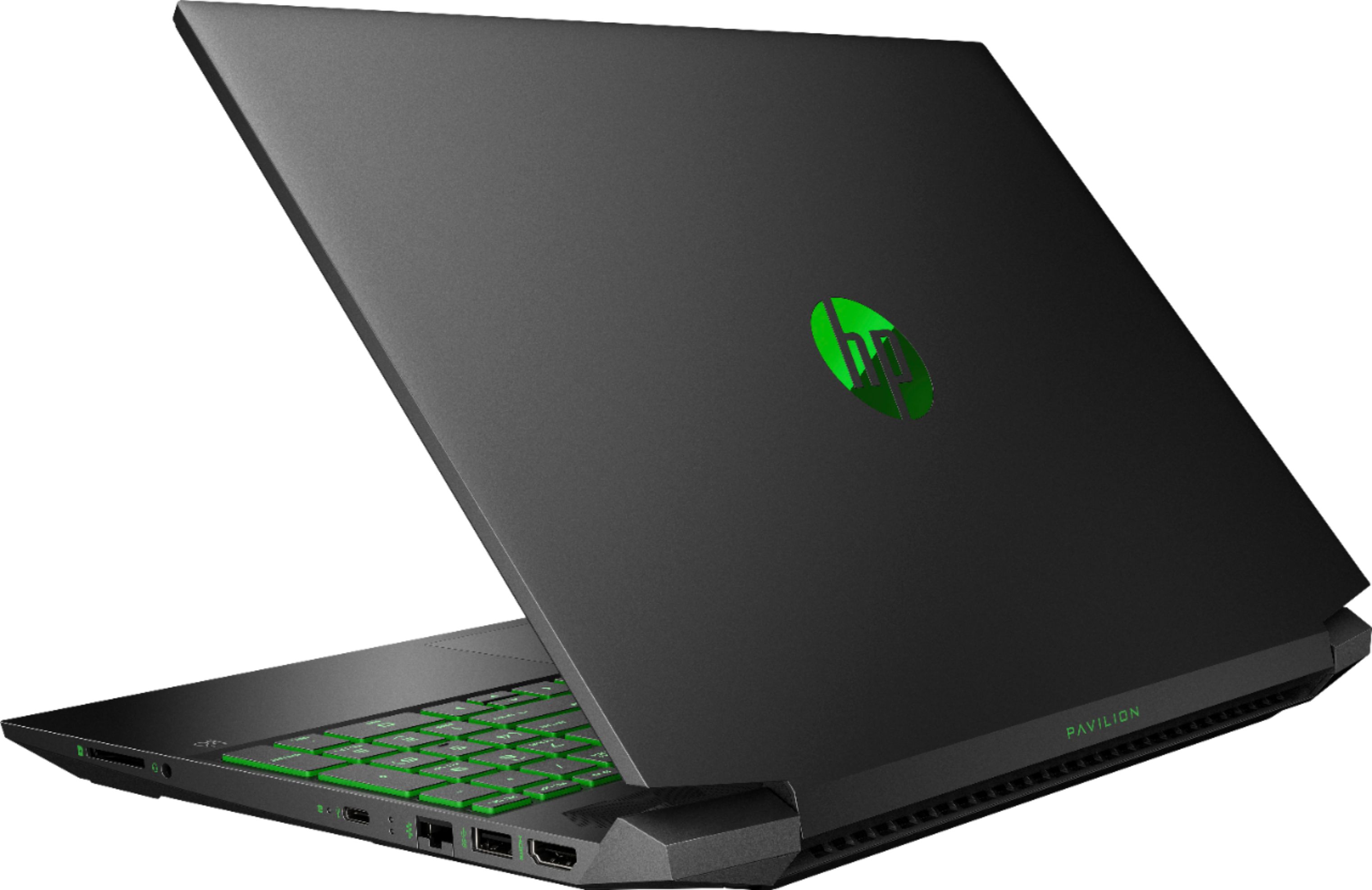
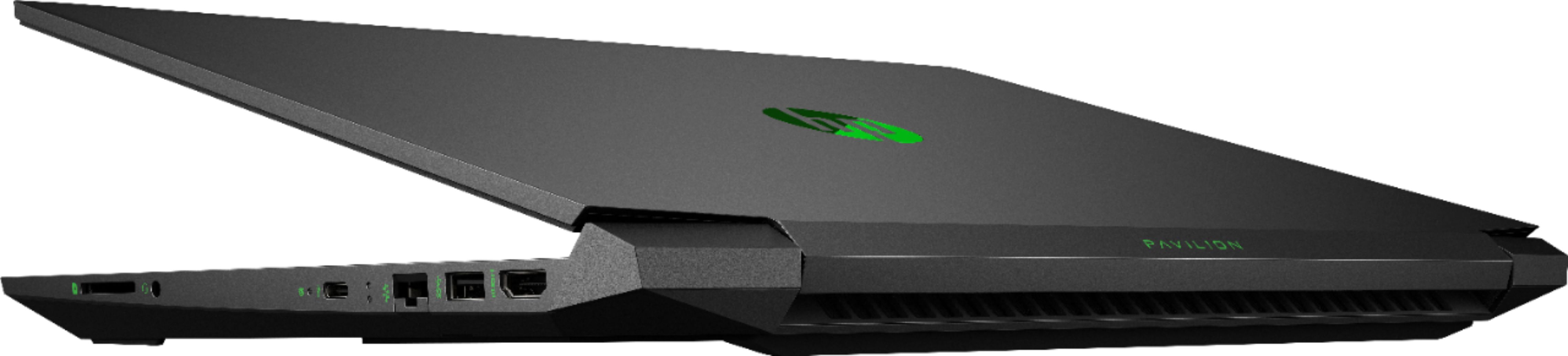
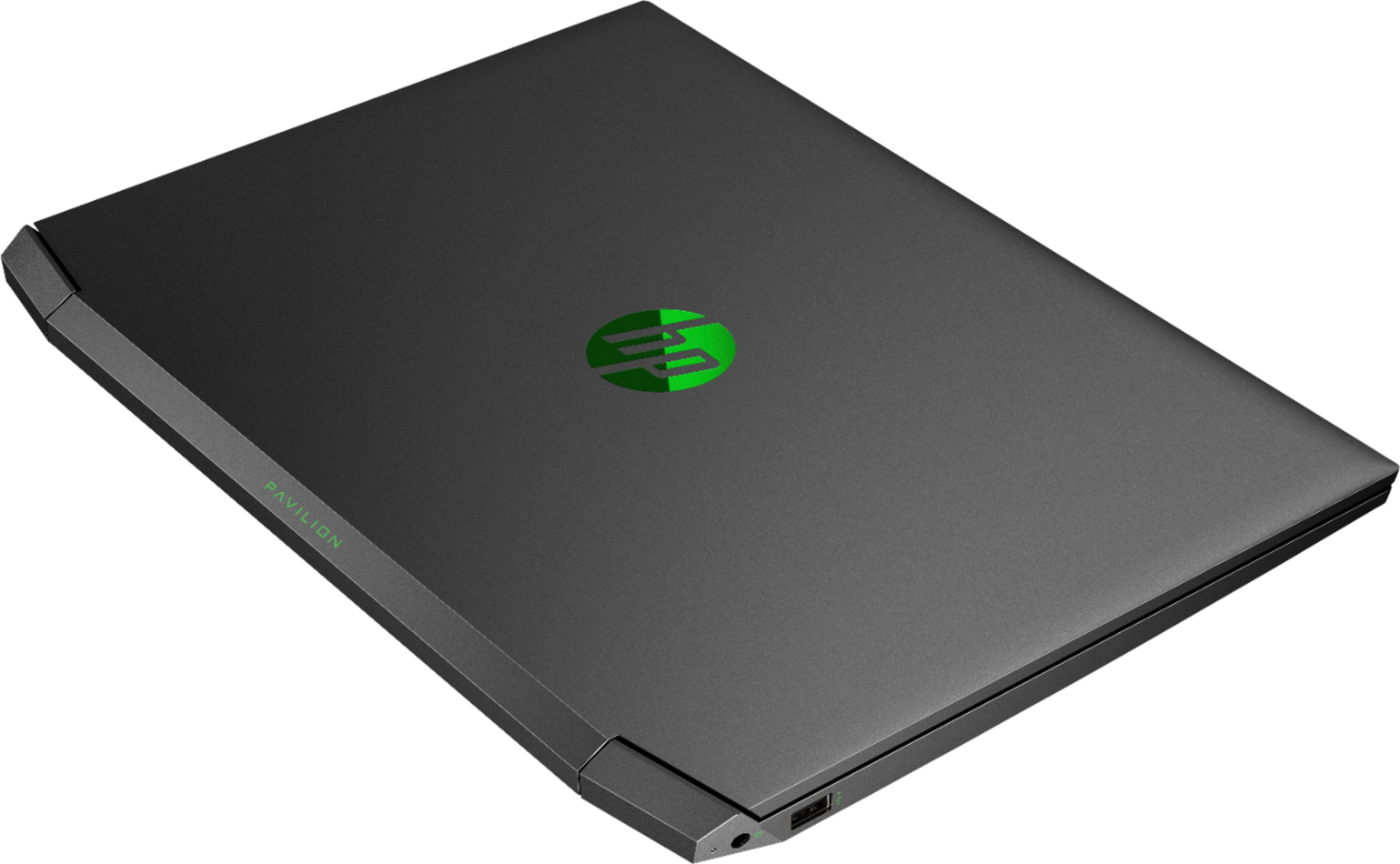
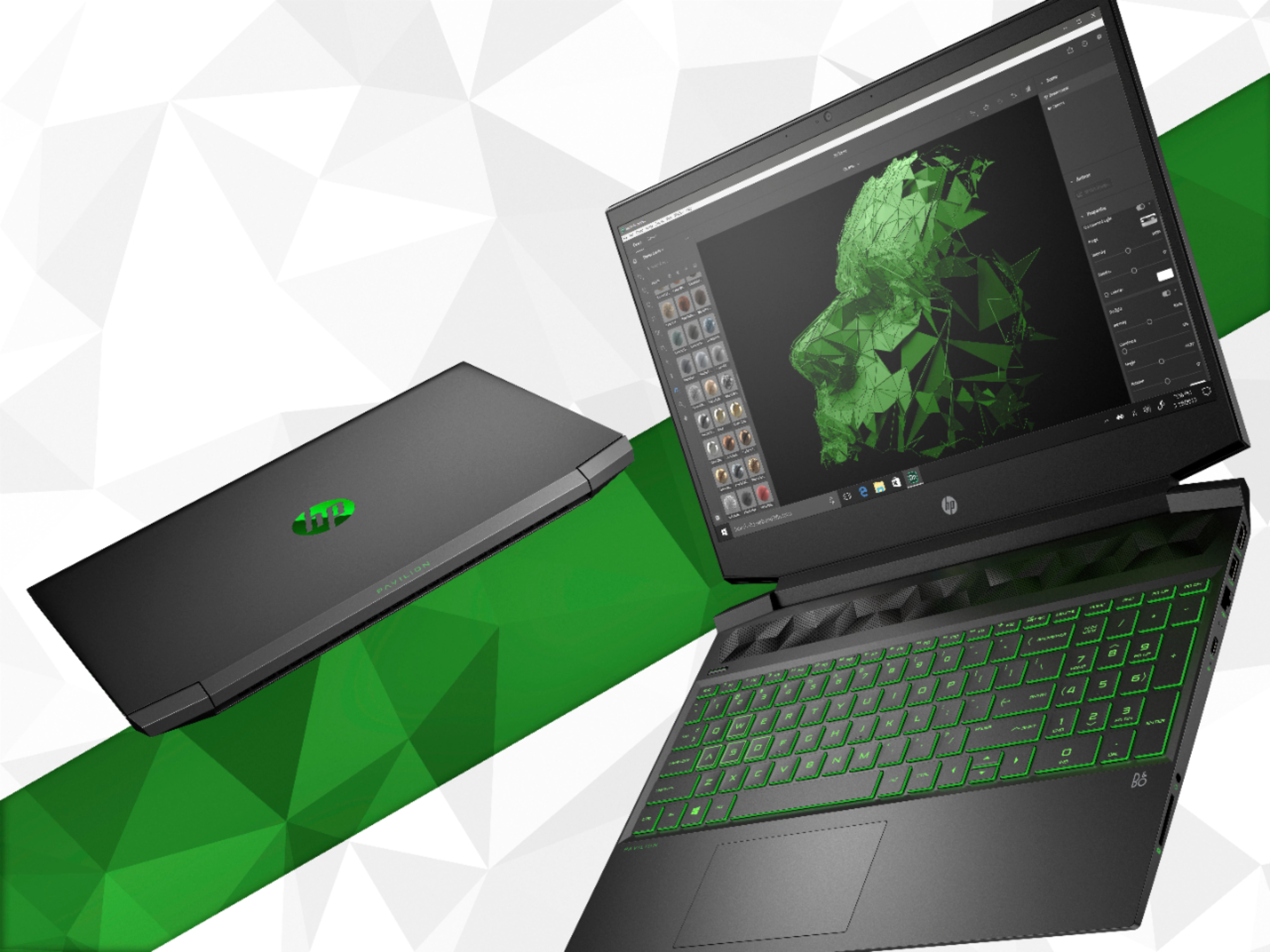
A:AnswerThis laptop will work for games like Hearts of Iron 4. It tough to say how long the battery will last while playing a game, it can vary a lot depending on the game.
A:AnswerThis laptop would be great. I'm 15 years old and had this laptop for about 5 months and it works well with games like, Roblox Minecraft, Call of Duty, and much more
A:AnswerYes, there is currently one stick of 8ram, not 2 sticks of 4 which makes easier to upgrade. If you were wanting to upgrade to 16gb, you can just go on any store website like best buy or amazon and look for 8gb laptop ram. They are fairly cheap
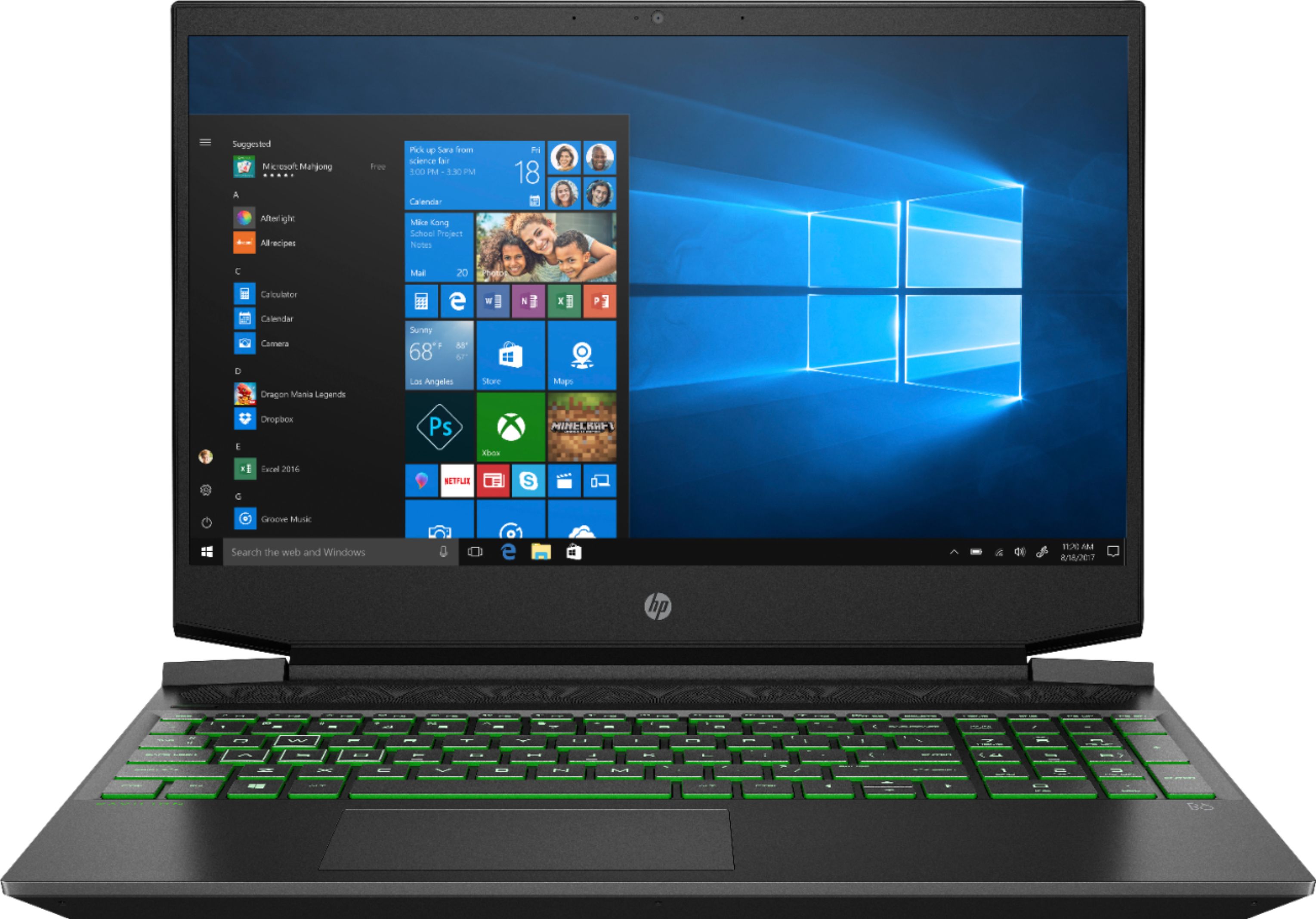
A:AnswerYes there is room for a hard drive in this laptop. Here is the complete Maintenance and Service guide.
http://h10032.www1.hp.com/ctg/Manual/c06446633
A:AnswerI use mine for everyday use. I’ve never played a game yet. The hidden gem of using a gaming laptop is that it’s fast and stores a lot of what you need it to.
A:AnswerFour screws on the bottom back and three on bottom front. Gently after removing the screws take a debit card and run it down the side of the laptop to pry open the pastic cover. Once open gently pull the cover off.
A:AnswerOn the underside (inside the machine after removing the back cover) there is a black HP branded plastic cover. Remove the screws either side and pull the cover out. Then you can install either a ssd or a standard 1 tb HDD. I personally inserted a 1 tb HDD into my laptop without any problems.