A:AnswerWhy would you want to?I always like to use an external HD that way I can move it on to the next pc. I have music, pictures and files that I have had dating all the way back to Windows XP . I get a new external every 4 or 5 years and just transfer my files over in fact I always have two. One is a copy of the first . I am now using WD My Passport Ultra 3TB.
A:AnswerIt has the new office installed but you do have to purchase the license to activate it. I have installed an older version of Office and installed no problems.
A:AnswerConnect the camera with the cable using the cable provided with the camera. Let the driver install. After finishing you'll see an icon in my computer with the same name as your camera. Click onto it and you'll see all the photos.
A:AnswerGood question. Yes, for this model, this is the only finish it comes in. You may be able to find a model with almost the same specs in a different finish.
I hope this helps.
A:Answerfan is nice & quiet - don't even know its there... Laptop is cool in the lap so far no problems with getting too warm for comfort & we have had a few that after short while could not hold in the lap -- not this one - able to work for hours without noticing any discomfort...
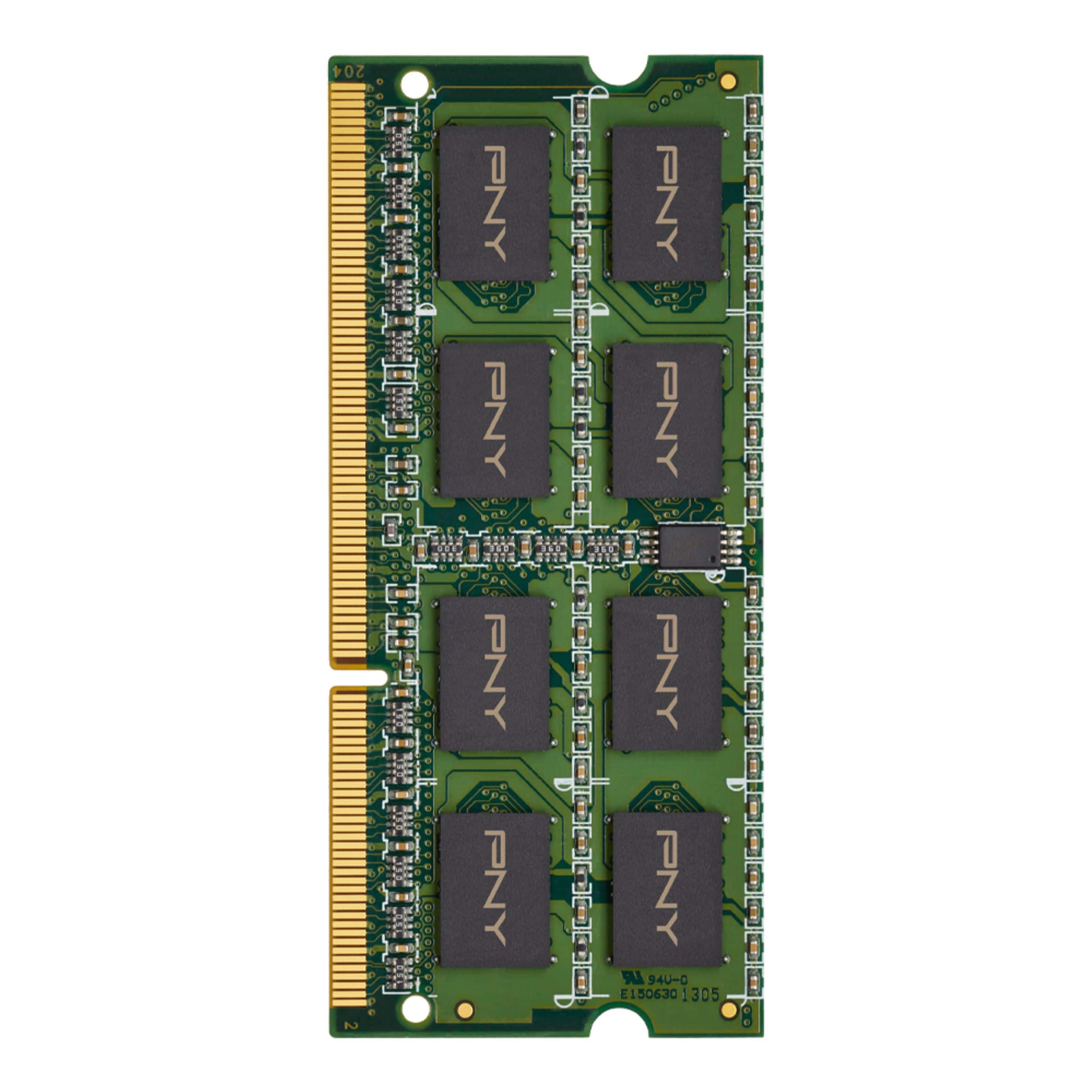
A:AnswerJust choose a laptop ram maching the BUS speed and generation. Make sure you have free slots for ram or you have to replace the ram you currently have.
That's it.
A:AnswerYou can actually Max it out at 16gig. I did. It says 8 but for your needs I would recommend 16gig.
Great system. You can also upgrade the hard drive to an SSD and that will speed up things as well.