A:AnswerI'm not aware of any official video instructions, but it's not complex. You can see the instructions at https://support.microsoft.com/en-us/windows/switching-out-of-s-mode-in-windows-4f56d9be-99ec-6983-119f-031bfb28a307#WindowsVersion=Windows_11
A:AnswerHello Nets,
Yes, you can use the Google Chrome browser on this laptop. You may also use any other browser of your choice such as Edge, Firefox, Opera, or others.
-HP Team
A:AnswerHello,
Unfortunately, this laptop does not come with Microsoft Office. You may purchase a subscription for Office 365 on Microsoft's website here: https://www.microsoft.com/en-us/microsoft-365 .
-HP Team
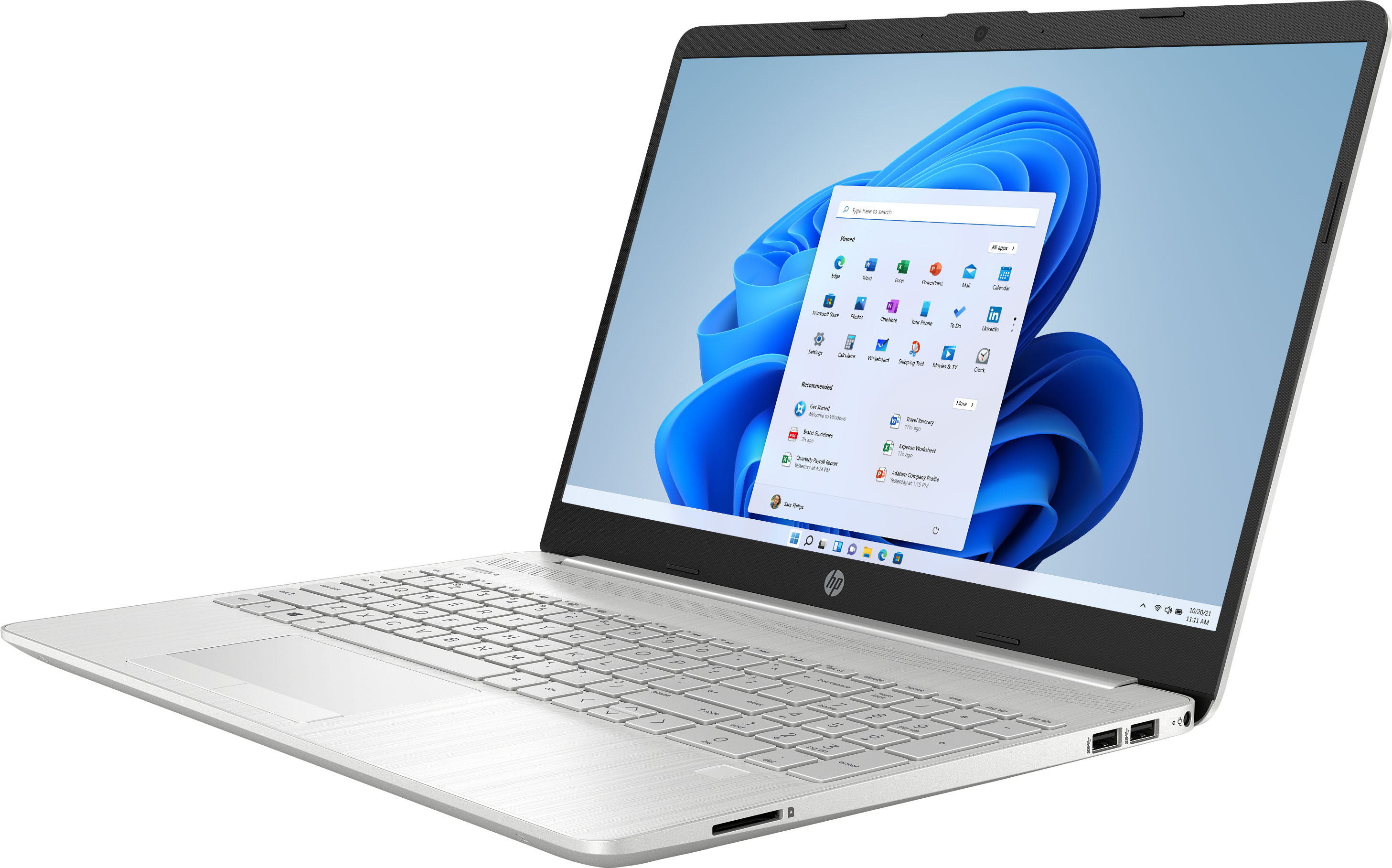
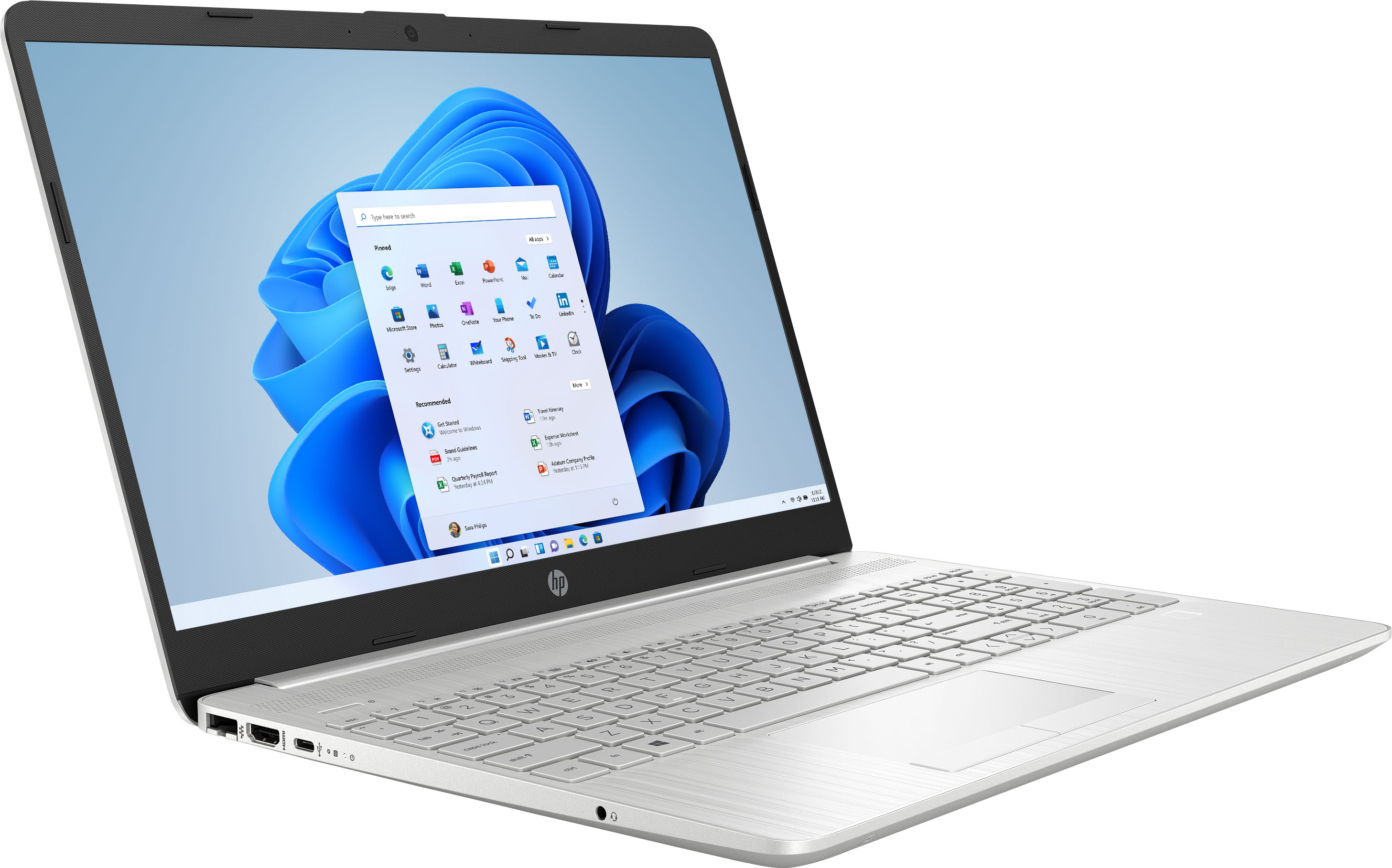
A:AnswerAs I'm looking at the left side of the laptop, I'm seeing (from the back to the front) the Ethernet port, the HDMI port for sending video to a monitor, and a USB-C port, which is quite a bit smaller than the others. The right side of the laptop has two "traditional" Type-A USB ports.