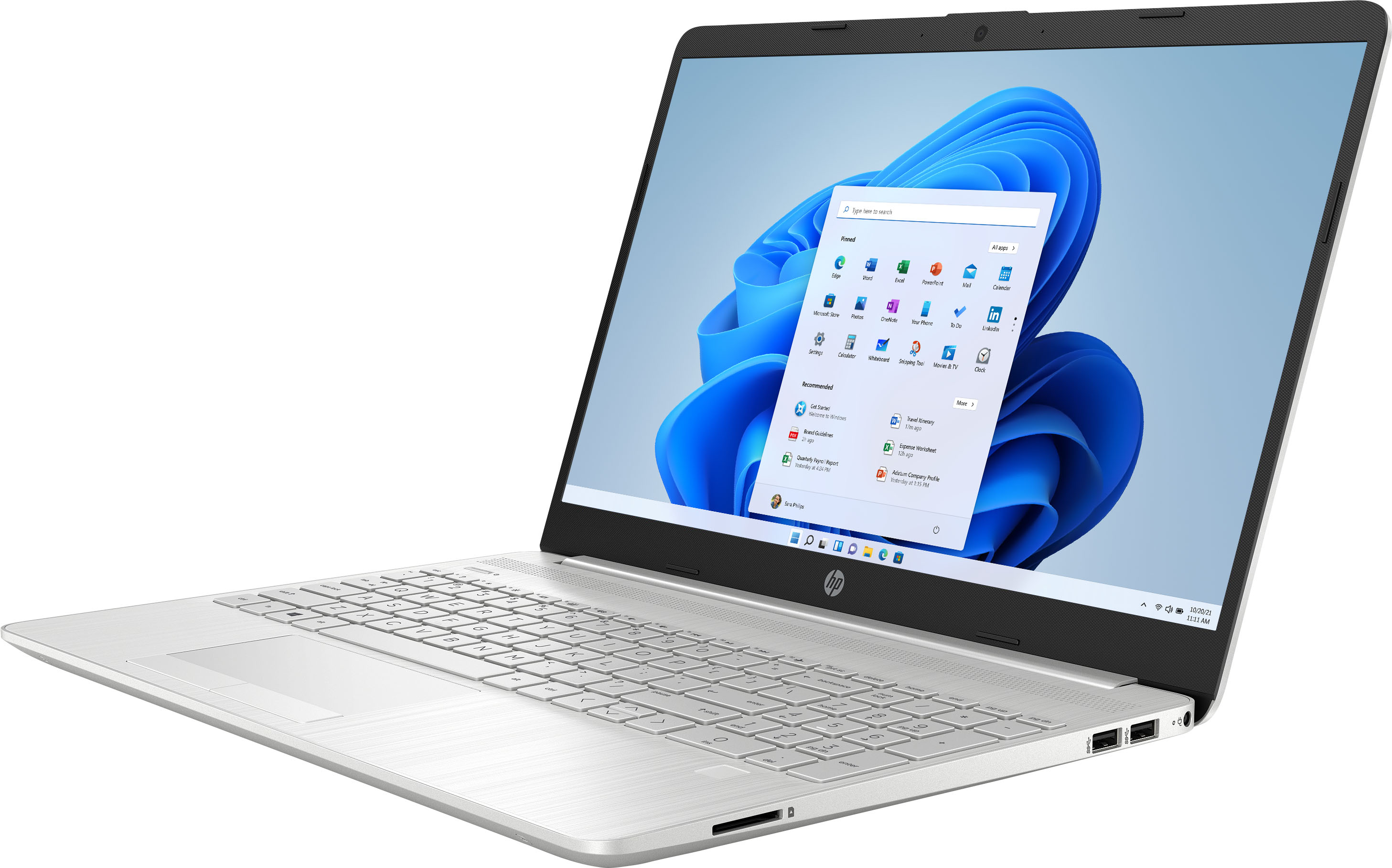
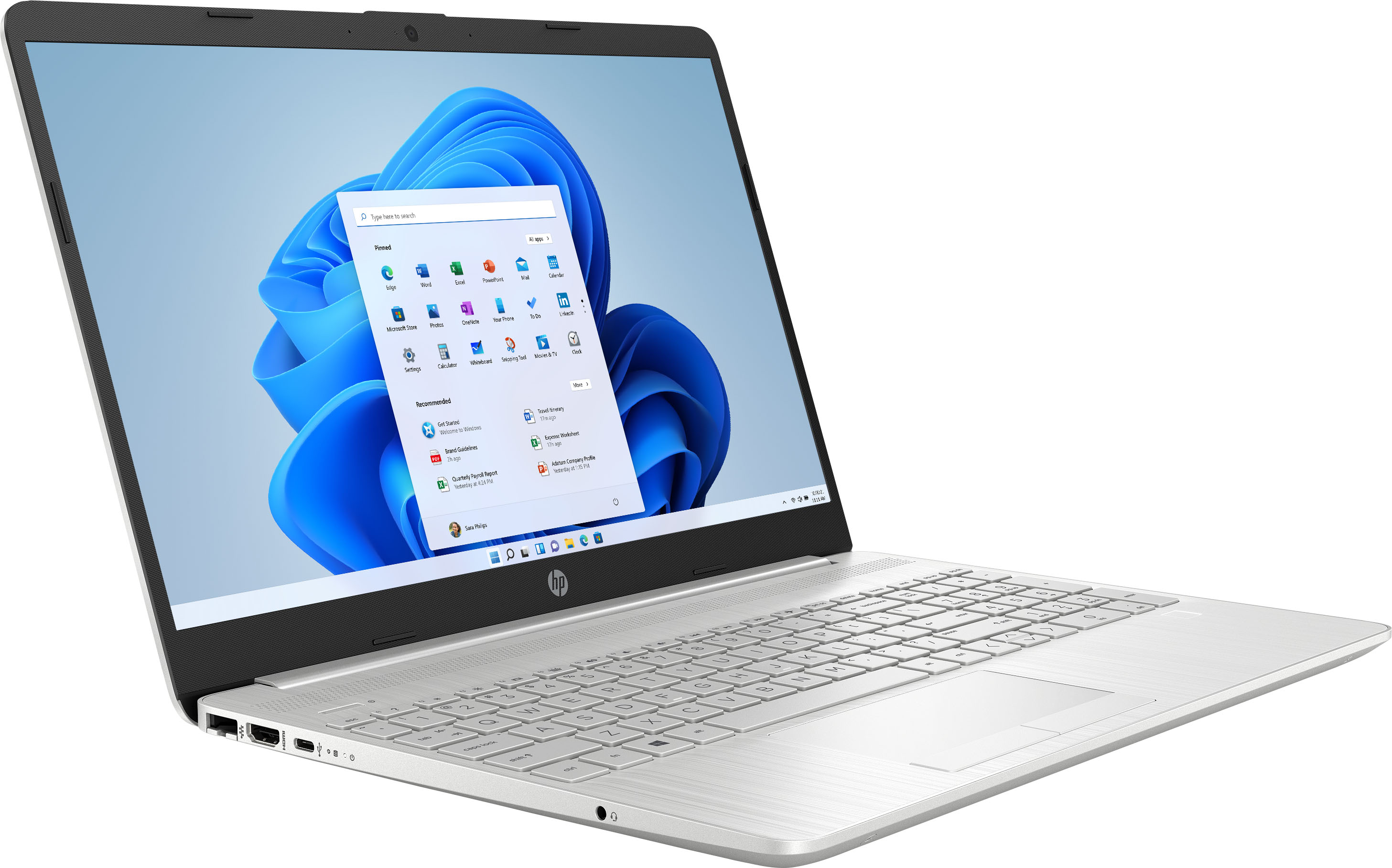
A:AnswerI do believe there's one shown on the 5th photo, to the left of the device. I can't be sure, though, since I won't have the laptop until tomorrow.
A:AnswerThank you for the question. Yes, you can connect another keyboard, either wired, wireless (with the receiver in the USB port), or via Bluetooth.
A:AnswerThank you for your question! Yes, you can download Microsoft Office from the Windows Store and purchase a license here: https://www.bestbuy.com/site/office-home-student-2021-1-device-digital/6474446.p?skuId=6474446
A:AnswerThank you for your question! Yes, you will be able to use PowerPoint on this computer. You can download Microsoft apps in the Windows store and will want to purchase either MS Office or an MS 365 subscription, found here: https://www.bestbuy.com/site/microsoft-365-personal-1-person-15-month-subscription-auto-renew-mac-windows-android-ios-digital/6402561.p?skuId=6402561
A:AnswerHello, this laptop can allow you do simplified photo editing with online software tools. This laptop has 256GB SSD allowing for multitasking and for a fair amount of storage. For more indepth photography software programs it would be recommended to purchase a laptop with a dedicated graphics card and more powerful processor such as an i7. Thank you for being an HP customer!
A:AnswerHi Shroeder, thank you for the question. The answer is yes. We are learning about Windows 11 in real-time, just like the general public. Neither of the aforementioned answers is incorrect. A suggestion to check the compatibility chart is always a good idea for inquisitive minds who want more than a yes or no answer. Most computers manufactured in the last five years have the necessary security modules and hardware for compatibility with Windows 11, and this laptop is no exception.
A:AnswerHello, Sue. Thanks for your question. Yes, you can use your Microsoft 365 subscription on this HP laptop. You would just log into your account by visiting https://www.office.com and install Microsoft 365 on this laptop.