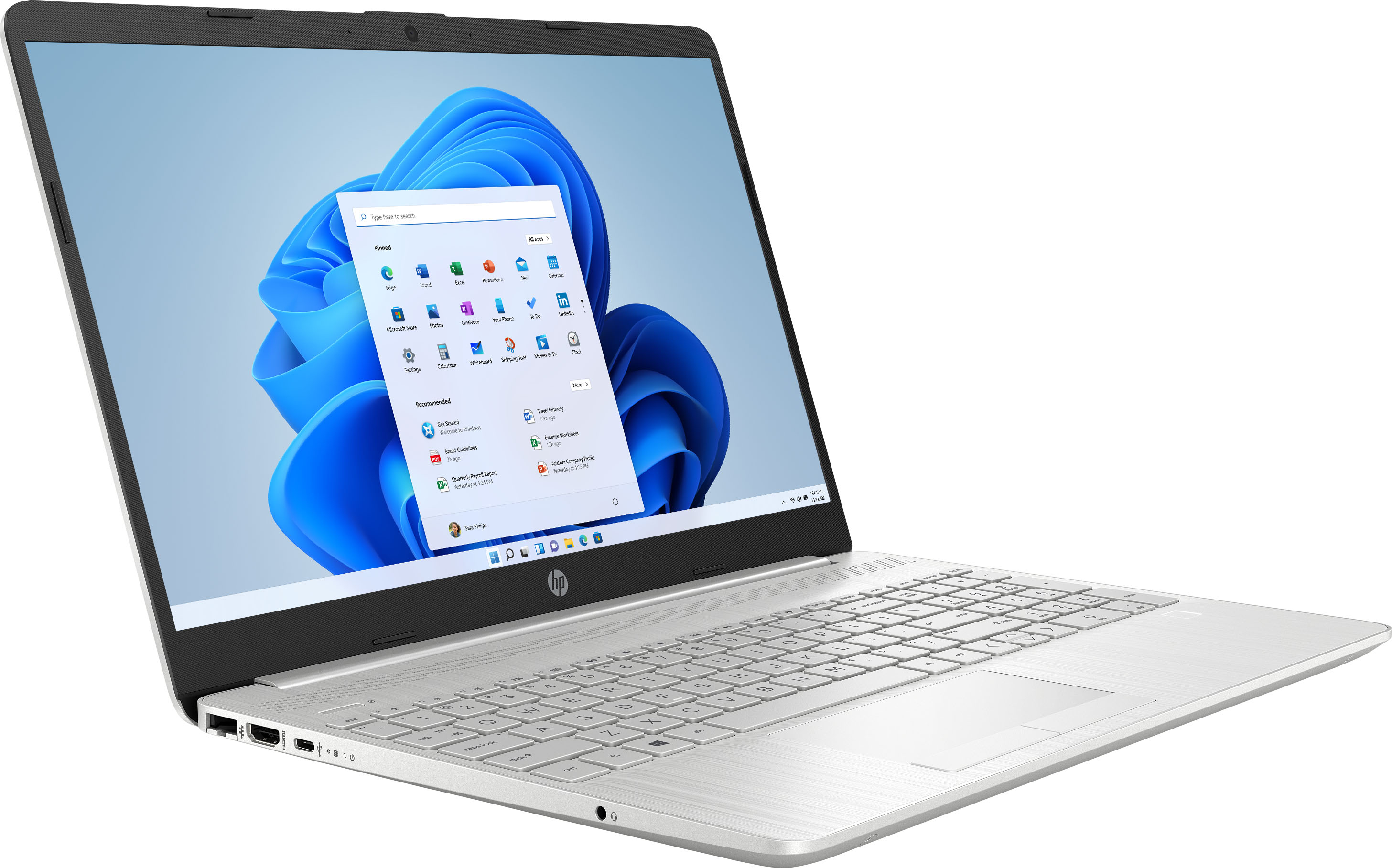
A:AnswerHello, Liz. Thanks for your question. We recommend trying a USB docking station that has the same video ports that are on the monitors, i.e. HDMI.
A:AnswerThe built-in security of Windows 11 in S mode prevents viruses and other threats from running on this laptop. In addition, devices running Windows 11 in S mode receive security updates automatically.
A:AnswerThere are two speeds listed, which sometimes confuses people. The "base speed" of the processor (that's like the idle speed of a car engine) is 1.7 GHz. However, as the workload increases, the processor can speed itself up to 4.1 GHz.
A:AnswerMost likely the picture you are using is not the same resolution as the screen. Find a background picture with the same resolution as your screen resolution. That should make the background nice and crisp.