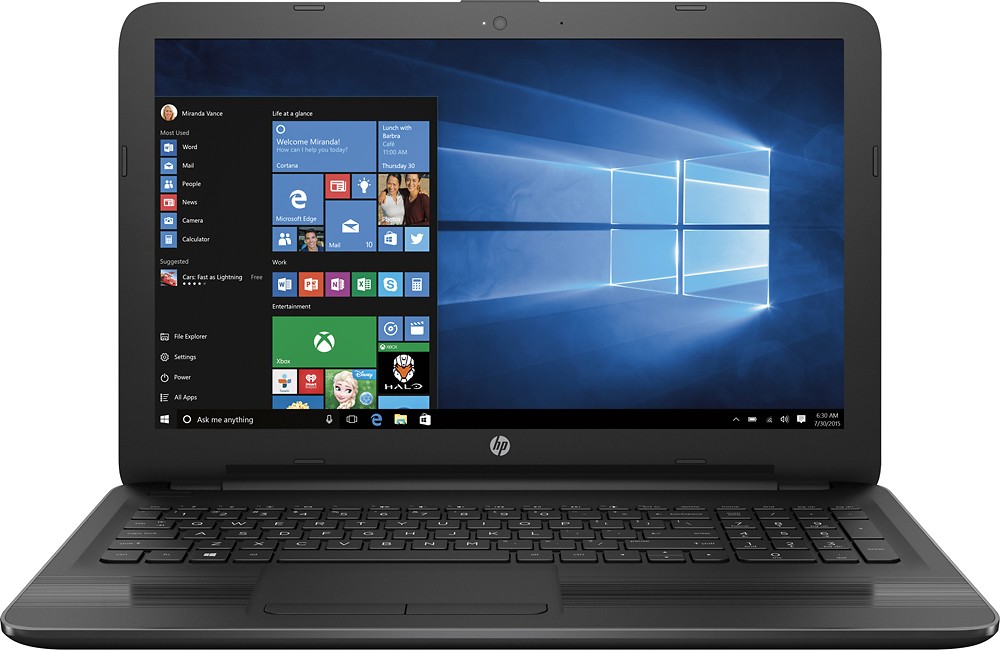
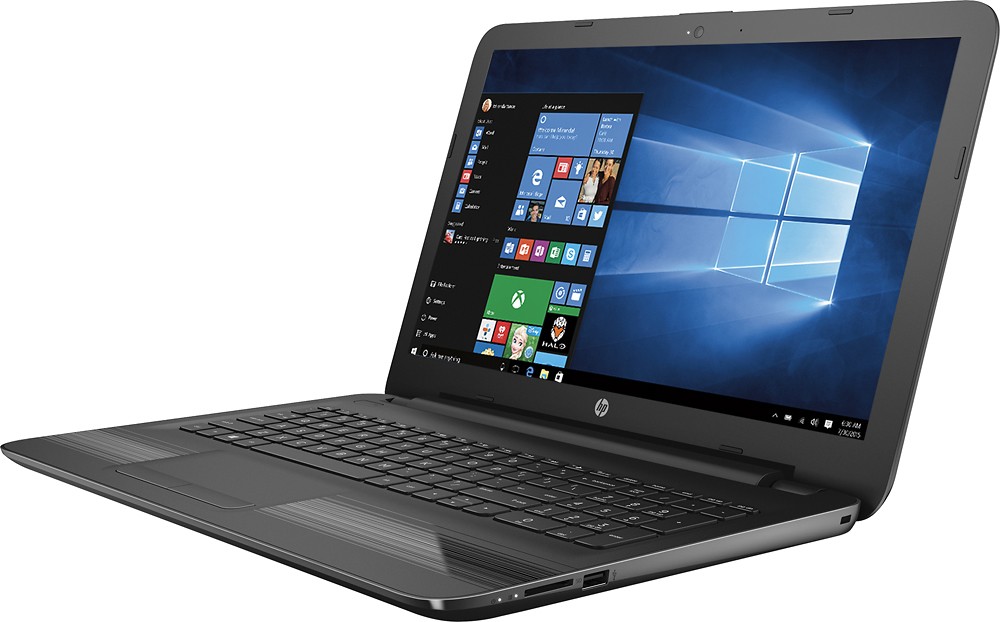
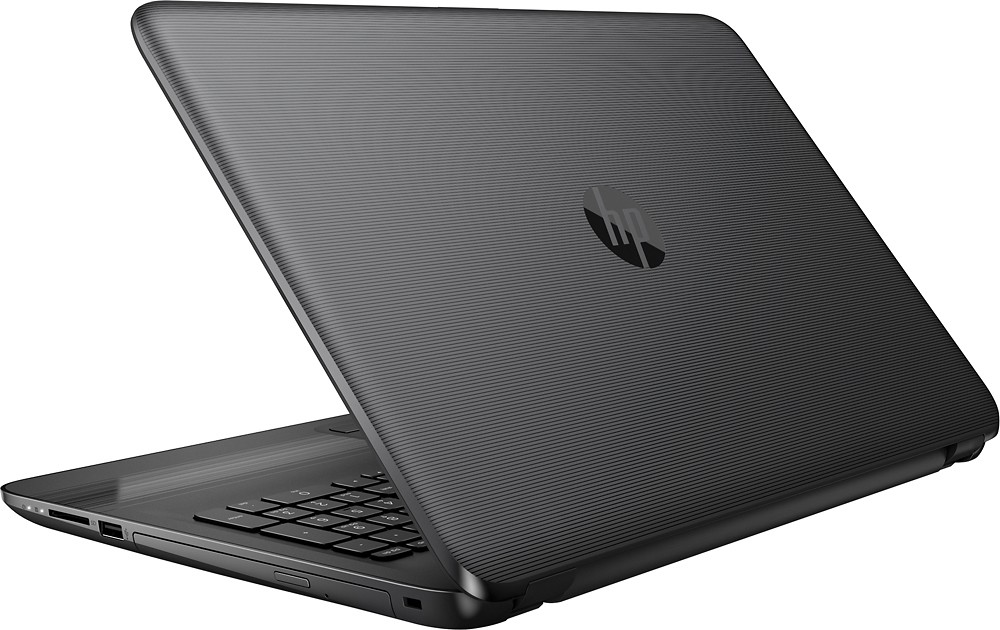
A:AnswerI have not had any problem with overheating. My previous computer would get pretty hot, but this one stays nice and cool. Even when I'm running multiple memory intensive programs.
A:AnswerYes - it can.
FYI - if you search the model number on the manufacturer's website, you can view a pdf of the service manual that shows how to access the inside of the PC by removing the 11 screws on the bottom of the PC.
A:AnswerI was facing the same problem but first I
removed the printer from the notebook and
I started the process of searching the wireless
printer again and after selecting the printer I went in
Settings and register the printer as default printer
and it's working excellent. Anywhere from my house
I order prints I get it immediately.