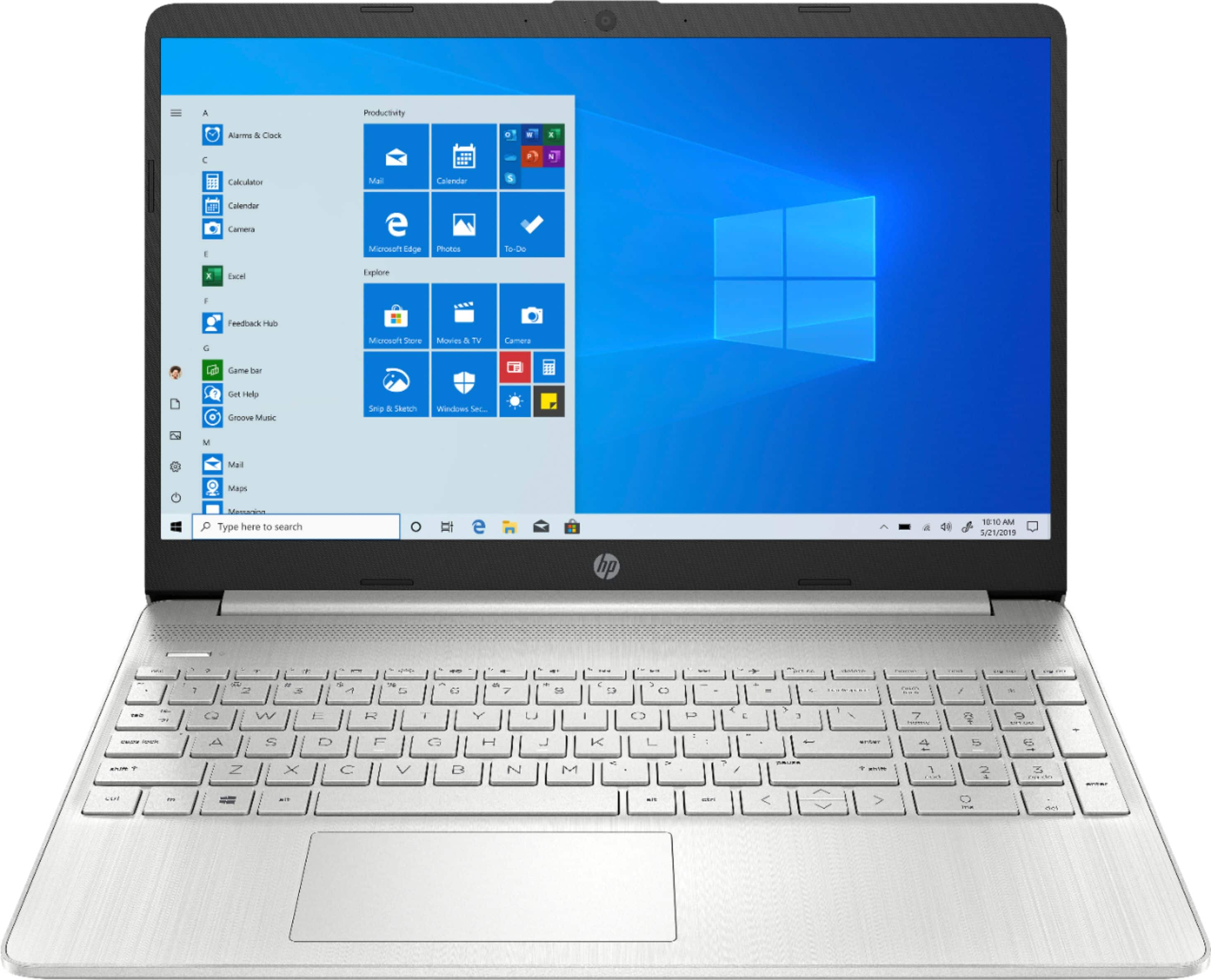
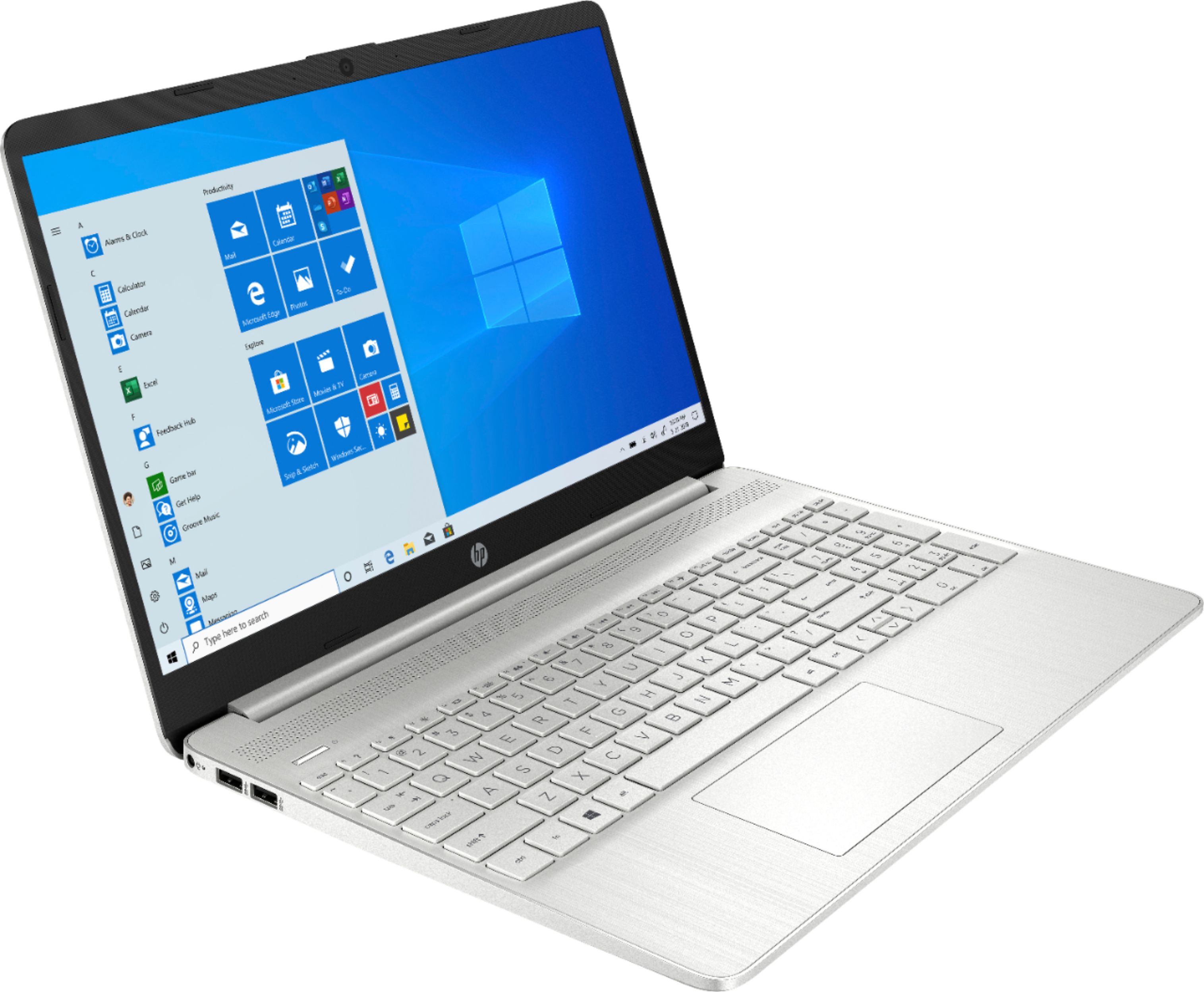
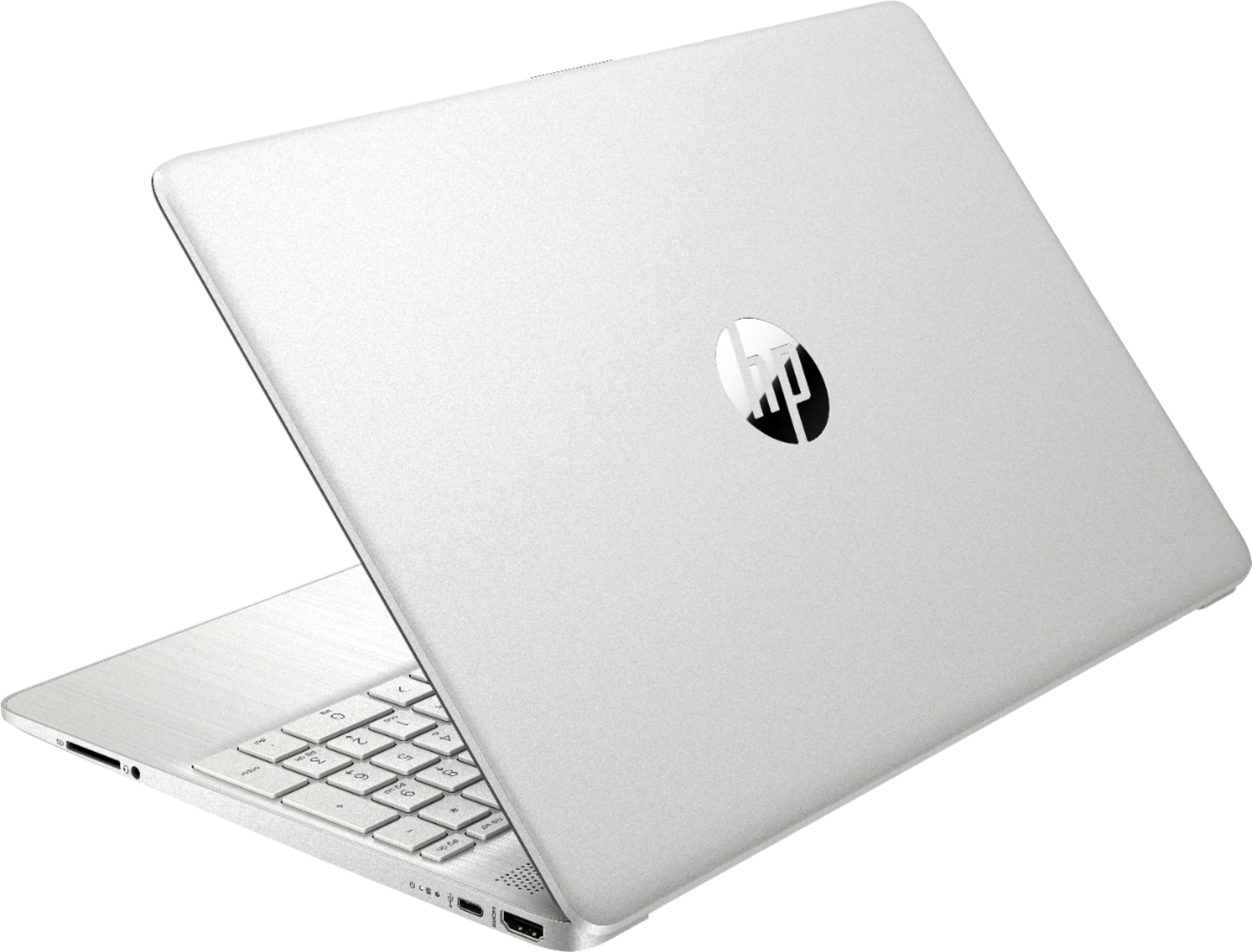
A:AnswerThe AMD Ryzen 5 Processor is directly targeted at the Intel i5 Processor. They are roughly equivalent, but each has its pros and cons vs the other depending on use. The Ryzen 5 is a great processor.
A:AnswerYou can switch this laptop to Windows 10 Home for free in the settings, this link will take you to a Microsoft article that talks about the steps to take https://support.microsoft.com/en-us/help/4456067/windows-10-switch-out-of-s-mode . You will not have to buy anything to switch to Windows 10 Home.
A:AnswerWindows 10 in S mode is designed to be more secure by limiting where you can install programs from, and to run on lower end hardware that might not work great with full Windows 10 Home. You can only install programs from the Windows App store and use the Microsoft Edge web browser. You can switch the laptop to Windows 10 Home for free in the settings. This HP laptop has very good specifications and will run full Windows 10 Home very well. The laptop will not Include any Microsoft Office programs.
A:AnswerThe HP 15-EF0023DX comes with a 30 day trial to Microsoft Office 365. If you purchase a full copy of Microsoft Office 2019 Home and Business with the laptop you get a bundle discount of $20.
A:AnswerYes, this computer will meet all of your needs for school/work, photo editing, and playing Warhammer Total War. It exceeds the requirements for playing WarHammer Total War 2.
A:AnswerHere are the instructions that Microsoft gives:
On your PC running Windows 10 in S mode, open Settings > Update & Security > Activation.
In the Switch to Windows 10 Home or Switch to Windows 10 Pro section, select Go to the Store. (If you also see an "Upgrade your edition of Windows" section, be careful not to click the "Go to the Store" link that appears there.)
On the Switch out of S mode (or similar) page that appears in the Microsoft Store, select the Get button. After you see a confirmation message on the page, you'll be able to install apps from outside of the Microsoft Store.