Questions & Answers
- Model:
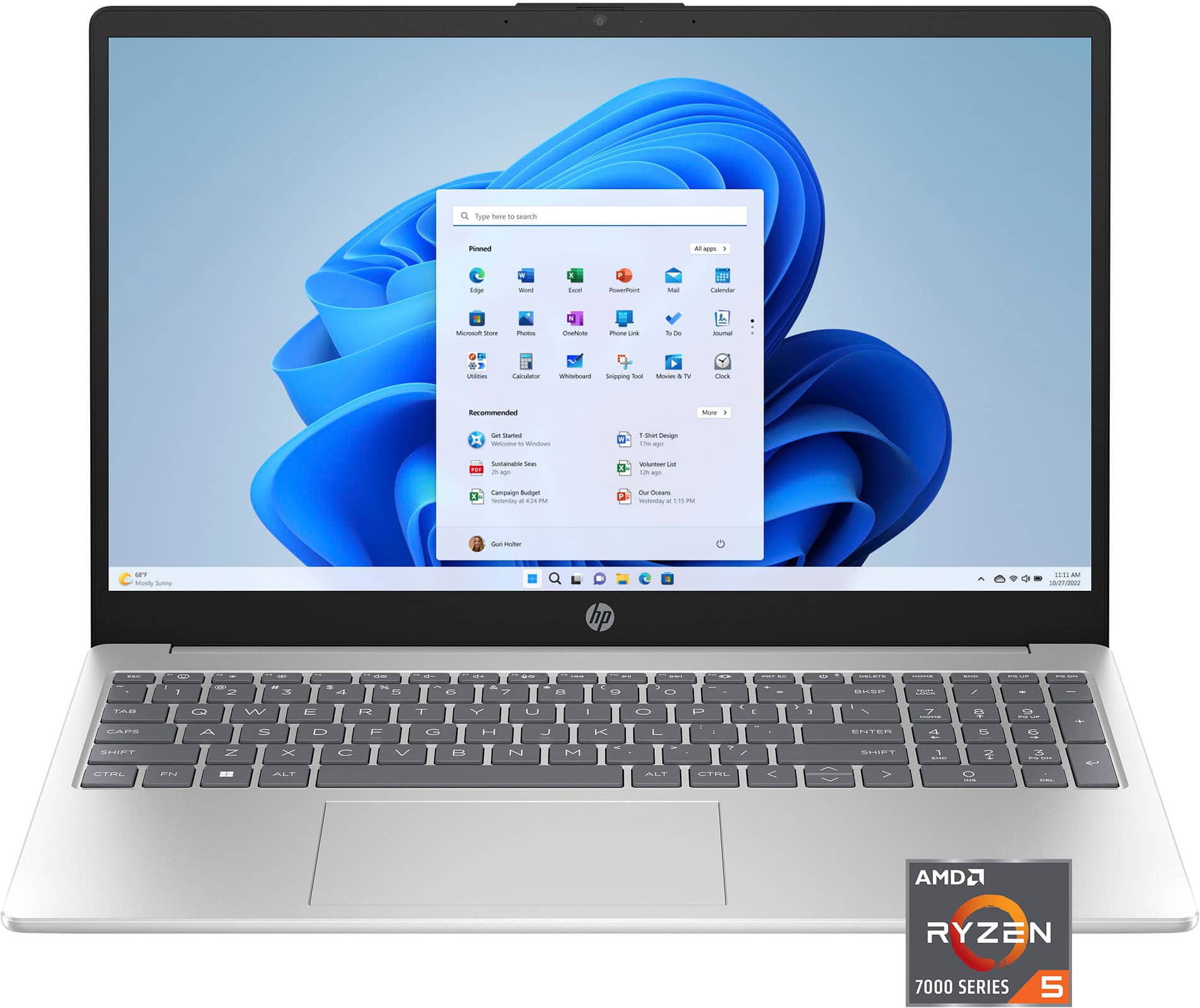
- 15-fc0025dx/9Q1E9UA#ABA
- |
- SKU:
- 6569668
Highly rated by customers for: Touch Screen, Processor Speed, Performance
$115.99Your price for this item is $115.99
Clearance
Comp. Value: $579.99
The comparable value price is $579.99
Page Showing 61-80 of 215 questions
Q: QuestionWill I be able to run Secure Remote Worker. Do I have to worry about Virtual Machine/Virtualization issues and settings.
Asked by Workfromhome25.
- A:Answer Thank you for your question about this HP laptop! This laptop meets the requirements to run Secure Remote Worker. You will need to adjust some settings for virtualization.
Answered by HP Team

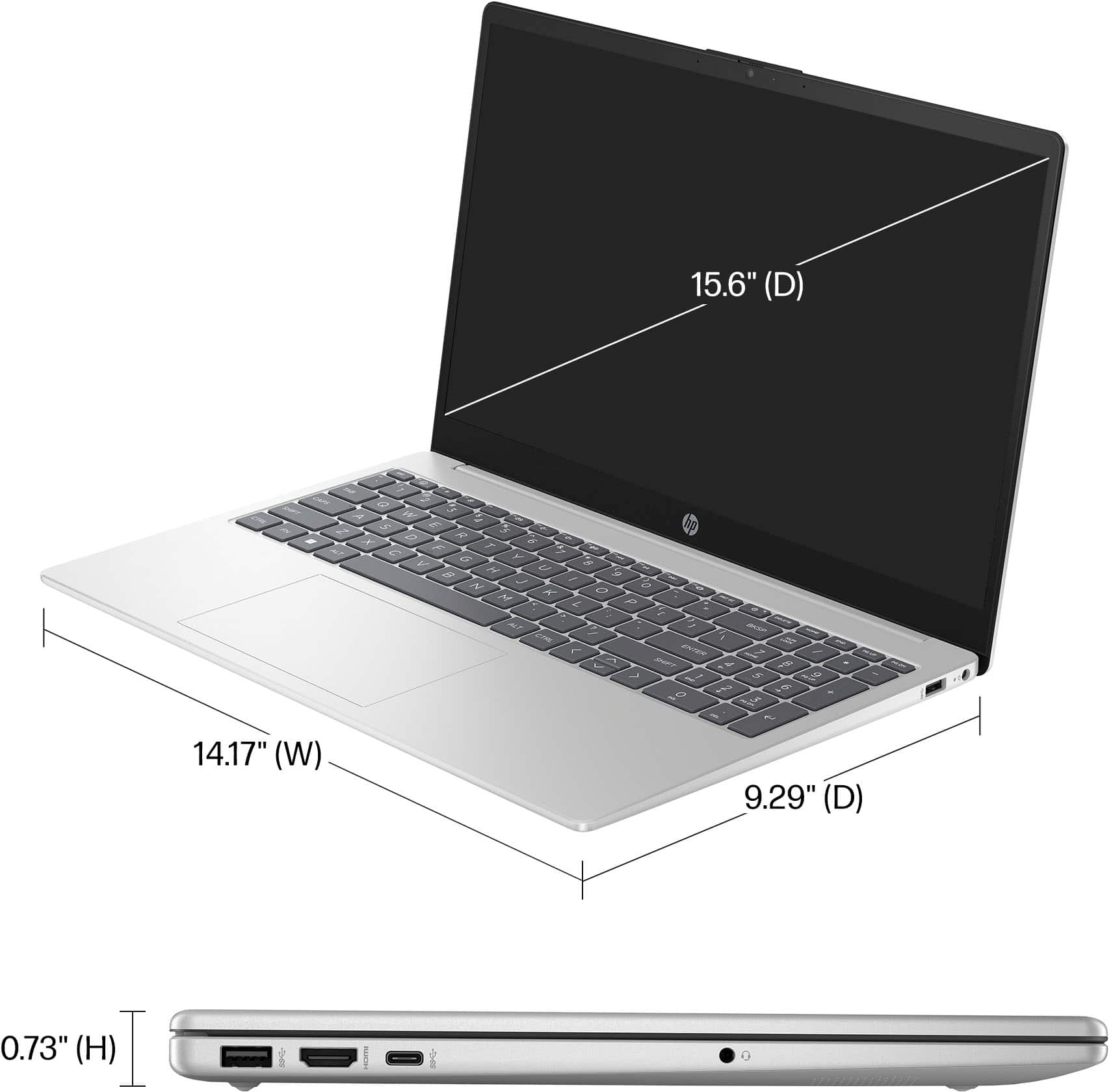
Q: QuestionDoes this laptop come with a backlit keyboard
Asked by Anonymous.
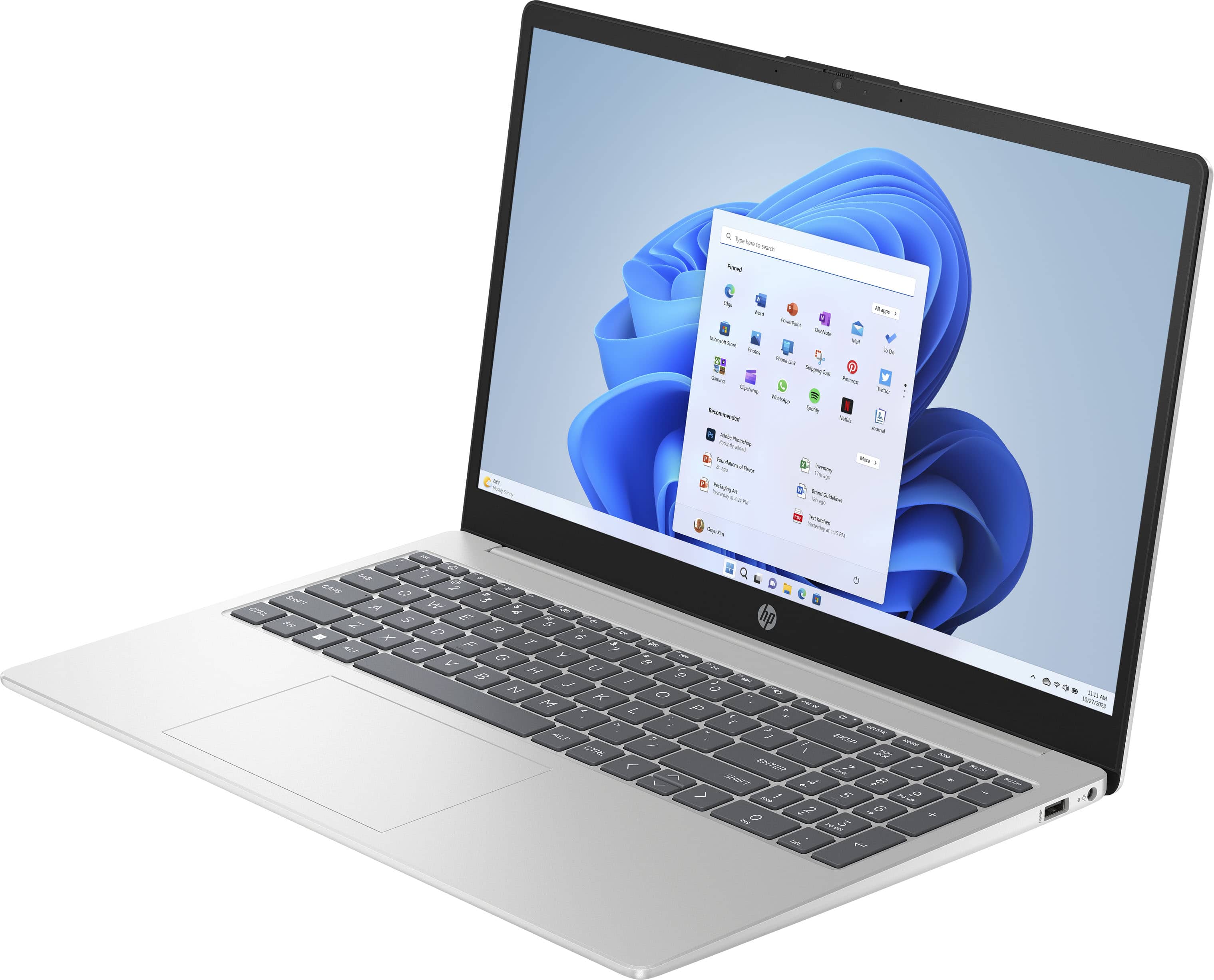
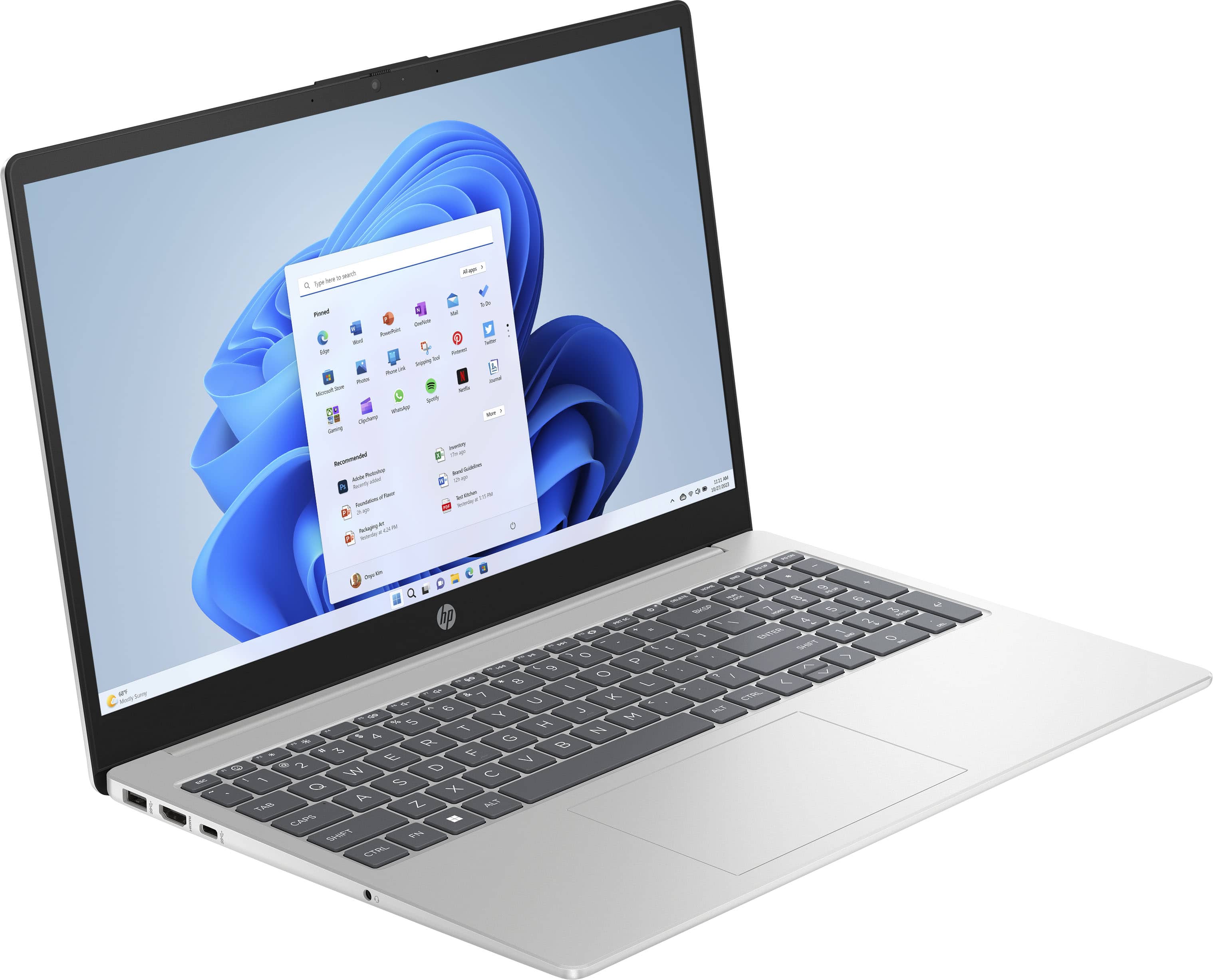
- A:Answer Thank you for your question. No, the 15-fc0025dx laptop does not come with a backlit keyboard.
Answered by HP Team

Q: QuestionHello, What speed ethernet card does this come with? Meaning, what mbps is the laptop capable of?
Asked by SmokinAl.
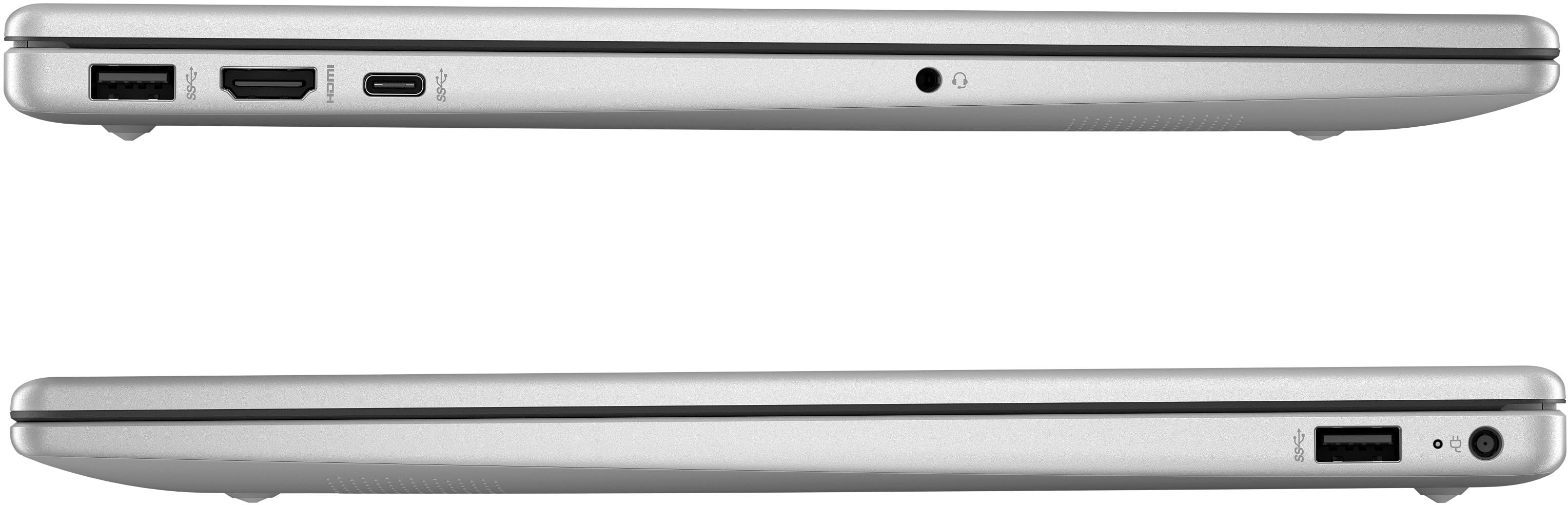
- A:Answer Thank you for the question. The HP 15-fc0025dx laptop is equipped with a Realtek Wi-Fi 6 and Bluetooth® 5.3 combo, supporting Gigabit data rates. However, it does not include a built-in Ethernet port. To connect to wired networks, you would need to use a USB-to-Ethernet adapter. The speed of the Ethernet connection would then depend on the specifications of the adapter you choose.
Answered by HP Team

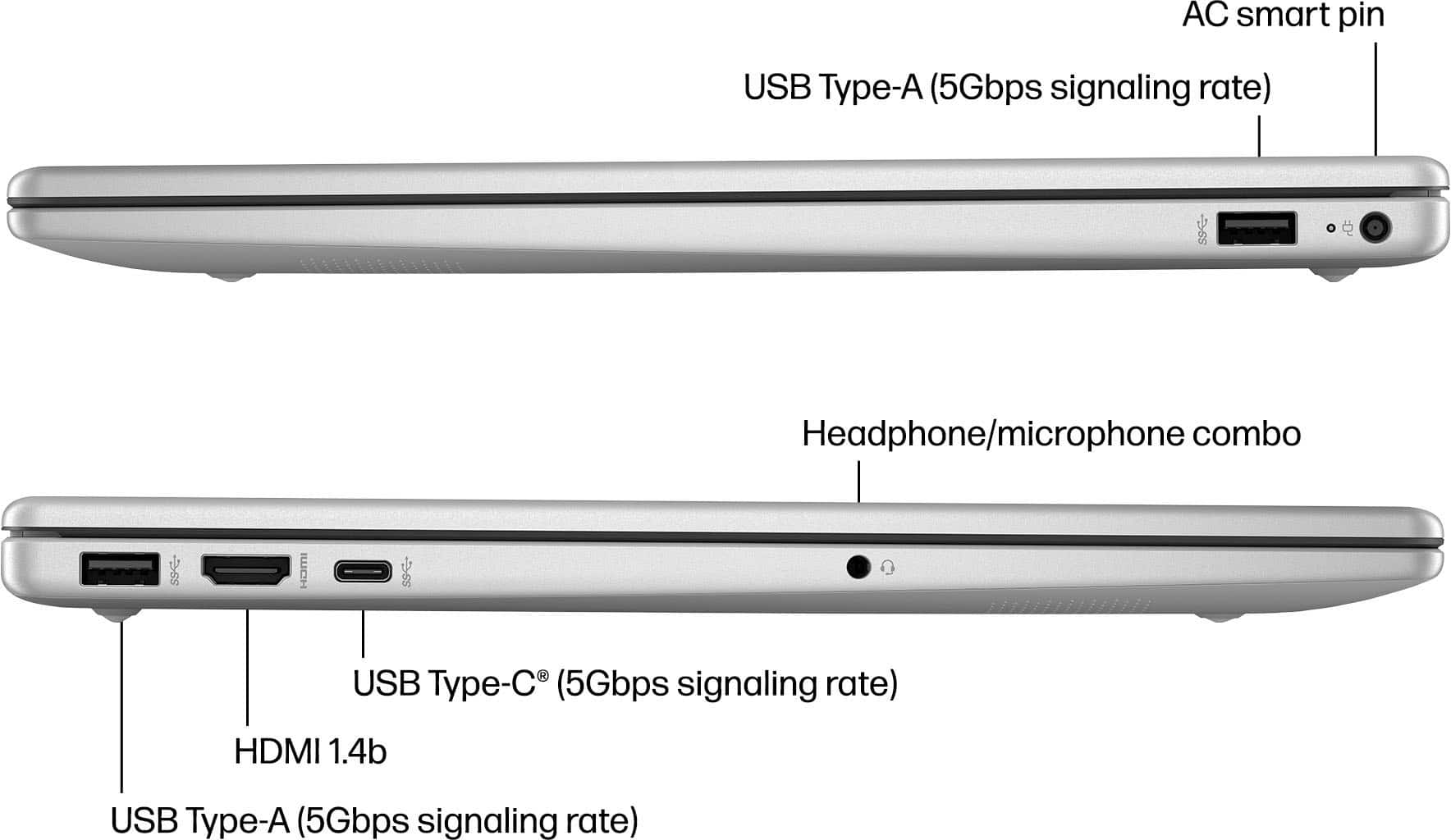
Q: QuestionCan I view 1080 via the USB-C?
Asked by Alex.
- A:Answer Hi Alex! We are not sure what you are asking. Are you wanting to connect a 1080p external monitor to the laptop? You would connect the monitor via the HDMI port, as the USB Type-C ports on the HP 15-fc0025dx does not support external monitors.
Answered by HP Team

Q: QuestionDoes this have excel on it
Asked by A.
- A:Answer Hello. Thanks for your question. There is a 30 day trial of Microsoft Office on this HP laptop, which includes Word, Excel, and PowerPoint. We recommend purchasing Microsoft Office with this laptop.
Answered by HP Team

Q: QuestionHI, I wanted to know if this laptop is suitable for my online college course? I'm only using it for any and all schooling tasks such as Zoom, Video making for assignments, writing papers, etc.
Asked by Louis.
- A:Answer Louis, thank you for your question about this HP laptop! You will be able to do your work on this. As for the video making, you would need to check with the software vendor to see what their hardware requirements are as they are more demanding the productivity apps and Zoom.
Answered by HP Team

Q: Questionwhat is the refresh rate?
Asked by shy1.
- A:Answer Thank you for the question. The HP 9Q1E9UA laptop display has a refresh rate of 60Hz.
Answered by HP Team

Q: QuestionDoes this laptop have a back lit keyboard. I really need that can you suggest one that does??
Asked by Anonymous.
- A:Answer Thank you for your question about keyboard backlighting on this HP laptop! The keyboard is not backlit. The Envy, Omnibook, and Spectre series laptops all have backlit keyboards as a standard feature and they are sold in Best Buy stores.
Answered by HP Team

Q: QuestionDoes this laptop have a backlit keyboard?
Asked by Soph.
- A:Answer Hello and thank you for your question! This HP 15-fc0025dx laptop does not have a backlit keyboard.
Answered by HP Team

Q: QuestionCan this laptop be folded like a tablet?
Asked by JonLez.
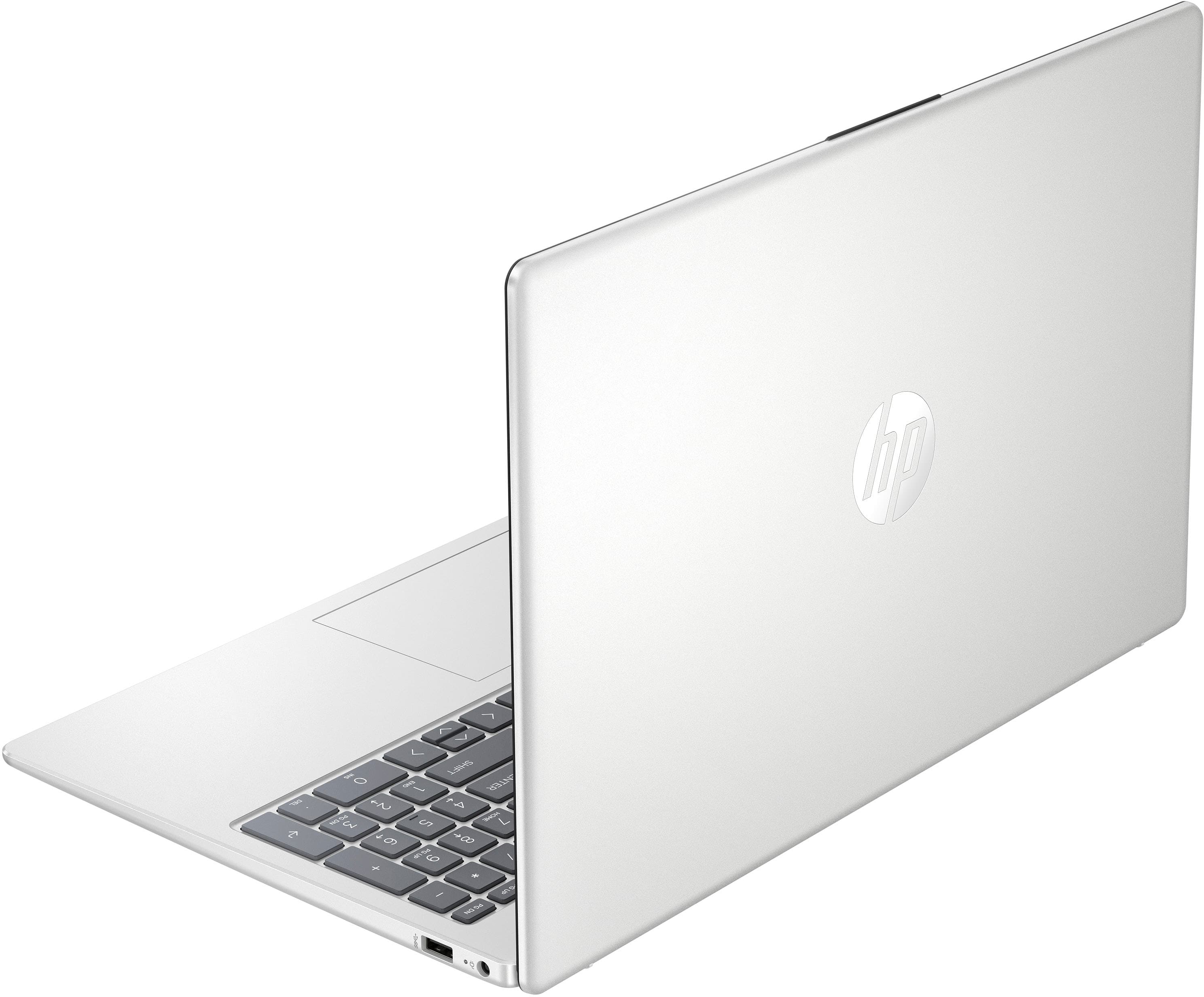
- A:Answer Thank you for your question. No, the 9Q1E9UA#ABA laptop does not have a 360-degree hinge to enable it to fold into tablet mode.
Answered by HP Team

Q: QuestionWill this computer have good performance for streaming? I am looking for a new laptop that can handle streaming games. I have a laptop with a Intel Core i5 is this AMD Ryzen 5 better than that?
Asked by PCJ.
- A:Answer PCJ, thank you for your question about this HP Laptop! Livestreaming gameplay requires a lot of multitasking, which uses processing power and memory. You would also need a dedicated graphics card, which is not equipped with this laptop. For streaming out your gameplay, an HP Omen gaming laptop is the way to go. Look for a model that has at least an i7 or Ryzen 7 processor, 16GB of memory, a 4060 graphics card, and 1TB of storage. You may want to look at backup storage options such as an external SSD or HDD. Best Buy carries those in-store!
Answered by HP Team

Q: QuestionIs this laptop offered by Best Buy new or refurbished? Price is awfully good for a new computer
Asked by Bette.
- A:Answer Hi Bette! This HP 9Q1E9UA is a new laptop.
Answered by HP Team

Q: QuestionCan I transfer existing software onto the this computer.
Asked by dale.
- A:Answer I did. I even put my old MS Office 2007 on it. Also moved my Hallmark Card Studio over. Moved my programs onto a flash drive and then from the flash drive onto this computer.
Answered by BobN
Q: QuestionCan you turn the touch screen off?
Asked by Anonymous.
- A:Answer Thank you for the question. Yes, you can disable the touch screen on the HP 9Q1E9UA.
Answered by HP Team

Q: QuestionCan you add ram to this laptop?
Asked by Dev.
- A:Answer If you looked in the Specifications section, you would see that the RAM form factor is LPDDR5. This type of memory is ALWAYS soldered into the motherboard, and can therefore not be removed, or at least, not by anyone but the most knowledgeable.
Answered by luislast
Q: Questionhow old is this particular laptop?
Asked by Brady.
- A:Answer Hello Brady and thank you for asking. The HP 15-fc0025dx touchscreen laptop is a 2024 computer.
Answered by HP Team

Q: QuestionWhat wifi adapter does this laptop have and is it dual band (2.4Ghz and 5.0Ghz)
Asked by Barbi.
- A:Answer Thanks for your question. This HP laptop model supports Wi-Fi 6. It will work on both 2.4 GHz and 5.0 GHz networks.
Answered by HP Team

Q: Questioncan i take it out of s mode
Asked by Anonymous.
- A:Answer Hello, thank you for your question about the HP - 15.6" Touch-Screen Laptop - AMD Ryzen 5. This laptop can be taken out of S mode. To turn off S mode: Click the Start, then go to Settings. > System > Activation. In the Switch to Windows 11 Home/Pro section, click Go to the Store. NOTE: If you see the Upgrade your edition of Windows section, DO NOT CLICK the Go to the Store link that you see there. On the Switch out of S mode page, click the Get button. Switching out of S mode is one-way. If you make the switch, you won't be able to go back to Windows 10 or Windows 11 in S mode.
Answered by HP Team

Top Rated
- Black Friday Deal$199.99Your price for this item is $199.99
- Doorbuster$429.99Your price for this item is $429.99
- Black Friday Deal$349.99Your price for this item is $349.99
- Black Friday Deal$499.99Your price for this item is $499.99
- Black Friday Deal$219.99Your price for this item is $219.99
- Black Friday Deal$629.99Your price for this item is $629.99
- Black Friday Deal$319.99Your price for this item is $319.99
- $499.99Your price for this item is $499.99$799.99The comparable value for this item is $799.99
- Black Friday Deal$999.99Your price for this item is $999.99
- Black Friday Deal$679.99Your price for this item is $679.99
- Black Friday Deal$399.99Your price for this item is $399.99
- Black Friday Deal$549.99Your price for this item is $549.99
- Black Friday Deal$999.99Your price for this item is $999.99
- Black Friday Deal$149.99Your price for this item is $149.99
- $329.99Your price for this item is $329.99$599.99The comparable value for this item is $599.99
- Black Friday Deal$749.99Your price for this item is $749.99
- $329.99Your price for this item is $329.99$529.99The comparable value for this item is $529.99
- $1,299.99Your price for this item is $1,299.99