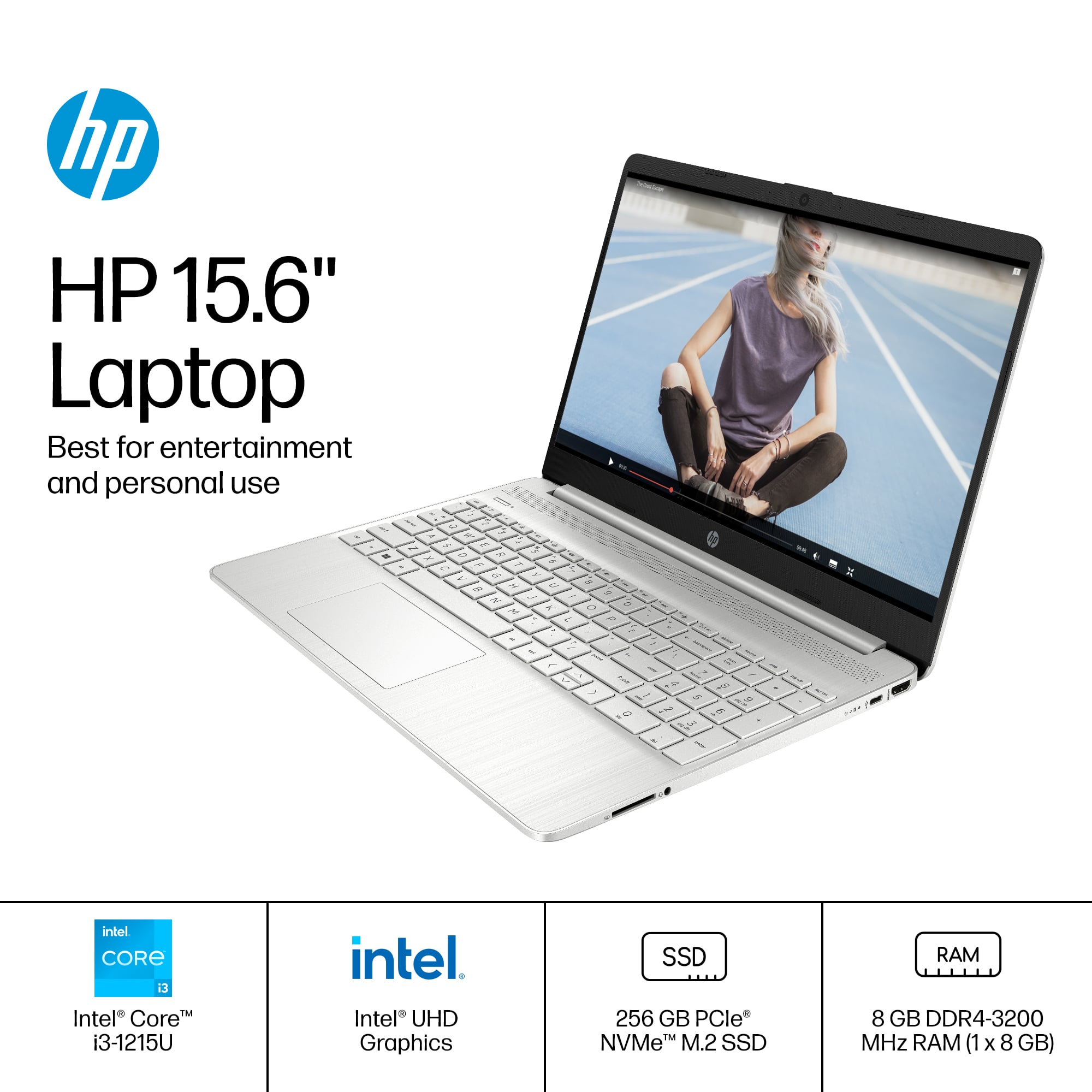
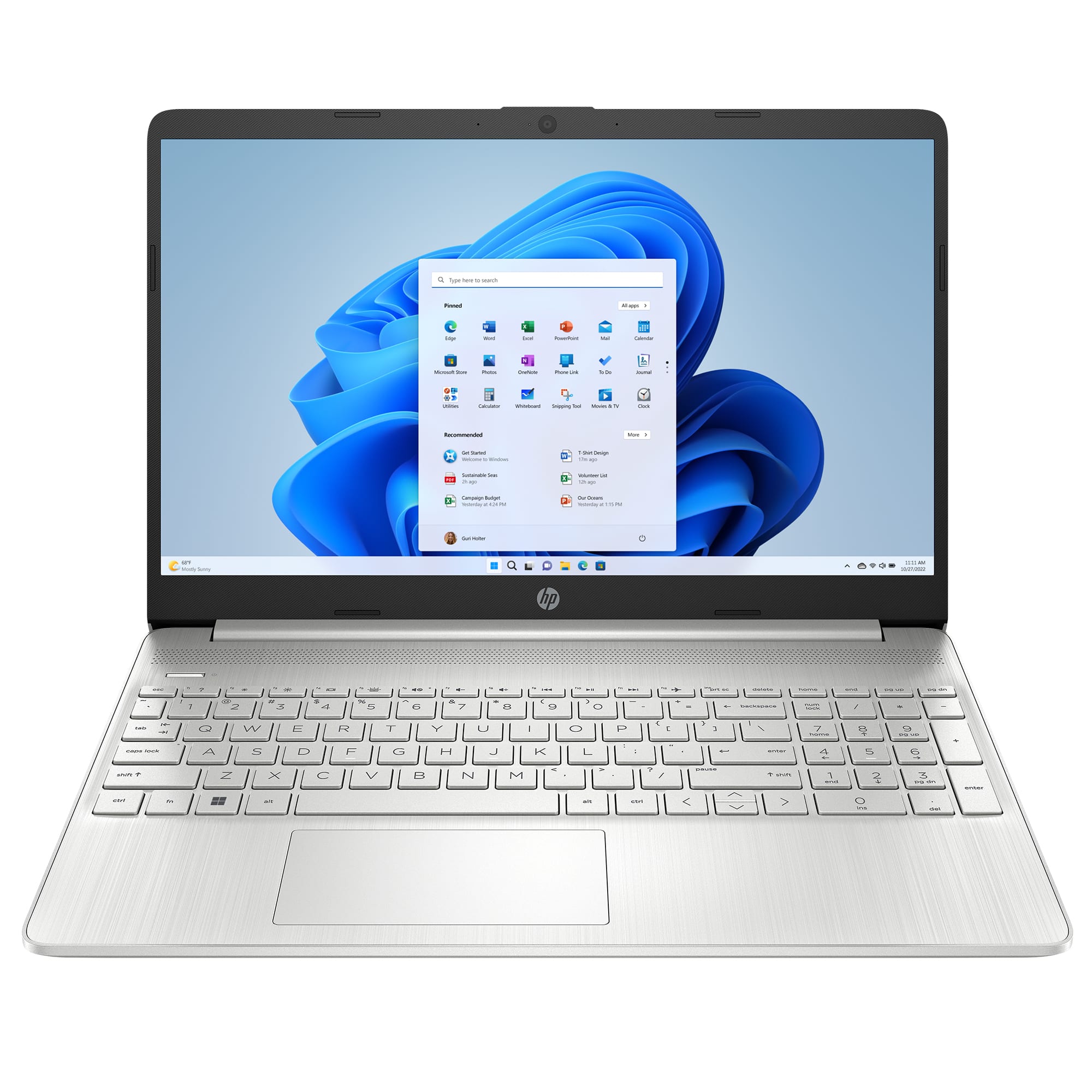
A:AnswerThis laptop comes with the Windows 11 Home S mode operating system and also comes with Dropbox cloud storage where you will get 100GB of storage for one year.
A:AnswerMicrosoft has the directions (and it's a pretty quick process) at https://support.microsoft.com/en-us/windows/switching-out-of-s-mode-in-windows-4f56d9be-99ec-6983-119f-031bfb28a307#WindowsVersion=Windows_11
A:AnswerHello, thank you for your question. You can check the requirements for the software (or hardware) you would like to use by looking up the system requirements for it from the publisher's website. You will want to make sure that the device you want to use it on meets the minimum requirements. Most Canon printers should be compatible with this device.
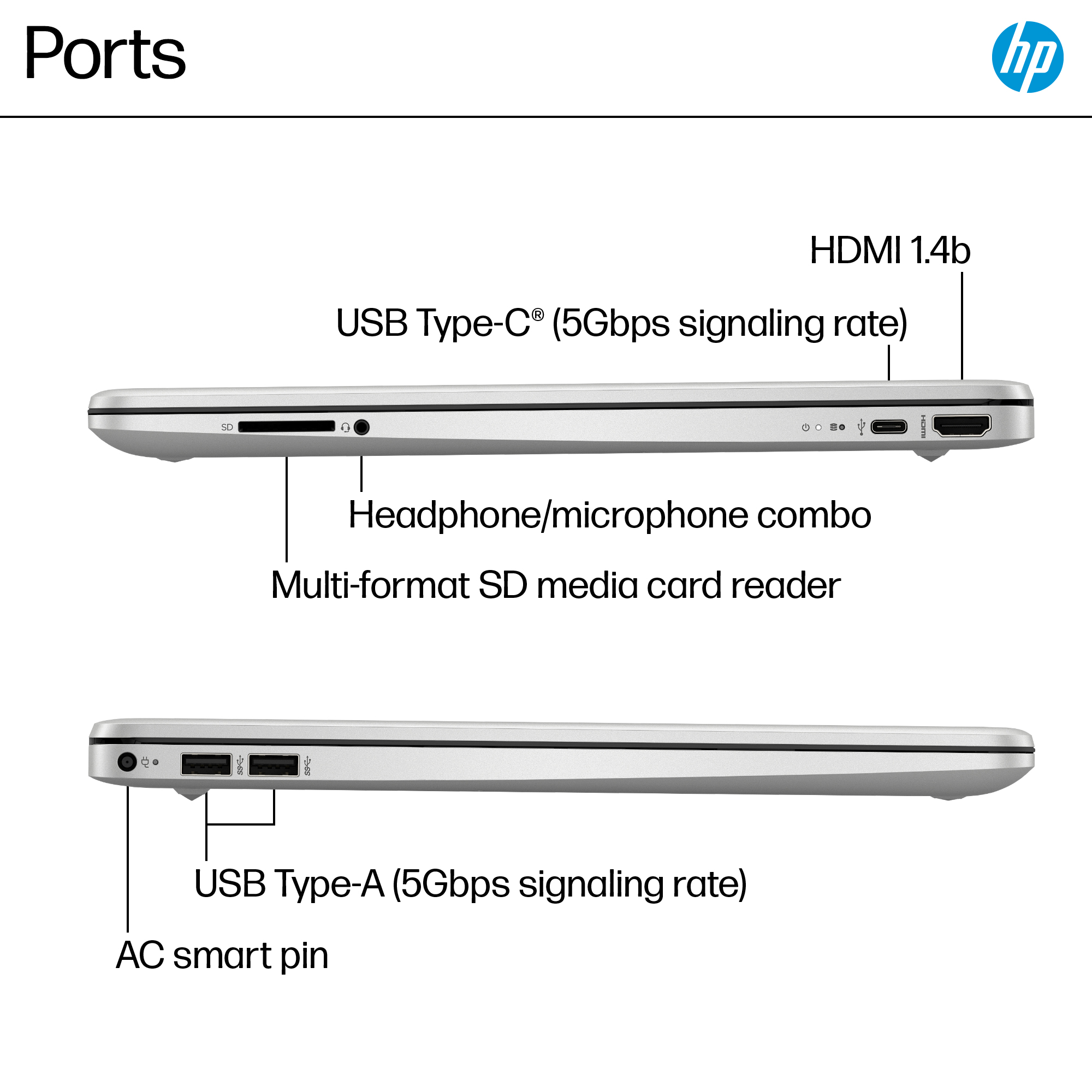
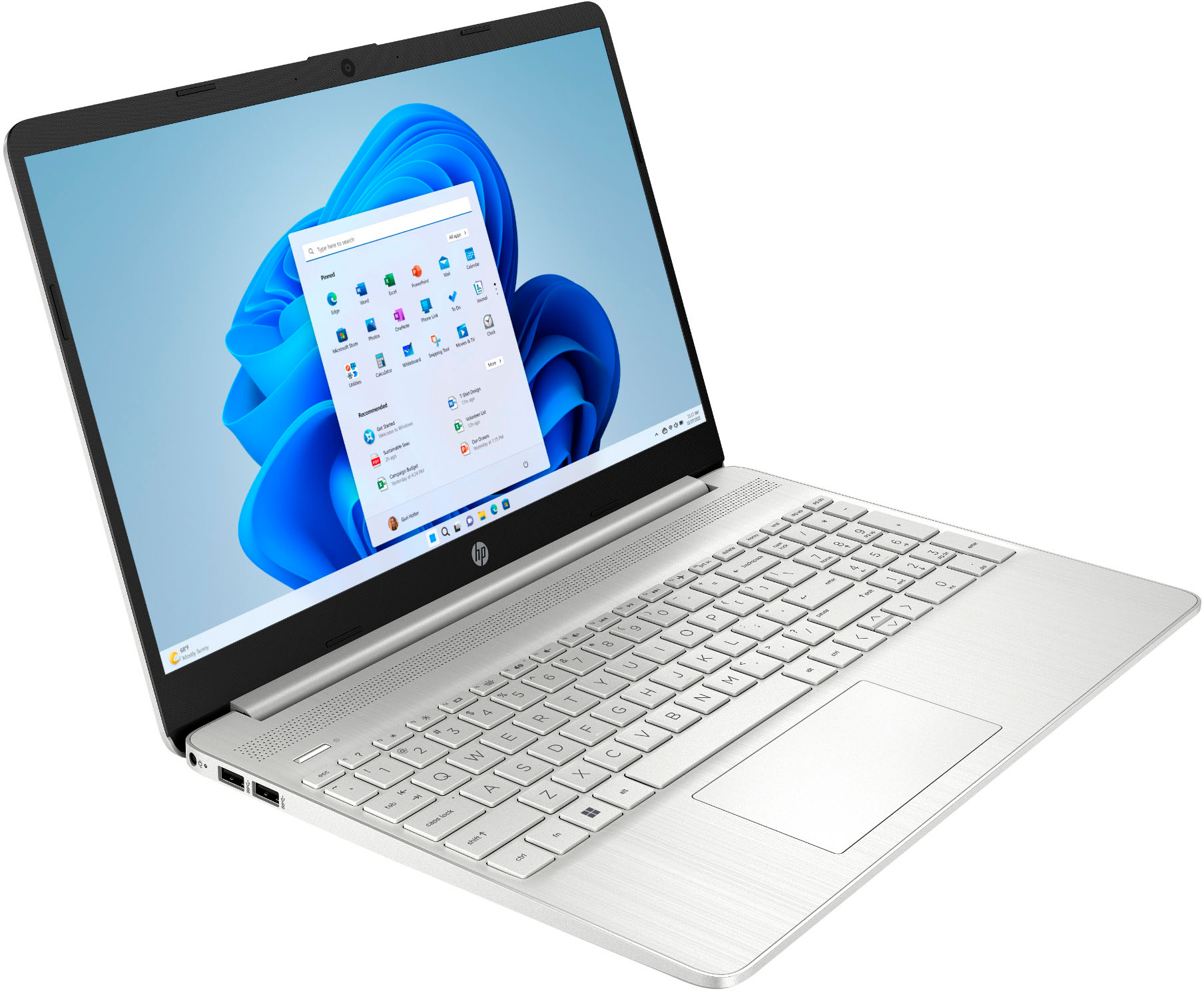
A:AnswerThis laptop has no place for a disk. Unless using external disk? Need to download TurboTax software from Internet. Otherwise, sufficient for that.
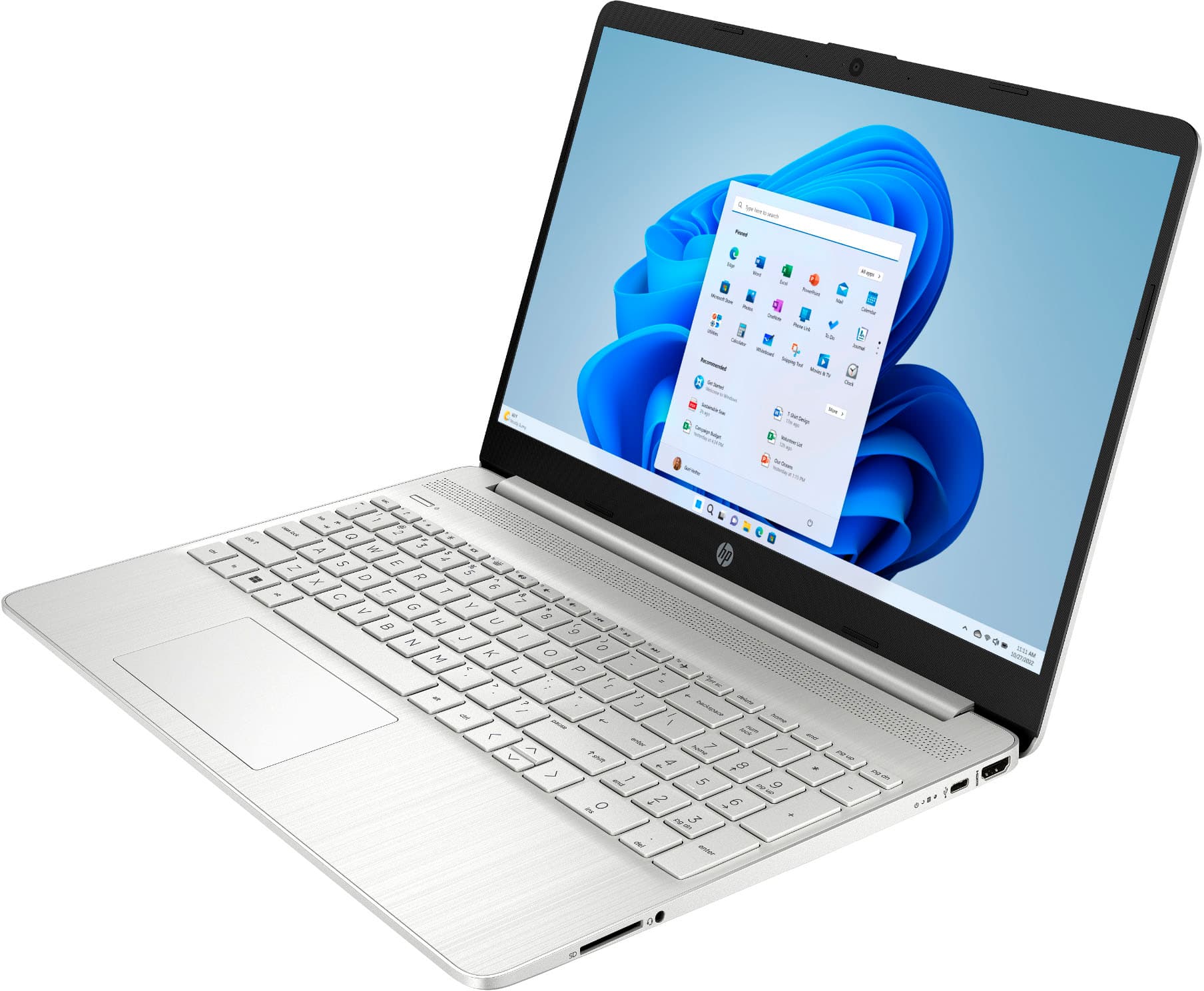
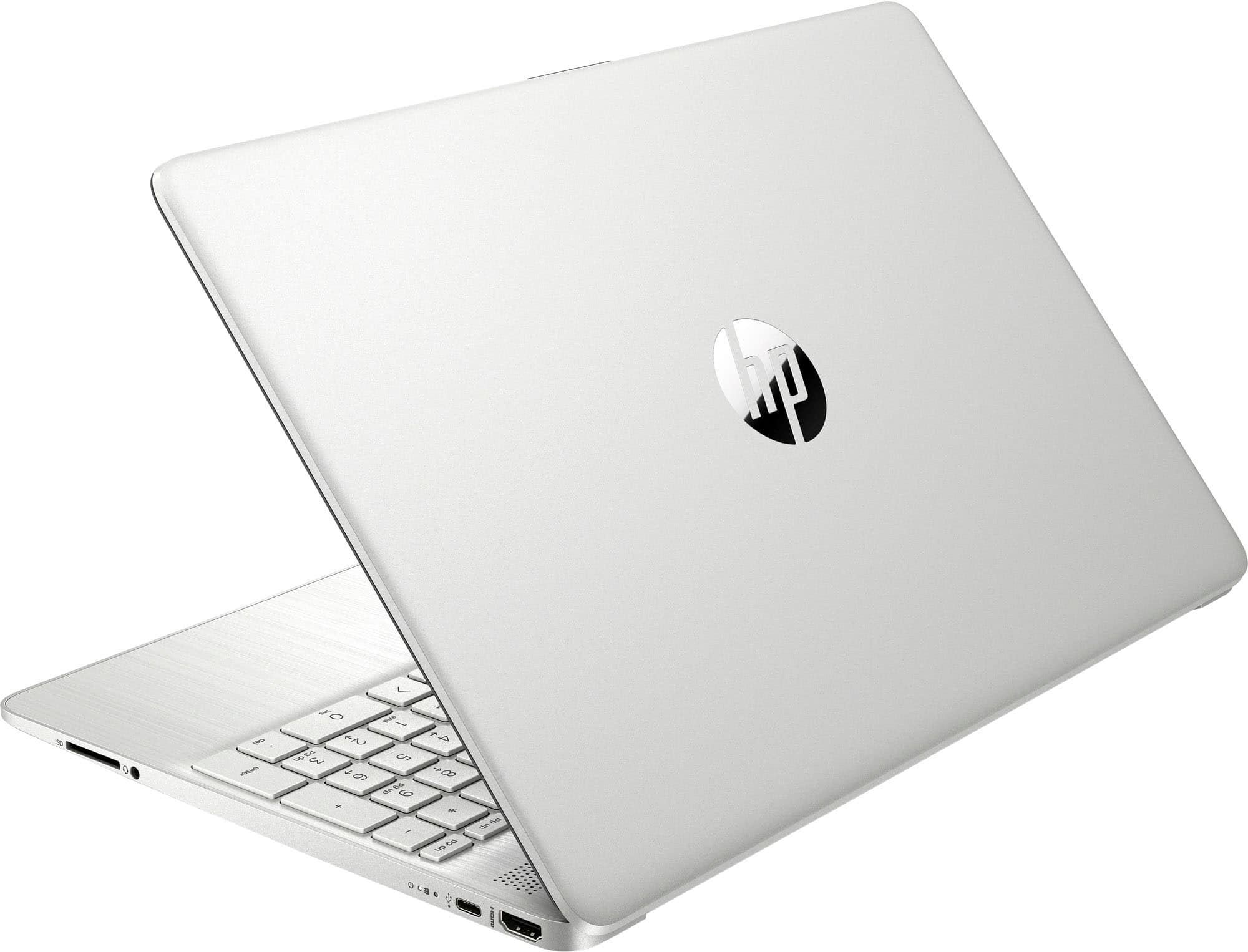
A:AnswerHello Frankie, thank you for your question. The HDMI 1.4 port on this laptop is standard-sized. It's measurements should be about 14 mm × 4.55 mm.