A:AnswerIt's a special high security suite of settings for Windows. The most obvious thing you'd see is that you can only download and install software from the Windows store.
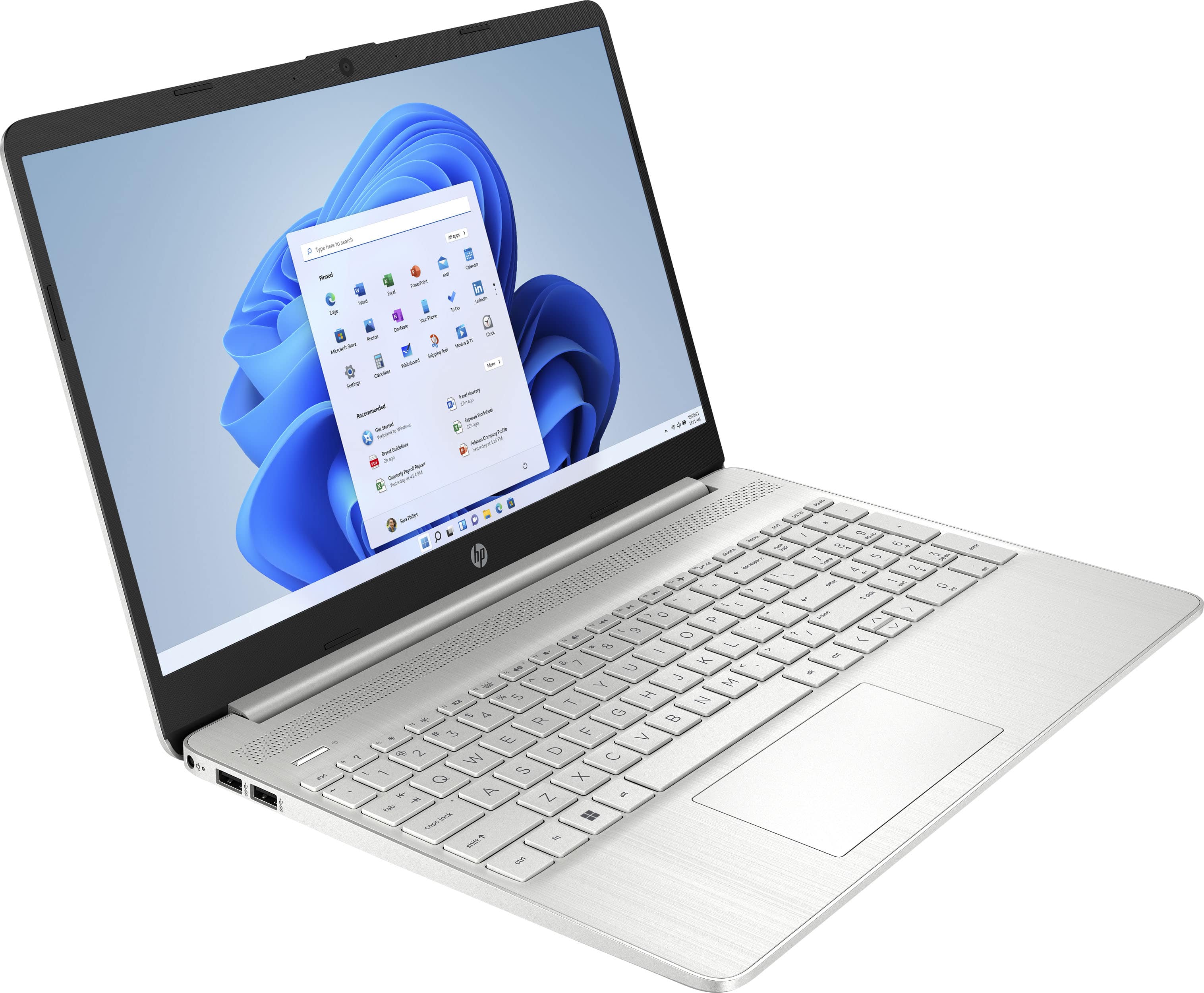
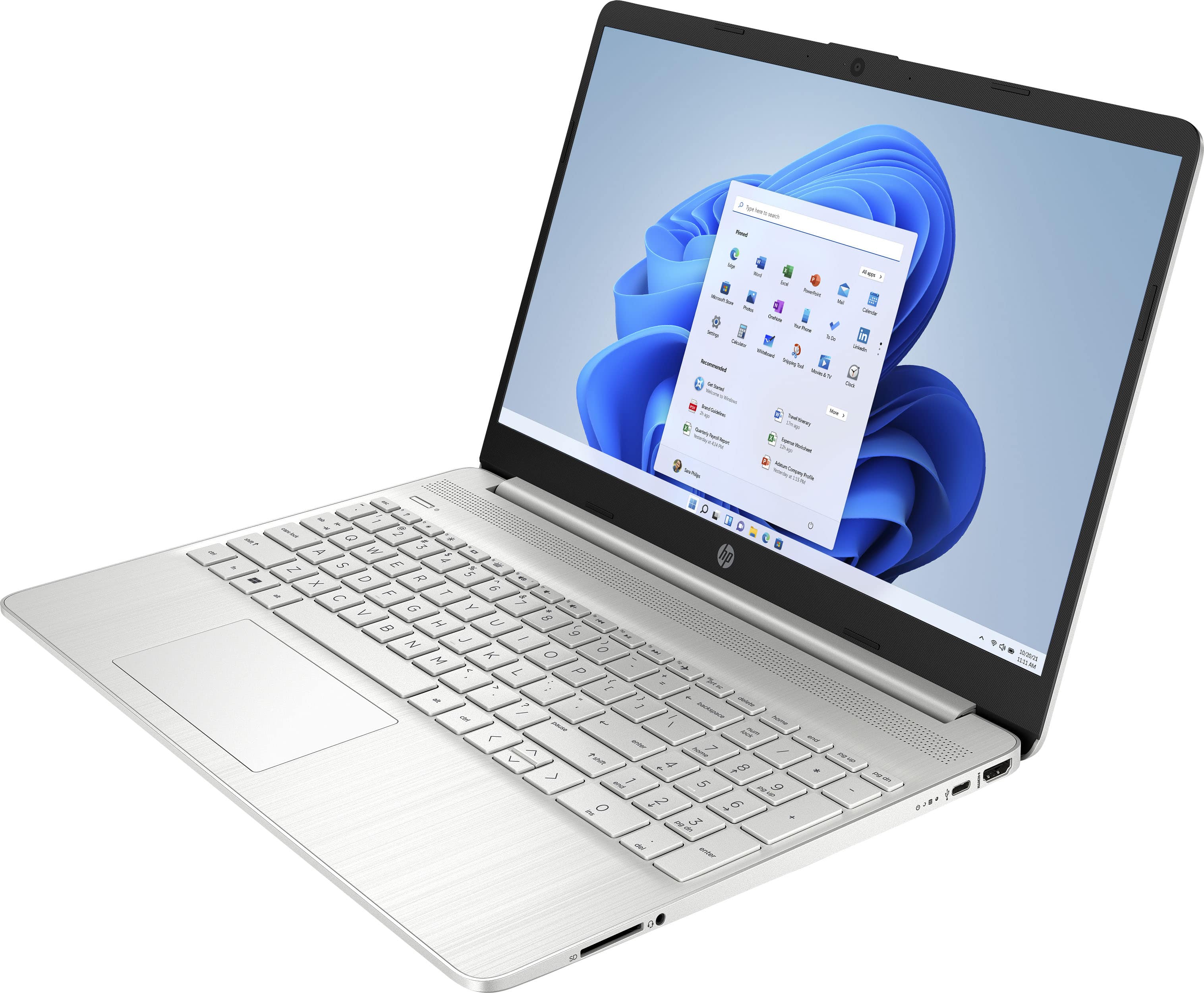
A:AnswerWindows 11 makes it easy to transfer your photos from your phone to your computer with a USB cable, which you can find at your local Best Buy! However, this particular computer comes with Windows 11 in S mode, which has some restrictions for safer browser. You may need to disable S mode to transfer your photos from an external source.
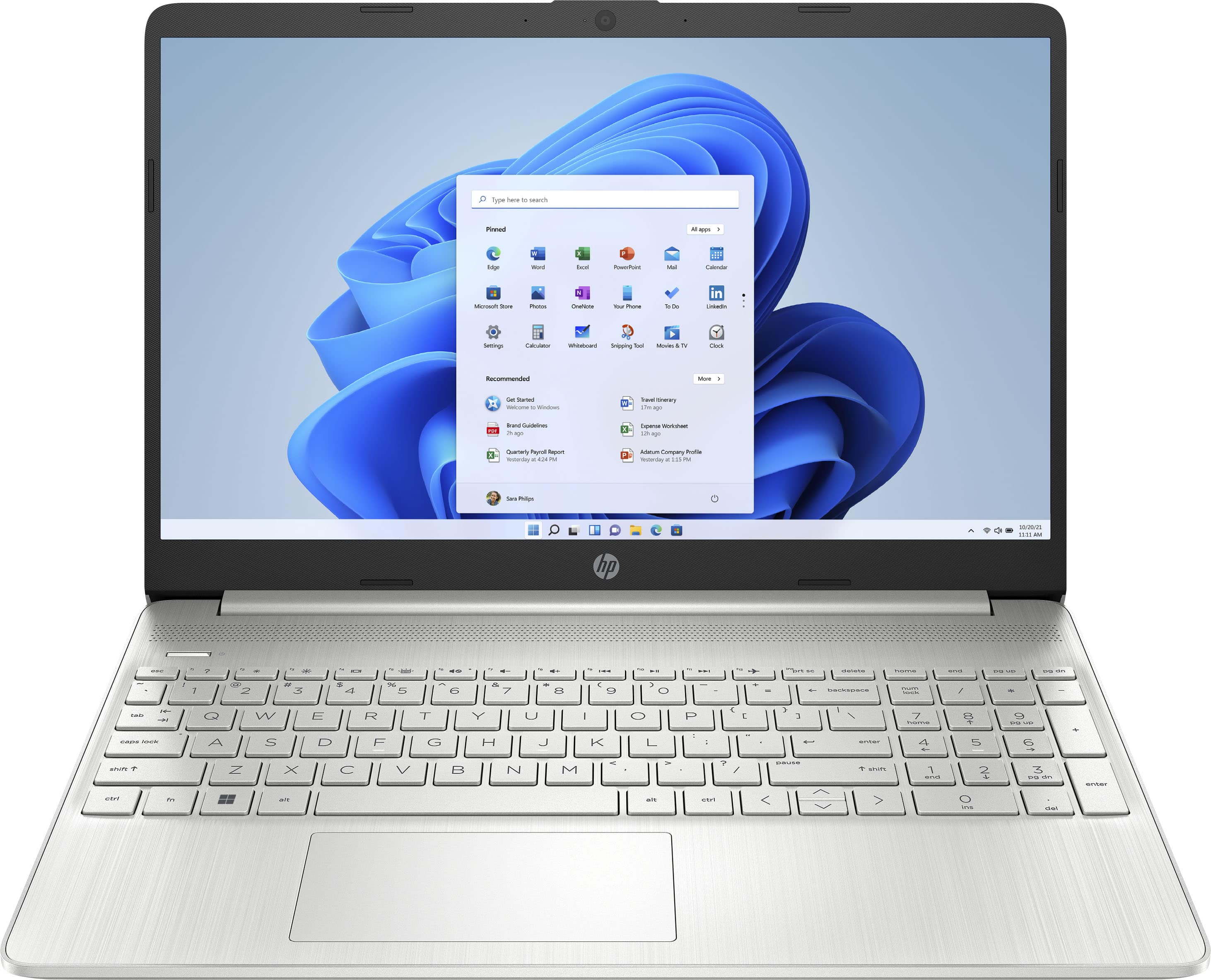
A:AnswerThank you for asking. The lithium-based batteries used in modern HP laptops cannot be overcharged. Internal hardware prevents the battery from charging until the voltage drops below 100%. There is no way to disable the battery when the laptop is connected to power. Some things can affect battery life. Learn more here: https://www.hp.com/us-en/shop/tech-takes/how-long-should-i-charge-hp-laptop-battery#:~:text=Is%20it%20bad%20to%20keep,the%20voltage%20drops%20below%20100%25.
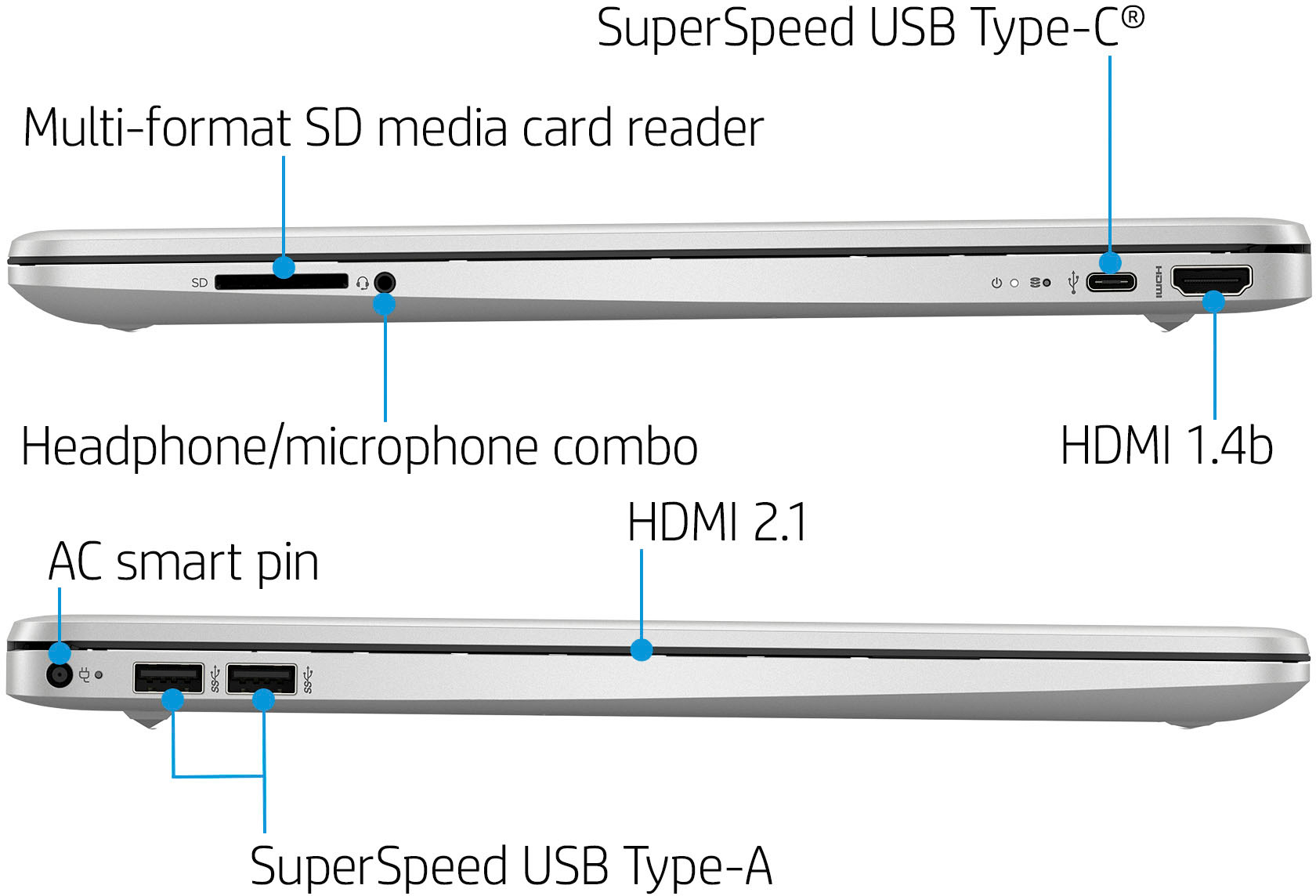
A:AnswerThank you for the question. This model is configured with 256GB, however, you can change switch the SSD yourself or better yet, have it done by Geek Squad. The alternative would be to connect an external SSD via the USB port.
A:AnswerThank you for the question. This is a Windows PC, having Windows 11 in S Mode. Windows computers do not have Auto Update Expiration (AUE) dates like laptops using the Chrome operating system (Chromebooks).