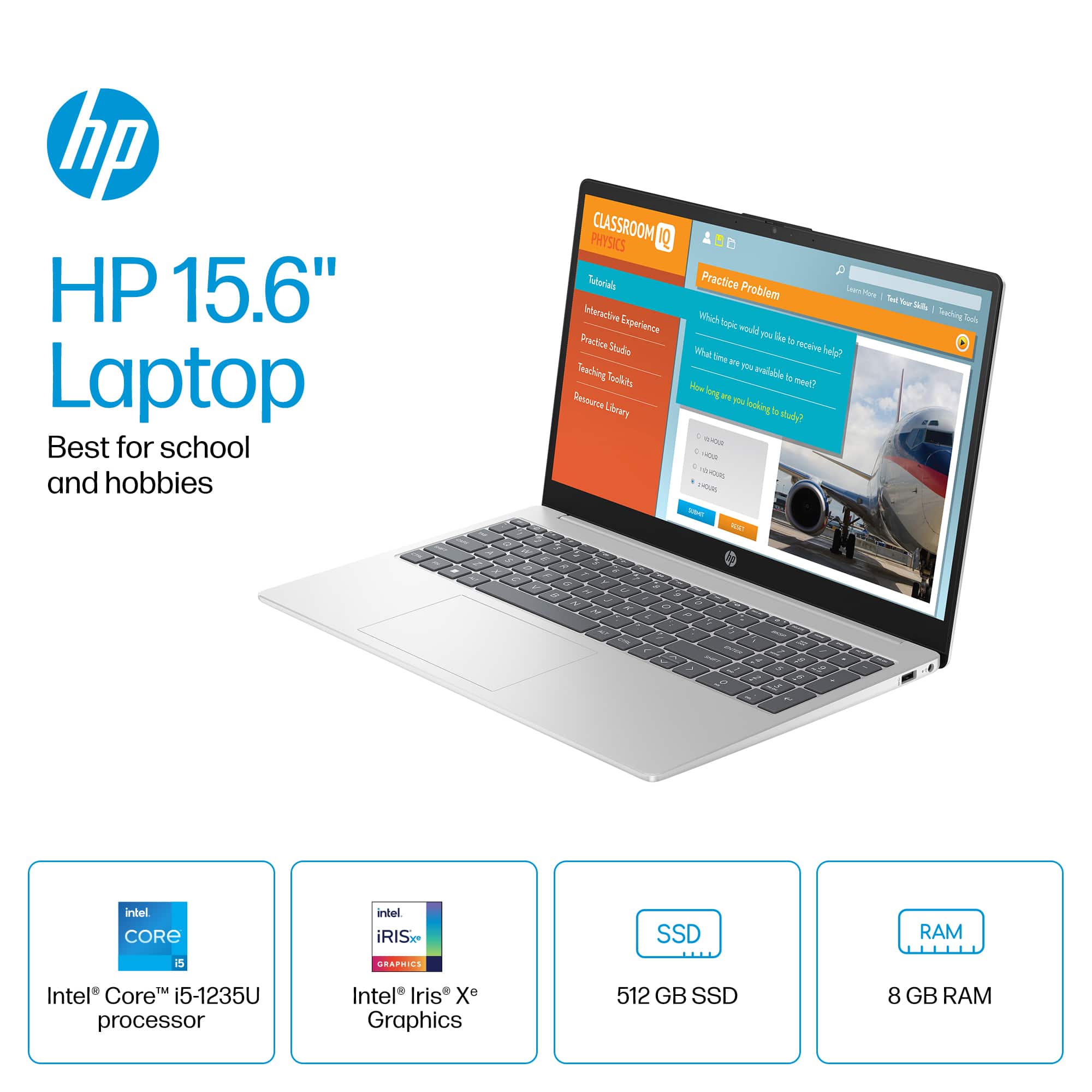
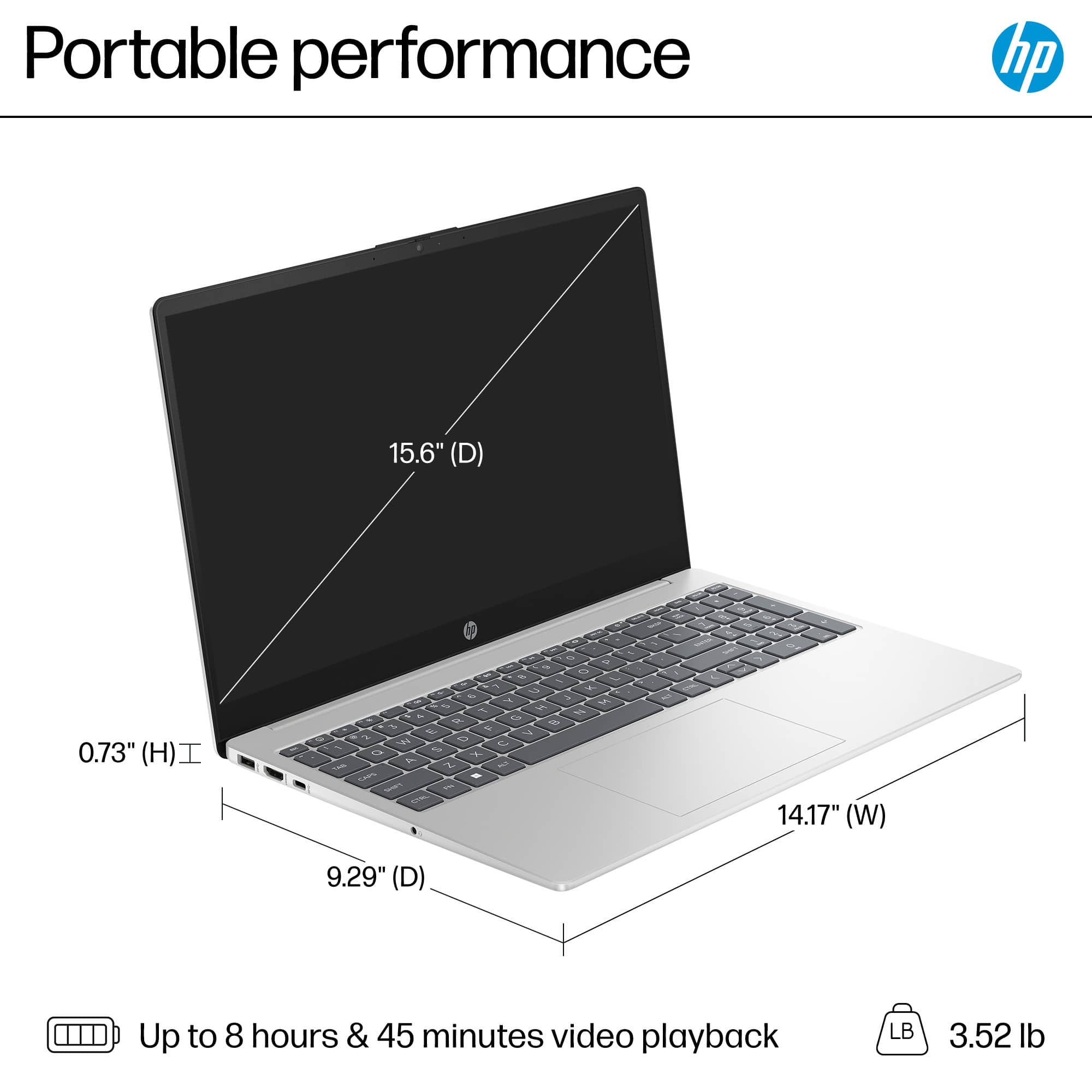
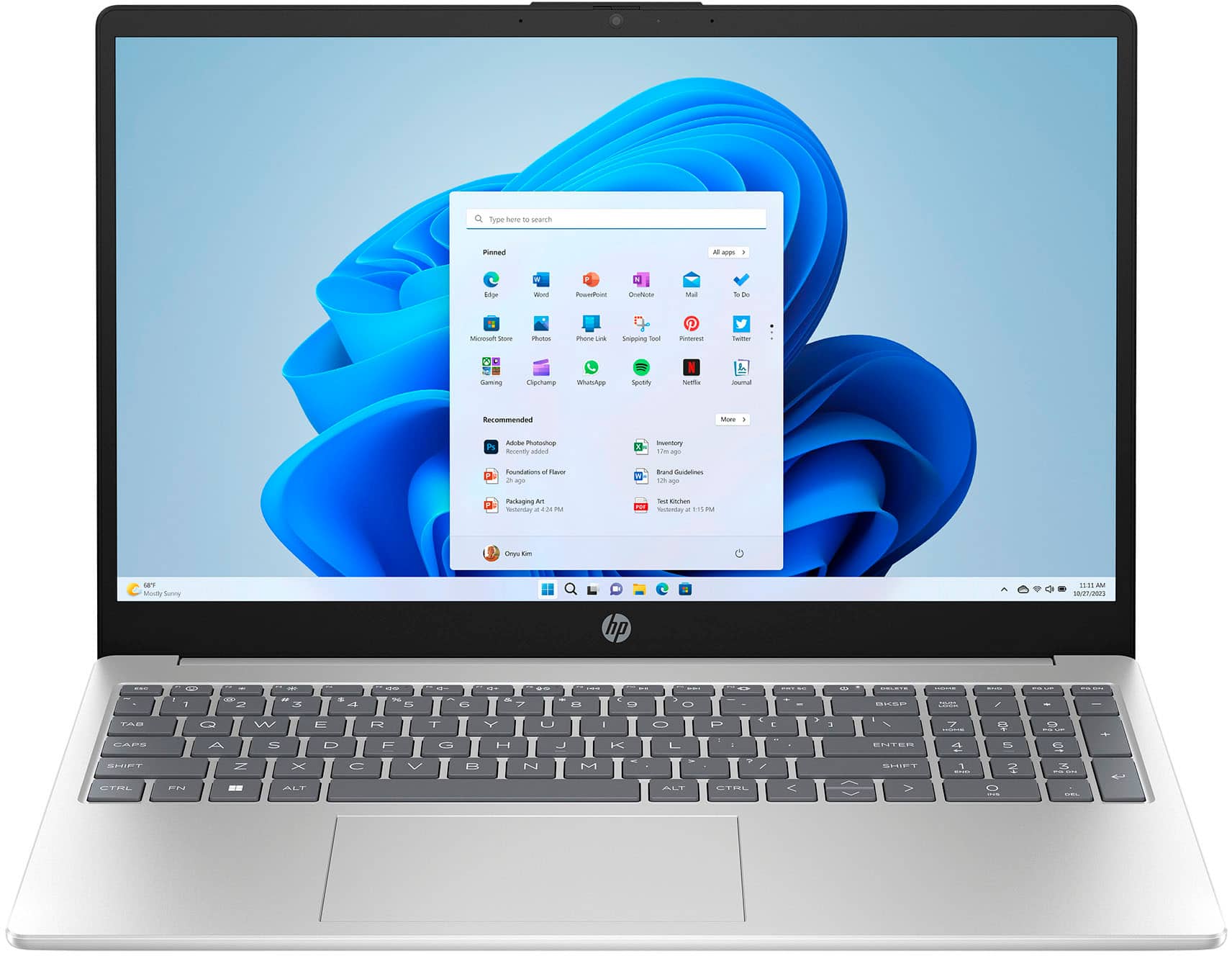
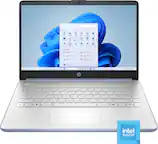
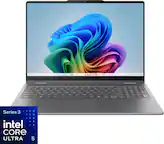
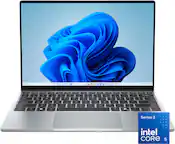
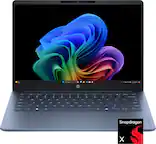
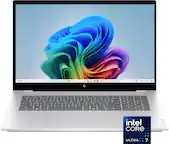
A:AnswerThank you for your question about this HP laptop! It has the right specs for doing college work with papers, presentation, and remote learning. If you are in a STEM major, talk with your advisor about what software you would need to run.
A:AnswerLimited, free use of MS Office is available on any computing device, including cellphones. Your options are to buy one, or get one of the free suites.
A:AnswerAdobe makes several different products. Which one are you asking about? If it is "Reader," it is often included and might need updating. Otherwise, it can be downloaded for free from the Adobe website. The other Adobe products, like Illustrator or Photoshop, need to be purchased.
A:AnswerHi David! The HP A9PE6UA is from our basic, general home and student computer line. On a scale of good - better - best, the HP series is good. Sub-brands like the Pavilion, Envy, Sceptre, ProBook, EliteBook, and OmniBook cater to business, professional, and creative users who require specific features, and the majority of those fit the "best" category. HP Chromebook laptops use the Chrome operating system, whereas the formerly named sub-brands use the Windows operating system.
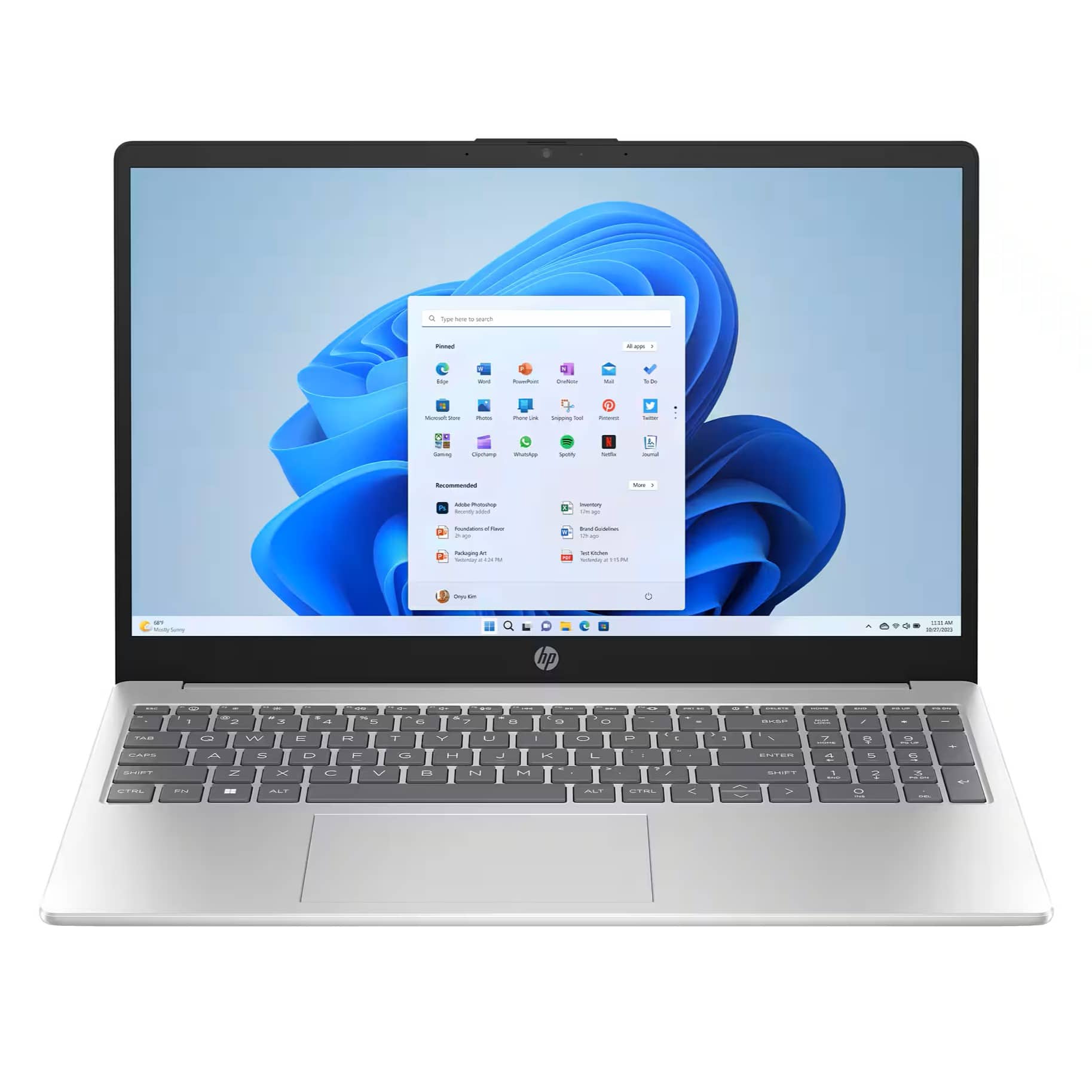
A:AnswerThank you for the question. Windows 11 Home in S Mode is typically installed on entry and general home use models and offers additional safety measures. The laptop can be taken out of S Mode in a free and simple operation. This conversion is not reversible.
A:AnswerCheck the website(s) of the games you are interested in for recommended and/or minimum hardware specs, then look for computes that fit those. Your way is backwards.
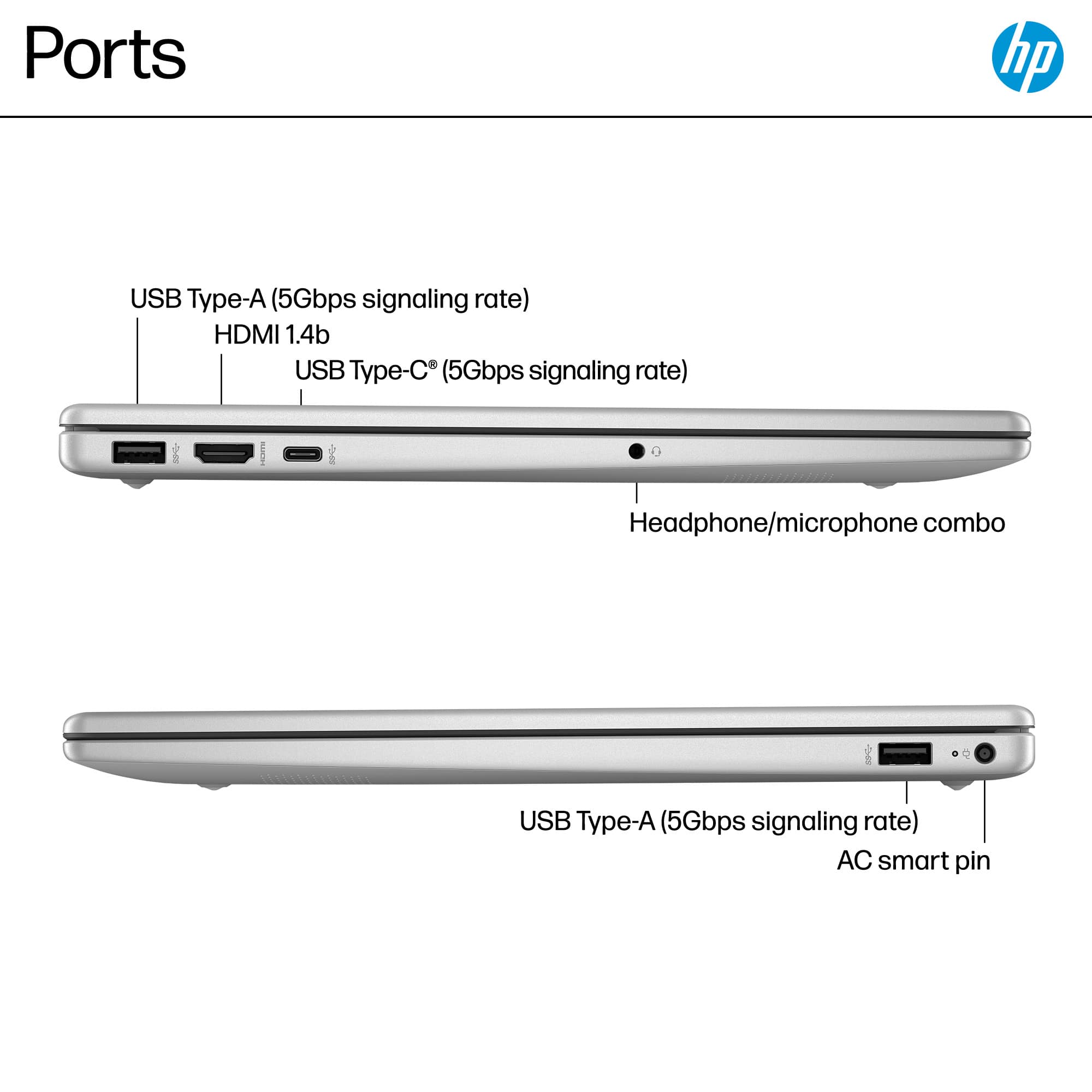
A:AnswerThis laptop does not have a built-in drive. You would need an external optical drive (CD/DVD player) and there are some that can be connected via USB.
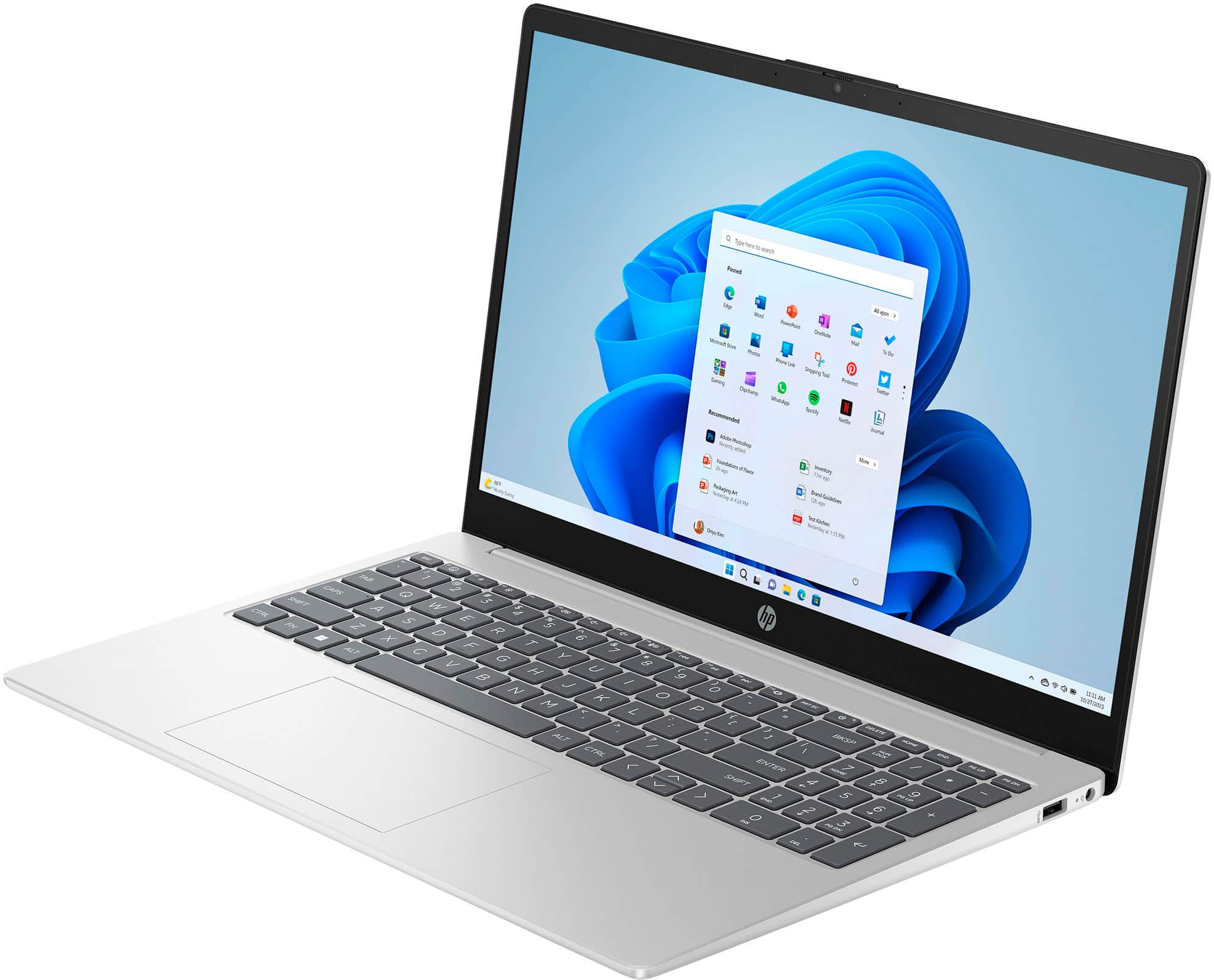
A:AnswerHi Joe, thank you for the question. The HP A9PE6UA laptop does not have space to add another SSD. You can switch the included SSD for one with more capacity (we recommend a professional technician do this), or connect an external drive via USB.
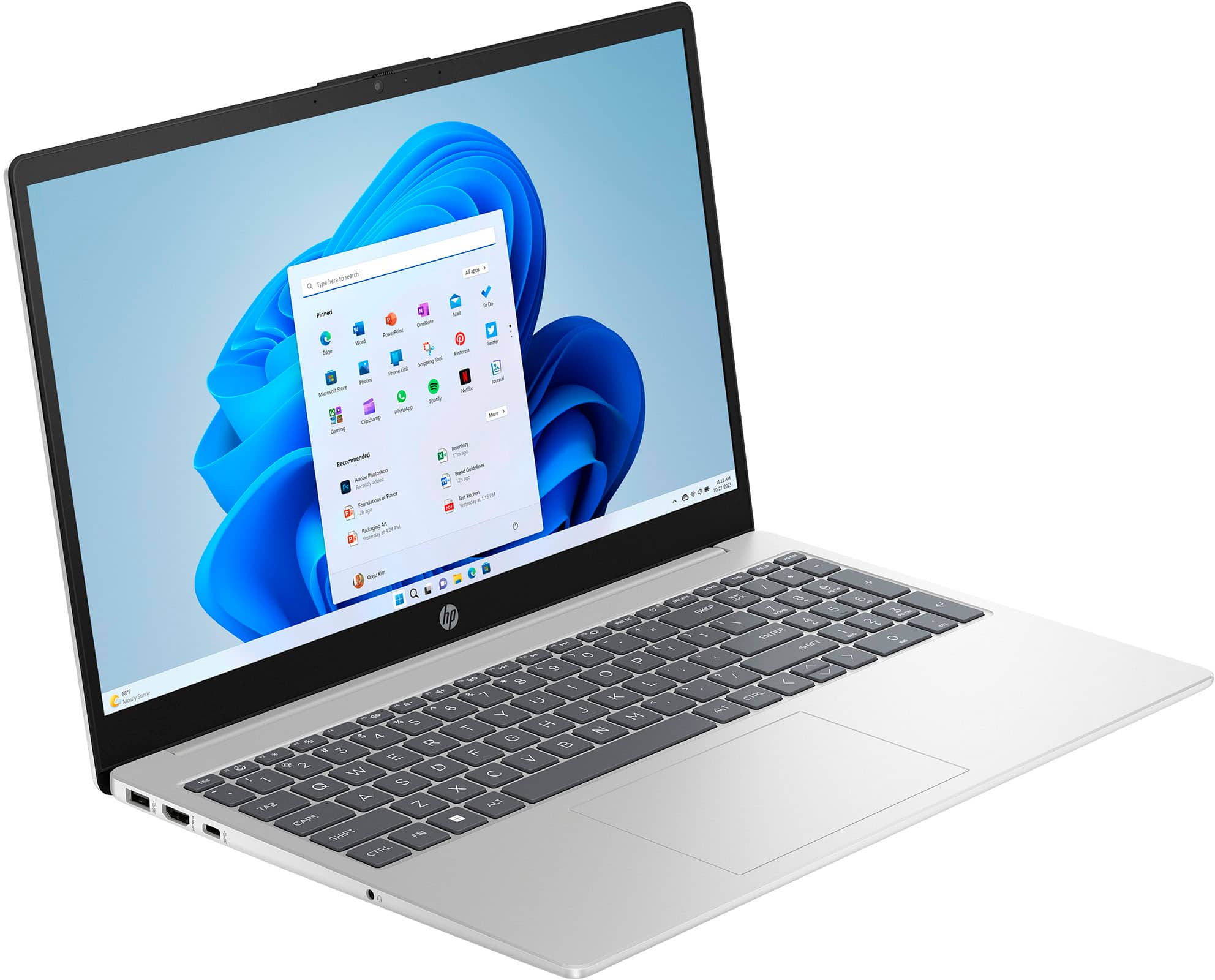
A:AnswerThank you for the question. You can connect one monitor via the HDMI port, and the second monitor using an adapter that you can connect to the USB Type-A or USB Type-B ports.