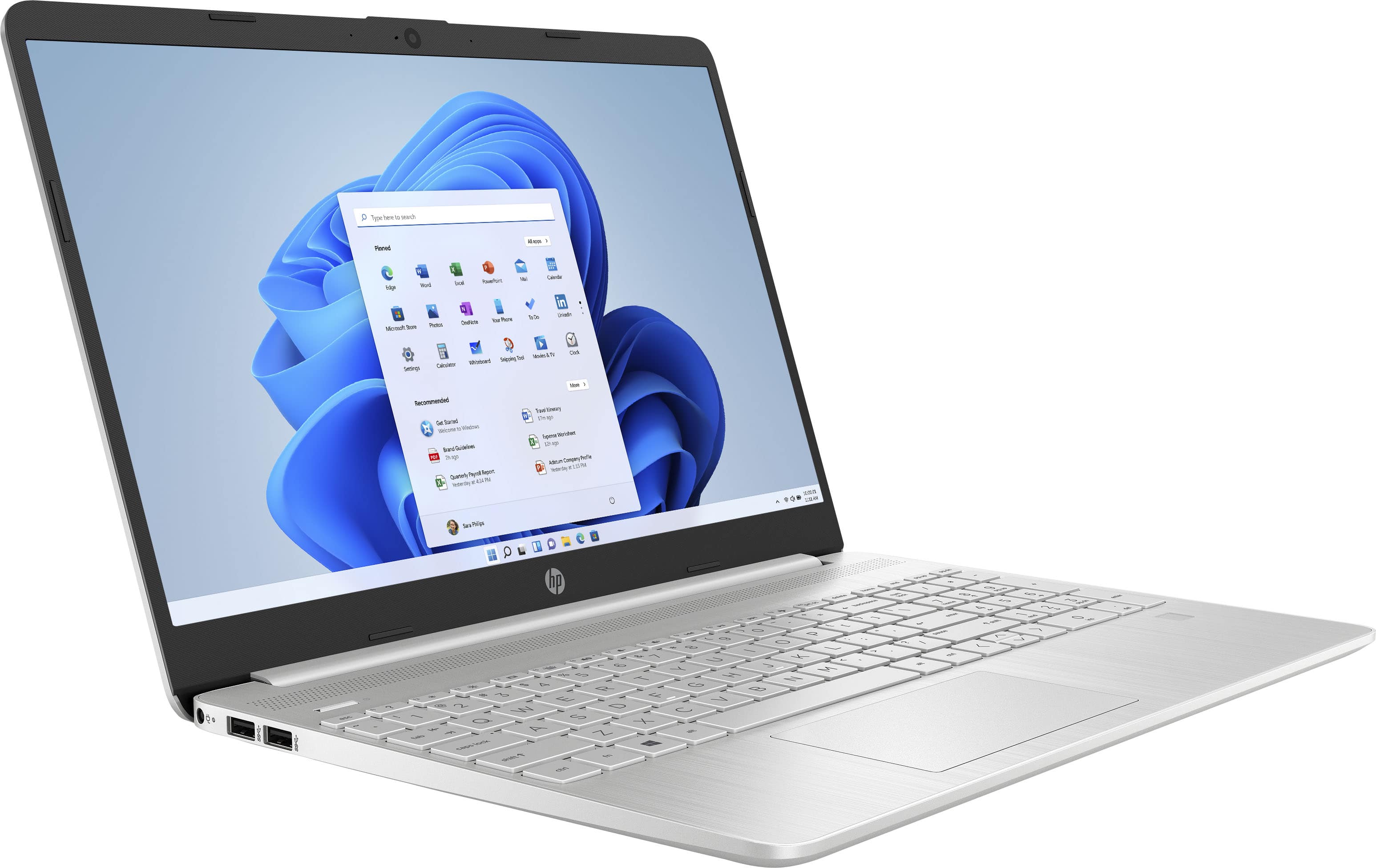
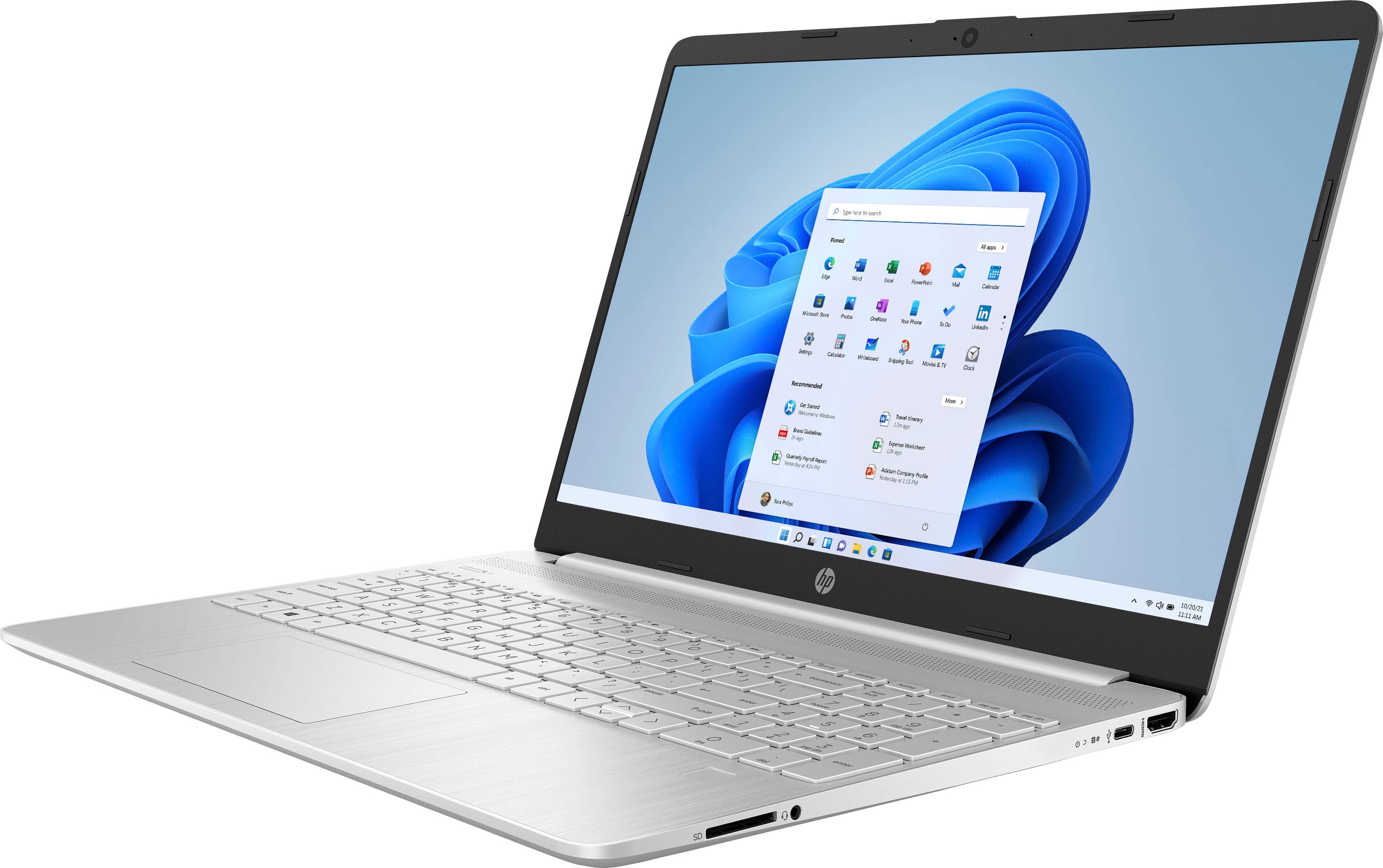
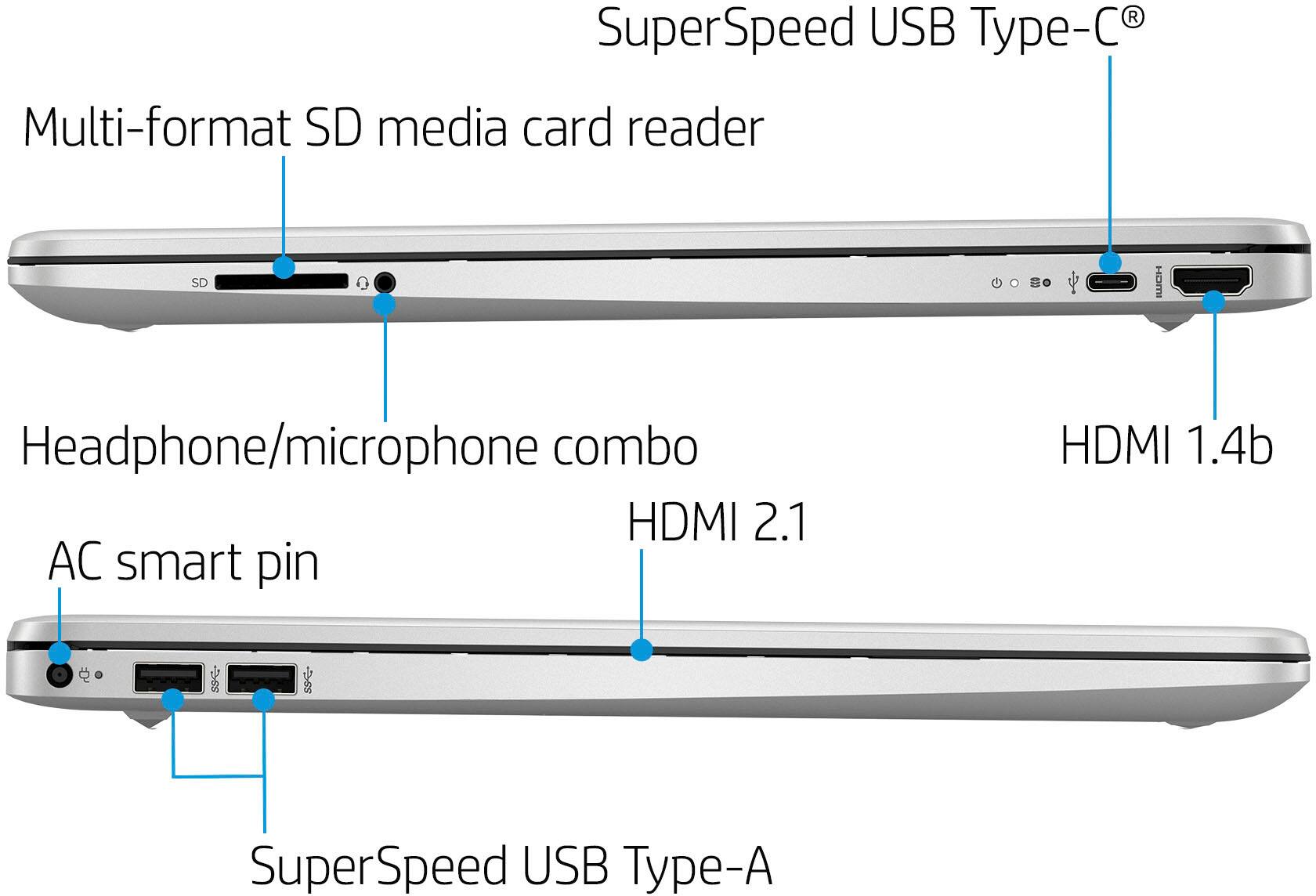
A:AnswerThank you for the question. The form factor of the SSD in the 15-dy4013dx laptop is M.2, storage interface PCIe®, storage interface protocol NVMe™.
A:AnswerThank you for your question! As system requirements for software constantly change, we are unable to answer questions about Cricut & Silhouette compatibility. What is compatible today may not be in a few months. Please check Cricut & Silhouette's website for the most current system recommendations!
A:AnswerThank you for your question! As system requirements for software constantly change, we are unable to answer questions about Circuit compatibility. What is compatible today may not be in a few months. Please check Circuit's website for the most current system recommendations!
A:AnswerHi Dorothy! Thank you for your question. As system requirements for software constantly change, we are unable to answer questions about Nuance Dragon Software compatibility. What is compatible today may not be in a few months. Please check Nuance Dragon software's website for the most current system recommendations!
A:AnswerThank you for the question. There is no slot/connection for another drive, however, you could switch out the existing drive for one of more capacity. You could also connect an external drive.
A:AnswerI wouldn’t edit photos on this laptop because the screen does not display colors properly. Everything has a whitish glow to it so your blacks appear light gray.
A:AnswerThank you for the question. Chances are that the answer is yes. Apologies, this forum does not have access to the requirements. Please reach out to Best Buy directly to inquire.
A:AnswerWindows 11 in S mode is a version of Windows 11 that's streamlined for security and performance, while providing a familiar Windows experience. To increase security, it allows only apps from Microsoft Store, and requires Microsoft Edge for safe browsing. It can be removed, however once removed it cannot be restored.
A:AnswerThank you for the question. Yes, you can upgrade the storage, or simply connect an external drive via USB. We recommend that upgrades involving opening the computer and removing the battery be performed by a professional technician.
A:AnswerOn your PC running Windows 11 in S mode, open Settings > System > Activation. On the Switch out of S mode (or similar) page that appears in the Microsoft Store, select the Get button. After you see a confirmation message on the page, you'll be able to install apps from outside of the Microsoft Store. Once removed, you will not be able to restore S Mode.