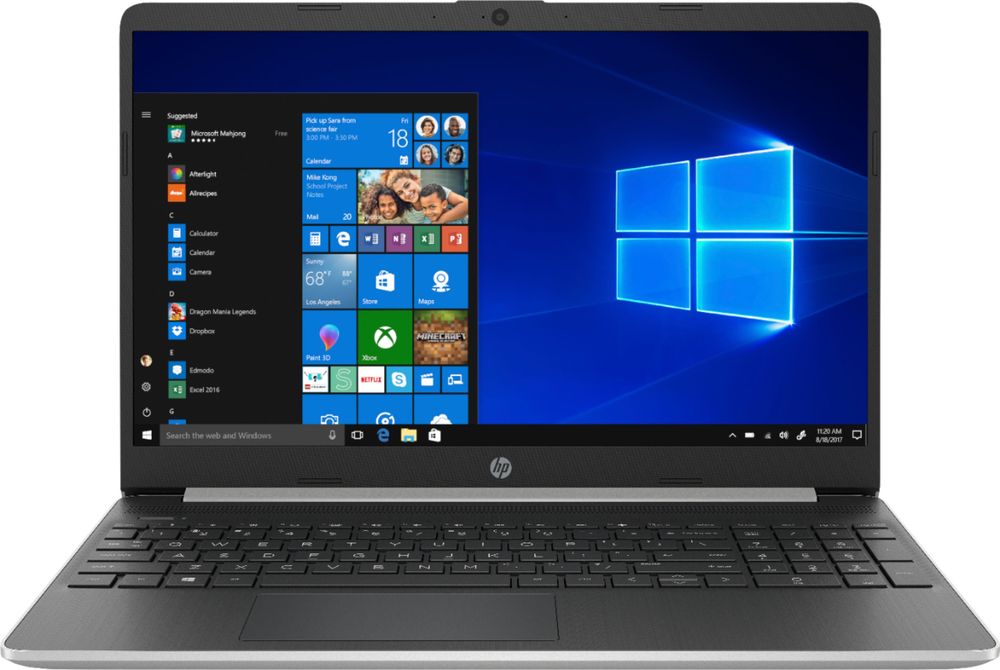
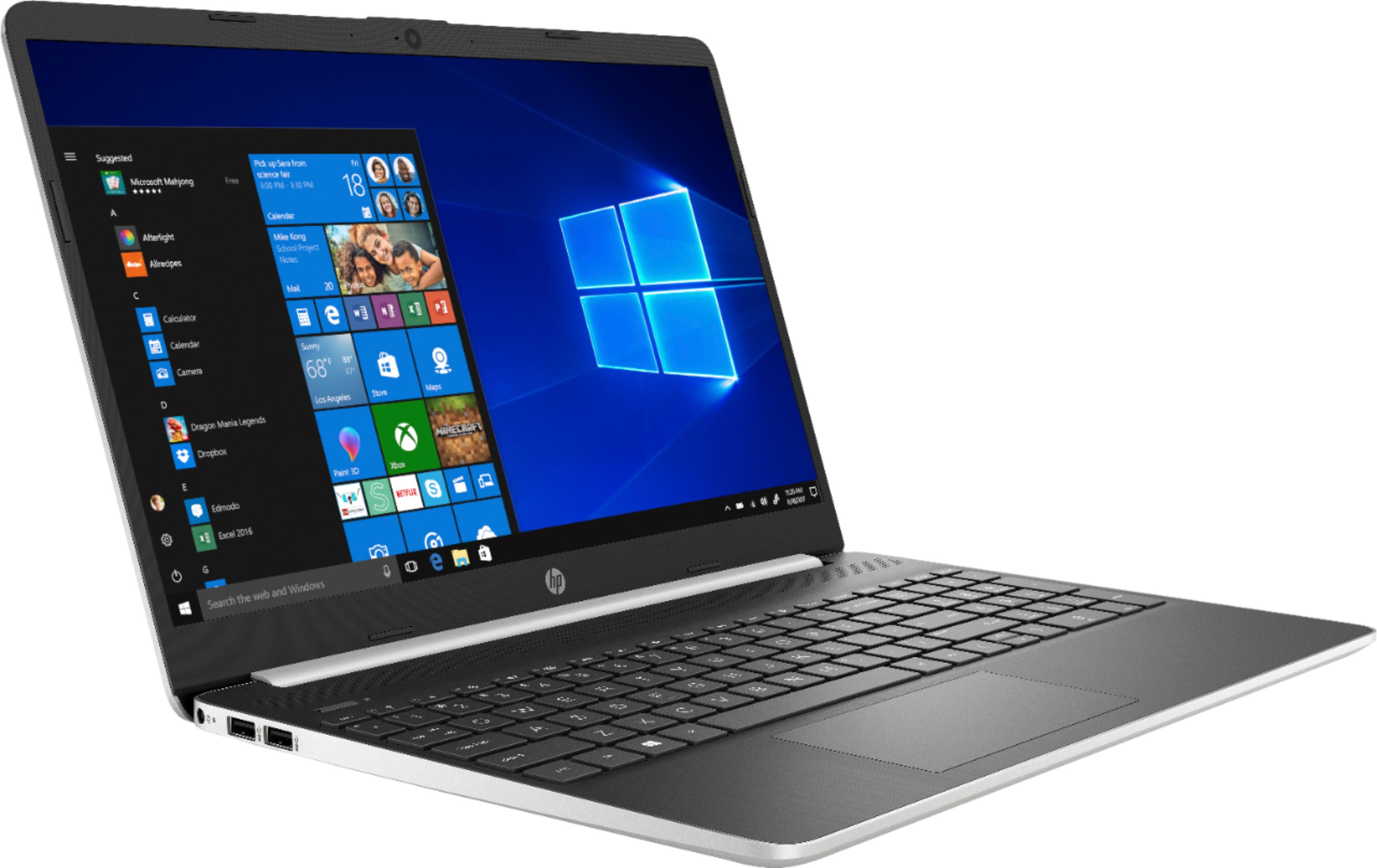
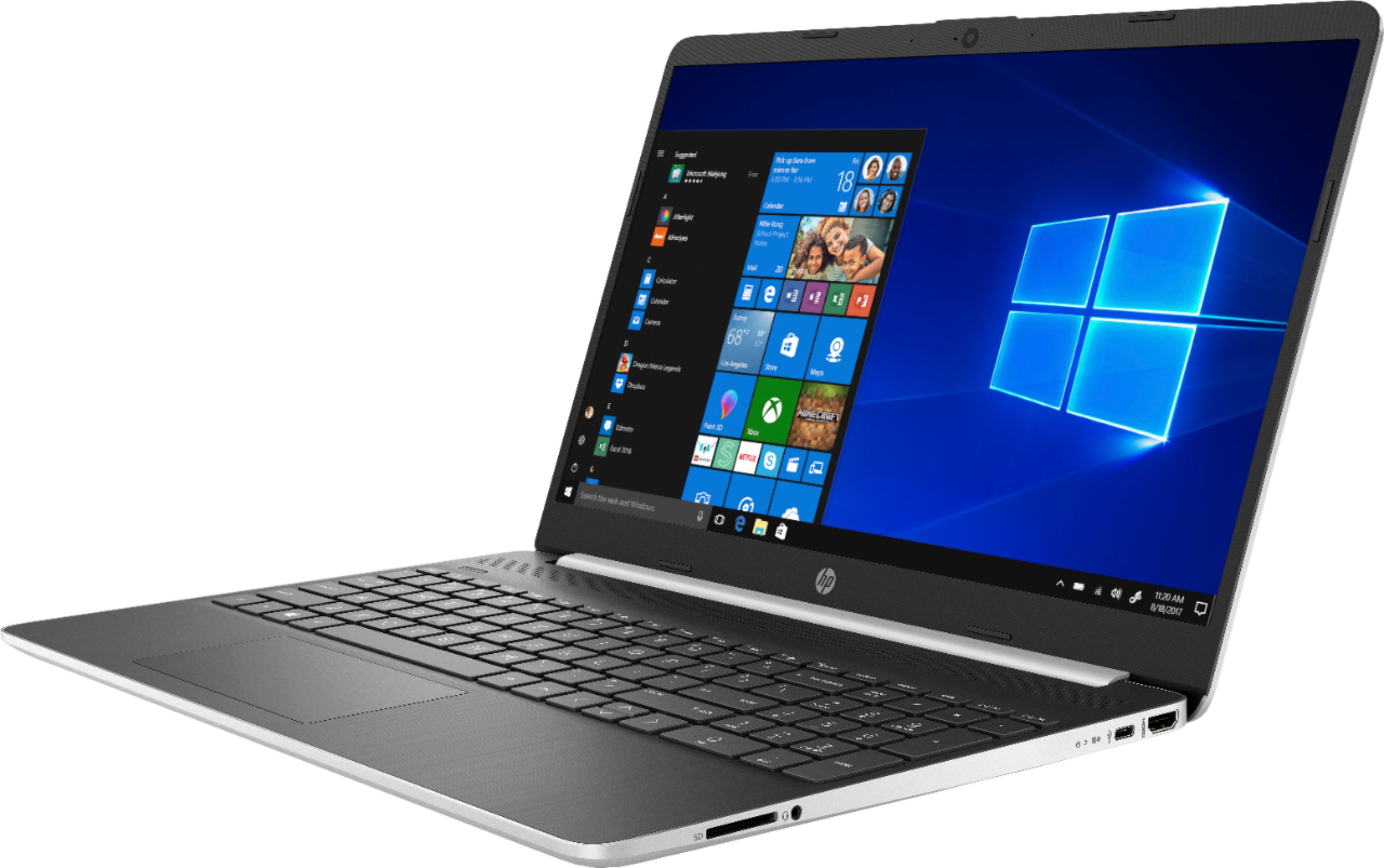
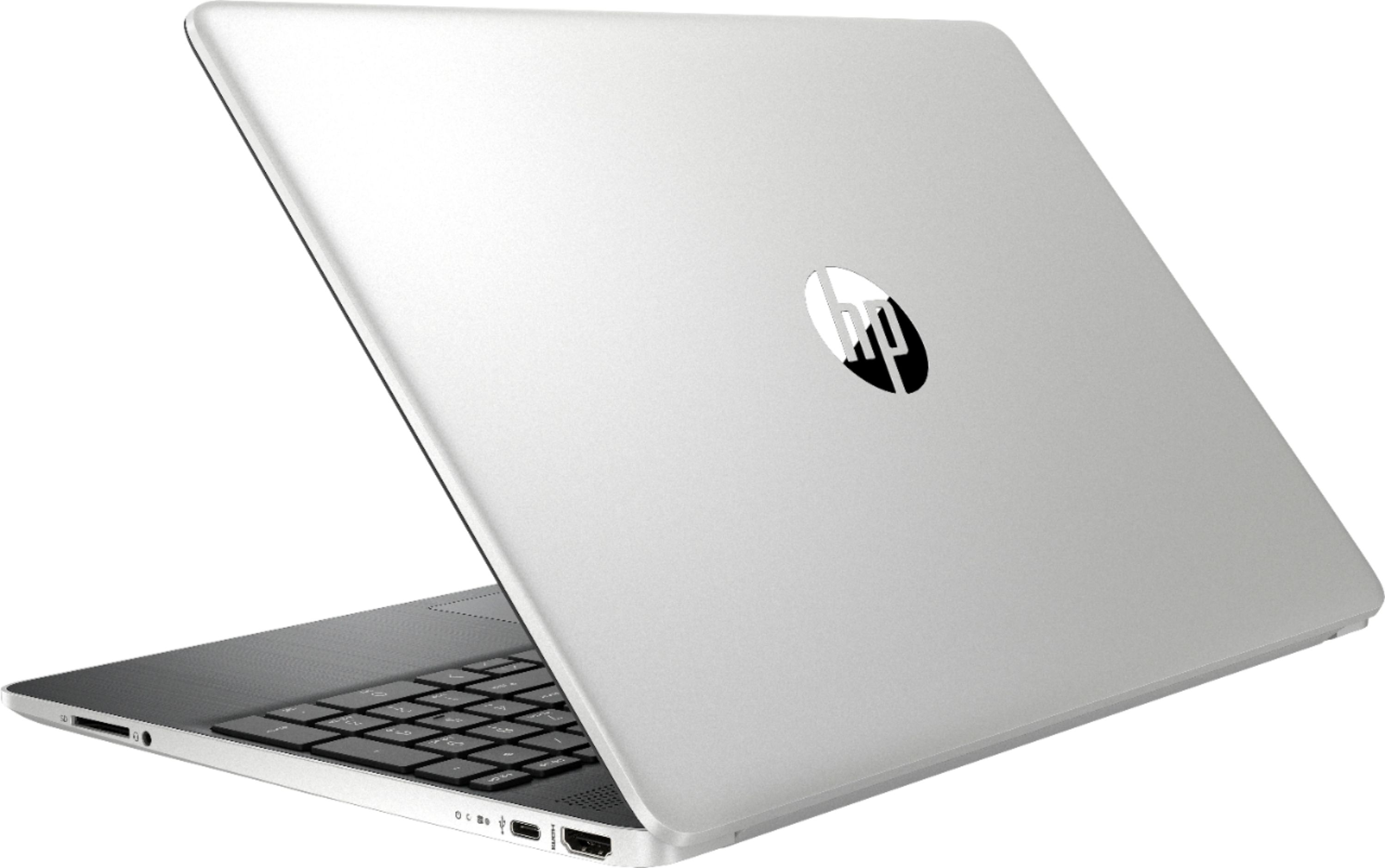
A:AnswerThe laptop does not have an optical drive - you can use an external USB DVD drive. There is an HDD drive slot in the unit but only an authorized service provider would need able to upgrade this.
A:AnswerI'm sorry that you have experienced this issue. I recommend reaching out to HP Support so they can assist you. They have access to more tools to assist you. Here's the link to HP Support: http://support.hp.com/us-en . Click "Contact HP" at the bottom left of the page. Alternatively, you can reach them by phone at 1-800-474-6836.
A:AnswerNot that I've seen - and I've googled this a fair bit... It's very frustrating isn't it?? I completely agree, it's like all the whites are over-processed and over-saturated and it hurts your eyes to look at for too long...
A:AnswerYou can also try to take it out of S Mode. It is free and easy to do: https://support.microsoft.com/en-us/help/4456067/windows-10-switch-out-of-s-mode That will help with Google Docs and any other browser you want to download like Chrome. As far as the camera issue, I would recommend reaching out to the Geek Squad at Best Buy or HP Support. Here's the link to HP Support: http://support.hp.com/us-en . Click "Contact HP" at the bottom left of the page. Alternatively, you can reach them by phone at 1-800-474-6836.