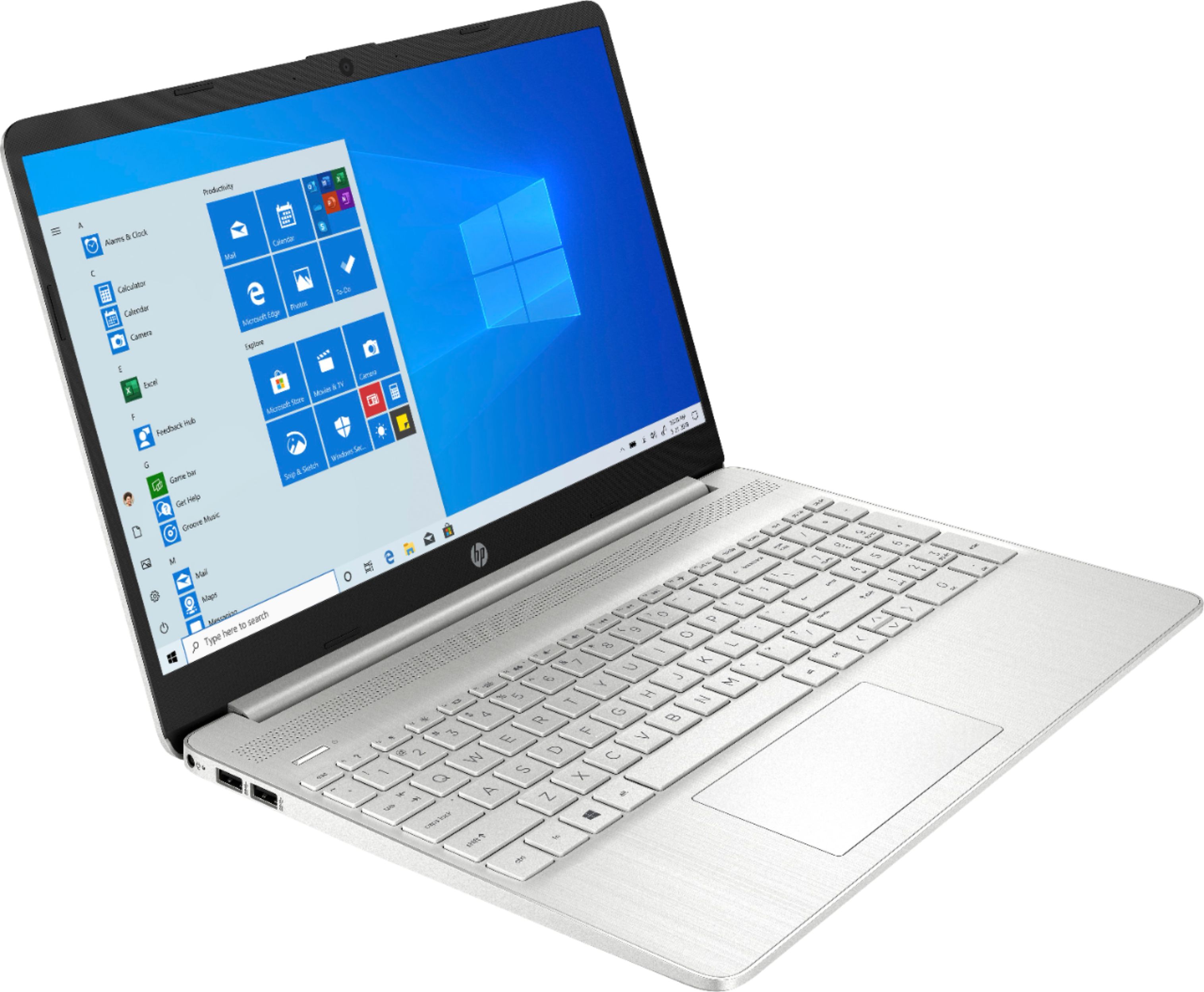
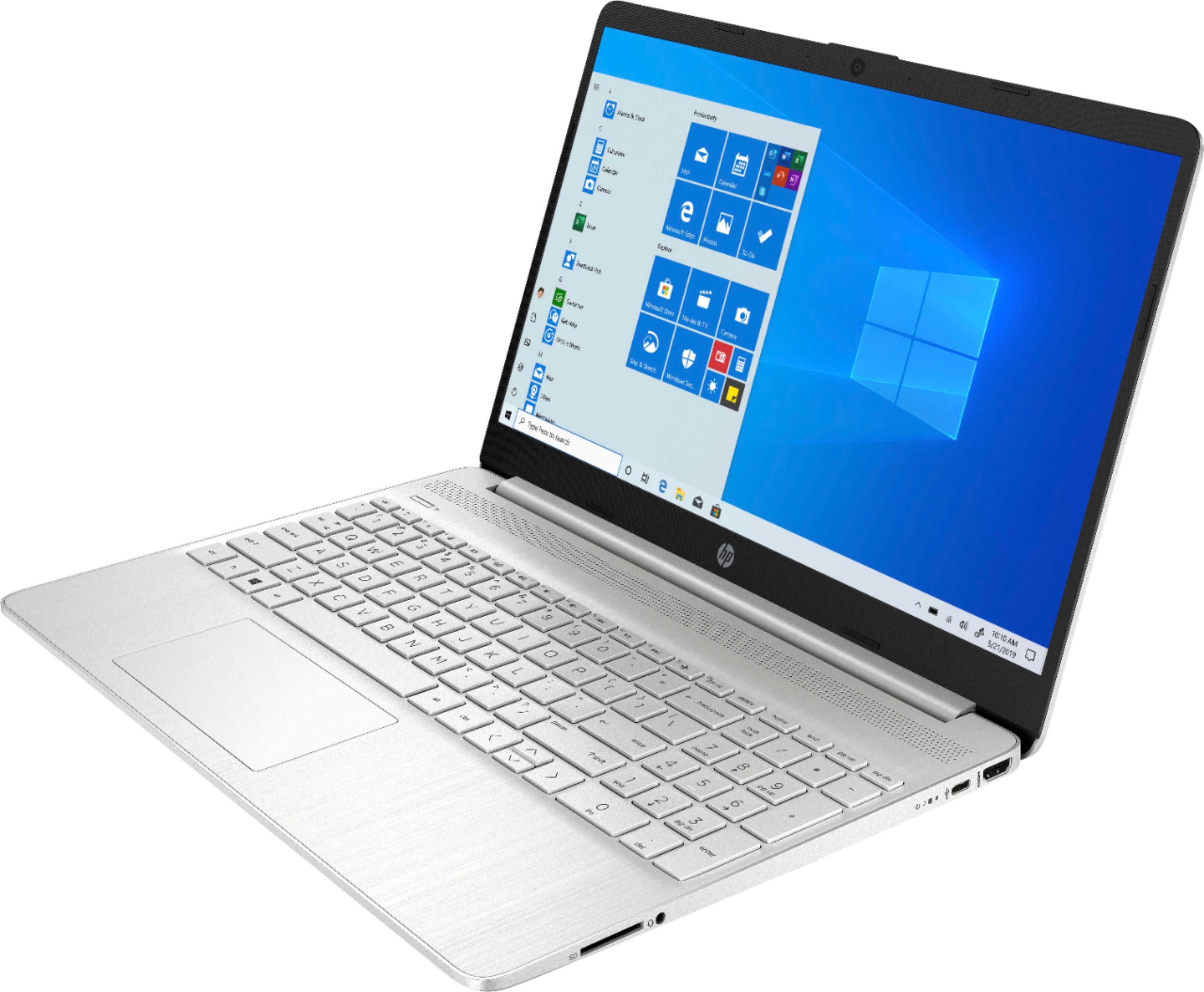
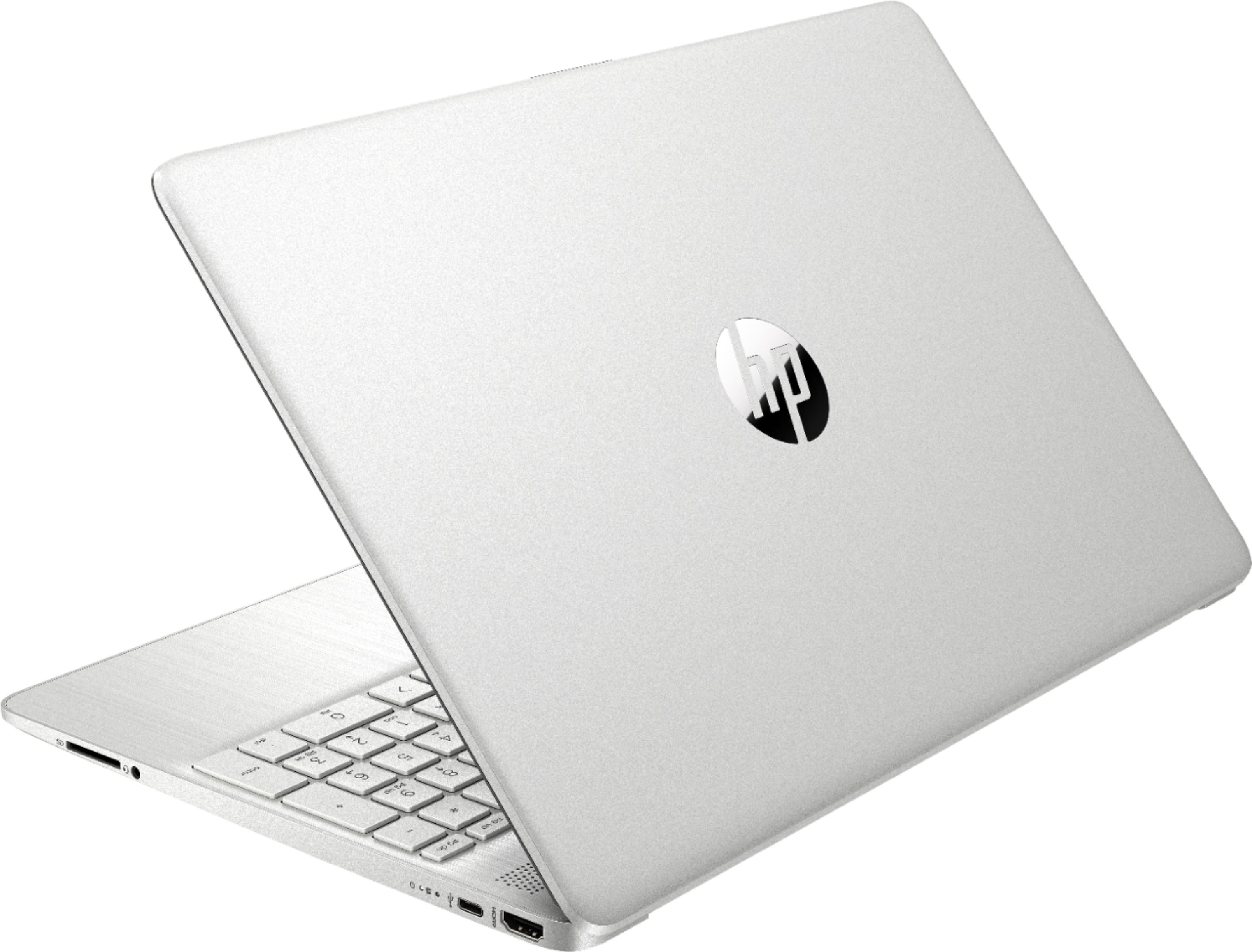
A:AnswerThis USB to ethernet adapter will work with this HP laptop, 15-dy1043dx.
https://www.bestbuy.com/site/insignia-usb-3-0-to-gigabit-ethernet-adapter-white/3510527.p?skuId=3510527
A:AnswerThe computer has only one NVMe M.2 slot, so you'd need to replace the existing one with a higher capacity version. It's not complicated, but it does involve partially disassembling the computer, so it's not something I'd recommend for a person who's not experienced working on laptops. Your best bet would be to have the Geek Squad do the work for you. They can also give you prices on the new drive and labor.
A:AnswerThis is a great laptop. You can copy the files using a flash drive or external USB drive or there are software packages available to do this. Geek Squad also offers this service.
A:AnswerThis laptop has this hardware for Wireless connectivity:
Realtek RTL8821CE 802.11b/g/n/ac (1x1) Wi-Fi® and Bluetooth® 4.2 Combo
If you are experiencing WiFi issues contact HP support at https://support.hp.com or call them at
1-800-HPINVENT
A:AnswerBecause it's got a nice fast processor and plenty of RAM, it would be a good choice for graphic design. And you'll have no problem running the Adobe Creative Cloud software.
A:AnswerIf you save the audio as a 192 Kpbs mp3, you will be able to fit a single hour on the SSD and still leave room for Windows, Audacity, and a couple of other programs, so if you're looking to do several hours, you'll need additional storage. You can install iTunes, the computer does have a headphone jack, and the sound quality is going to depend on how much you compress the sound to fit it on the computer. There is not enough room to fit an XLR jack on the computer, so you'd need to see if there is some sort of adapter that can take an XLR plug and connect to one of the USB ports.