A:AnswerThis laptop supports up to 16 GB DDR4-2400 RAM. Upgrading the RAM requires taking the bottom cover off. Here is the service manual, please refer to page 32 to see how the cover is taken off: http://h10032.www1.hp.com/ctg/Manual/c06148960
A:AnswerNo, it is recommended to have a laptop with at least Intel i5 or better with 8 gigabytes of RAM or more and a 2 gigabyte discrete graphics card. Here are more details on the system requirements for Adobe apps: https://helpx.adobe.com/photoshop/system-requirements.html
A:AnswerYour printer must have a driver (software) that is compatible with the operating system. The printer driver must be compatible with Windows 10 OS for it to work with this laptop.
Example: your printer is old enough to run on Windows 7. It probably isn't going to work with Windows 10 OS.
USB connection won't matter if you cannot install the printer driver due to different operating systems.
A:AnswerMine came with 10 Home. I have upgraded other systems to 10 Pro and it is very straightforward. I haven't upgraded this one yet, but don't expect any problems.
A:AnswerThis will come with a one-year manufacturer's warranty for the hardware and 90-day phone tech support for software. This does not cover accidental damage, or damage as a result of a power outage/surge. For further details, this link covers the Warranty and Support guidelines: http://h10032.www1.hp.com/ctg/Manual/c00747726.pdf
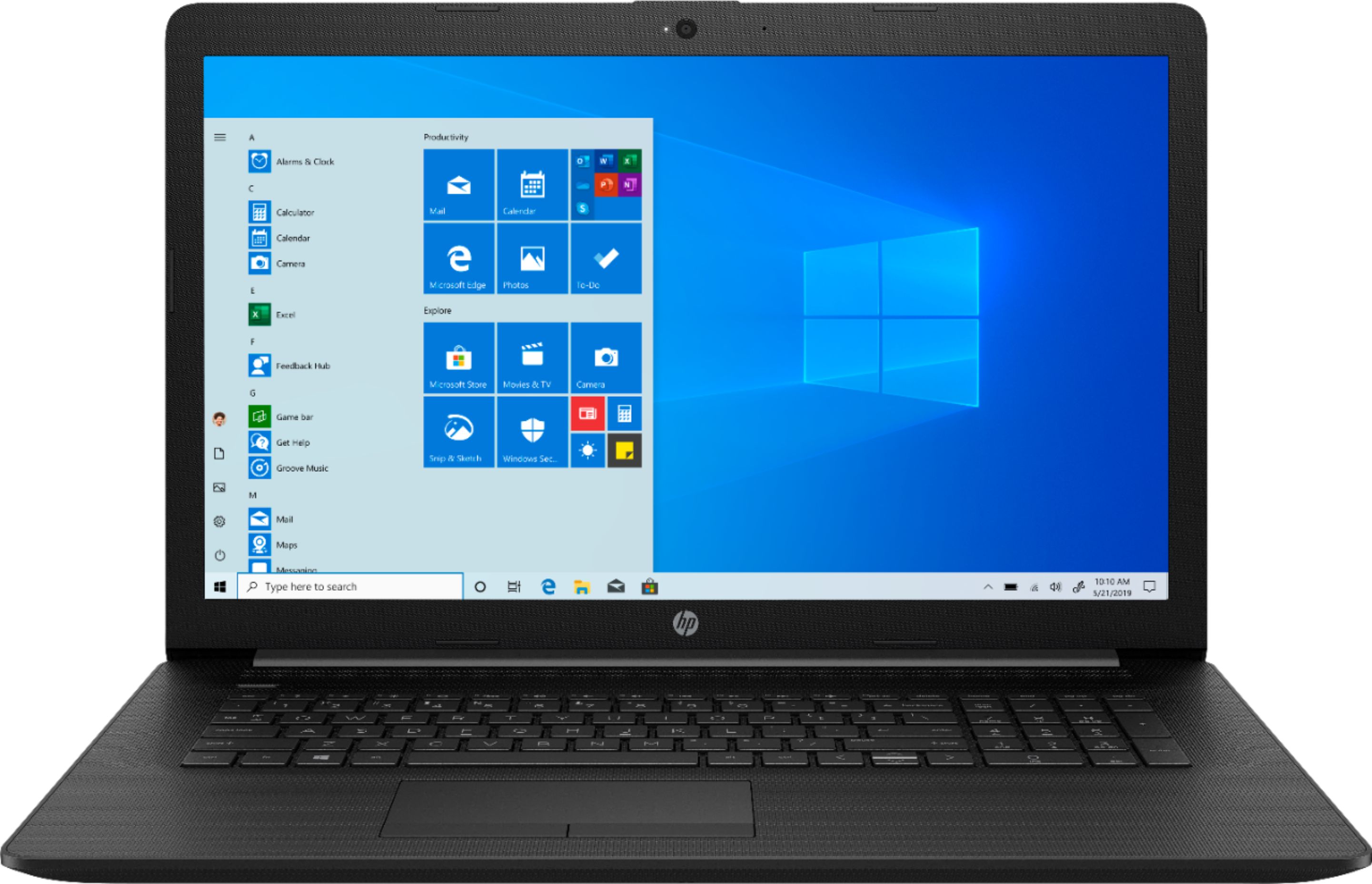
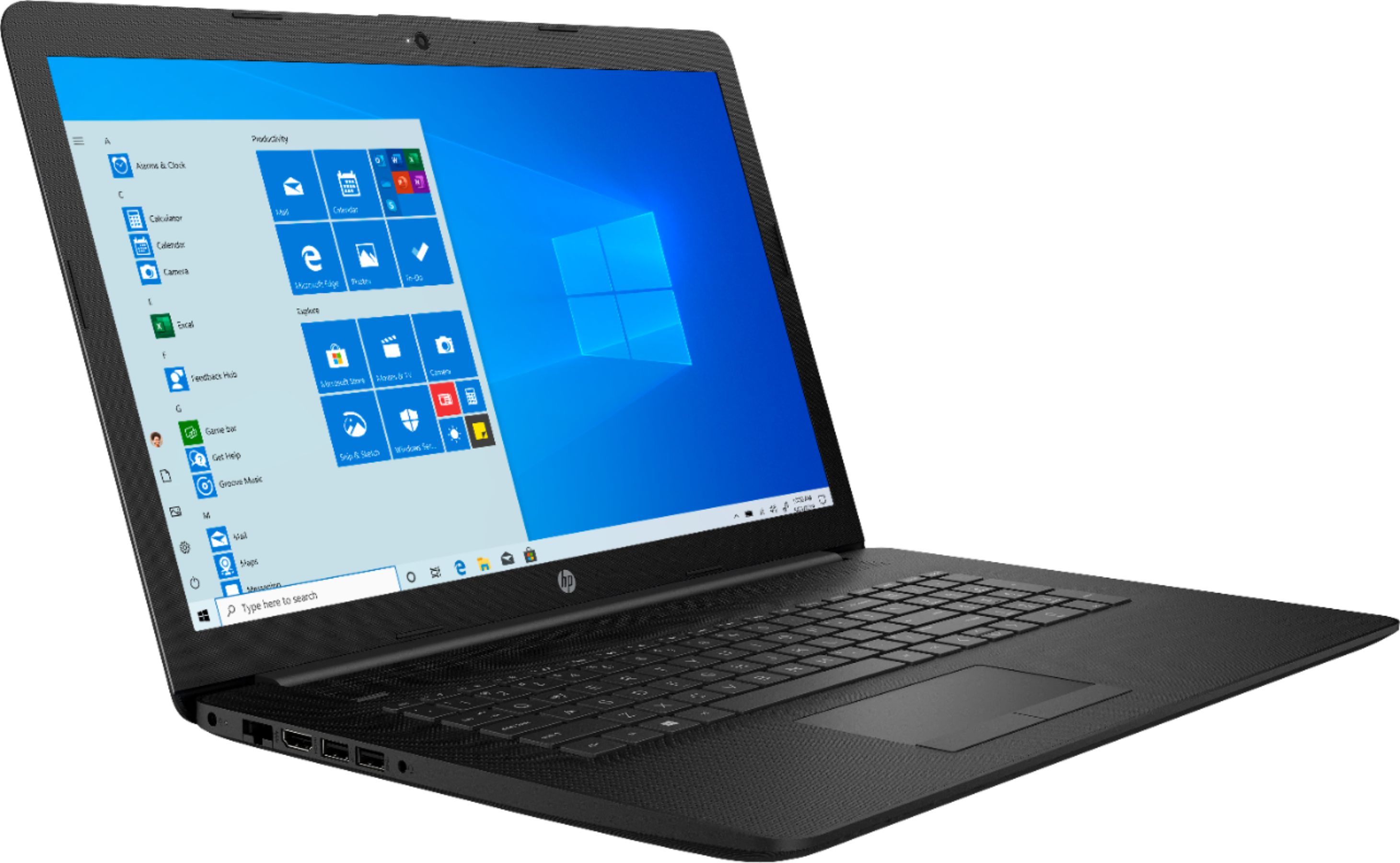
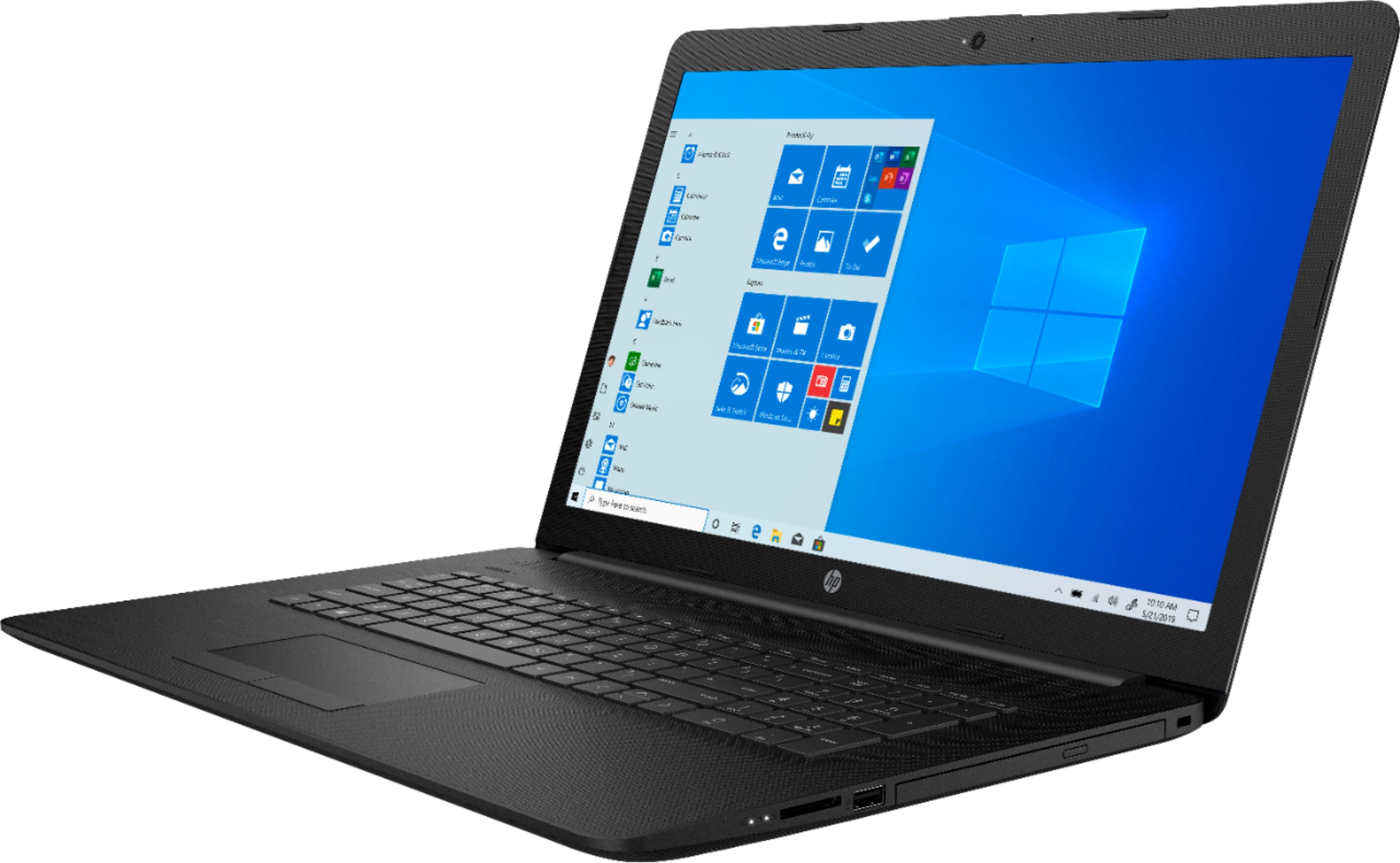
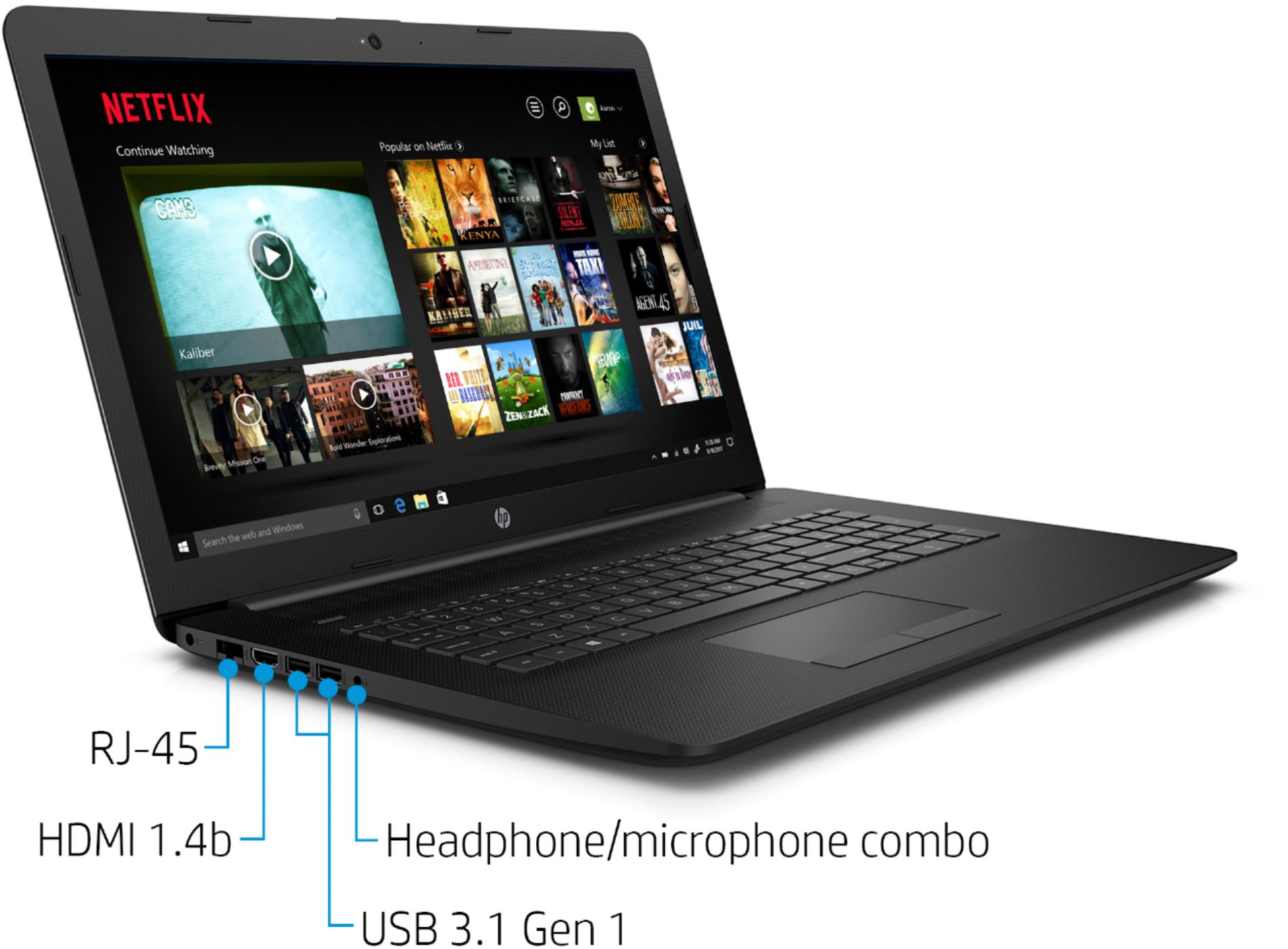
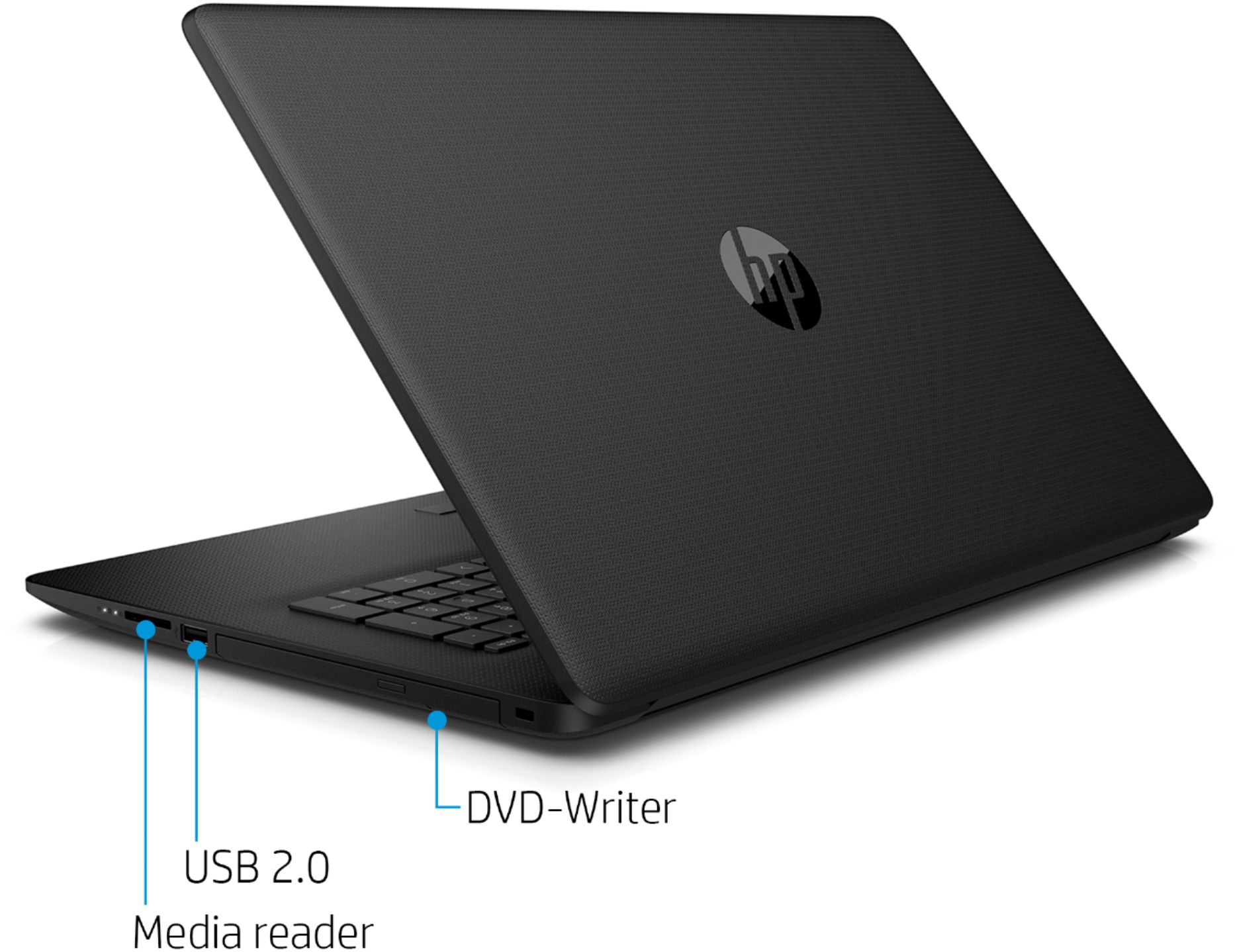
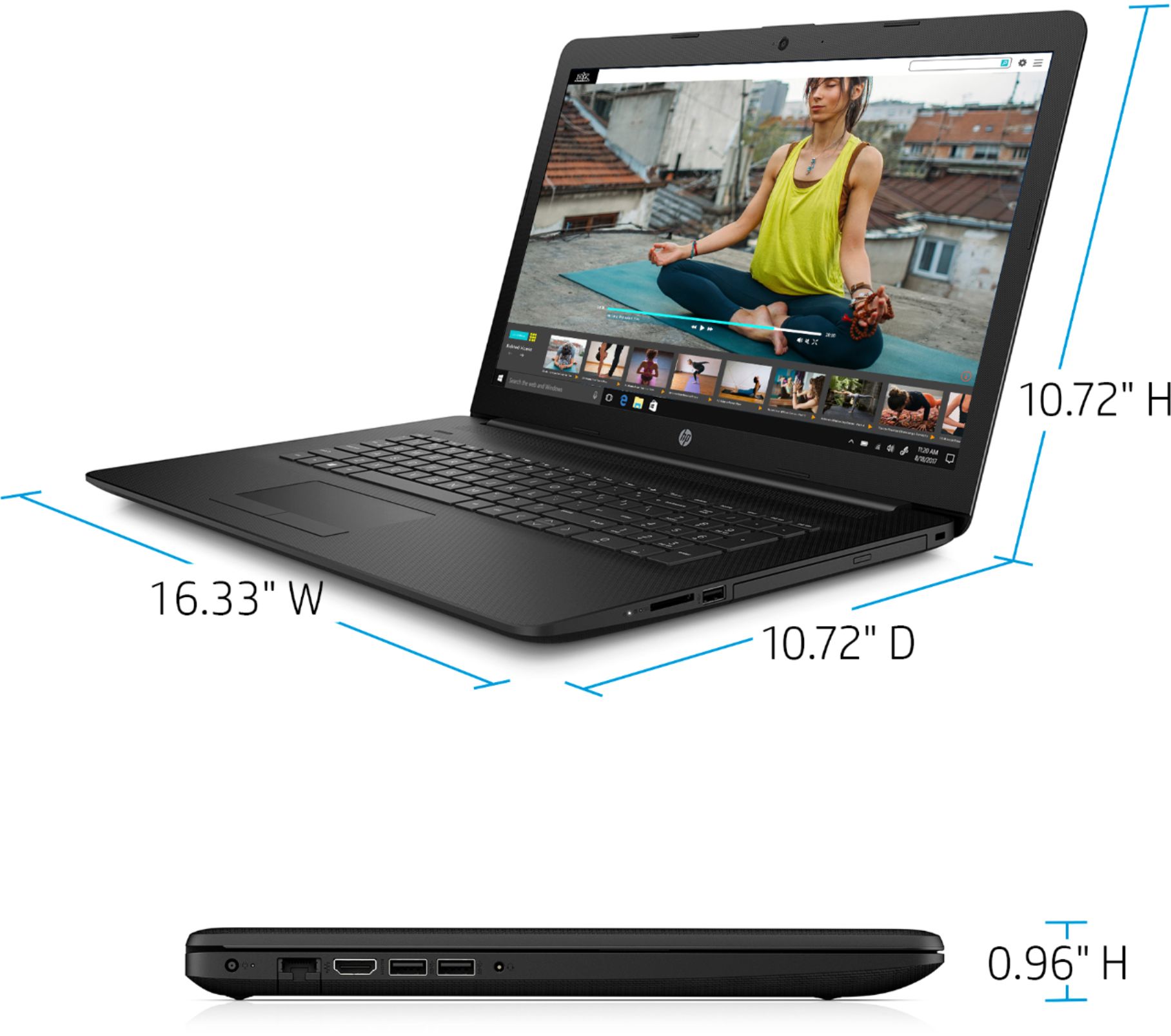
A:AnswerHere are the ports that are on this laptop: 2 USB 3.1 Gen 1 (Data transfer only); 1 USB 2.0; 1 HDMI 1.4b; 1 RJ-45 (ethernet); 1 headphone/microphone combo
A:AnswerChanging keyboards is not easy. Each laptop model has to have the proper keyboard for it so there's a good chance that they do not make backlit keyboards for it if it did not come with one. Some laptops the keyboard is not even replaceable and you have to replace the entire top of the laptop which is a big undertaking. Check youtube for disassembly instructions but overall I would say you wouldn't want to do it on your own unless you're comfortable with laptop repair.