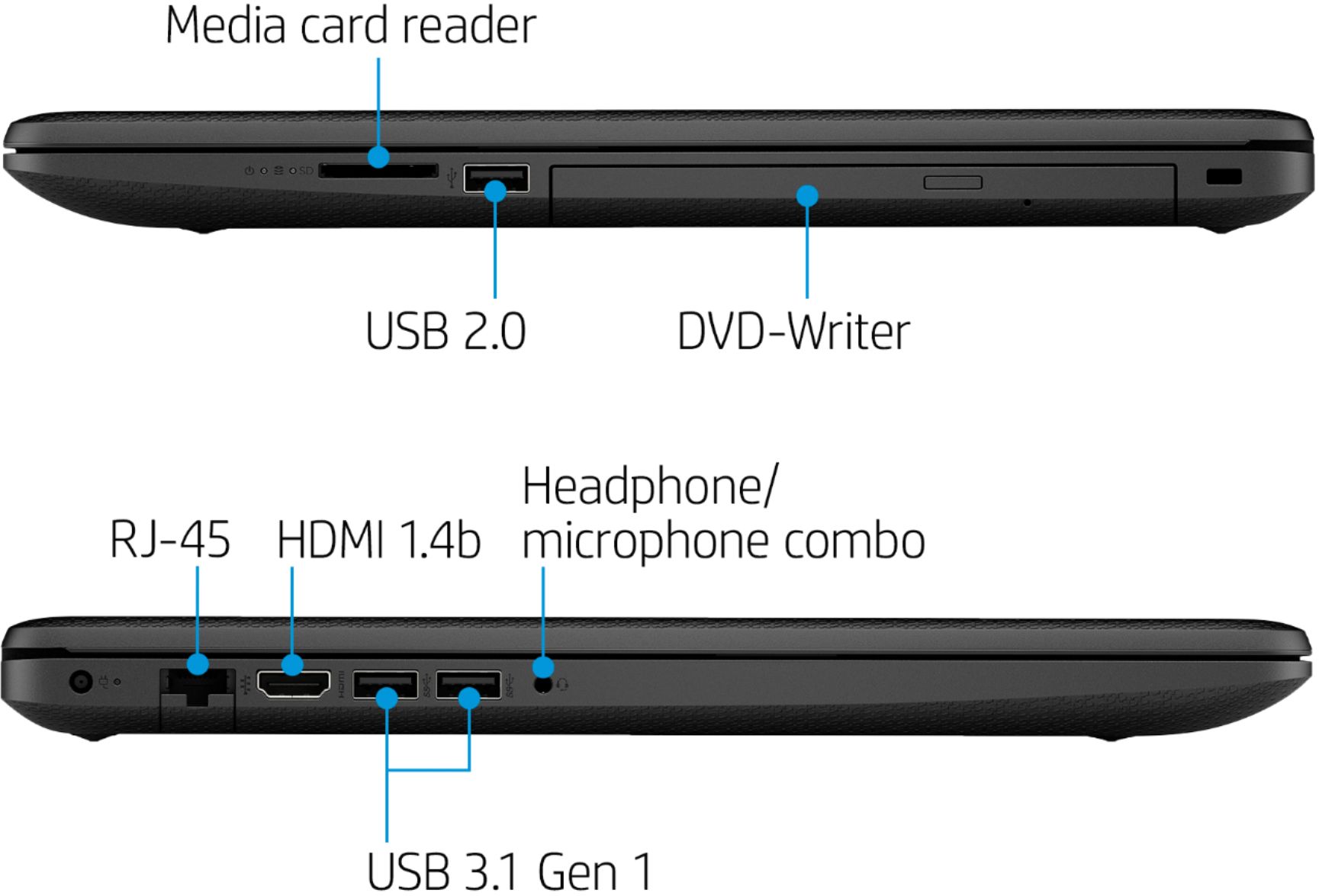
A:AnswerYou can use a USB dock with this system. Here is an example:
https://www.bestbuy.com/site/j5create-usb-3-0-mini-docking-station-silver/5901250.p?skuId=5901250
The software it comes with is Netflix and DVD Playback.
A:AnswerYou can have Geek Squad perform this service for a cost. There are some apps made to do these transfers, or you can use thumbdrives or other external hard drives to copy the data files you need to put them on your new laptop.
A:AnswerThis laptop includes a 30 day trial of Office 365 for new users. Also, current subscribers can easily link in their new laptop to their subscription, and benefit from the preloaded apps.
A:AnswerUnfortunately, this laptop does not have a model-specific docking station. The HP Universal Docking station that connects via USB is a great choice.
A:AnswerYou can turn off S mode and run Standard Home edition for Free. I believe you can upgrade to Pro, at a cost, but you want to turn off S mode first.
https://support.microsoft.com/en-us/help/4020089/windows-10-in-s-mode-faq
A:AnswerHi Chris, the minimum specs for that software says you need to have at least 3GB of storage space to install Clip Studio Paint Pro. This laptop has a 256GB SSD hard drive. You will be able to install that software.
A:AnswerIt comes with Windows 10 Home is "S" Mode, which means you can only install software from the Microsoft Store, even CD/DVD software cannot be installed. To get around this you need to "Turn OFF" S mode through the Windows Activation settings which is done through the Microsoft Store and requires a Microsoft Account. https://support.microsoft.com/en-us/help/4456067/windows-10-switch-out-of-s-mode
https://support.microsoft.com/en-us/help/4020089/windows-10-in-s-mode-faq
A:AnswerYes, this computer will work for AutoCAD. If you are a power user or tend to multitask on your laptop, you will want a laptop with more processing power and more memory to keep it speedy, even on busy days.