Questions & Answers
- Model:
- 4ZB97A#BGJ
- |
- SKU:
- 6336756
Page Showing 1-13 of 13 questions
Q: QuestionWill the printer print with only black toner installed? Or will it print with empty color toner cartridges installed and a full black toner cartridge installed?
Asked by HappyCamper.
- A:Answer You will be able to print in gray-scale if a color toner cartridge is empty, though optimum printing will be achieved with all four toner cartridges working in functioning order.
Answered by HP Team

Q: QuestionWill this print from a cromebook which requires the cloud Cloud ready.
Asked by richard.
- A:Answer Yes, the HP 179fnw has Google Cloud Print capability.
Answered by HP Team

Q: QuestionDoes this printer scan in color?
Asked by Rach.
- A:Answer Yes, you can scan in color.
Answered by HP Team

Q: Questionwhat kind of toner cartridges does this printer use or what is number on the cartridges?
Asked by Anonymous.
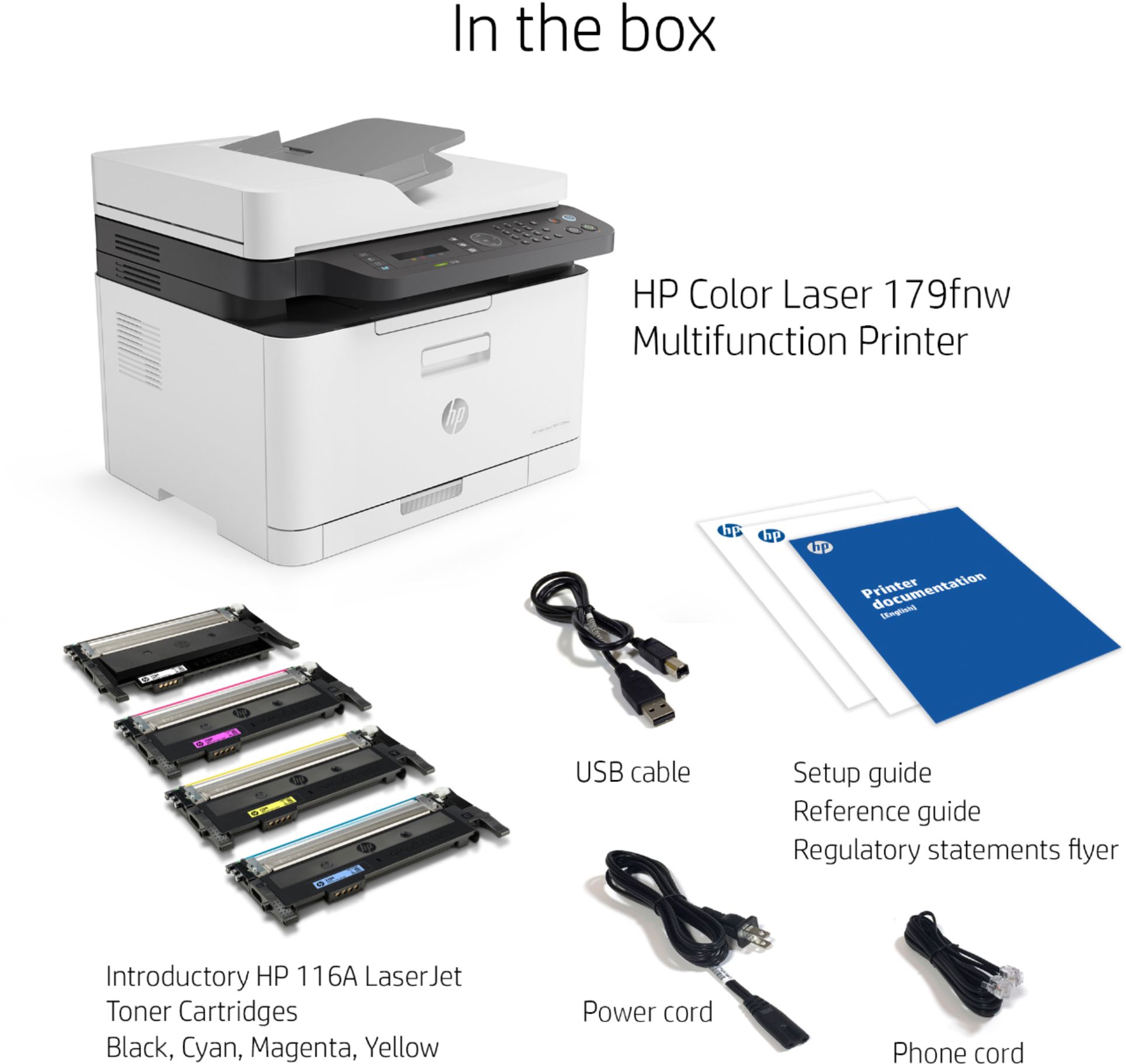
- A:Answer The HP 179fnw printer takes the 116A series toners. There is a total of 4 toners for this printer.
Answered by HP Team

Q: QuestionDoes this printer print front and back?
Asked by TEACHER.
- A:Answer You would have to manually turn the paper over. There is no duplex in this printer.
Answered by HP Team

Q: QuestionDoes this printer still print, scan, copy if one of the toner cartridges is empty?
Asked by Murl.
- A:Answer If one of the toners is completely empty, then the printer may not print, scan, or copy.
Answered by HP Team

Q: QuestionHow To copy 14 inch pages on HP Color Laser MFP 179fnw printer?
Asked by Matt633.
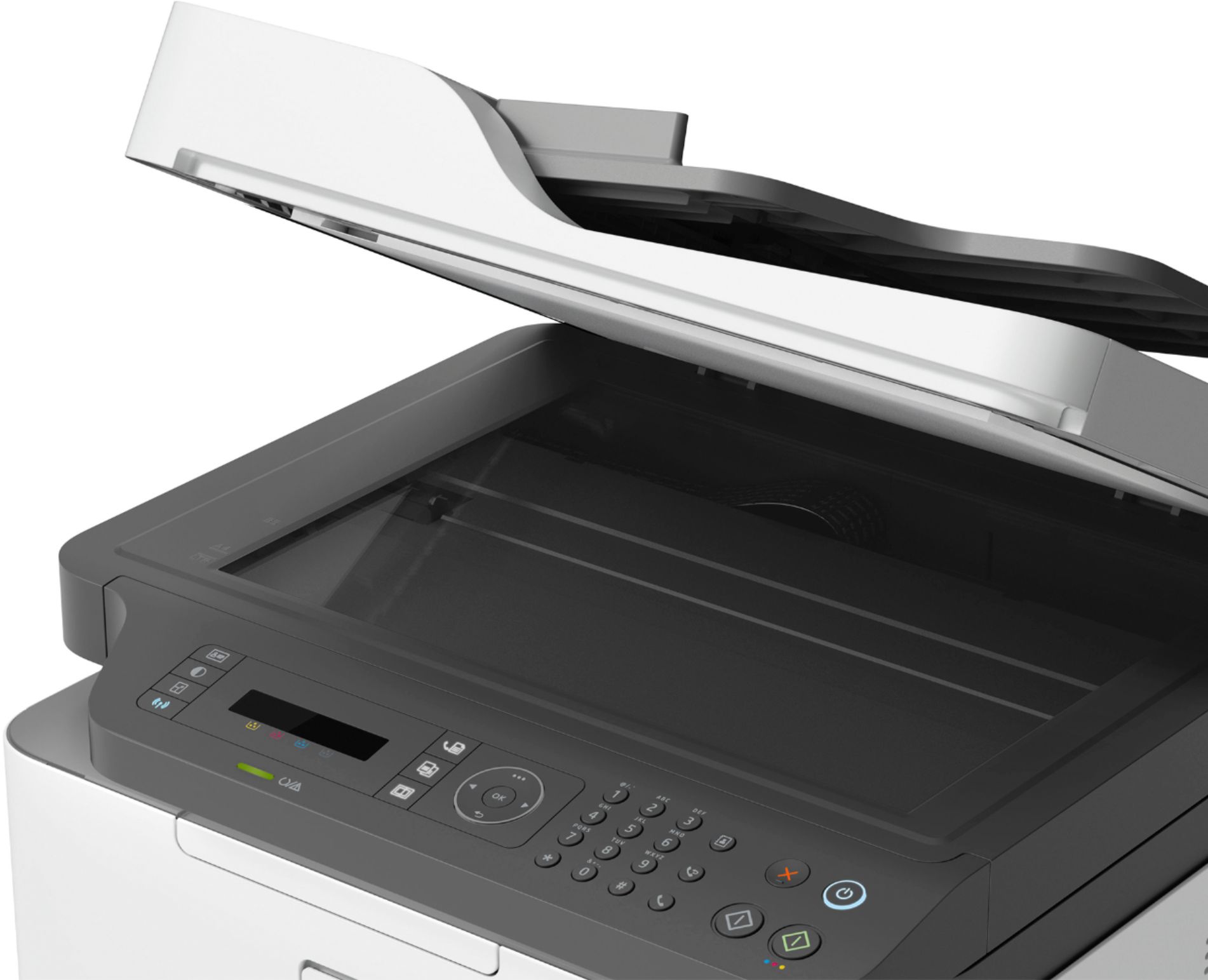
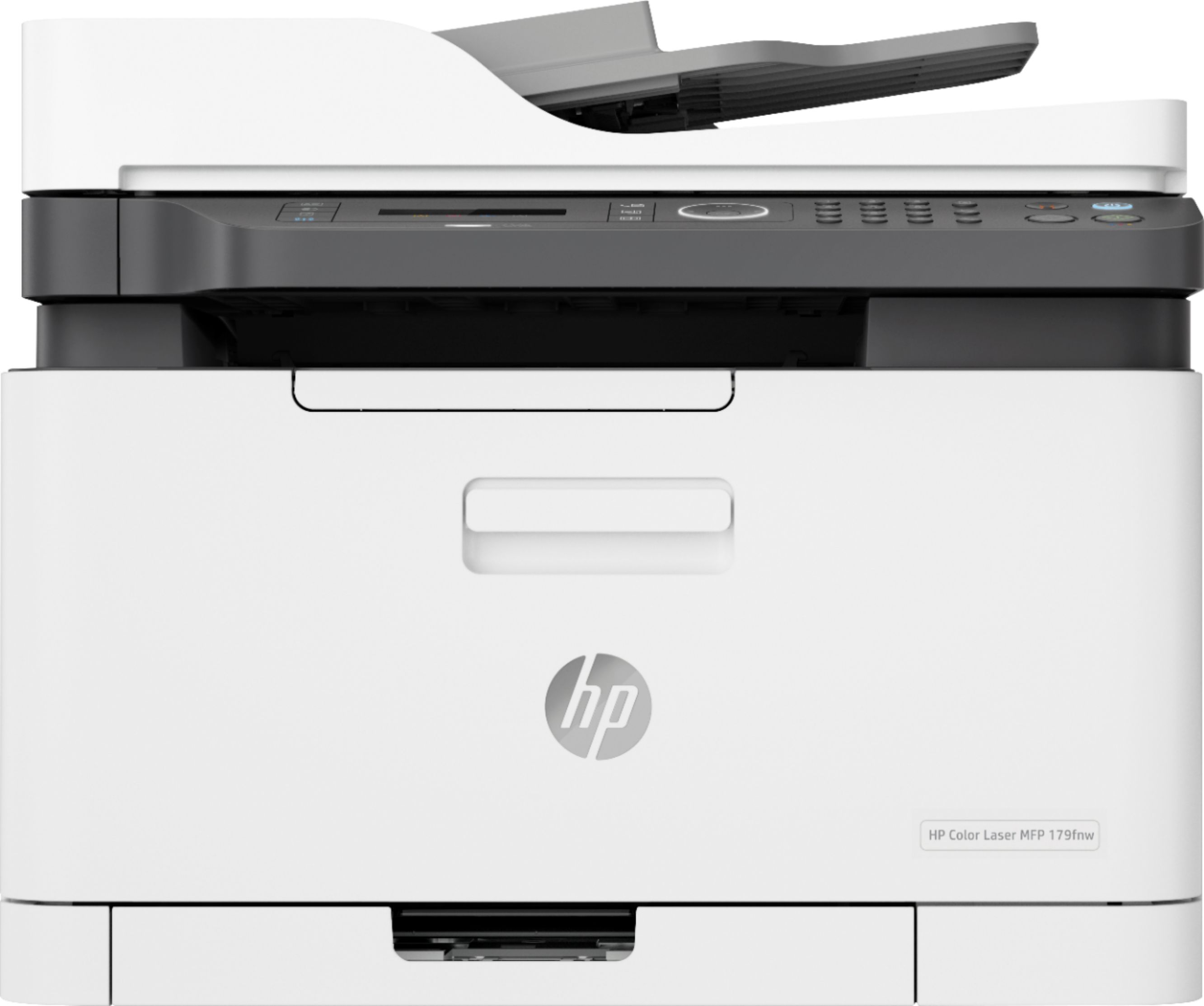
- A:Answer The glass flatbed of this printer only supports letter size paper; the automatic document feeder on top can support up to legal size (8.5x14) paper. The printer does not support paper any larger than that.
Answered by HP Team

Q: QuestionWill this printer work with a MAC? The specifications only list compatibility with PCs.
Asked by Gene.
- A:Answer Yes, this printer works with a MAC.
Answered by CommunityAnswer
Q: QuestionDoes this printer print photos from CPU or phone?
Asked by Sue.
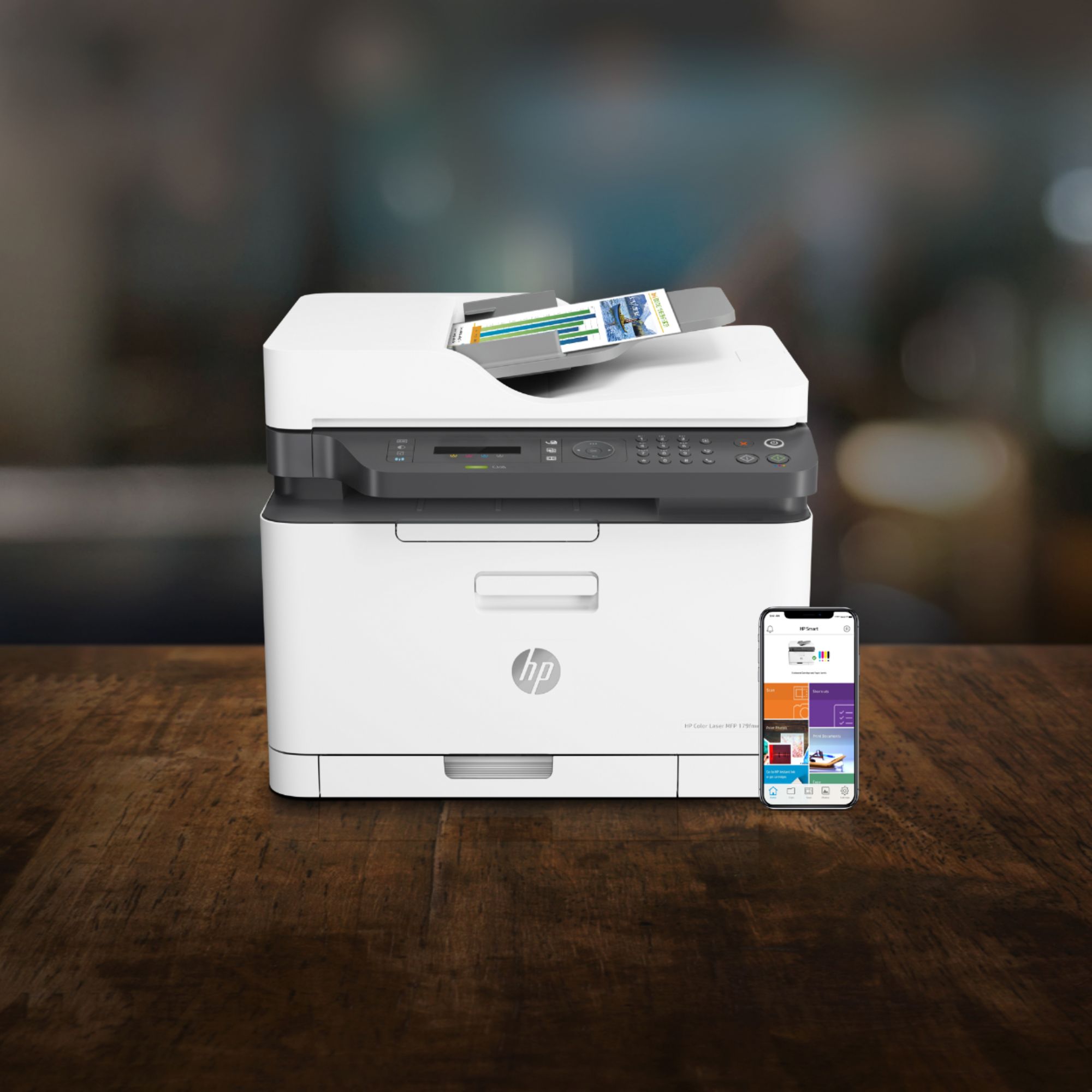
- A:Answer You can print pictures on regular paper or laser presentation paper, from both computer and phone, but you can not print on photo paper with a laser printer. So if you are looking for a good photo printer that can print on photo paper, please look at our inkjet options instead.
Answered by HP Team

Q: QuestionDoes this machine scan multiple pages at a time into one file?
Asked by ChrisR.
- A:Answer Yes, it can scan multiple pages at a time into one file.
Answered by CommunityAnswer
Q: Questionhow do you tell how many copies the printer printed?
Asked by Anonymous.
- A:Answer You can print out self test print pages that give you the information on how many copies have been printed. In this case, you would choose the "Print a Usage Counter Report". Here is more information: https://support.hp.com/us-en/document/c06232924
Answered by HP Team

Page 1, Showing 1-13 of 13 questions
Top Rated
- $1,099.99$1,099.99The price was $1,299.99
- $329.99$329.99The price was $469.99
- $139.99$139.99The price was $149.99
- $299.99$299.99The price was $349.99
- $279.99$279.99The price was $329.99
- $949.00$949.00The price was $1,099.00
- $1,499.00$1,499.00The price was $2,799.00
- $79.00$79.00The price was $99.99