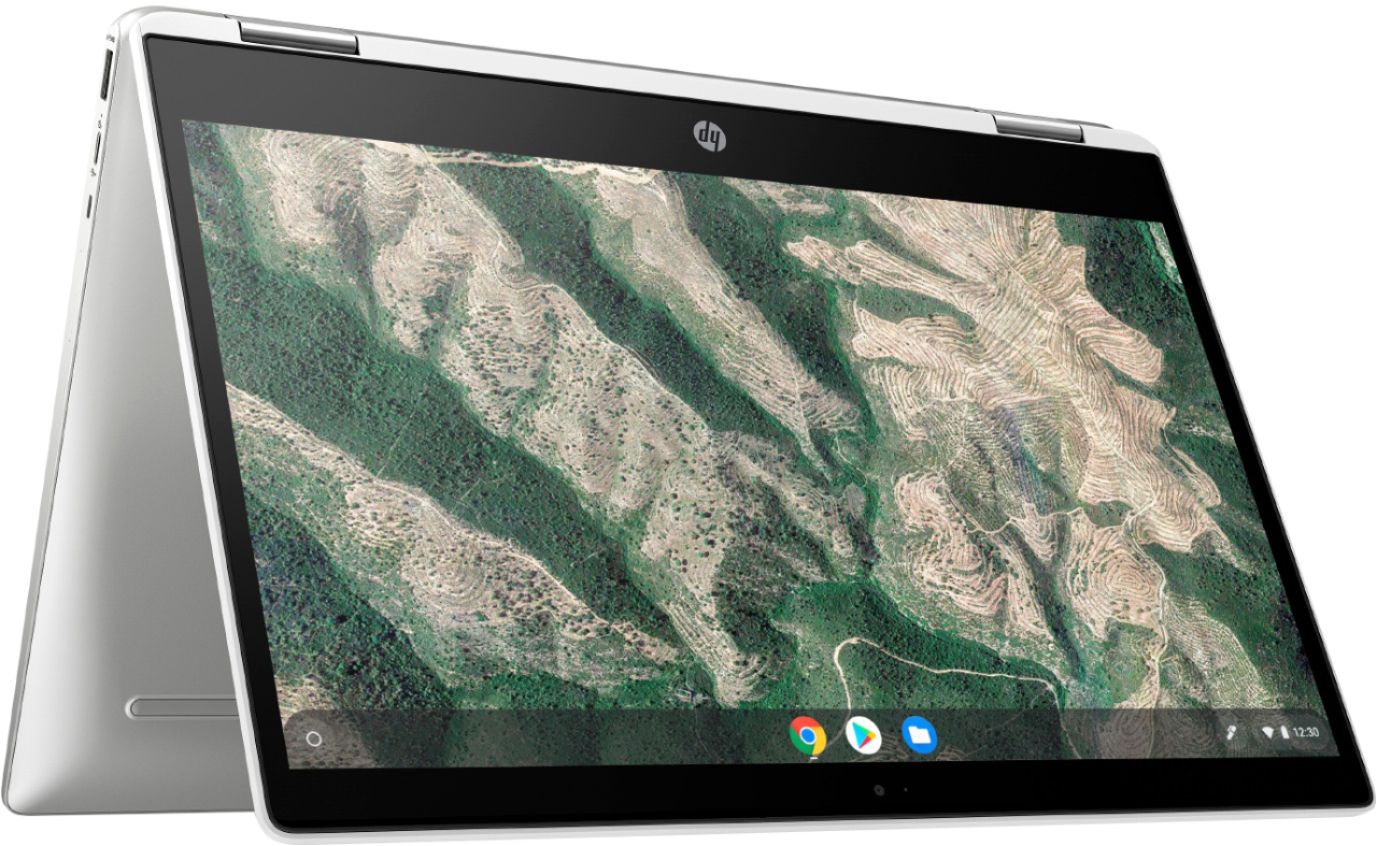
A:AnswerHello. Thanks for your question. This is a HP Chromebook. You are limited to using the apps that are in the Google Play Store like Adobe Photoshop Express. There is also very little storage on this Chromebook with 32 GB. You can save photos to the cloud or an external hard drive. If you want to use the full Adobe Photoshop software, If you want to use the full Adobe Photoshop software, you need a computer with at least an Intel i5 or AMD Ryzen 5 processor or better with 8 GB or 16 GB of RAM and a discrete graphics card with 2 gigabytes or more of video memory to run the Adobe programs. They are big programs that require a lot of processing power to run.
A:AnswerThis will not work for Engineering programs. This is a very basic Chromebook laptop. You will want to look at a Windows 10 laptop. I would try and figure out what programs they will need to run. Then you can look up the recommend specs to find something that will work. But the cheaper laptops will usually not work for engineering programs.
A:AnswerOn this Chromebook, you can only use apps from the Google Play Store. If you want to use full video software, we recommend looking at the system requirements.
A:AnswerChromebooks come with built-in malware and virus protection, with multiple layers of security: Automatic update system. Virus protection stays up-to-date automatically, so you are always running the latest and most secure version.
A:AnswerHello. We recommend reaching out to HP Support or the Geek Squad at Best Buy for further troubleshooting. For HP Support, visit https://support.hp.com
A:AnswerHello, Taylor. This HP Chromebook will work with the USI (Universal Stylus Initiative) pen. Here is the USI pen from HP: HP Rechargable USI Pen, 8NN78AA.
A:AnswerHi Stanley. Yes, you can edit YouTube videos with this Chromebook. There are several apps available on the Google play store to create and edit YouTube videos as well as some functions built into YouTube.
A:AnswerHere are some instructions on how to set up the printer on the Chromebook: https://support.hp.com/us-en/document/c04122530 and a YouTube video: https://youtu.be/Mf6LUKTMw9c
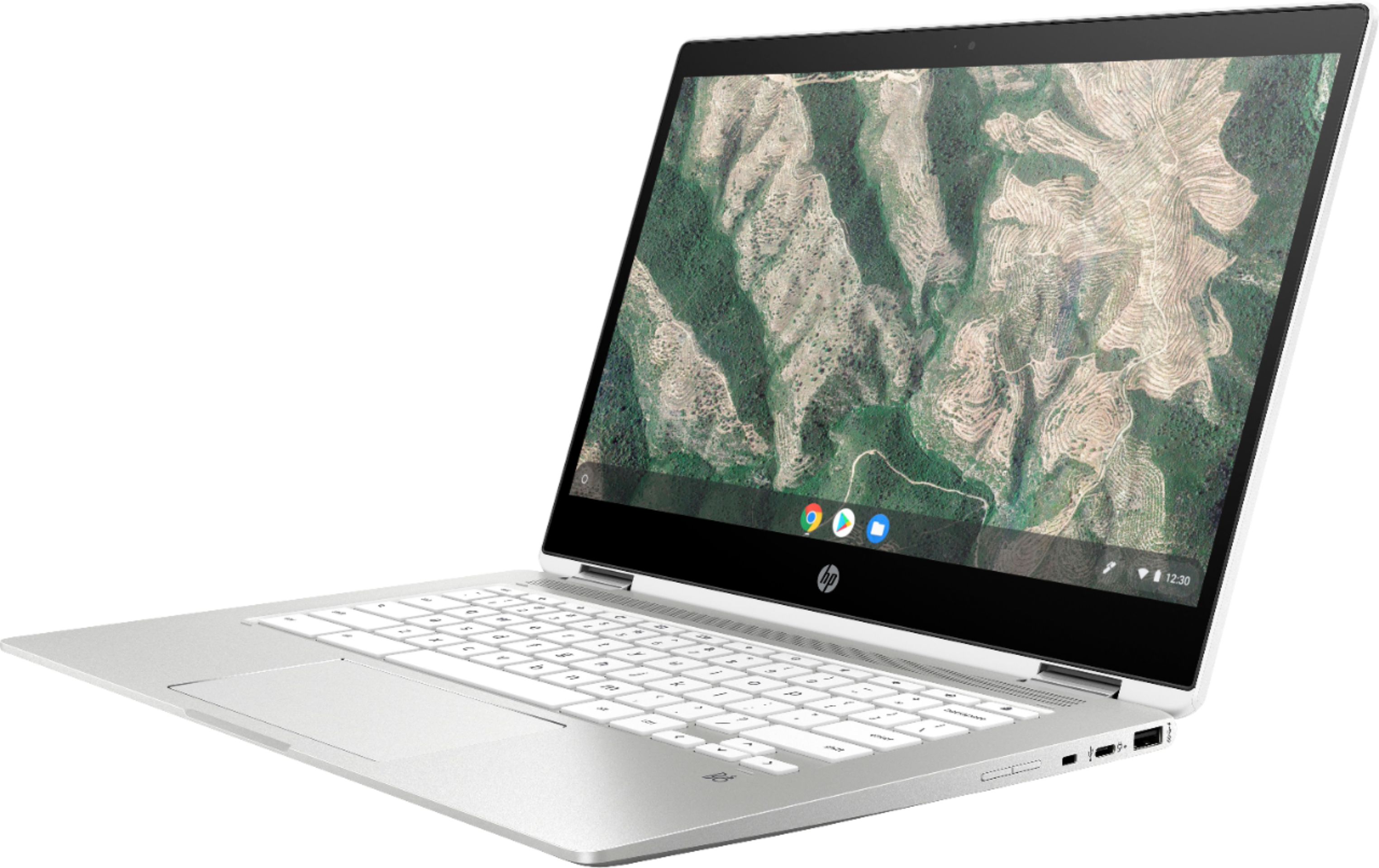
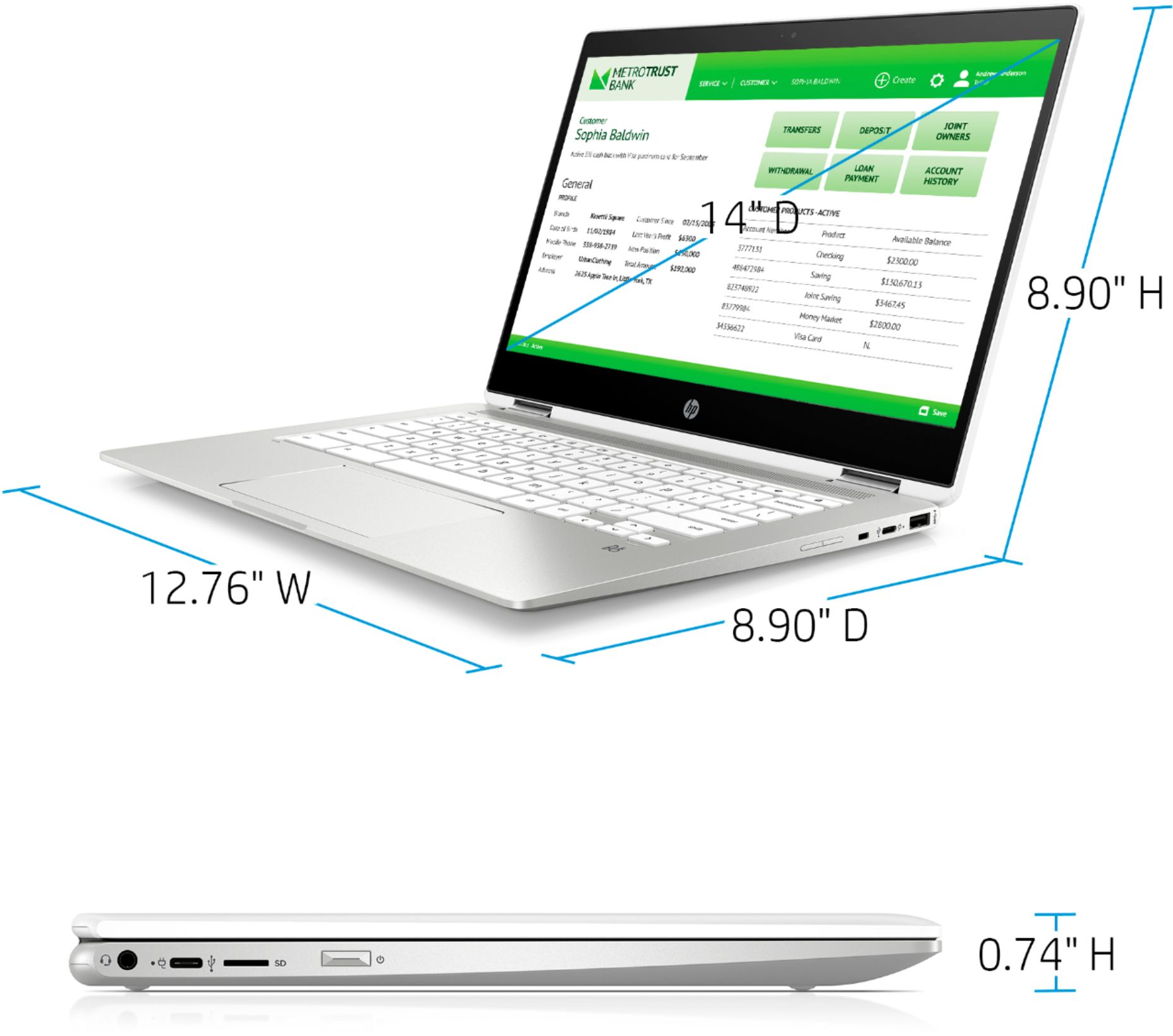
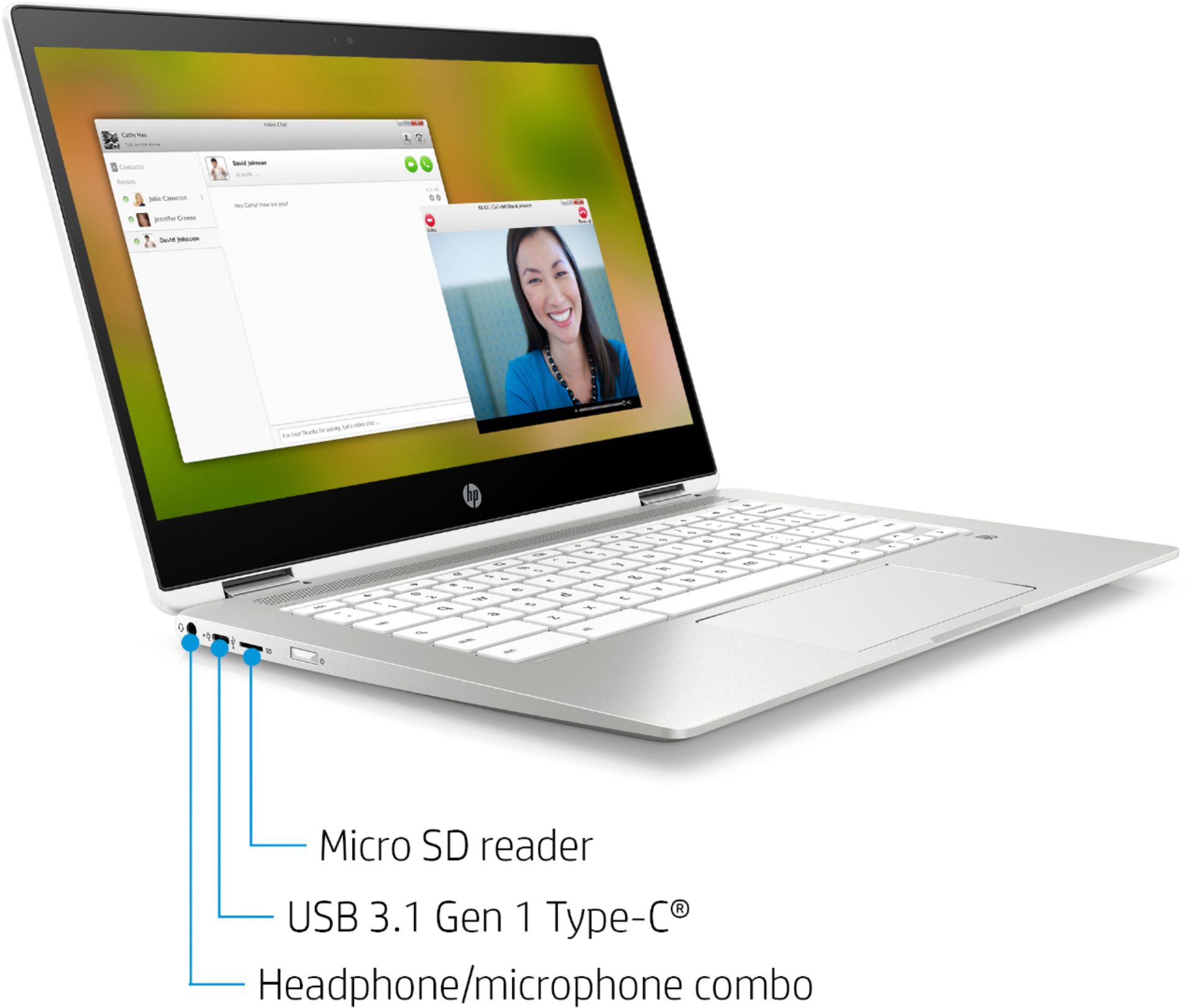
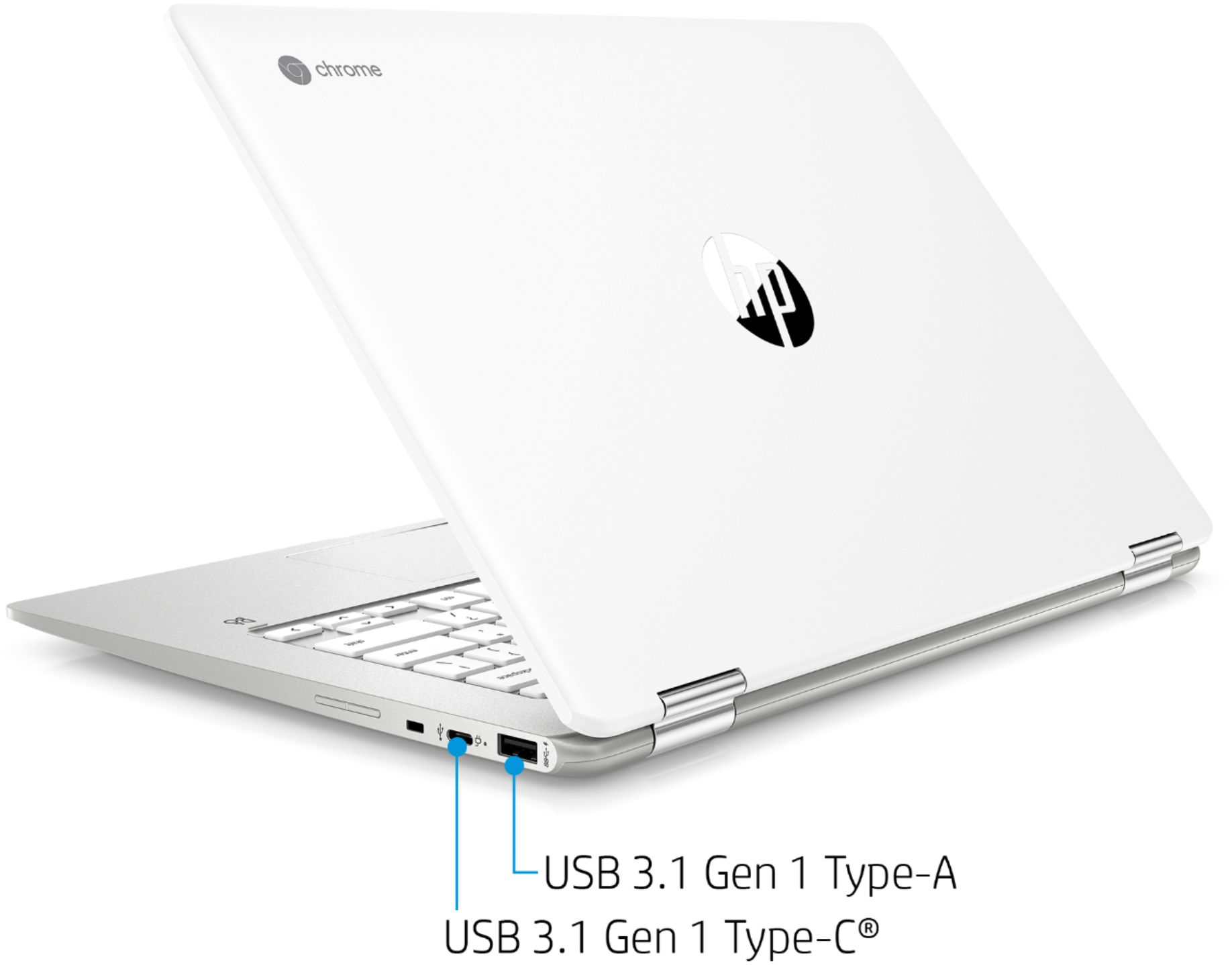
A:AnswerThank you for asking! Yes, you can use this Chromebook with a USB-C docking station. This Chromebook has 2 USB 3.1 Gen 1 Type-C™ (5 Gb/s signaling rate, Power Delivery 3.0, DisplayPort™ 1.2) ports.
A:AnswerA Chromebook is different than a Windows laptop. Chromebooks run the Chrome OS, they don't run windows. I would check with your instructor to see if you can use a Chromebook or if a Windows PC is required.
A:AnswerI have read the following online: "Thanks to Nvidia’s cloud-gaming platform– GeForce Now — you can now play PC games on a Chromebook with desktop-level features. It basically means that Chromebooks can now run Fortnite and several other games without a hitch. All you need is a fast internet connection and that’s about it."