A:AnswerYes, you can use this Chromebook with a wireless printer. Here are some instructions on how to set up the printer on the Chromebook: https://support.hp.com/us-en/document/c04122530
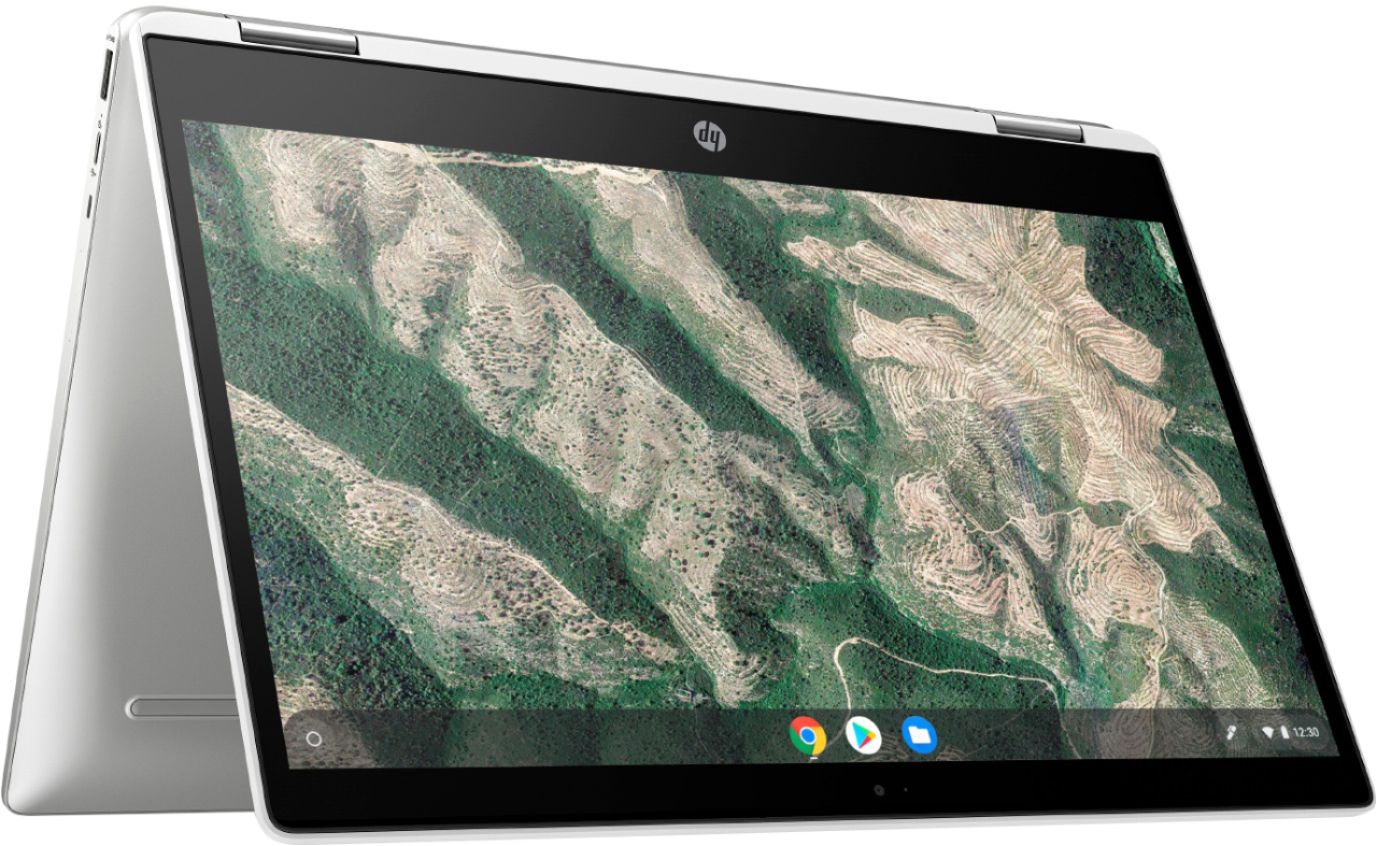
A:AnswerThanks for your question. The touchscreen can be used with a USI (Universal Stylus Initiative) compatible pen. It does not come with a stylus/pen. You can purchase any USI (Universal Stylus Initiative) compatible pen.
A:AnswerBecause this is a Chromebook, you can only download and run apps that are in the Chrome store. Unfortunately, Adobe Illustrator isn't one of the ones that are available.