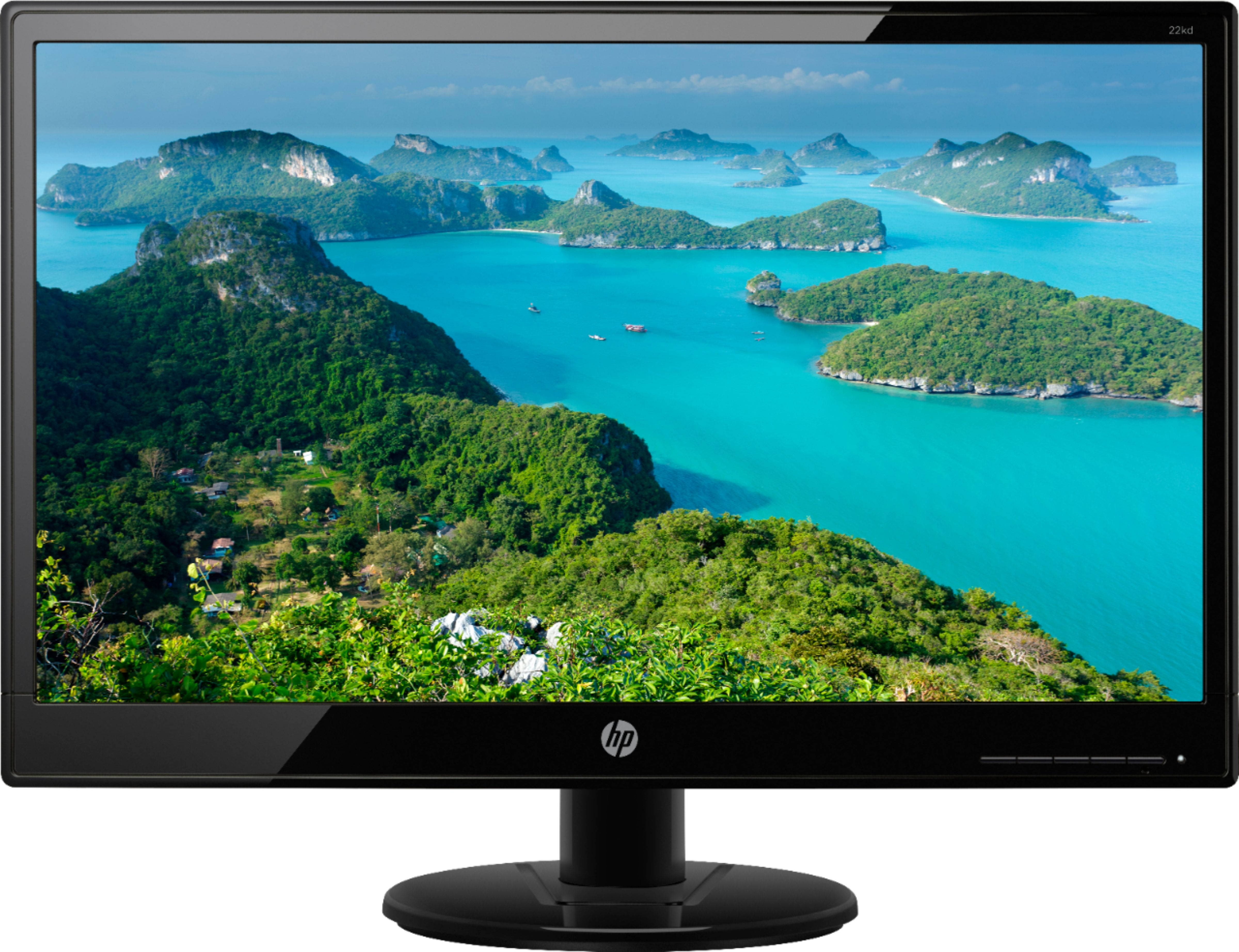
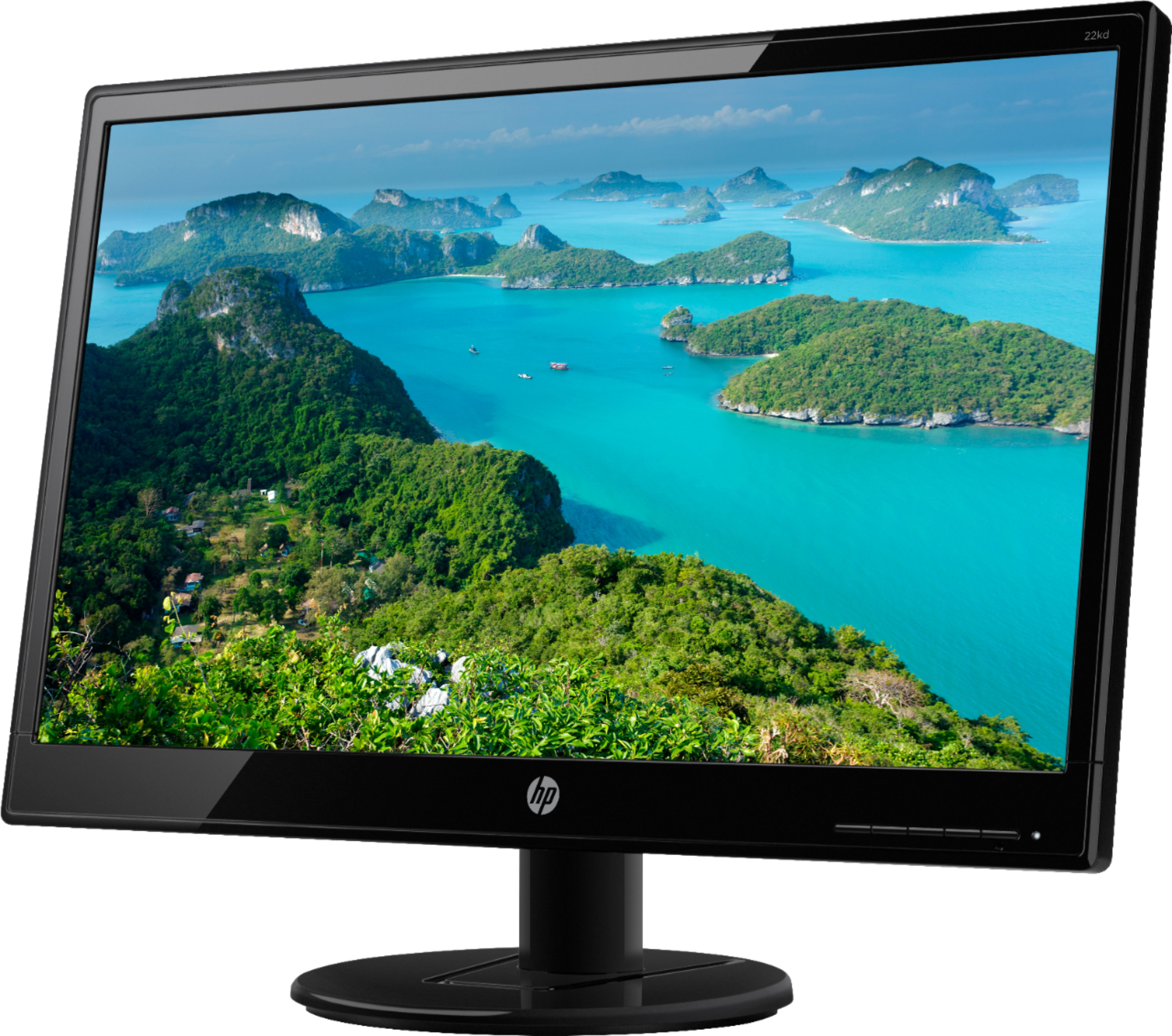
A:Answer The buttons on the bottom right of the monitor, push the left one. It brings up choices. Push it again to choose the one with the box with lines in it. Then scroll down with the button using the down arrow to get to color control, then push the button for check. To customize, use these buttons to get to CUSTOM RGB and go up and down and change the Red, Green & Blue until you like the colors on the screen.