A:AnswerYes you can. We'd need to know a little more about your laptop to tell you exactly which cable or monitor you need. Your laptop will have an output for an external display or monitor. Depending on it's age it will likely be an HDMI port, or a display port(or mini display port) or VGA connector. This will determine what is the best cable for you to connect to your monitor.
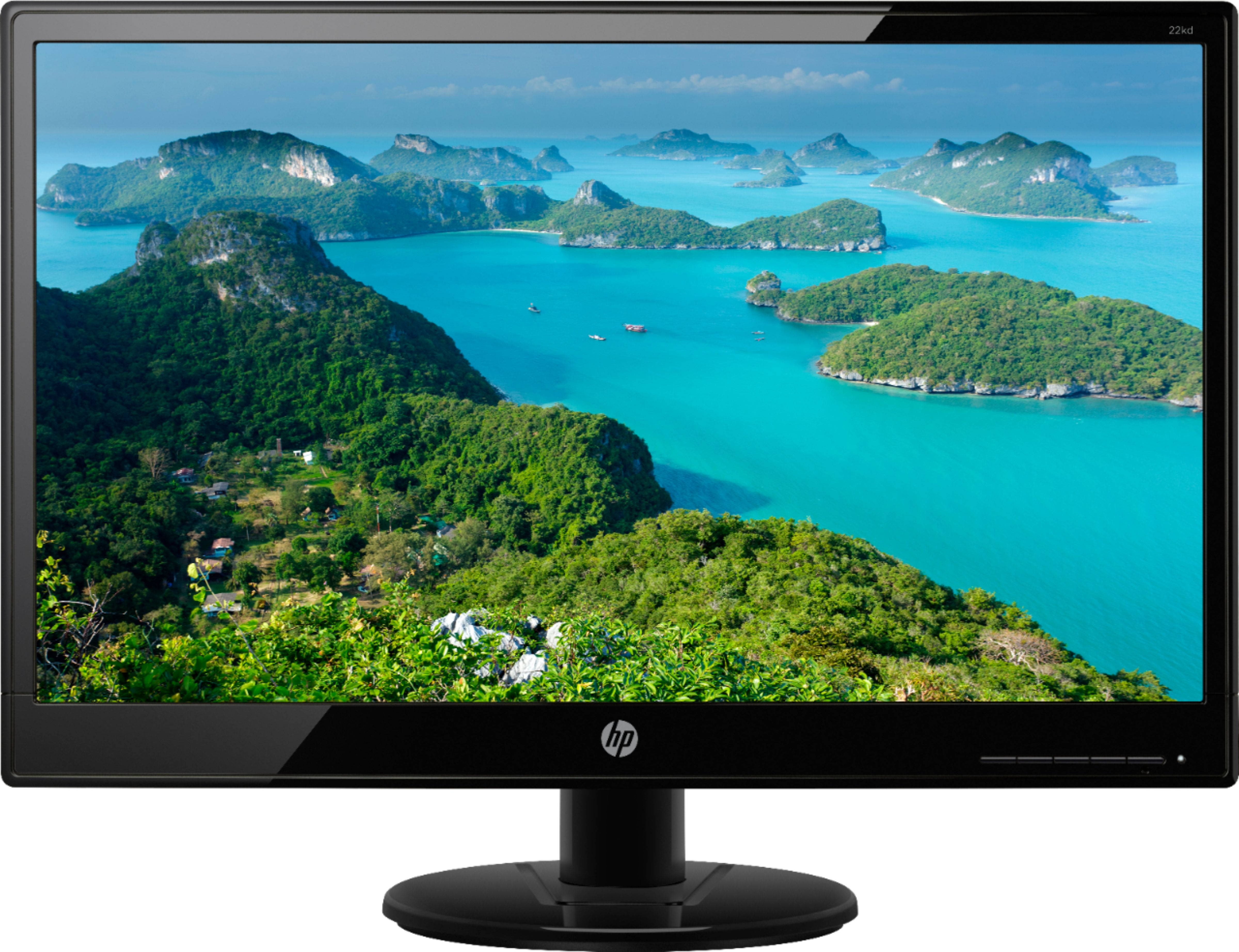
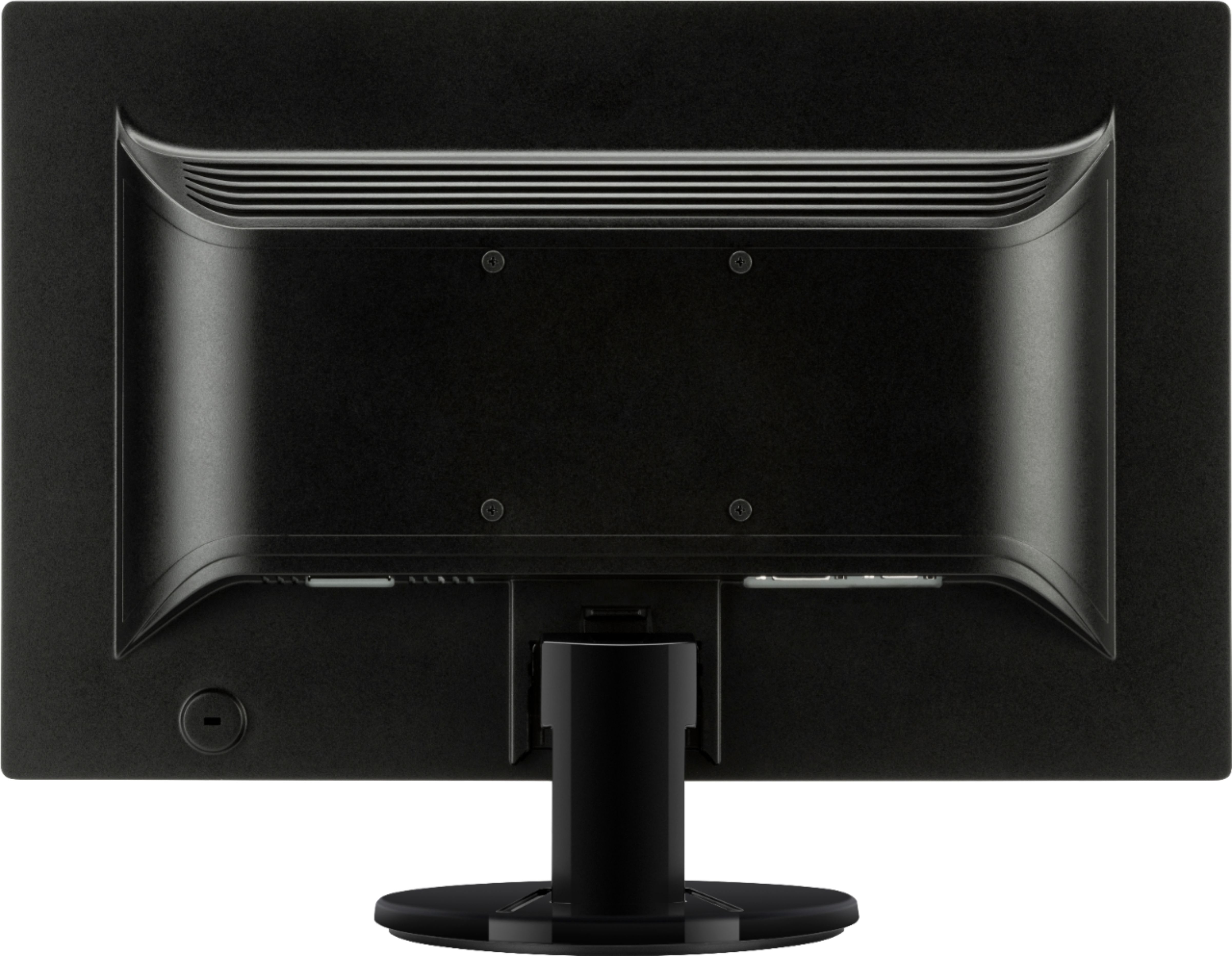
A:AnswerThis monitor has one VGA port and one DVI port, I do not think the Surface Pro uses those type of video ports, but you can get an adapter to use this monitor with your Surface Pro.
A:AnswerYes you will have to purchase a cable. This does not come with a cable to hook up to a Mac. The cable you will need is a Mini Display Port to VGA adapter, SKU# 5813139.
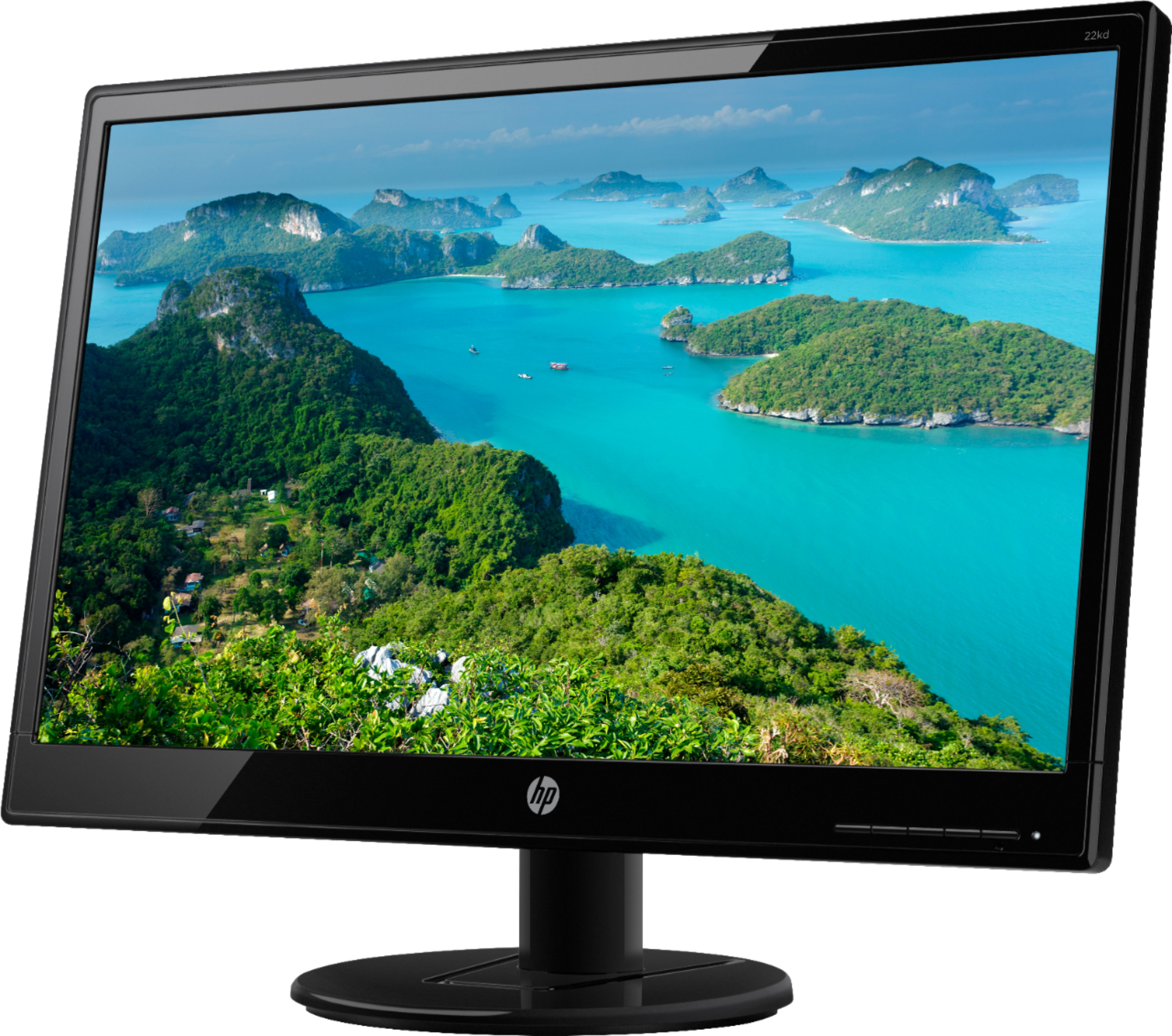
A:AnswerUnfortunately, this monitor does not have a camera built in. Most monitors do not have built in webcams, but you can purchase one separately that sits atop the monitor. Also, all-in-one computers have built-in webcams.