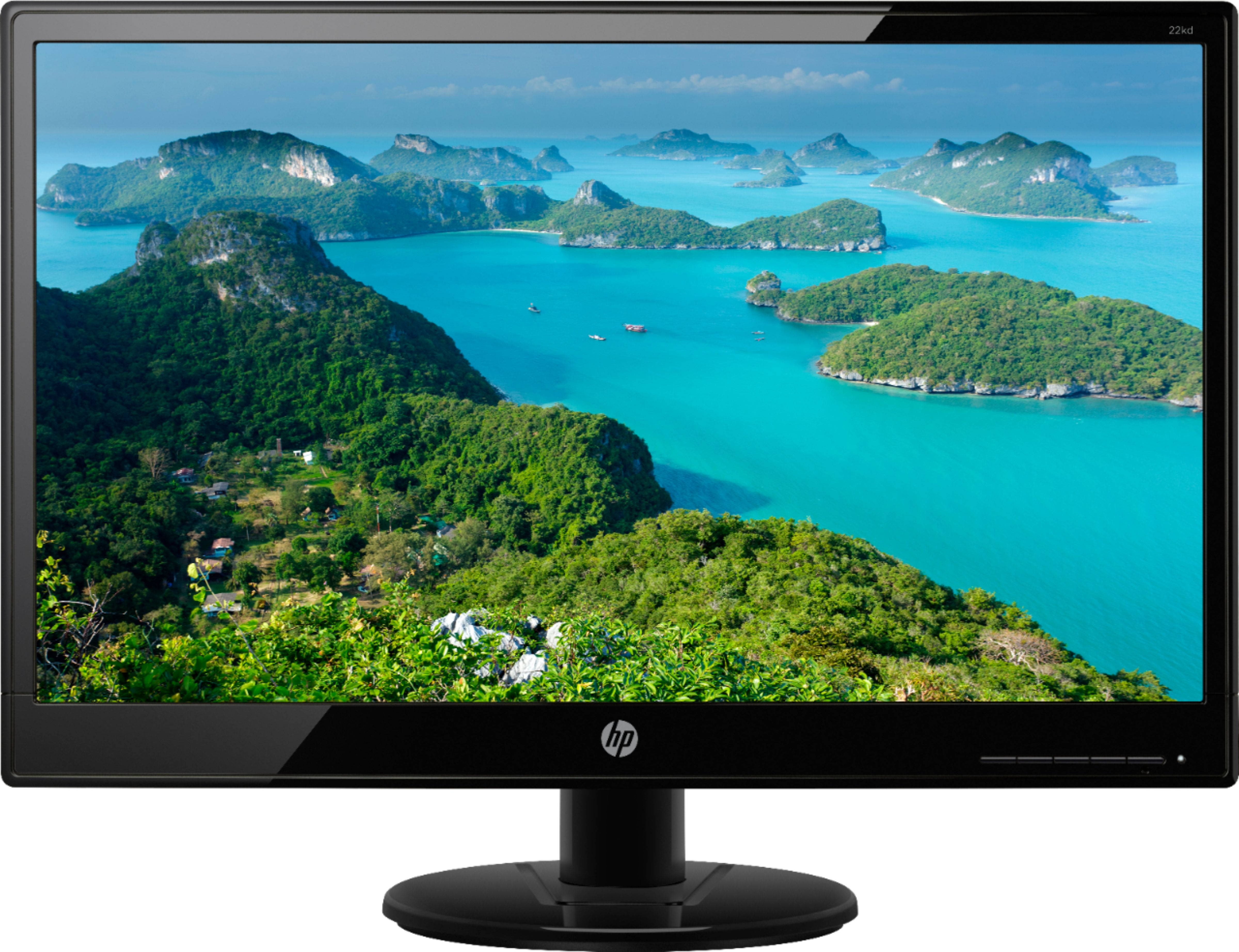
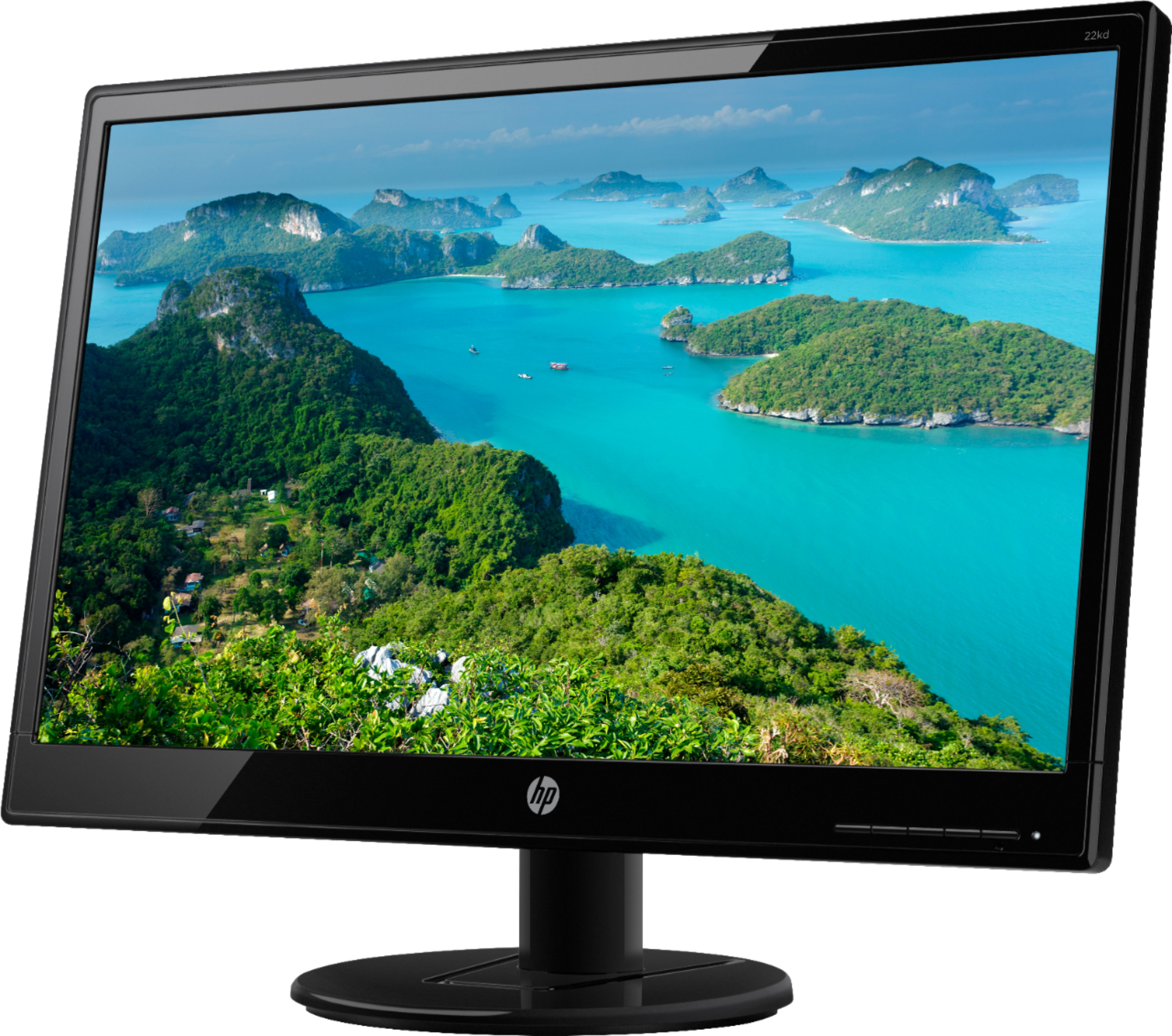
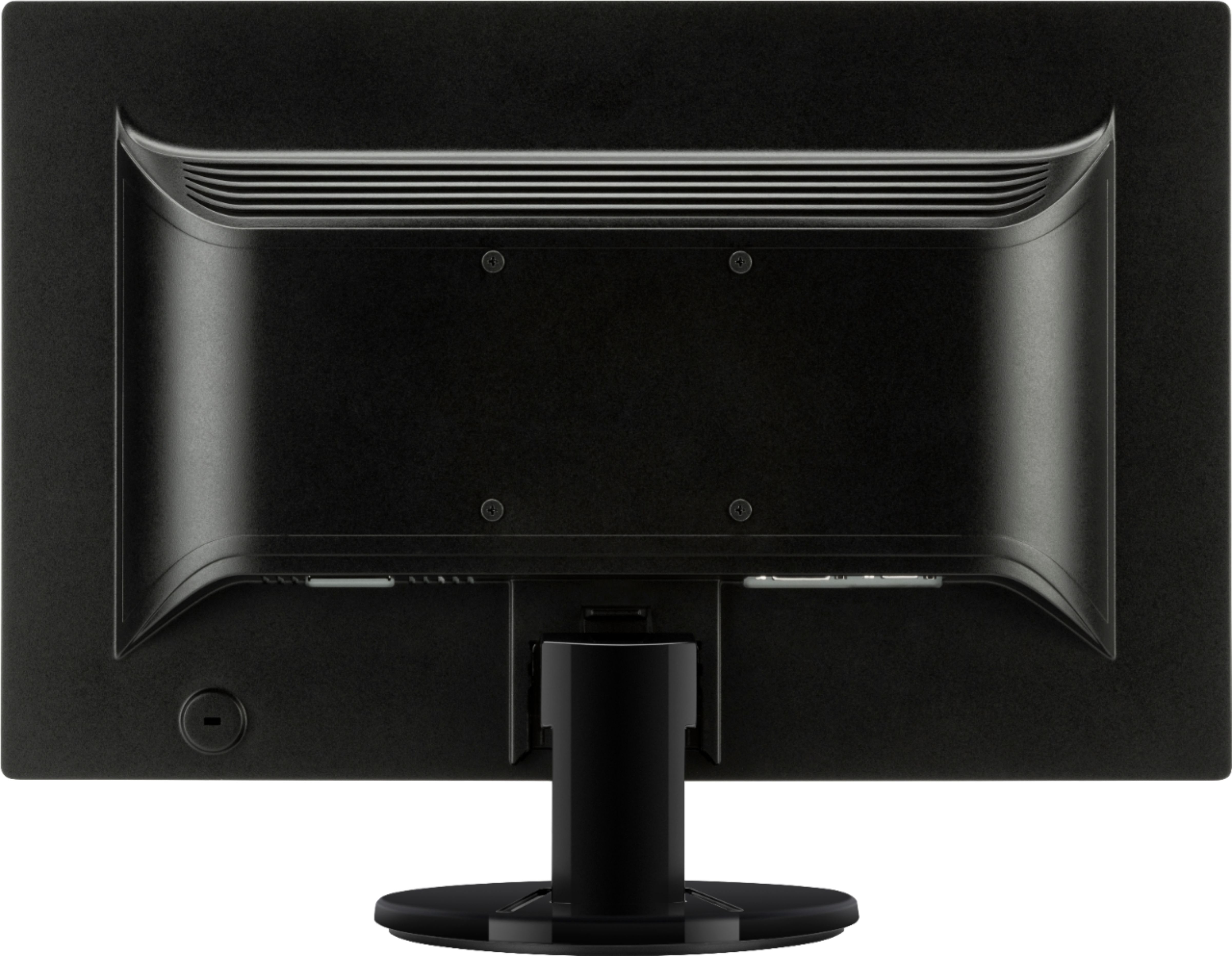
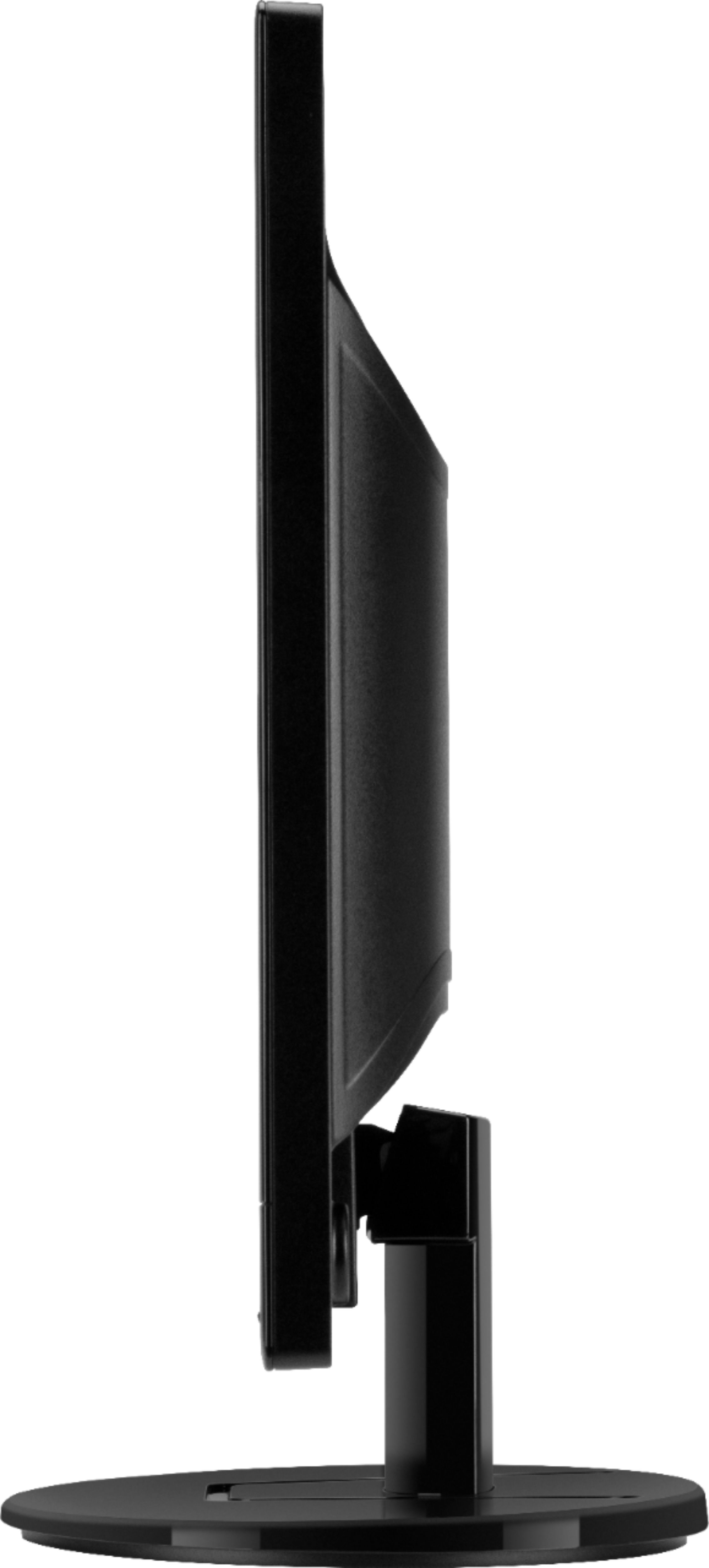
A:AnswerThe monitor doesn't have the standard VESA compatible mounting points, so there's no practical way to attach a bracket to the monitor for wall mounting.
A:AnswerThe monitor has both of those ports, so either one will work. If you look at the back of the monitor, they're on the right side pointed downward, on the bottom of part that sticks out from the rest of the back.
A:AnswerThis monitor will support DVI-D and VGA inputs. It will come with a VGA cable in the box. If your laptop has a VGA port, you will not need anything extra. If your laptop supports a different type of video out port like HDMI or DisplayPort, you would need to buy a VGA of DVI adapter that has the video port you need. A VGA to HDMI adapter as an example.
A:AnswerIf your Chromebook has either a VGA or an DVI port on in, you'll be able to plug it in directly. If the computer has an HDMI port, you'll need an adapter. But either way, it will work.